Review sign-ins (Login Audit)
Login Audit starts recording as soon as it is installed: the login page, the web API and XML-RPC / JSON-RPC integrations. Open the Login Audit app.
Sign-in history
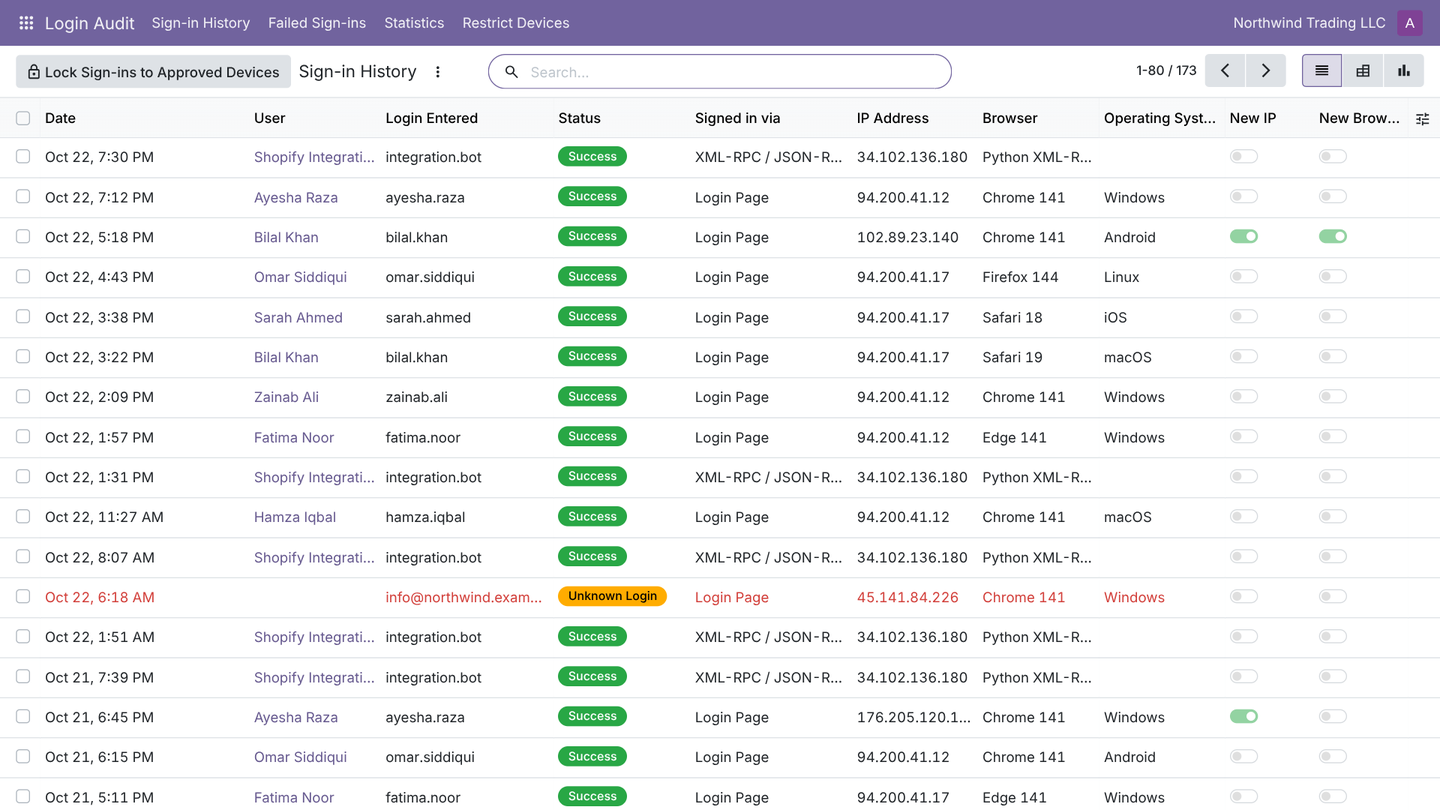
Login Audit > Sign-in History lists every attempt with the user, result, IP address, browser and version, operating system and device type (desktop, mobile, tablet or script).
New IP and new browser
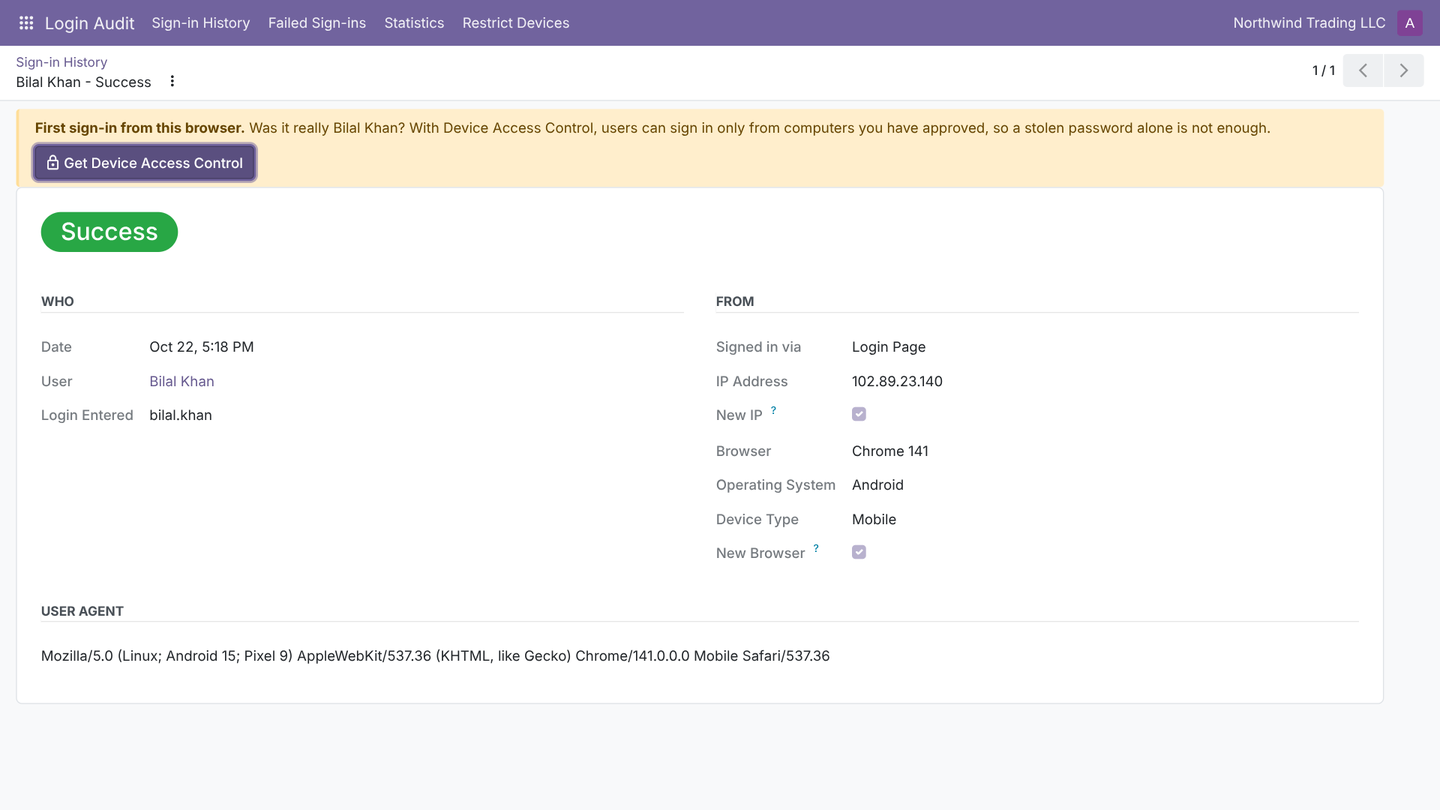
Each successful sign-in is compared with the user's history. The first sign-in from a new IP address, or with a browser and operating system never used before, is flagged. Use the filters New IP and New Browser to review them. Integrations and scripts are never flagged as a new browser.
Failed sign-ins
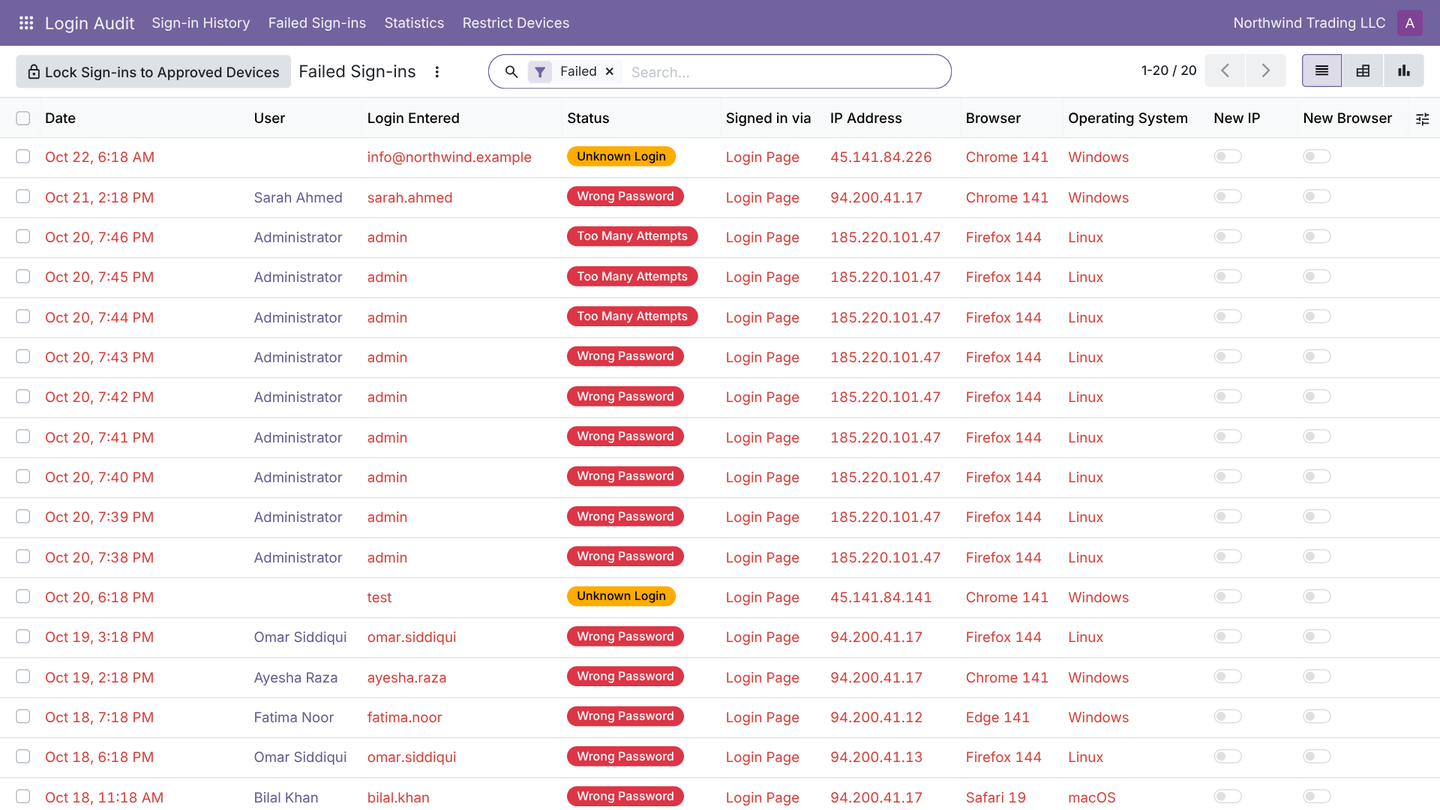
Login Audit > Failed Sign-ins shows wrong passwords, unknown logins (which usernames are being tried), archived users and Too Many Attempts (when Odoo's own protection starts blocking). Group by IP address to see where repeated attempts come from.
Statistics
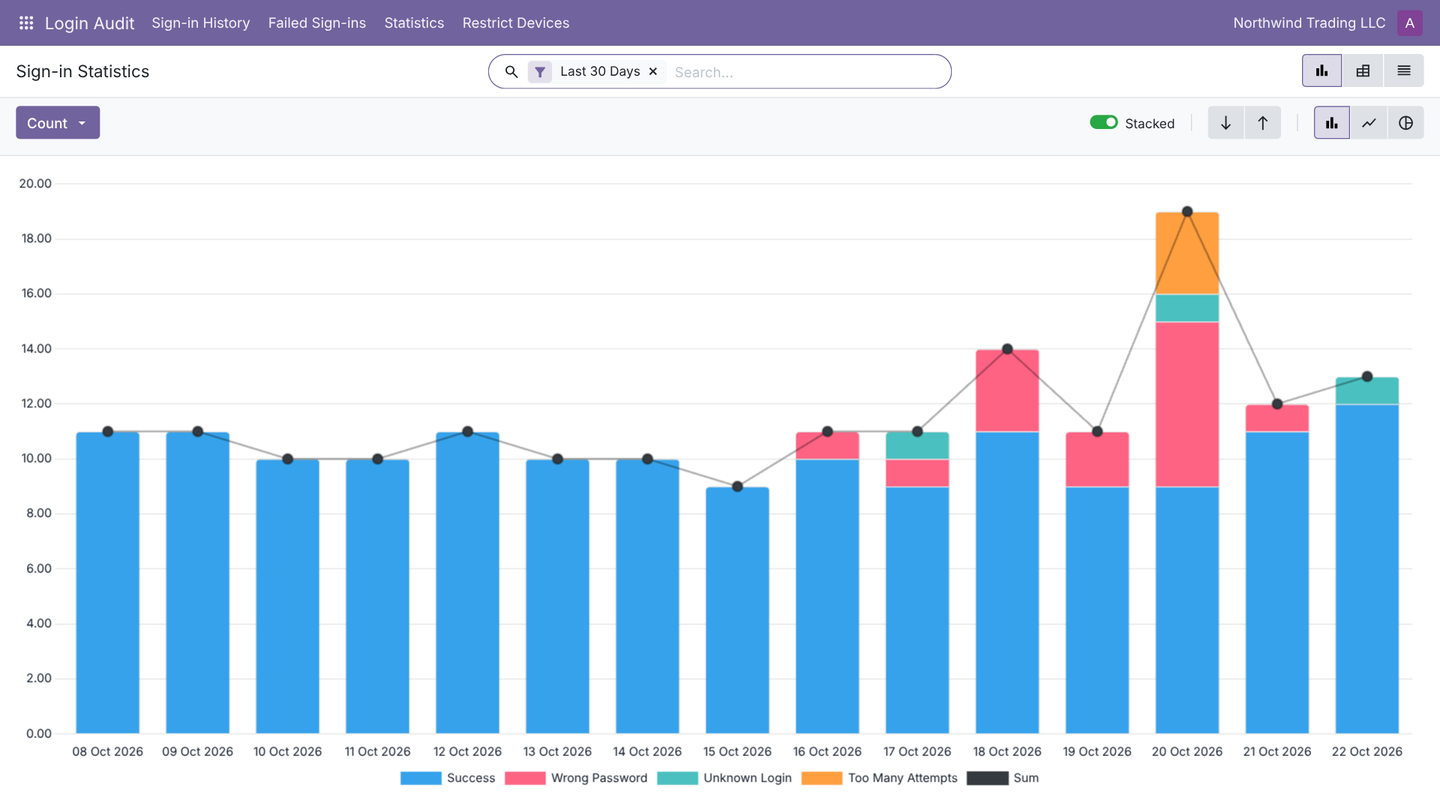
Login Audit > Statistics shows sign-ins per day, user and result as a graph or pivot. Export any view to Excel for your security review.
On each user
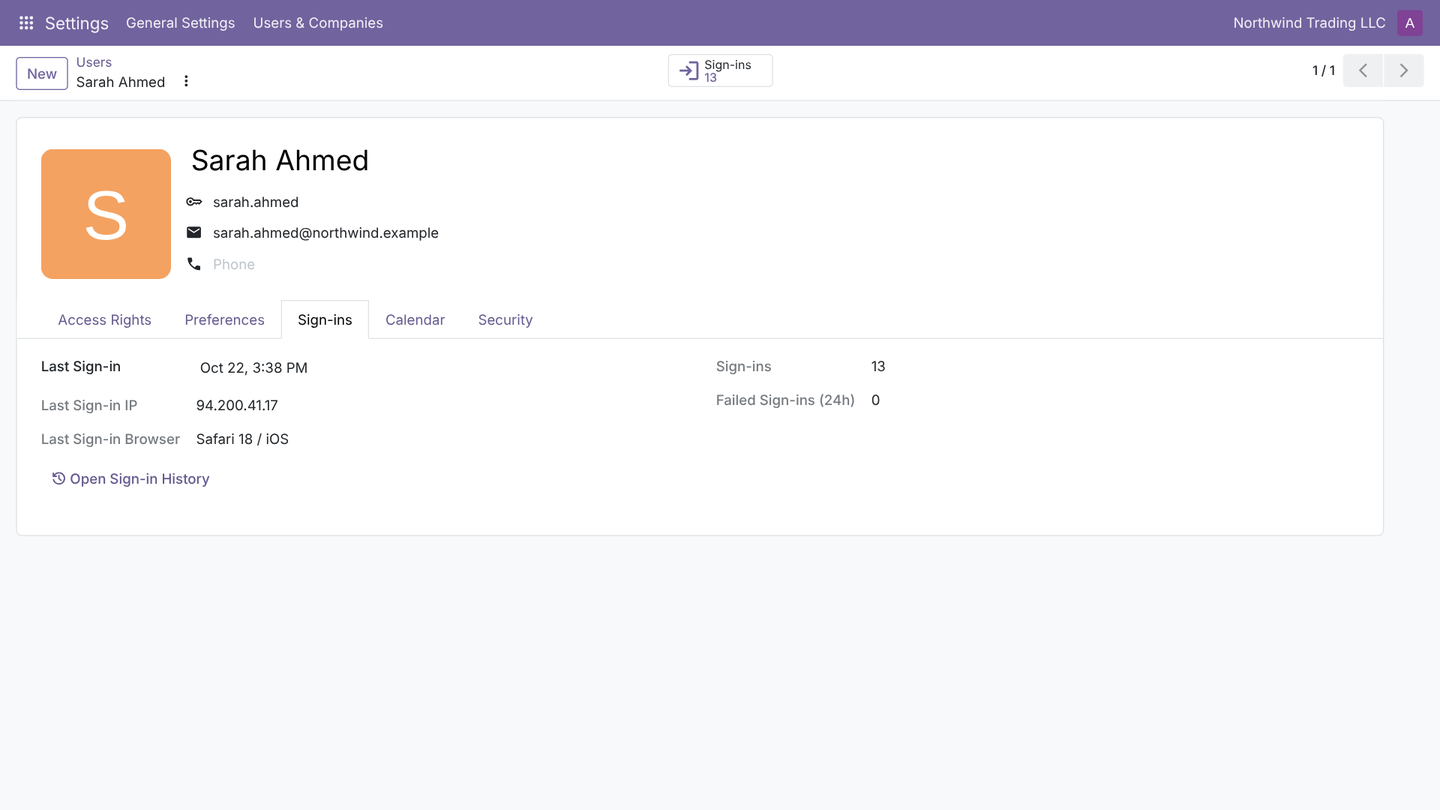
The user form has a Sign-ins button and tab: last sign-in, last IP address, last browser, total sign-ins and failed attempts in the last 24 hours.
Seeing sign-ins you do not trust? Login Audit > Restrict Devices leads to Device Access Control.