Import orders
Four ways orders reach Odoo
| Method | Speed | Setting |
|---|---|---|
| Webhook order.created / order.updated | Seconds | Set Up Webhooks (Webhooks) |
| Scheduled check every 15 minutes | Up to 15 minutes | Import Orders Automatically (Orders tab, default on) |
| Check Orders Now on the store | At once | |
| Sync... > Import orders from the store with Orders Changed Since | At once | For older orders or a catch-up |
All four use the same import. An order that arrives twice is imported once.
Before you start
- The store is Connected.
- Import Orders From (Orders tab) is the date from which the scheduled check starts. Orders changed before it are not imported automatically. It defaults to the moment the store was created, so old orders are not pulled in by accident.
- Products are imported, or Import Unknown Products With Orders is on.
- Check the Order Warehouse, Pricelist and the extra products for shipping, discounts and fees on the Orders tab.
Import older orders
- Open the store and click Sync....
- Choose Import orders from the store.
- Set Orders Changed Since, for example the first day of the year.
- Click Run in Background.
A manual import does not move the date of the scheduled check (Last Order Check).
Which orders are imported
| WooCommerce status | Imported? | In Odoo |
|---|---|---|
| Processing | Yes | Confirmed |
| On hold | Yes | Confirmed |
| Completed | Yes | Confirmed |
| Pending payment | Only with Import Unpaid (Pending Payment) Orders | Quotation |
| Failed, Cancelled, Refunded | No (not as new orders) | |
| Draft (checkout-draft), Trash | Never |
Details per status: Order status.
How the check works
- Odoo asks WooCommerce for orders modified after the last check (minus 2 minutes of overlap), oldest change first, 50 per page.
- For each order, Odoo computes a fingerprint of its content. Orders whose fingerprint did not change since the last import are skipped.
- Each new or changed order becomes a job Import order ... (priority before products and stock). Jobs for the same order merge.
- Last Order Check is set to the start of the check.
What changes in Odoo
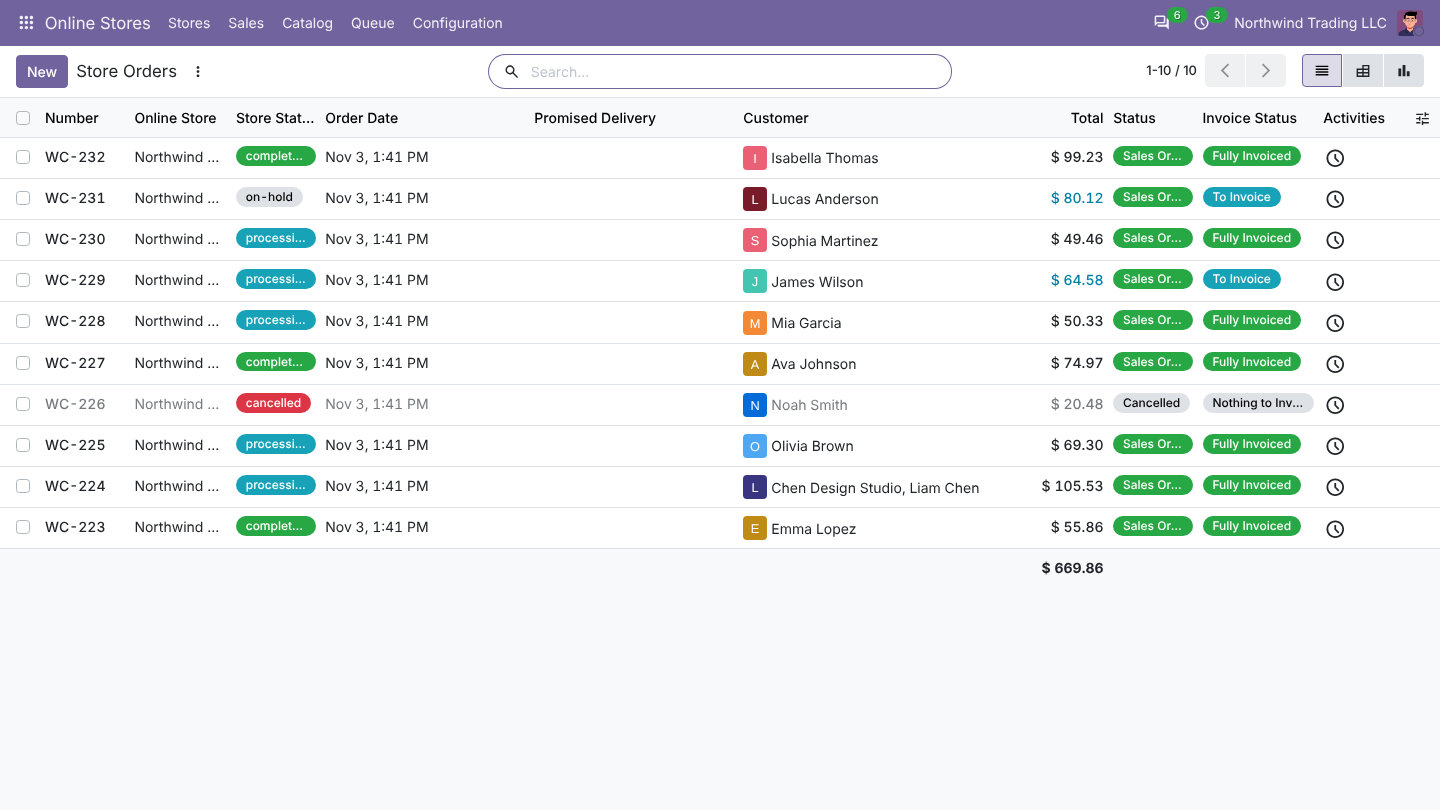
- A sales order named with the Order Prefix and the WooCommerce number, for example WC-1046. Contents: What an order contains.
- The Online Store tab of the order: store, store number and status, payment method, paid, coupon codes, customer note, store total, refunds.
- Then the payment method workflow: confirm, delivery, invoice, payment (Payment methods).
- A log line Order ... imported.
Good to know
- The order date is the WooCommerce creation date (UTC).
- The customer's note at checkout is posted in the order chatter and kept on the Online Store tab.
- Update From Store on an order fetches it again from WooCommerce and updates it.
FAQ
An order is not in Odoo. Look in Queue > Jobs for Import order ...: a failed job shows why (often Products not found in Odoo). If there is no job, check the status (pending, failed) and Import Orders From.
Can I import only orders of one status? No. Odoo imports every status in the table above and keeps them in sync.
Was this page helpful?