Seller remittances
On the seller (contact, tab Courier): Deduct Charges from COD, Remittance Schedule (manual, daily, weekly) and the Remittance Day. A daily job prepares draft remittances when they are due.
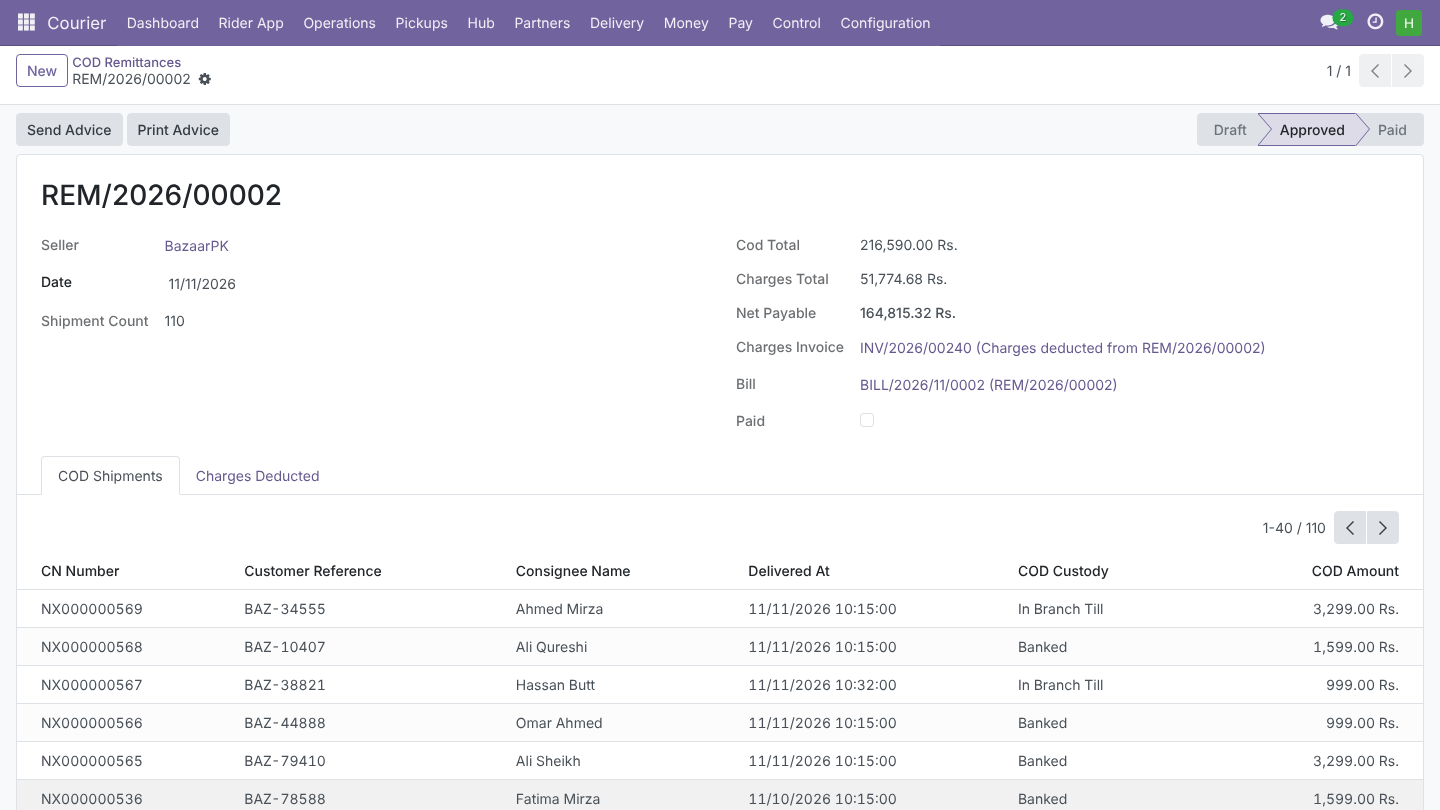
Money → COD Remittances → New
- Pick the seller and Load Collected COD: the COD in the till or banked, not yet remitted. With Deduct Charges, the charges of the seller's delivered and returned shipments not billed yet are listed under Charges Deducted.
- Approve:
- an invoice for the charges is posted and settled out of the COD (a journal entry against the COD payable account);
- a vendor bill for the Net Payable is posted, ready to pay.
- Pay the vendor bill as usual. The remittance becomes Paid and the COD Remitted to Seller.
- Send Advice emails the remittance advice PDF with every shipment.
Sellers see their remittances, the COD collected and not paid yet and the COD out for delivery in the portal (COD remittances).
Was this page helpful?