
FBR POS Integration (Pakistan Tax)
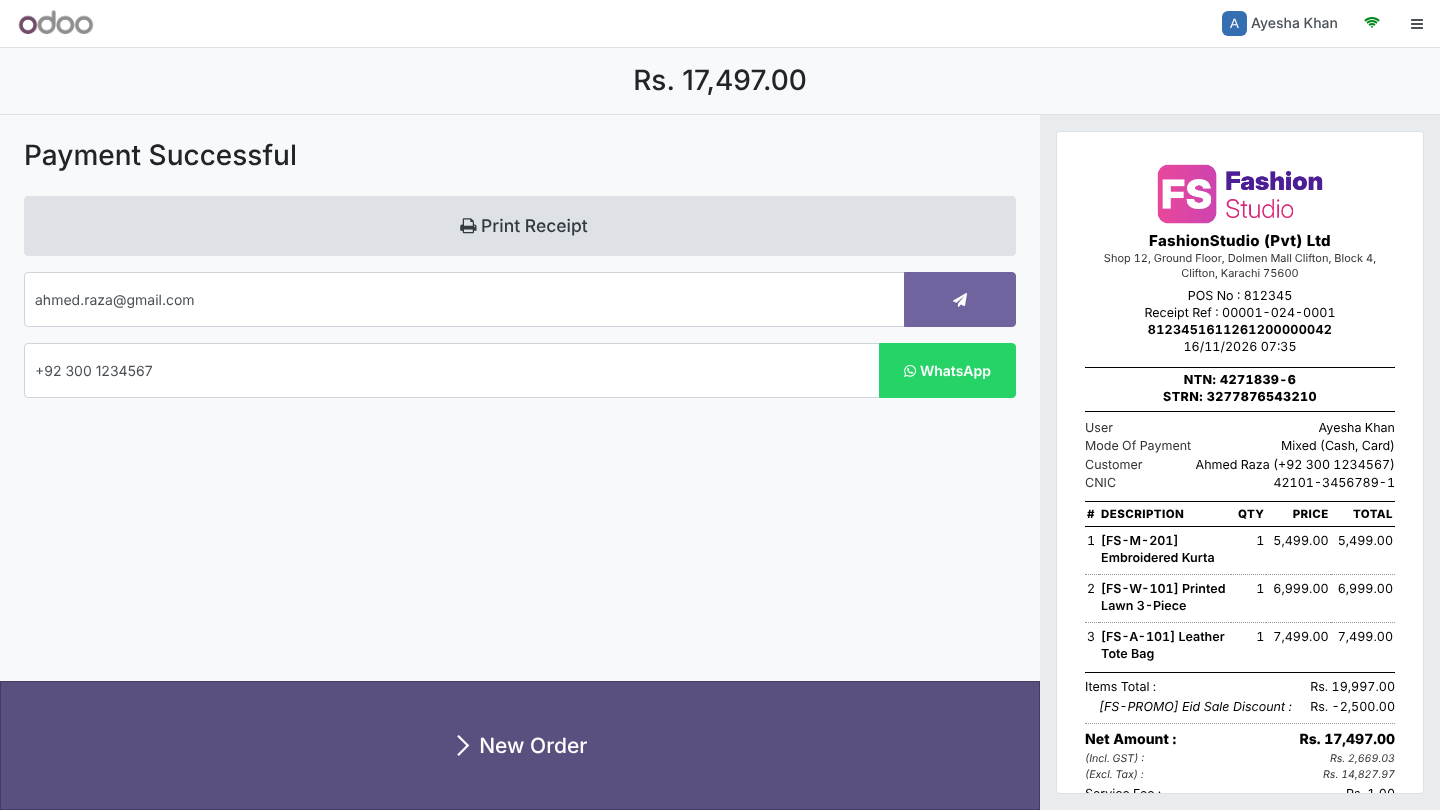
Every Point of Sale order goes to FBR (IMS, POS invoicing) the moment it is paid, and the receipt prints with the FBR invoice number, the FBR POS logo and the QR code your customers can verify in Tax Asaan. The receipt follows the layout of live FBR receipts in Pakistani stores, polished, and goes out by email and WhatsApp as a PDF too.
It is built around three rules:
- A sale is never reported twice. Each sale is tried once. Nothing resends on its own.
- The till never waits. You choose how long to wait for the number (10 seconds by default). If FBR or the internet is down, the receipt prints with "Tax invoice number pending" and the next customer is served.
- Every attempt is on record. The request, FBR's answer, the TLS version and the user are kept in a locked log.
What you get
| FBR invoice number, FBR POS logo and QR on every receipt | ✓ |
| Receipt in the layout of live FBR receipts, Exchange Policy, your footer, DUPLICATE on reprints | ✓ |
| One try per sale, browser fallback only when the server never reached FBR | ✓ |
| Submit to FBR from the POS order list, alerts for unreported sales | ✓ |
| Re 1 service fee paid by the shop (booked daily) or by the customer | ✓ |
| Receipt PDF on receipt emails, Receipt and Duplicate Receipt PDFs in the back office | ✓ |
| WhatsApp receipts through Novator WhatsApp Inbox (Odoo 17.0 and later) | ✓ |
| TLS 1.2 or newer with certificate checks, IP whitelisting request and IP watch | ✓ |
| Price, once | $99 |
The price includes the three modules that install together: Odoo FBR POS Integration (novator_pos_fbr, $50), the Pakistan Tax engine (novator_pk_tax, $49) and the POS layer (novator_pk_tax_pos, free).
FBR POS invoicing is for goods (Tier-1 retail). Restaurants and other service businesses use PRA POS Integration in Punjab, Pakistan, SRB POS Integration in Sindh, Pakistan and KPRA POS Integration in Khyber Pakhtunkhwa, Pakistan, on the same engine.
Branches across Pakistan
A chain with branches in several provinces runs one Odoo: each branch's Point of Sale reports to its own authority, with its own journal, POS ID and receipt. Install the engine once and add an authority app for each province you sell in.
| Authority | Where | For | App |
|---|---|---|---|
| FBR | All of Pakistan | Goods: Tier-1 retail | Odoo FBR POS Integration |
| PRA | Punjab, Pakistan | Services: restaurants, cafes, salons, clinics | Odoo PRA POS Integration |
| SRB | Sindh, Pakistan | Services, with the card rate at the till | Odoo SRB POS Integration |
| KPRA | Khyber Pakhtunkhwa, Pakistan | Restaurants and services, refunds as credit notes | Odoo KPRA POS Integration |
For example, a restaurant chain in Lahore, Karachi and Peshawar: one sales journal reporting to PRA for the Lahore POS, one to SRB for the Karachi POS and one to KPRA for the Peshawar POS. Each authority app is $50 once you have the engine.