
Court & Facility Booking
Five apps for venues that rent courts, pitches and rooms by the hour:
- Court & Facility Booking (engine): facility types, courts, opening hours, slot steps, durations and time-based rates; a live schedule, a dashboard, holds, check-in, no-shows and recurring bookings.
- POS Court Booking: book, check in and charge a court at the Point of Sale, together with drinks and rentals on the same order.
- Online Court Booking: a "Book a court" page on your Odoo website, sign-in with a phone or email code, online deposits or full payment, and a "My bookings" page.
- Court Booking API: a REST API for your own player apps on Android, iPhone, desktop or the web.
- Court Booking Suite: all of the above with a setup checklist.
See it in two minutes
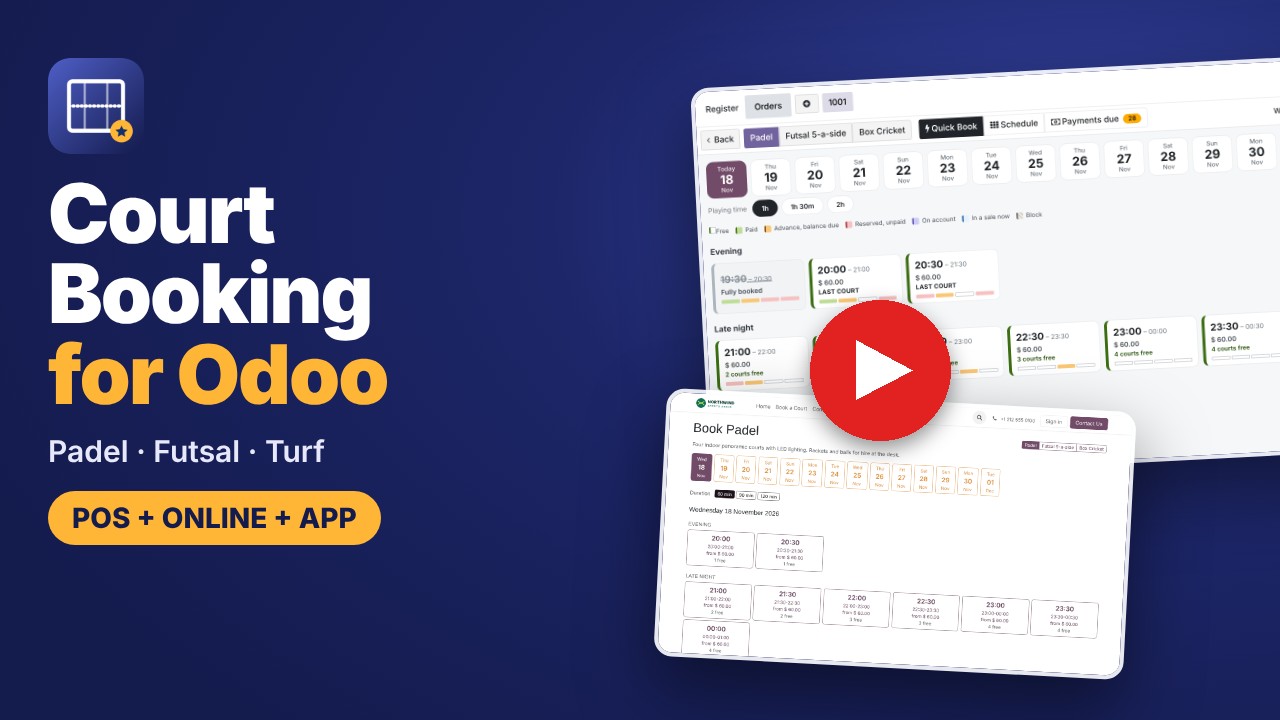
Watch the demo on YouTube: the live schedule, a booking and payment at the Point of Sale, an online booking with a phone code and a deposit, and the same booking through the API.
Start here
- Install the apps: Installation.
- Set up facility types, courts and rates: Setup.
- Book from the back office: Schedule and bookings.
- Book and take payment at the till: Point of Sale.
- Let players book on your website: Online booking.
For app developers
Building a player app? Start with the Developer API: sign-in, live availability, booking, online payment and cancellation, with real request and response examples, error codes and code samples for Kotlin, Swift, Flutter and JavaScript.
Was this page helpful?