Setup
With the Suite installed, Court Booking > Configuration > Setup Checklist opens a checklist that walks through every step below and ticks each one off.
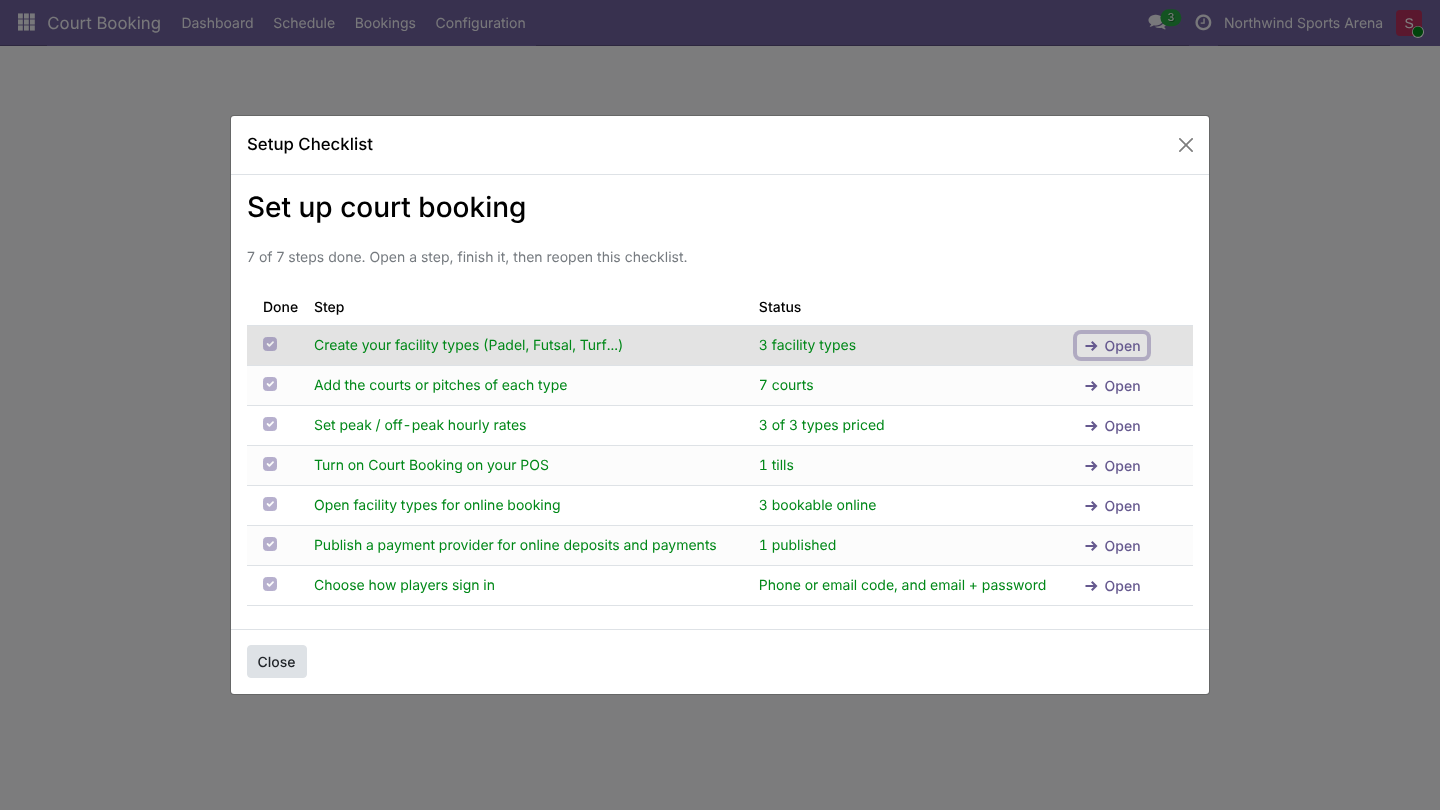
1. Facility types
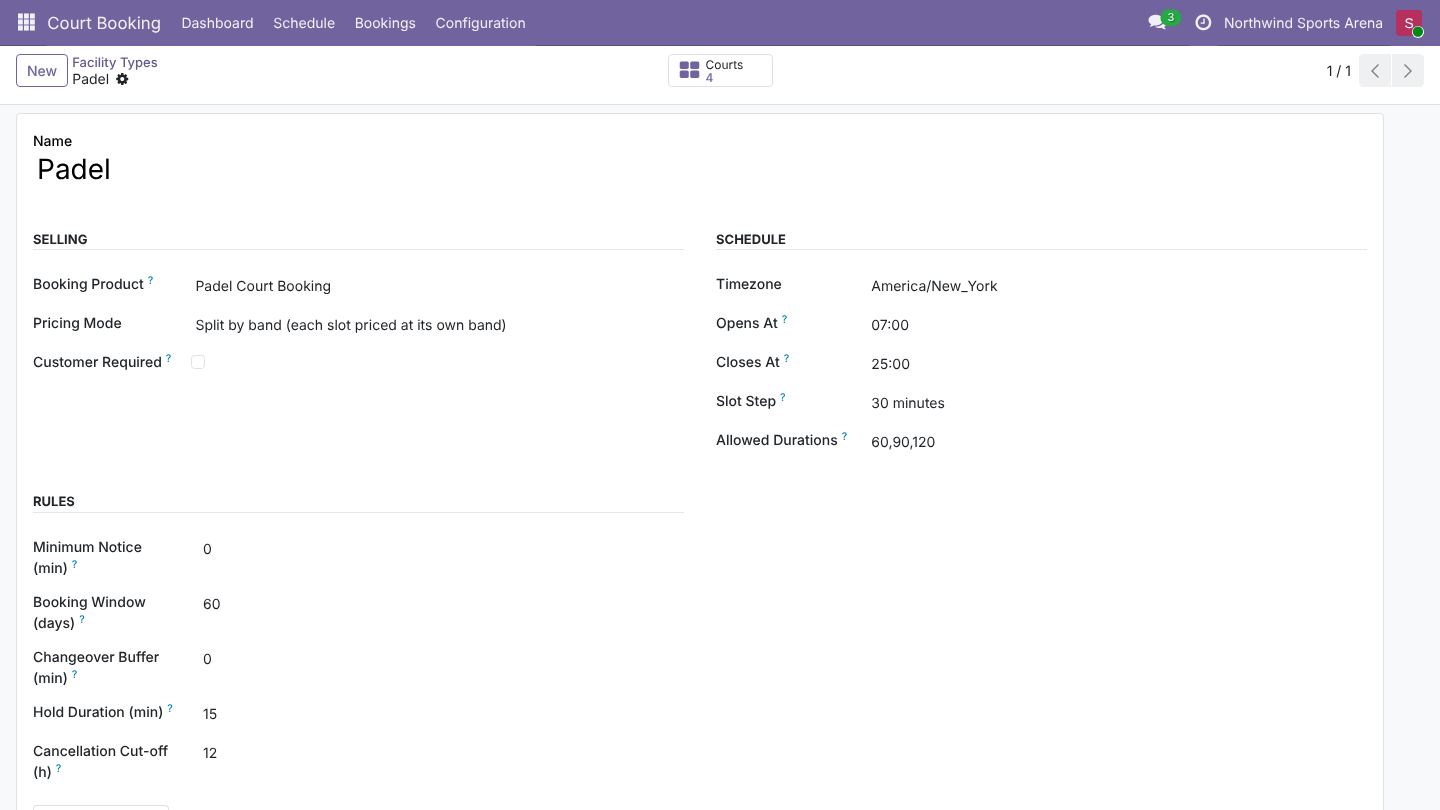
A facility type is one sport or one kind of space: Padel, Futsal 5-a-side, Box Cricket, Squash. Open Court Booking > Configuration > Facility Types and create one per sport.
| Field | What it does |
|---|---|
| Booking Product | The service product put on the order for each booking. Its taxes are applied to the booking price, so use a price-included tax. |
| Timezone | The venue's time zone. All booking times are local to it. |
| Opens At / Closes At | The operating day. Closing can run past midnight: 30:00 means 06:00 the next morning, and a 00:30 booking then belongs to the evening before. |
| Slot Step | 15, 30 or 60 minutes between possible start times, and the row size of the schedule. |
| Allowed Durations | Durations that can be booked, in minutes, for example 60,90,120. |
| Minimum Notice | How many minutes before the start a slot can still be booked. |
| Booking Window | How many days ahead bookings are allowed. |
| Changeover Buffer | Free minutes kept between two bookings on the same court. |
| Hold Duration | How long a slot stays reserved while the cashier takes payment. |
| Cancellation Cut-off | Bookings cancelled later than this many hours before the start are flagged as late cancellations. |
| Customer Required | Every booking must name a customer. |
| Pricing | Split by band prices each slot at its own rate; Whole booking at the band of its start time uses one rate for the whole booking. |
2. Courts
Add the courts of each type in Court Booking > Configuration > Courts (or on the type's Courts tab). The order is the column order on the schedule. Archive a court to take it off the schedule without losing its history.
3. Rates
Rates are price bands per facility type, in Court Booking > Configuration > Rates or on the type's Rates tab.
| Field | What it does |
|---|---|
| Band | The name shown to staff and players, for example Day, Primetime, Weekend. |
| Days | The weekdays the band applies to. |
| From / To | The hours of the operating day it covers (past midnight works the same as opening hours). |
| Price per hour | Tax included. A 90-minute booking costs 1.5 times the hourly price. |
| Courts | Leave empty for every court of the type, or pick courts that cost more or less. |
| Dates | Optional: a band that only applies between two dates (a holiday price, a season). |
The first matching band wins, so put special bands (dated, single courts) above the general ones. A time with no matching band cannot be booked.
4. Who can do what
Give each user a Court Booking role in Settings > Users:
| Role | Can |
|---|---|
| Cashier | Book from the till and take payment. Cancel unpaid bookings, with a reason. |
| Front Desk | Everything a cashier can, plus move bookings, block courts, check players in and reinstate cancelled bookings. |
| Manager | Everything above, plus mark no-shows, change a booking's price (with a logged reason) and see the dashboard. |
| Administrator | Everything, including facility types, courts, rates and settings. |
5. Next
- Book from the back office: Schedule and bookings
- Book and take payment at the till: Point of Sale
- Let players book on your website: Online booking
- Build your own player app: Developer API