
Microsoft Azure SSO Login (Entra ID)
Your team signs in to Odoo with their Microsoft work account: one click on Sign in with Microsoft, no extra password, and your Microsoft multi-factor and Conditional Access rules apply. You set it up from Settings with three values copied from the Azure portal.
Azure SSO Pro turns Entra groups and app roles into Odoo access rights, can require Microsoft sign-in without ever locking out an administrator, archives leavers every night, imports users from an Entra group, warns you before the client secret expires, copies the profile and photo from Microsoft and keeps a sign-in log.
Odoo 13.0 - 20.0 Community and Enterprise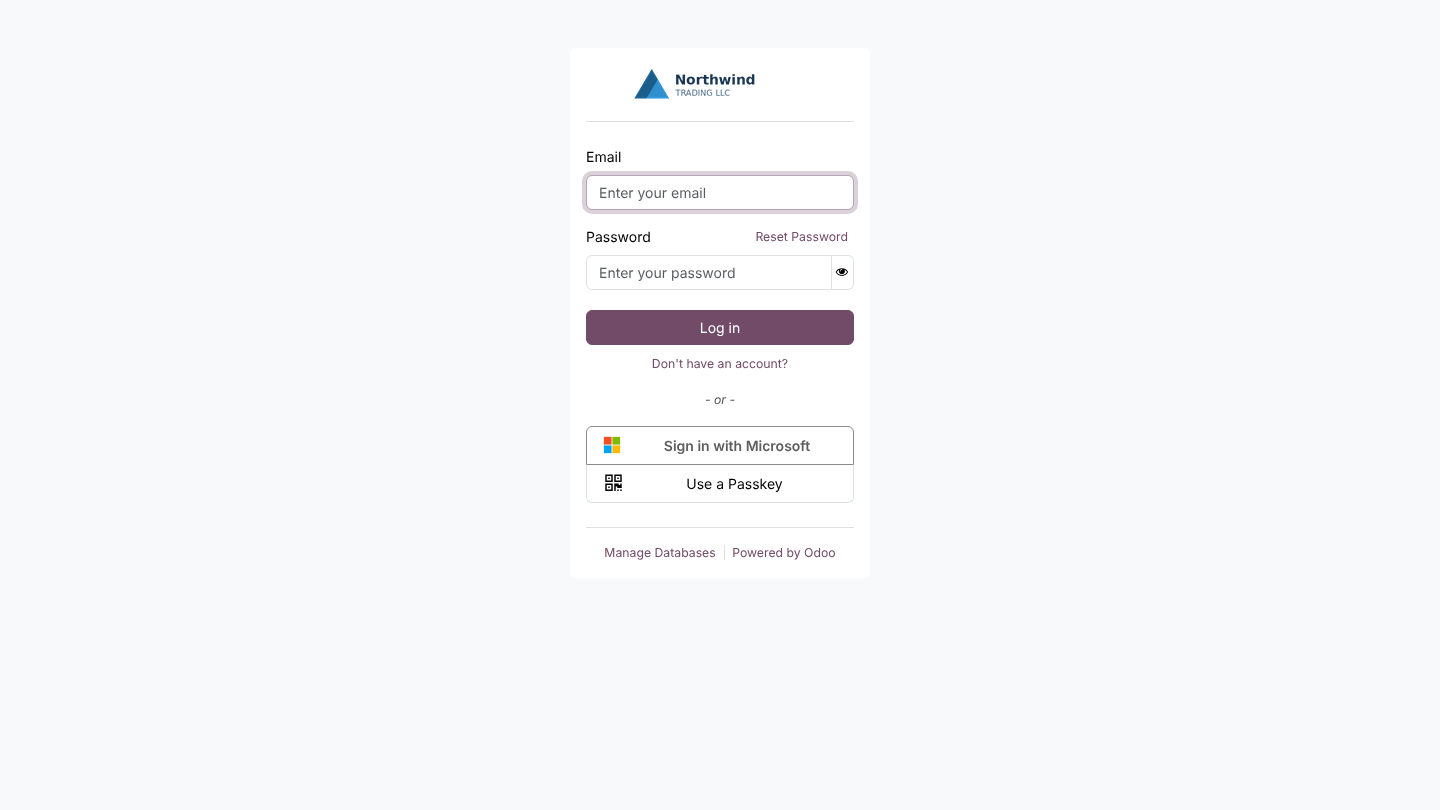
See it in two minutes
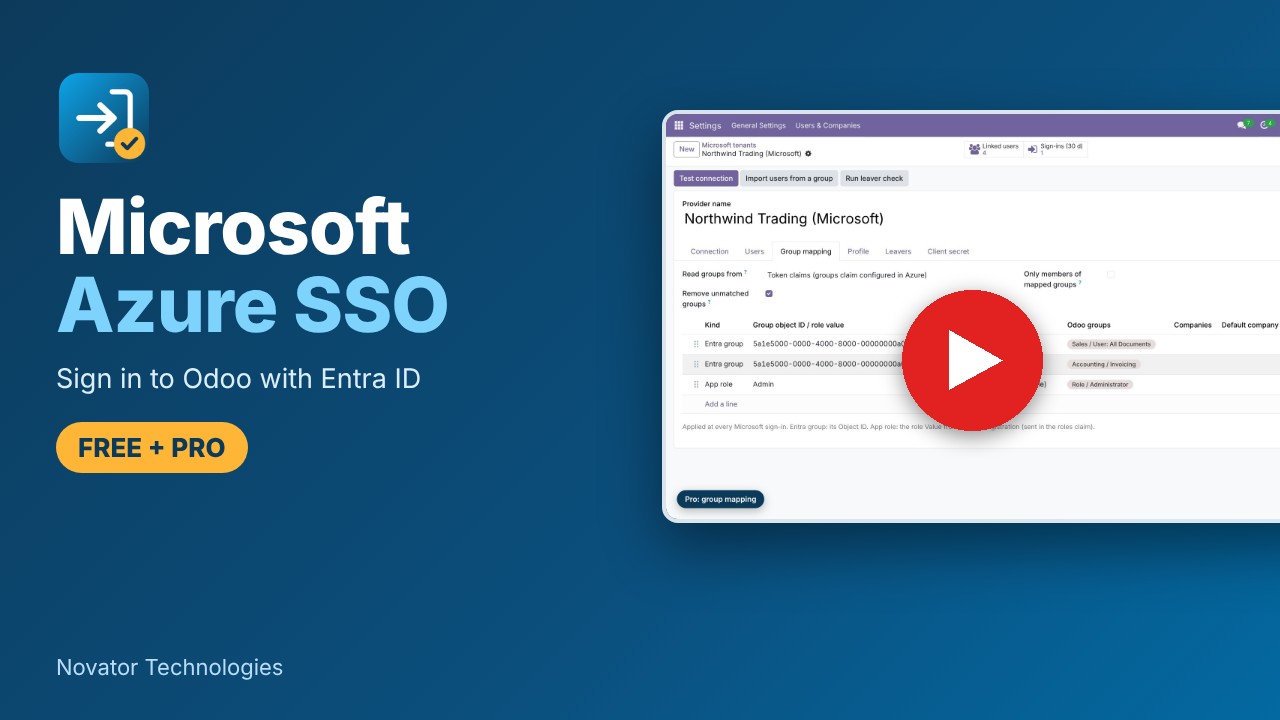
Watch the demo on YouTube: sign in with Microsoft, setup in Settings, and the Pro features.
Free and Pro
| Free | Pro | |
|---|---|---|
| Sign in with Microsoft button on the login page | ✓ | ✓ |
| Authorization code flow with PKCE, ID token checked | ✓ | ✓ |
| Settings page with Test connection | ✓ | ✓ |
| Link existing users by email, optional user creation | ✓ | ✓ |
| Allowed email domains and tenants, US Government and China clouds | ✓ | ✓ |
| Entra group and app role mapping to Odoo groups and companies | ✓ | |
| Require Microsoft sign-in, with break-glass administrators | ✓ | |
| Nightly leaver check | ✓ | |
| Import users from an Entra group | ✓ | |
| Client secret expiry reminders | ✓ | |
| Name, job title, phone and photo from Microsoft | ✓ | |
| Several tenants, one per company | ✓ | |
| Sign-in log | ✓ |
- Free app: novator_azure_sso on the Apps Store
- Pro: novator_azure_sso_pro on the Apps Store ($99, one-time)
Next steps
Was this page helpful?