
POS Health Monitor
A slow till at the busiest hour costs sales, and you usually hear about it from an unhappy cashier the next day. POS Health Monitor times every order save, POS load and session close in the background, and every night rates each Point of Sale green, amber or red with the reasons. You see which POS needs attention before the next rush.
POS Health Monitor Pro tells you the moment a Point of Sale turns red: alerts in Odoo, by email and on WhatsApp, a live view of today refreshed every 15 minutes, cashier statistics, and a day time zone per company for branches in other countries.
Odoo 17.0 - 20.0 Community and Enterprise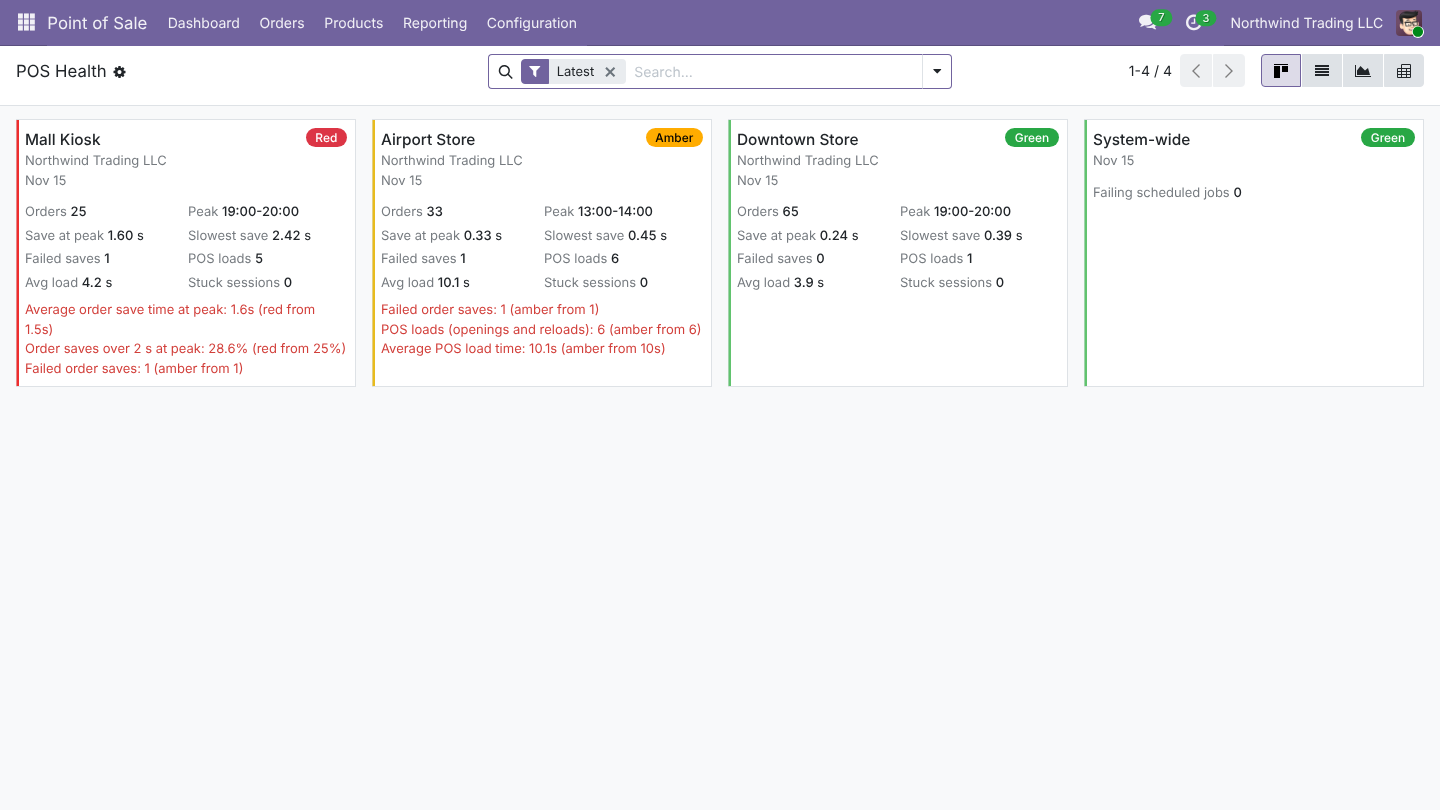
See it in two minutes
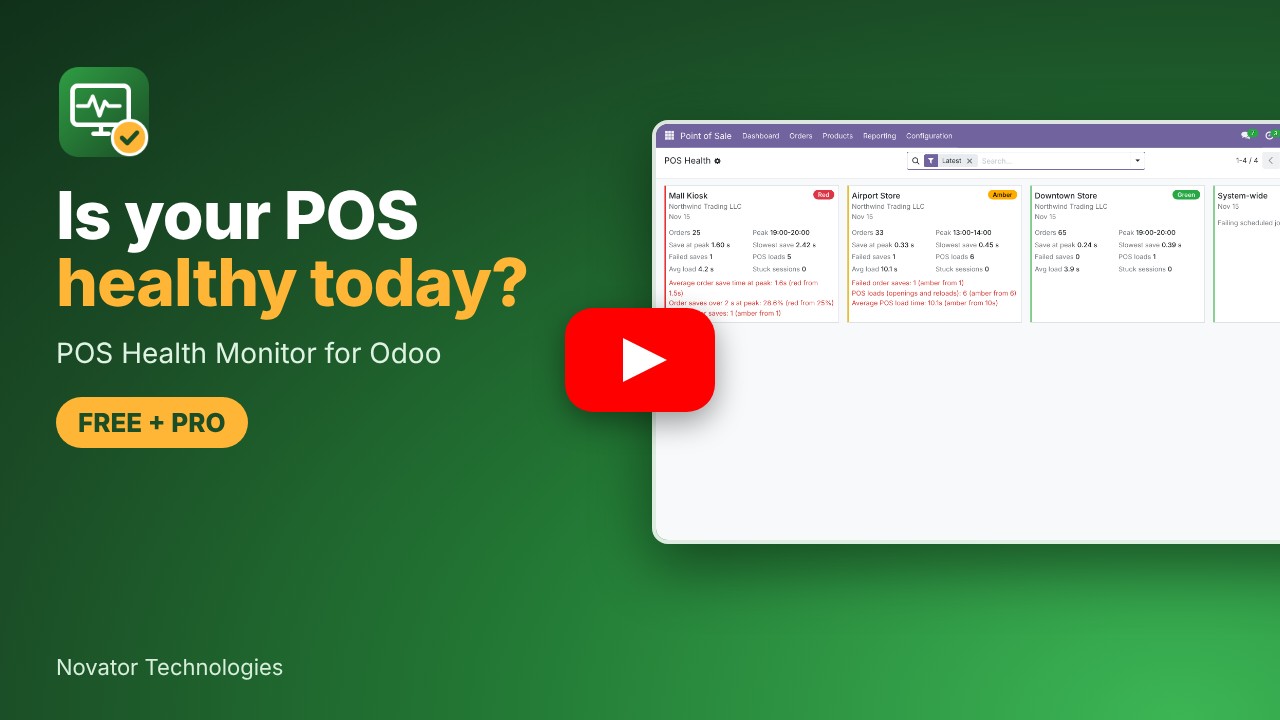
Watch the demo on YouTube: the daily rating, a day in detail, history, timing events and thresholds, then the Pro live view, alerts and cashier statistics.
What it measures
| Indicator | Amber from | Red from |
|---|---|---|
| Average order save time at peak hour | 1 s | 1.5 s |
| Order saves over 2 s at peak hour | 15% | 25% |
| Failed order saves | 1 | 10 |
| POS loads (openings and reloads) | 6 | 12 |
| Average POS load time | 10 s | 15 s |
| Failed POS loads | 1 | 3 |
| Failed session closes | 1 | 2 |
| Stuck sessions | 1 | 1 |
| Failing scheduled jobs (system-wide, Odoo 18.0 and later) | 1 | 1 |
You can change every threshold or switch an indicator off: see Set up.
Free and Pro
| Free | Pro | |
|---|---|---|
| Order saves, POS loads and session closes timed | ✓ | ✓ |
| Daily green / amber / red rating per Point of Sale | ✓ | ✓ |
| Stuck sessions and failing scheduled jobs | ✓ | ✓ |
| Your own thresholds | ✓ | ✓ |
| History, graph, pivot and timing events | ✓ | ✓ |
| Live view of today, every 15 minutes | ✓ | |
| Alerts in Odoo and by email | ✓ | |
| WhatsApp alerts (your Cloud API number) | ✓ | |
| Cashier statistics | ✓ | |
| Day time zone per company | ✓ |
- Free app: novator_pos_health on the Apps Store
- Pro: novator_pos_health_pro on the Apps Store ($99, one-time)