
Reviews & Reputation
Ask every customer for a review at the right moment, send the happy ones to Google, Trustpilot or Facebook in one tap, and hear from the unhappy ones before anyone else does.
The free app sends review requests and runs the rating page. Reviews & Reputation Pro ($49 one-time) brings your Google Business Profile reviews into Odoo, writes reply drafts with AI and adds a reputation overview and workflow triggers.
Odoo 17.0 - 20.0 Community & Enterprise Free + Pro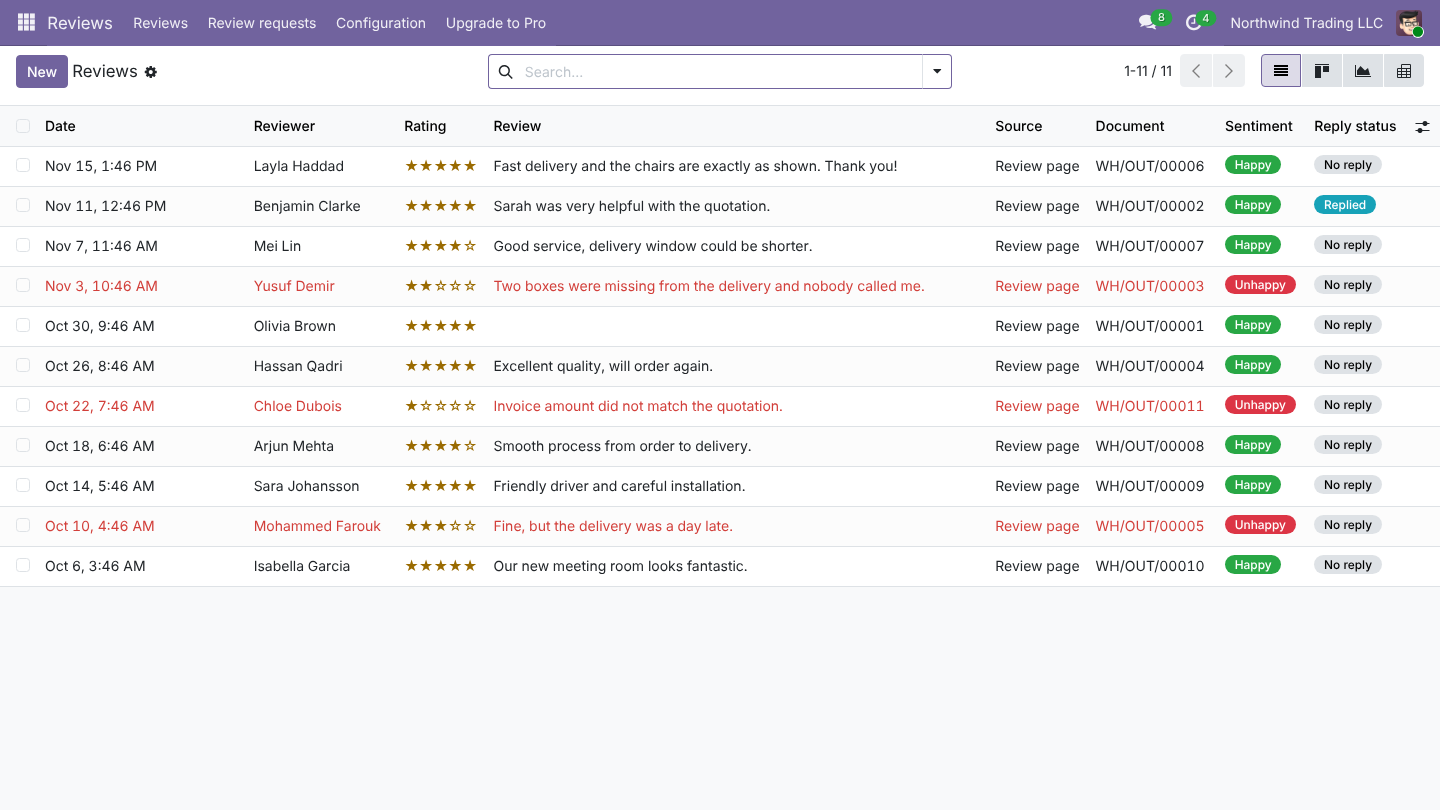
See it in two minutes
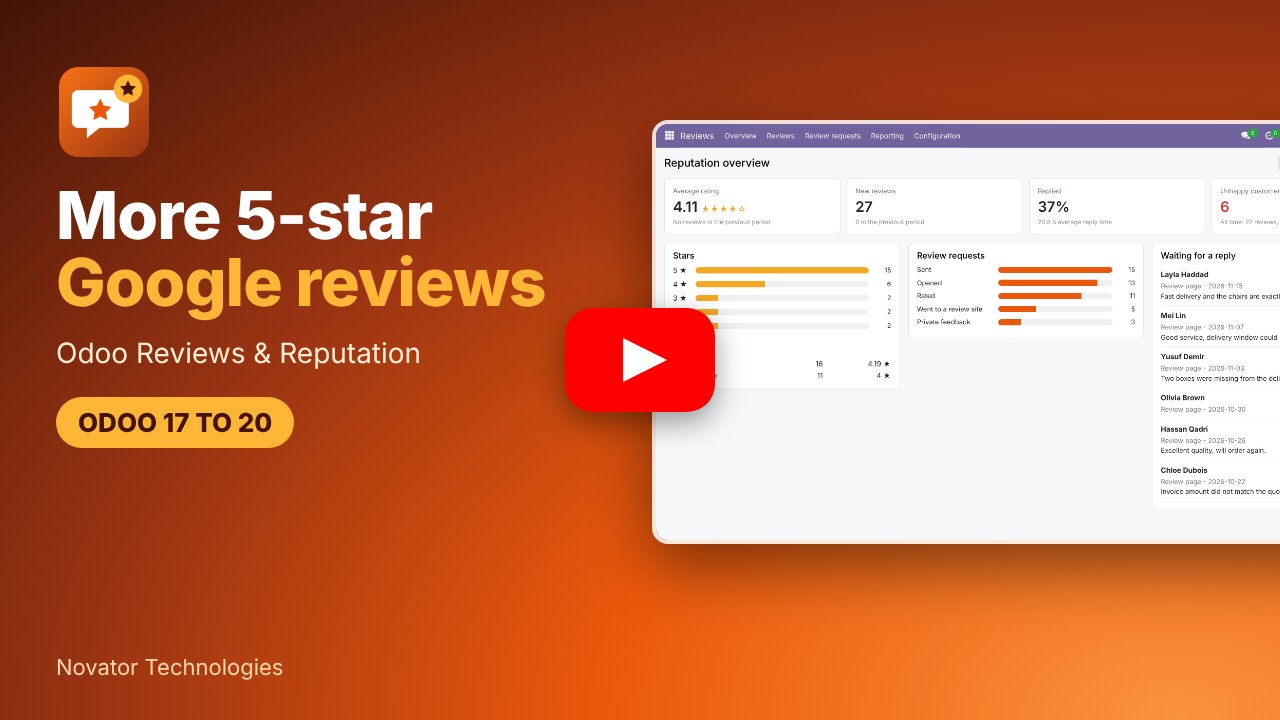
Watch the demo on YouTube: a rule asks customers after each delivery, a happy customer goes to Google in one tap, an unhappy one writes to the team and gets a call-back task, Google reviews sync into Odoo, an AI draft becomes a reply on Google, the reputation overview, a low-rating workflow and the reviews block on the website.
Why it matters
- Ask at the right moment: a rule sends the request a few days after the delivery, the paid invoice or the solved ticket.
- Happy customers go public: four and five stars see your review links and land on your Google page in one tap.
- Unhappy customers stay private: low ratings come to your team with the reason, as a ticket or an activity.
- Your Google reviews in Odoo (Pro): every location, replies from Odoo, AI drafts with your own key.
Free and Pro
| Free | Pro | |
|---|---|---|
| Review requests by email and SMS (rules and manual) | Yes | Yes |
| One-tap rating page, review links, private feedback | Yes | Yes |
| Ticket or activity for unhappy customers | Yes | Yes |
| Reviews block and /reviews page on the website | Yes | Yes |
| Google Business Profile import and replies | Yes | |
| AI reply drafts (Claude or OpenAI, your key) | Yes | |
| Reputation overview and review analysis | Yes | |
| Workflow triggers and "Send review request" step | Yes |
Modules
novator_reputation: the free app.novator_reputation_website: free, installs itself when Odoo Website is installed. Adds the reviews block and the /reviews page.novator_reputation_pro: Pro. Installs the free app and the free CRM Workflow Builder with it.
Works with the other Growth Suite apps
Each app works on its own. Together they share one database: a funnel sign-up, a missed call or a low rating can start a workflow, and every touch lands on the customer.
- CRM Workflow Builder: visual follow-up workflows: emails, activities, waits and branches. Demo video.
- Phone for Twilio: browser calls, call log and recordings, missed-call text back. Demo video.
- Sales Funnels: opt-in pages, one-page order form with Odoo payments, one-click upsells, A/B tests. Demo video.
Start here
- Install the app: Install.
- Add your review links and the review page texts: Set up.
- Ask customers automatically or by hand: Review requests.
- See what customers see: The review page.
- Read, reply and publish: Reviews.
- Pro: Google Business Profile, AI replies, Overview and workflows.