
Odoo Foodpanda Connector
Send your catalog (SKU, price, active flag, quantity) and your promotion campaigns from Odoo to the Foodpanda / Delivery Hero vendor SFTP, for each of your stores, on its own schedule. Preview every line before it goes out, and see every upload and error in one place.
Odoo 13.0 - 20.0 Community & Enterprise $99 one-time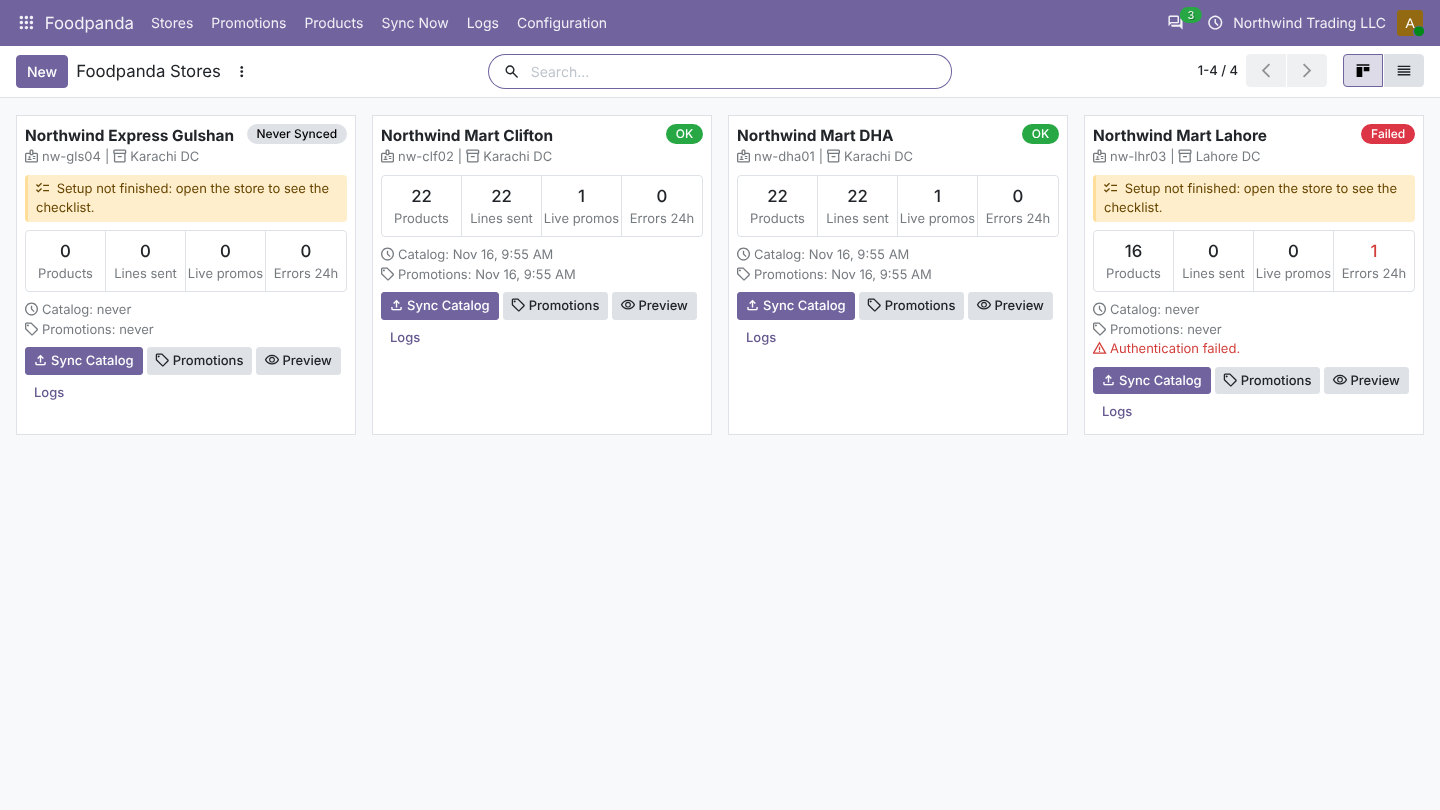
Who it is for
Shops and grocery vendors (pandamart-style stores, supermarkets, pharmacies, convenience stores) that Delivery Hero connects through its central vendor SFTP. Your Foodpanda account manager gives you an SFTP login and your Vendor ID; this app does the rest.
The SFTP program covers catalog and promotions only. Restaurant menus and order import are not part of it, so this app does not create sales orders.
What it does
- Stock without overselling: free stock (on hand minus reserved) of the store's warehouse, minus a sales buffer. A product at zero is sent as inactive. Kits count their components.
- Prices: the product Sales Price or a pricelist you pick, per variant.
- Many stores: each store has its own SFTP login, Vendor ID, warehouse, pricelist, buffer and schedule.
- Promotions: campaigns with dates, max orders and promo prices; cancelling one in Odoo switches it off on Foodpanda.
- Preview and logs: see exactly what will be sent, and every upload, test and error afterwards.
- Secure: credentials visible to Foodpanda administrators only; optional trusted server key.
Next steps
- Installation: versions and requirements.
- Set up a store: SFTP login, Vendor ID, products, first sync.
- Catalog sync: what is sent, the preview and the schedule.
- Promotions: campaigns from start to cancel.
- Logs and troubleshooting.
Was this page helpful?