
Phone for Twilio
Make and take Twilio calls inside Odoo, see who is calling before you answer, and never lose a missed call: the caller gets a text back within seconds, the salesperson gets a call-back activity, and a CRM workflow can take it from there.
$99 one-time, OPL-1. The free CRM Workflow Builder is installed with it.
Odoo 17.0 - 20.0 Community & Enterprise Your own Twilio account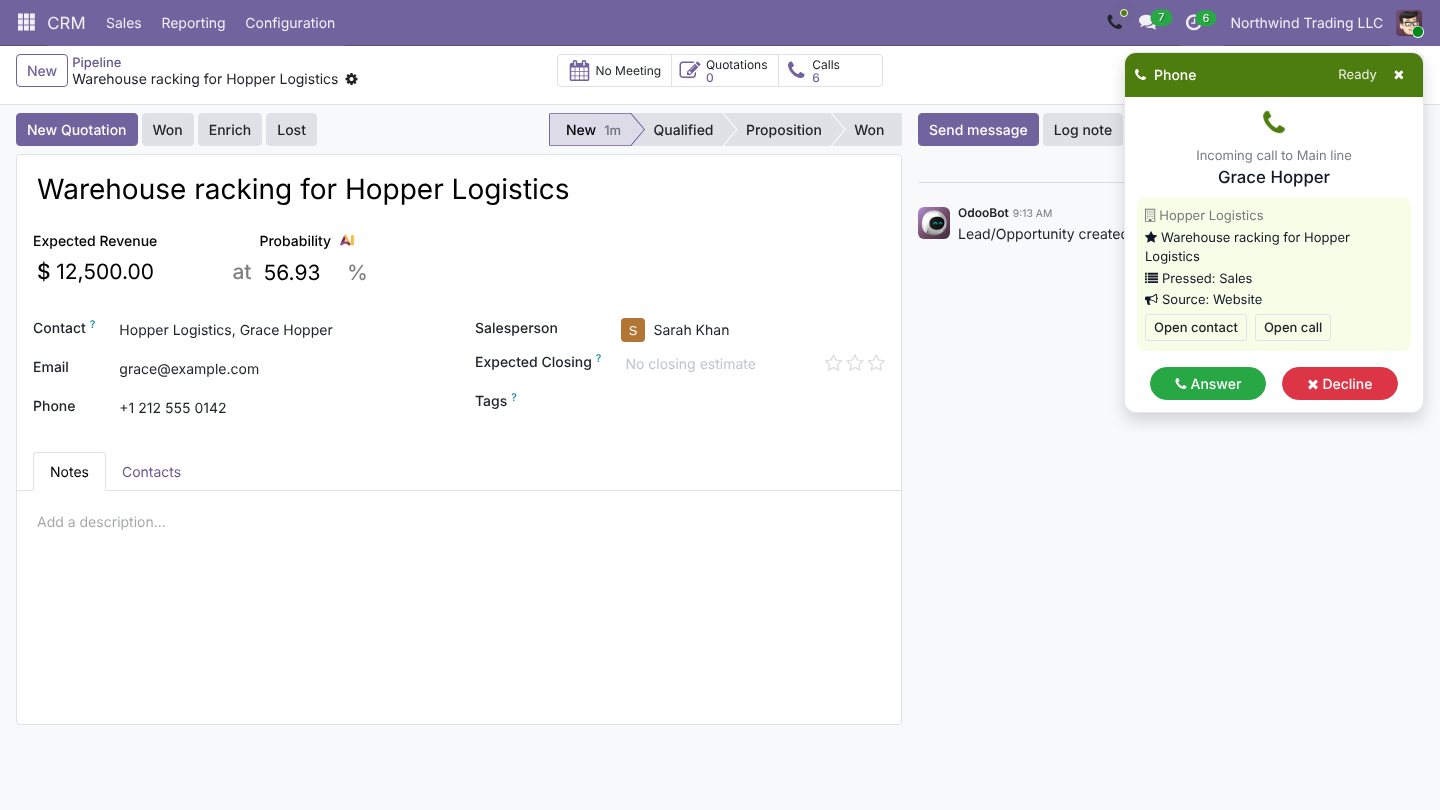
See it in two minutes
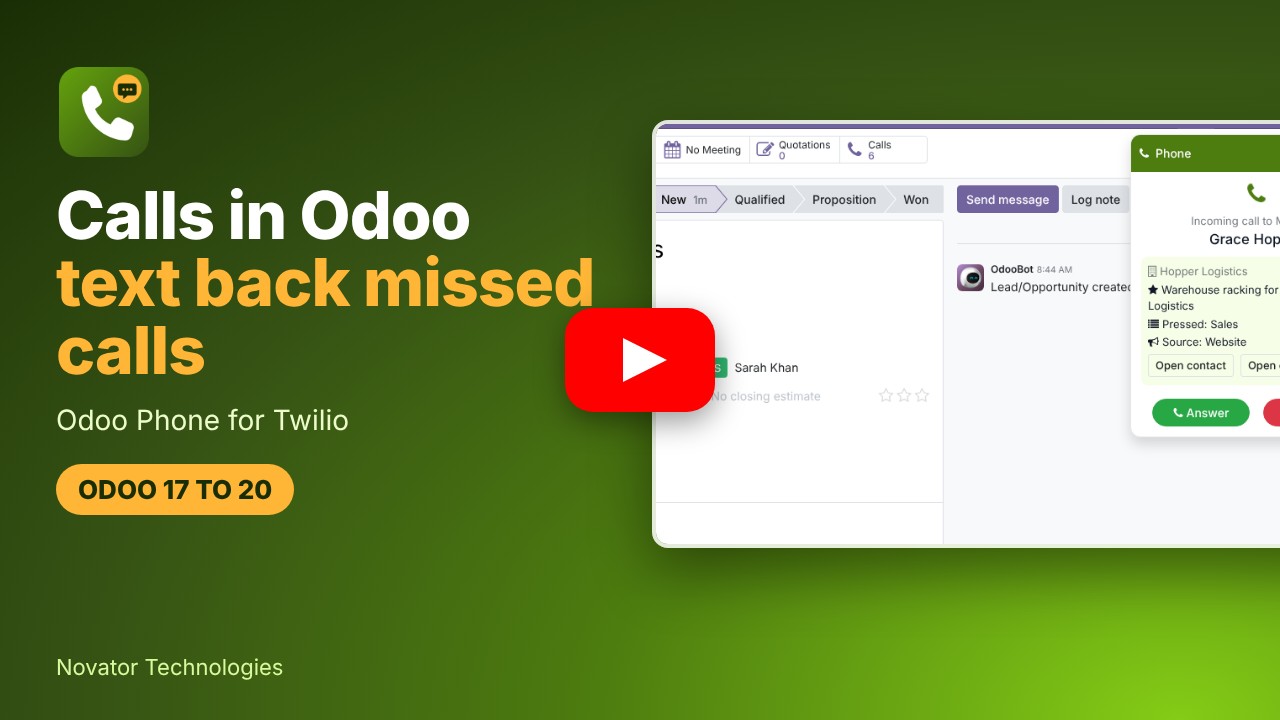
Watch the demo on YouTube: a customer presses 1 for sales and the call rings in the browser with their lead and source, the call is answered and noted, a number is clicked to call out, a missed call gets a text back, a lead, a call-back task and a transcribed voicemail, a missed-call workflow, the setup of Twilio and numbers, and the call log and reports.
Why it matters
- One screen for the call and the customer: the caller's contact, company, open lead, open orders and unpaid invoices show while the phone rings.
- No missed call goes cold: a text back from the number they called, a lead for new callers, a call-back activity, the voicemail and its transcription on the lead.
- Every call on the record: calls, notes, outcomes, recordings and voicemails land on the chatter of the contact or lead.
- Know which ads ring: give each campaign its own Twilio number; its calls and new leads carry the source.
- Pay once: Twilio bills your own account for minutes and SMS. No per-user fee to us.
What you need
- A Twilio account with at least one voice number. Calls and SMS are billed by Twilio on your account.
- An Odoo database that Twilio can reach over https (Odoo.sh or your own server with a public address).
- A computer browser (Chrome, Edge, Firefox or Safari) with a microphone or headset.
Works with the other Growth Suite apps
Each app works on its own. Together they share one database: a funnel sign-up, a missed call or a low rating can start a workflow, and every touch lands on the customer.
- CRM Workflow Builder: visual follow-up workflows: emails, activities, waits and branches. Demo video.
- Reviews & Reputation: review requests, Google reviews, AI replies. Demo video.
- Sales Funnels: opt-in pages, one-page order form with Odoo payments, one-click upsells, A/B tests. Demo video.
Start here
- Install the app: Install.
- Connect your Twilio account and import your numbers: Connect Twilio.
- Choose where each number rings: Numbers and routing.
- Make your first call: Make and take calls.
- Set up text back and follow-ups: Missed calls.
- Review calls, recordings and reports: Call log and reports.