Call log and reports
Calls
Phone > Calls lists every call: direction, customer number, contact, lead, the number that was called, user, status, talk time, outcome, text back and called back. Missed calls not yet called back are red.
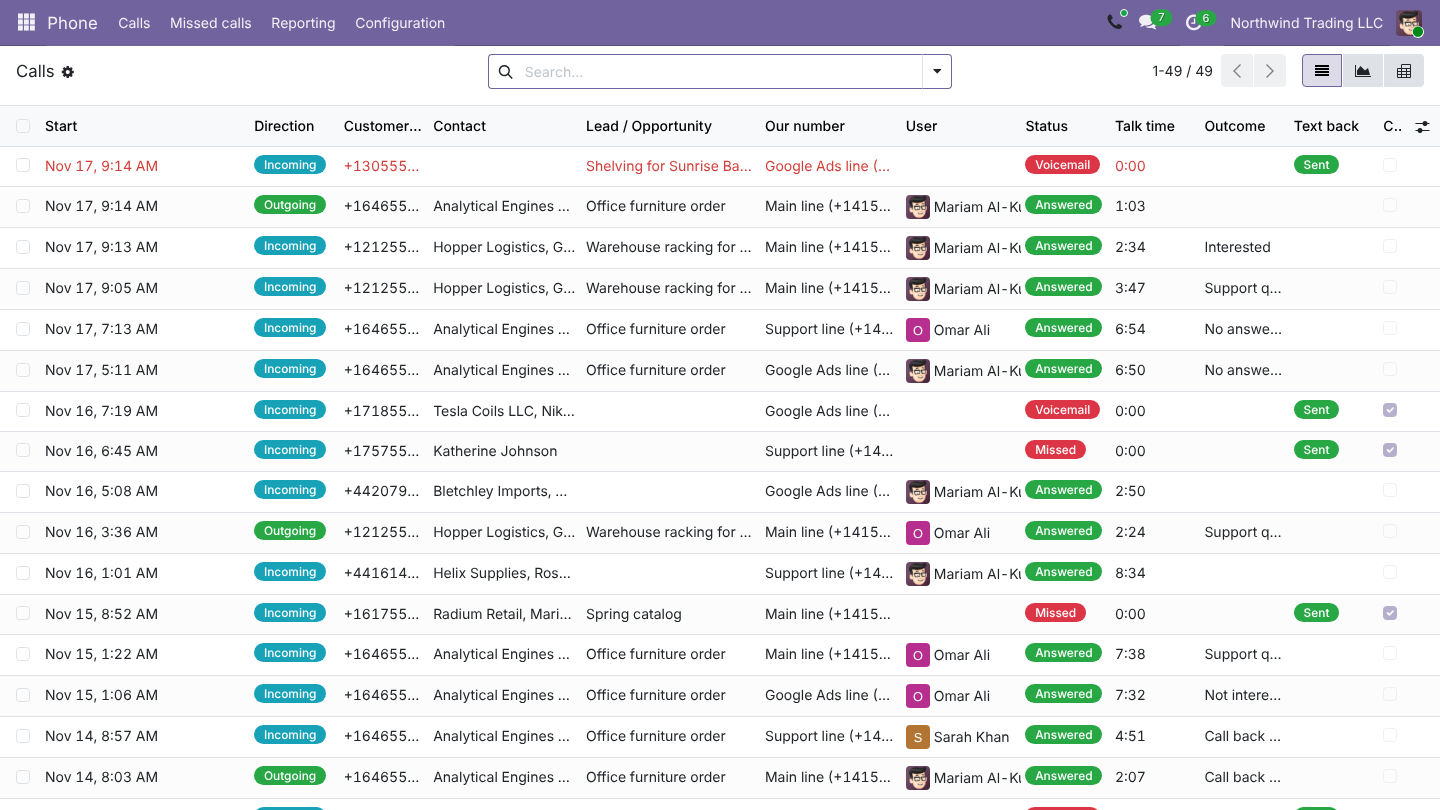
Filters: My calls, Incoming, Outgoing, Missed, To call back, Voicemail, Answered, Today. Group by user, number, status, source, outcome or day.
Phone users see their own calls and unanswered calls. Administrators see all calls.
A call
The call form shows who called, which number, the menu choice, the ring group, how long they waited, the source, the note and the outcome. Recordings and voicemails play in the Recording and voicemail section, with the transcription.
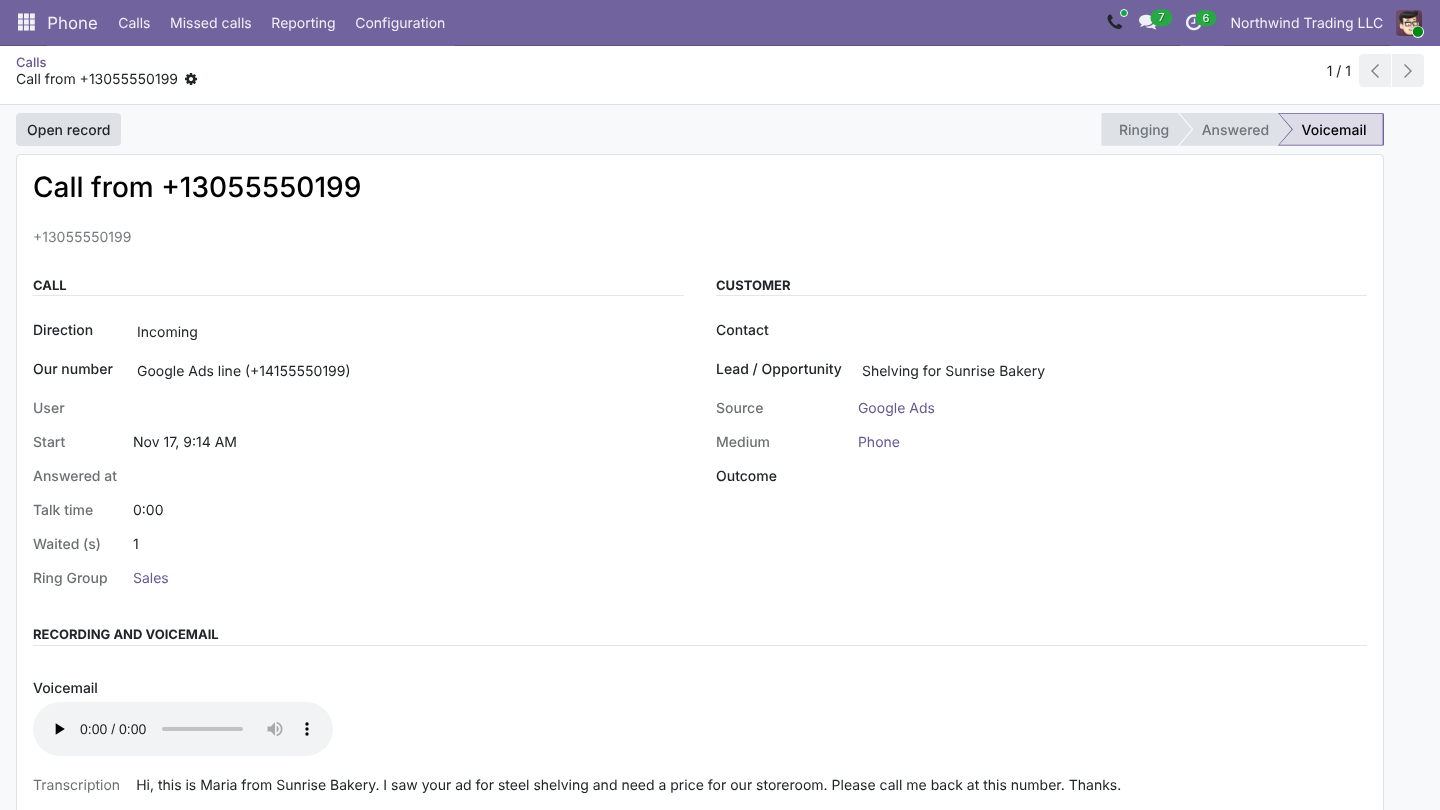
Recordings stay in your Twilio account. Odoo downloads them with your credentials and plays them to signed-in phone users who may see the call. There are no public links. Delete recordings in Twilio according to your retention policy.
Call analysis
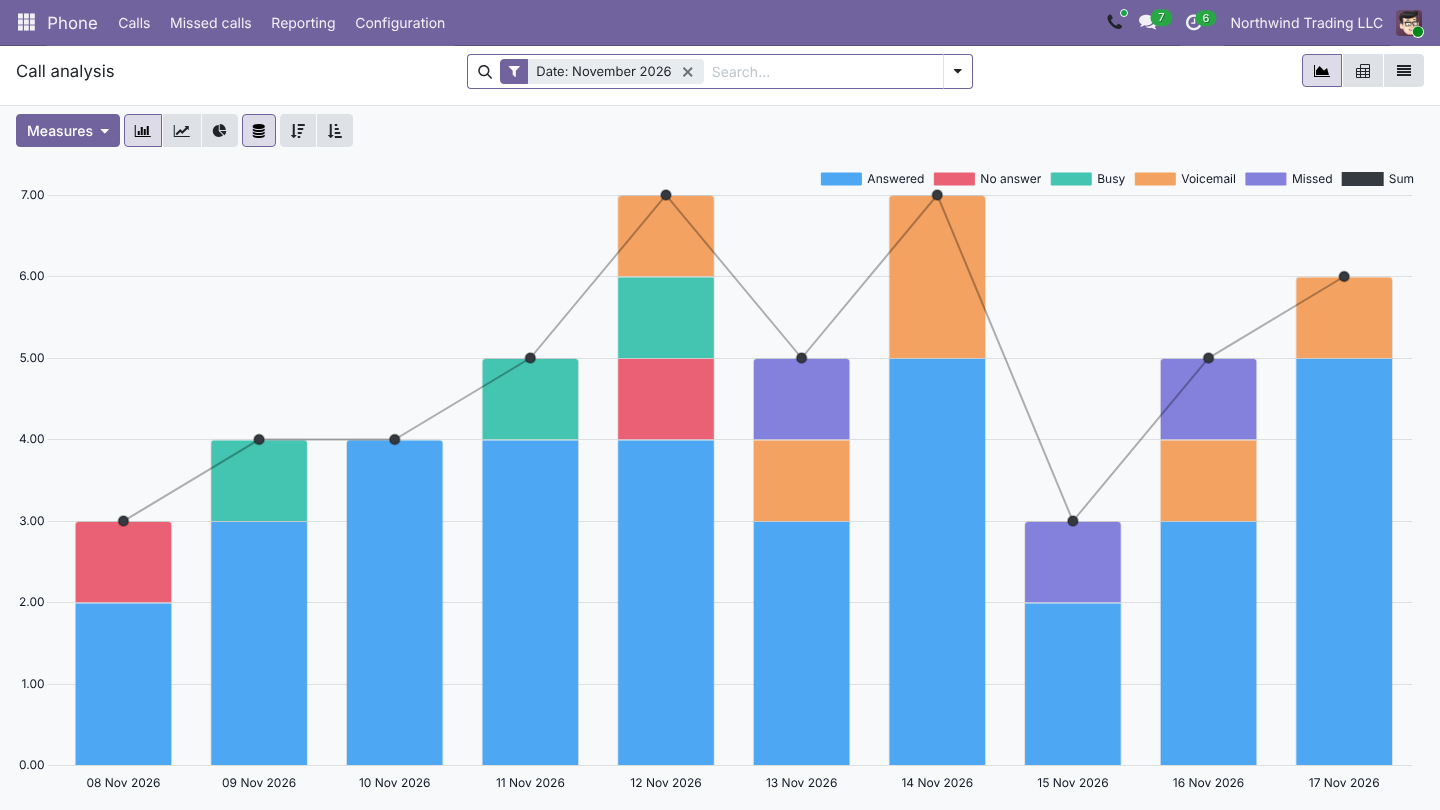
Phone > Reporting > Call analysis (administrators): calls per day by status, and a pivot by user and status with talk time.
Tracking numbers
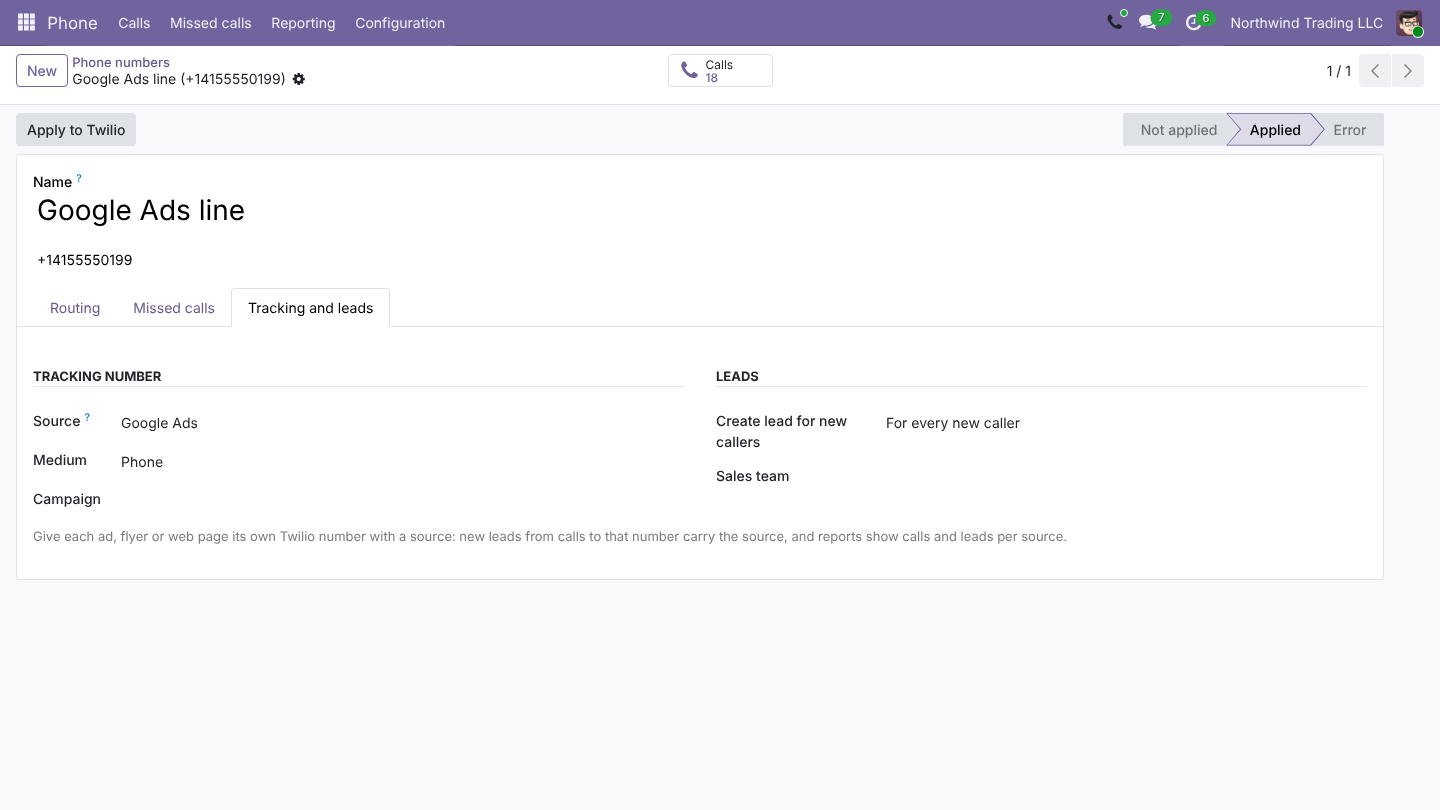
Give a campaign its own Twilio number and set Source, Medium and Campaign on the number's Tracking and leads tab. Calls and the leads they create carry them, so CRM reports by source include phone leads.