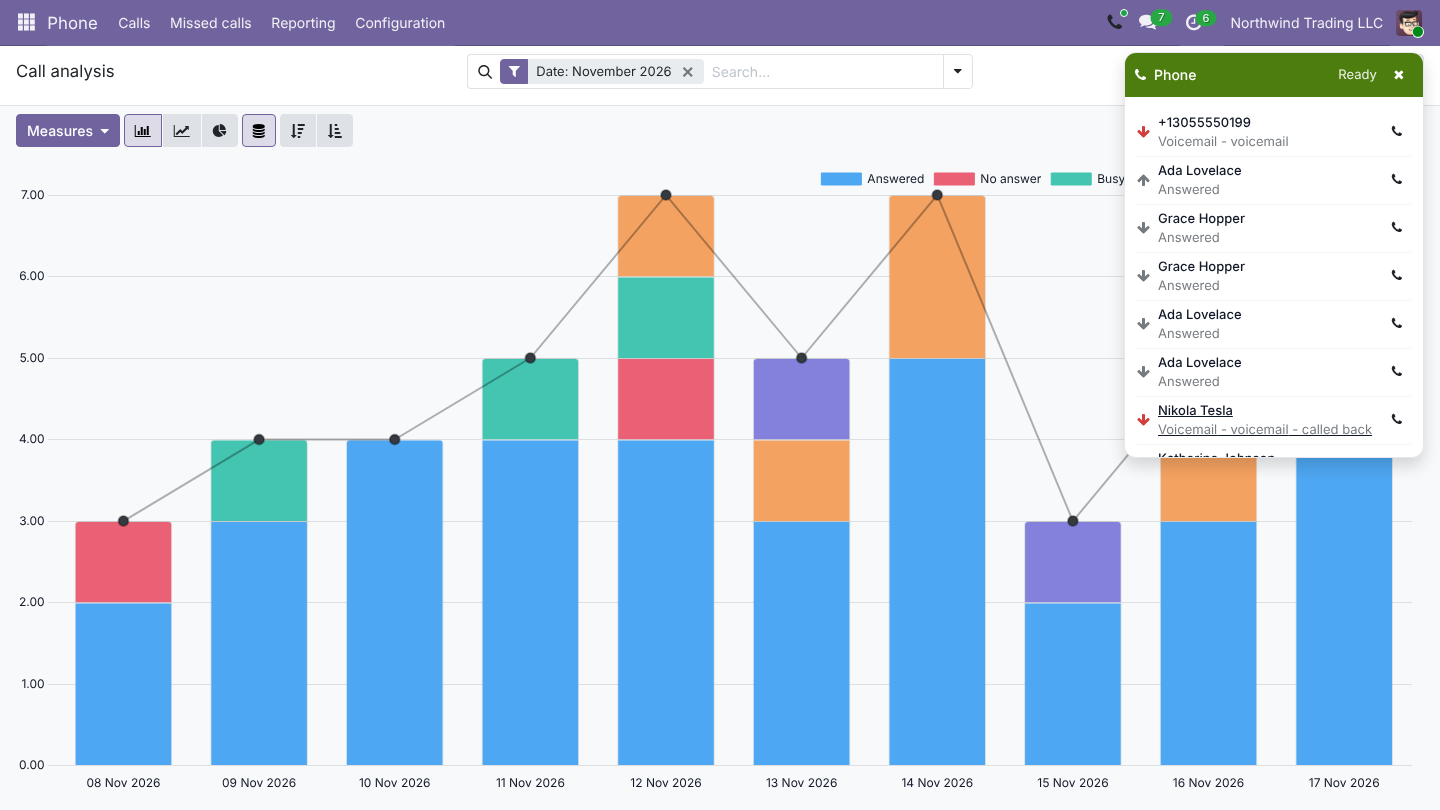
Make and take calls
The phone icon at the top right of Odoo opens the phone. The dot on the icon shows its state: green ready, orange do not disturb, red offline, grey not set up. The browser asks once for the microphone: allow it.
Call out
- Click any phone number in Odoo (contacts, leads, orders, your own models), or
- open the phone, type the number and press Call. With several numbers, pick the caller ID in the list next to the button.
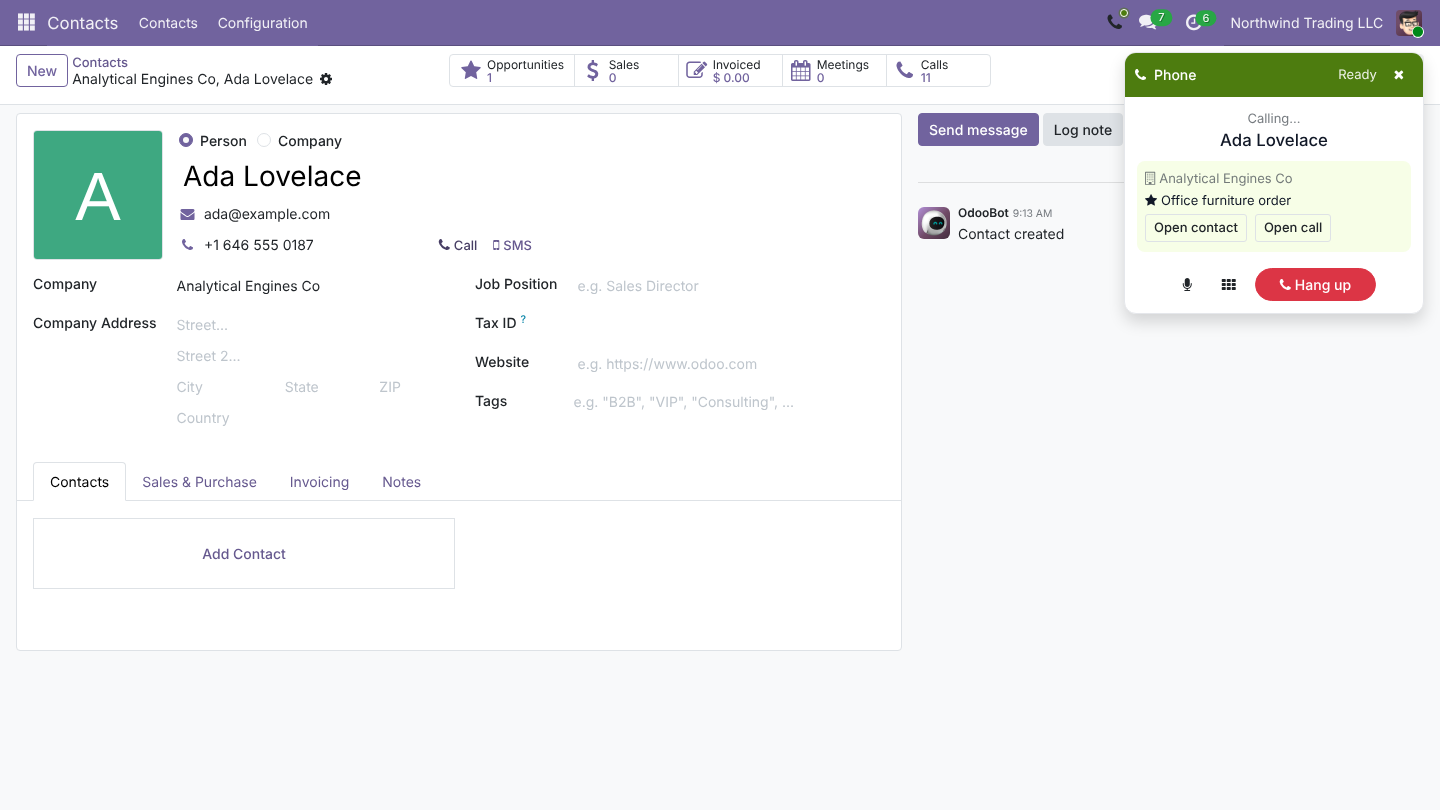
The call is logged on the record you called from. Numbers must be allowed by the account's Allowed destinations.
Answer a call
Incoming calls ring in the browser and open the phone with what Odoo knows about the caller: name, company, open lead, open orders, unpaid invoices, the menu option they pressed and the source of the number they called.
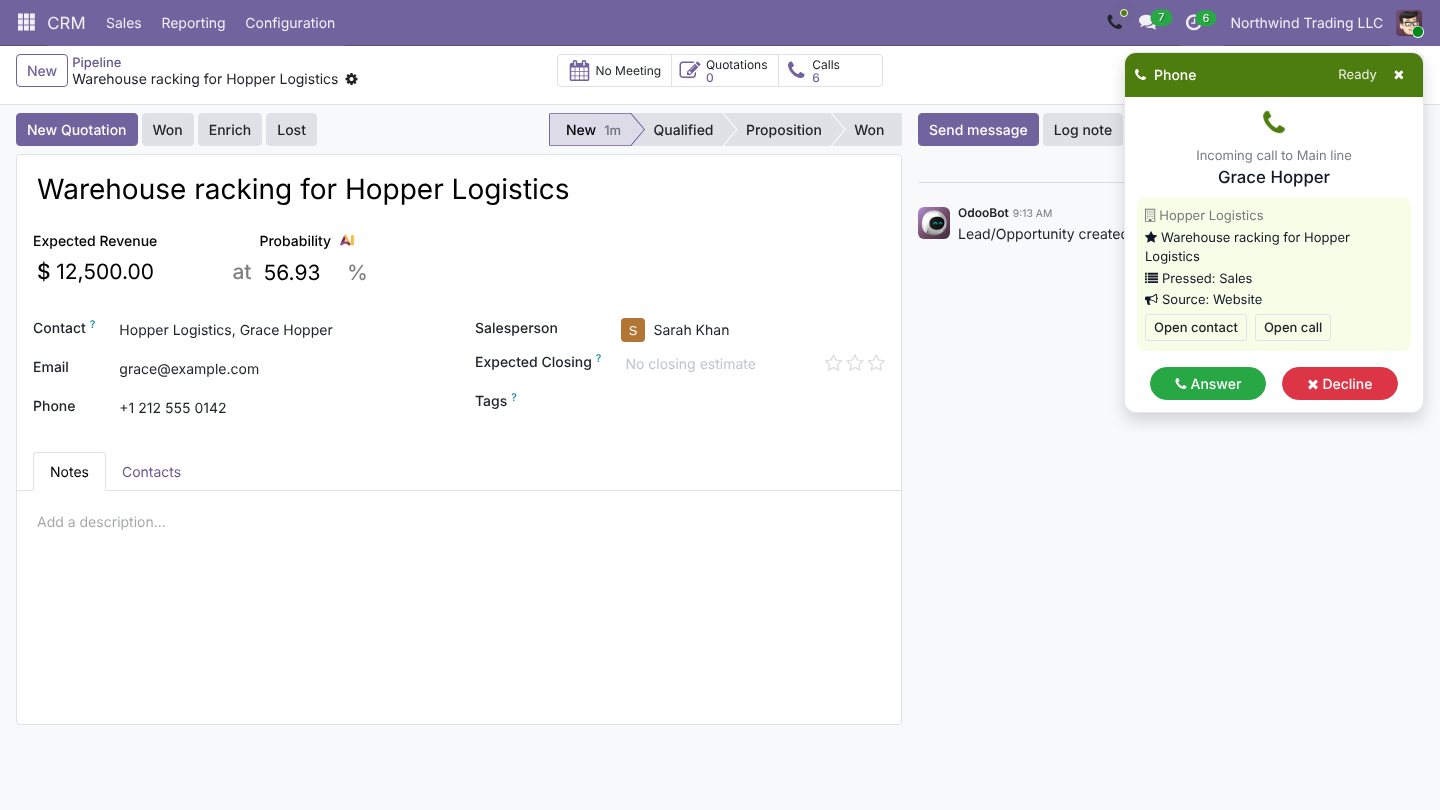
Press Answer or Decline. While you talk, use mute and the keypad, and Open contact or Open call without hanging up.
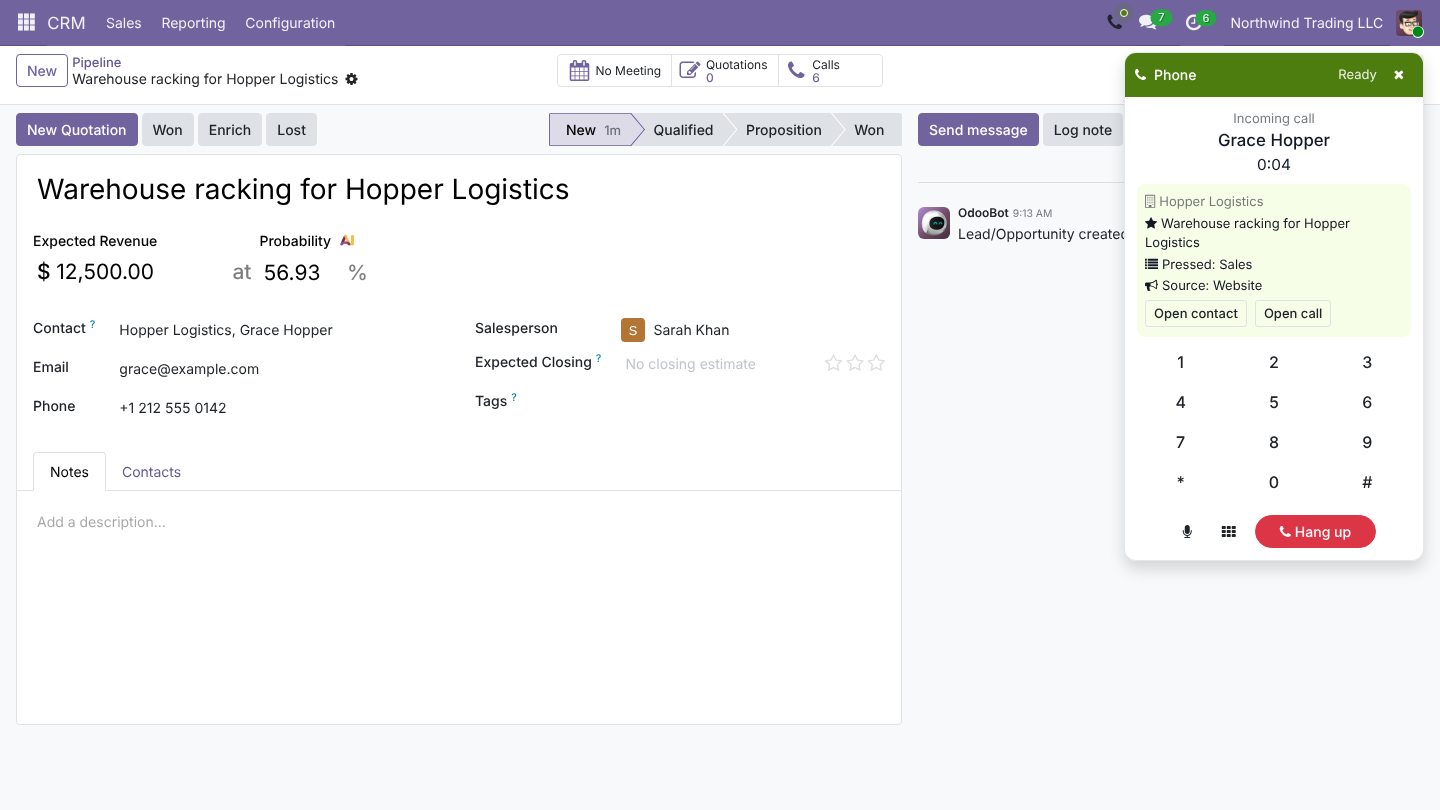
After the call
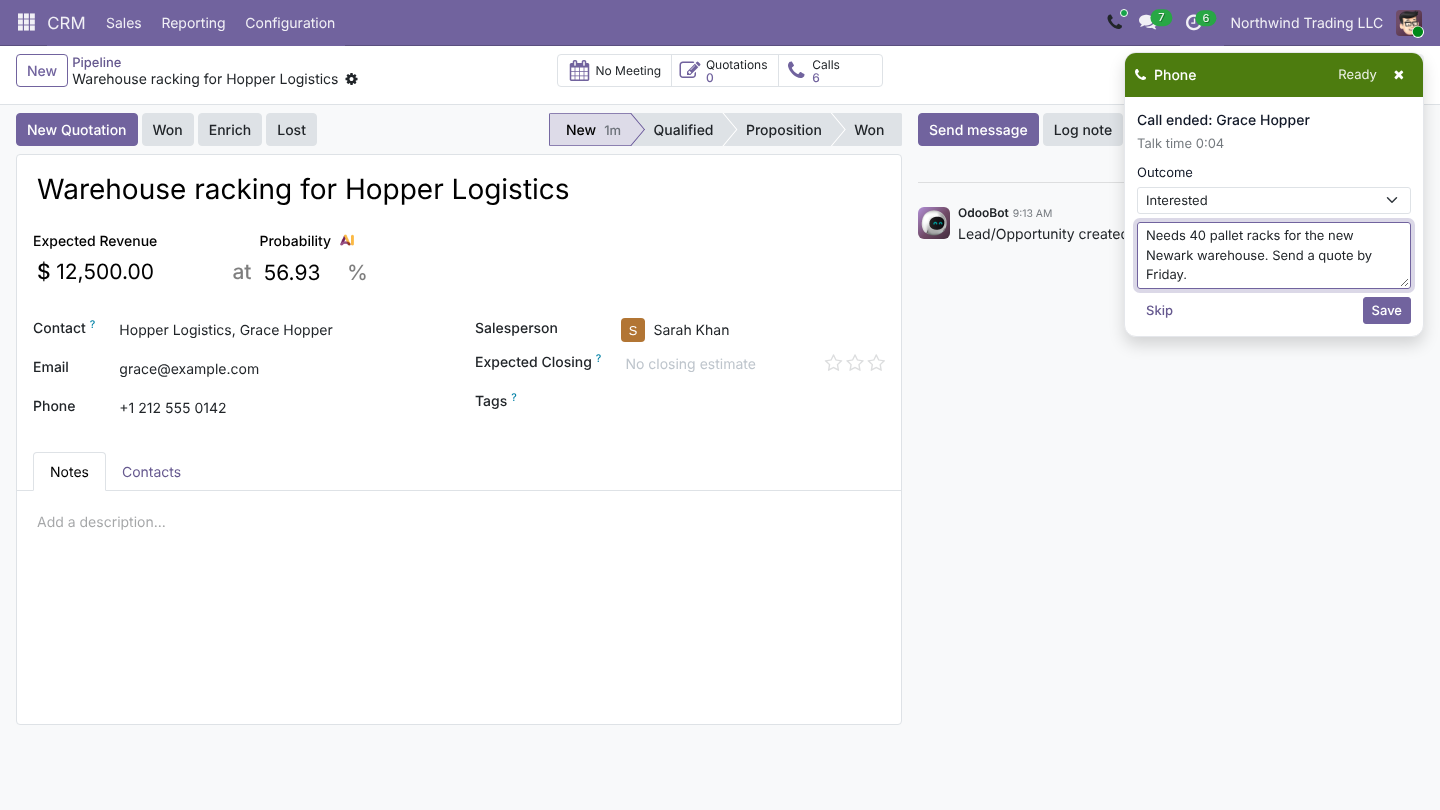
When the call ends, pick an Outcome and write a note, then Save (or Skip). The note and outcome are posted on the chatter of the contact or lead. An outcome can plan the next activity: set it in Phone > Configuration > Call outcomes.
Do not disturb and recent calls
Tick Do not disturb in the phone to stop calls ringing for you (ring groups skip you). Recent calls lists your last calls with a call-back button.