
Sales Funnels
Build sales funnels on your Odoo website: an opt-in page that fills your CRM, or a sales page, a one-page order form, a one-click upsell and a thank you page. Every lead, order and payment is already in Odoo, and the free CRM Workflow Builder follows up.
Odoo 17.0 - 20.0 Community & Enterprise $99 one-time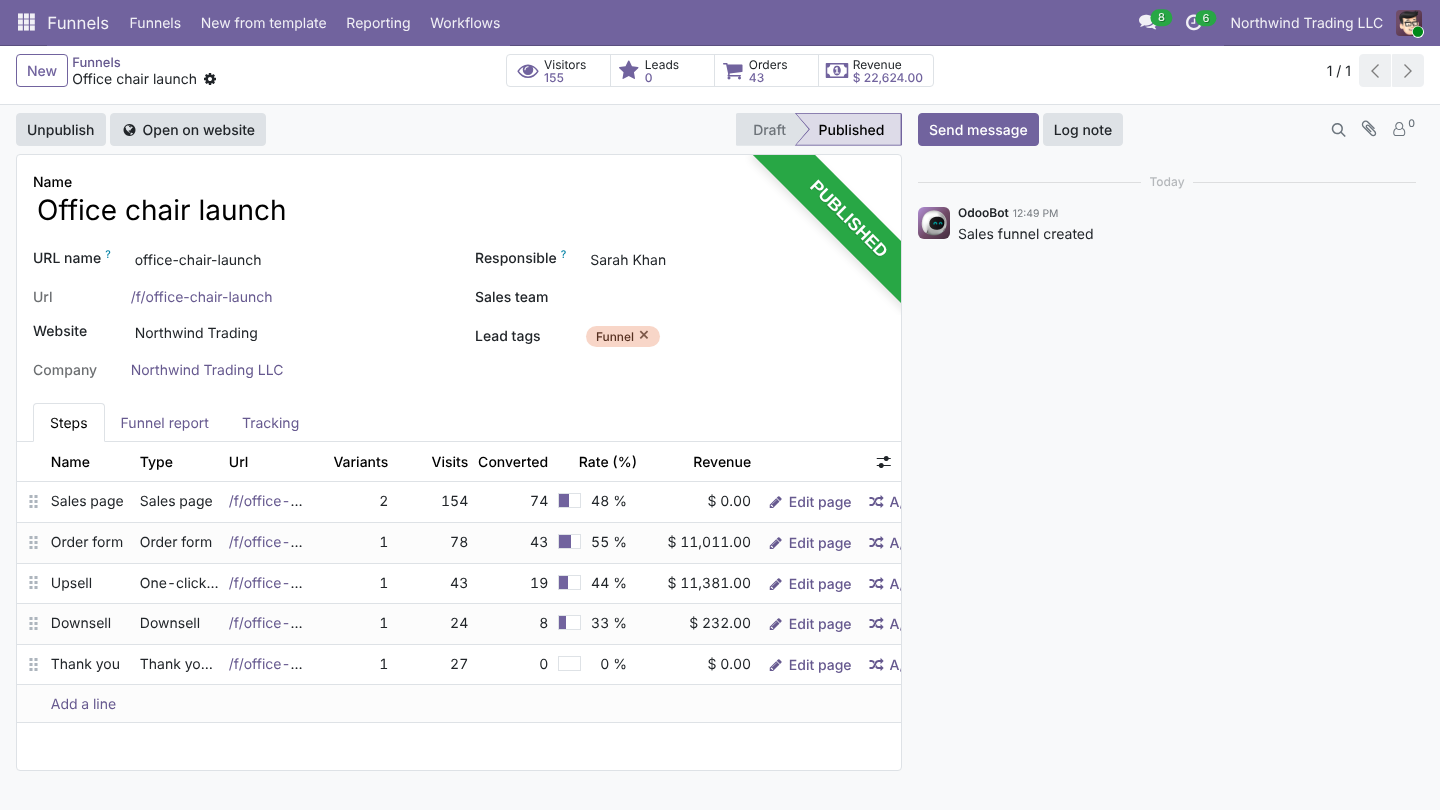
See it in two minutes
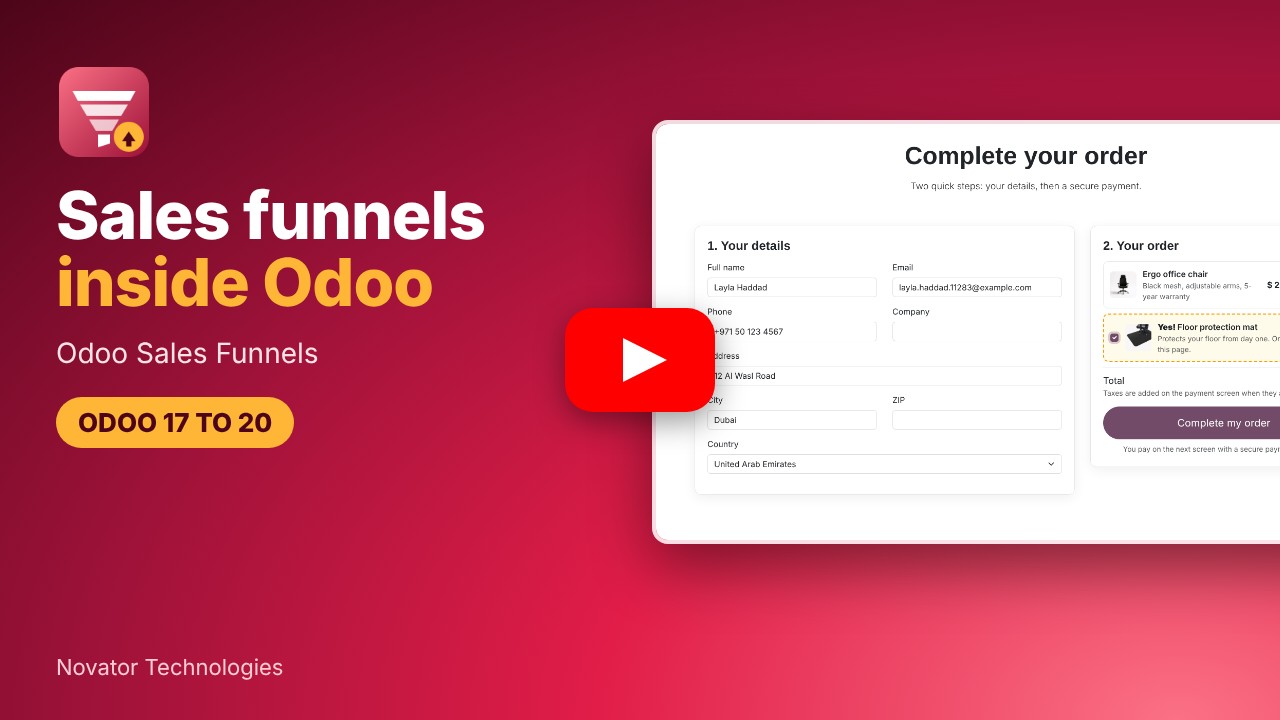
Watch the demo on YouTube: a product launch funnel from a template, its pages in the website editor, a sales page with an A/B test, the order form with an order bump, payment with a saved card, a one-click upsell, the funnel report, the sales order and a "Funnel submitted" workflow.
Why it matters
- No separate funnel tool: pages, leads, orders and payments live in one database.
- More revenue per customer: an order bump on the form and a one-click upsell right after the payment.
- Pay with what you have: the order form uses your Odoo payment providers. Odoo eCommerce is not needed.
- Know what works: A/B split tests, and visits, conversion and revenue for every step.
What you get
| Feature | |
|---|---|
| Funnel templates: lead magnet, webinar sign-up, service booking, product launch, simple order | Yes |
| Pages edited in the Odoo website editor, with funnel blocks | Yes |
| Opt-in form that creates contacts and CRM leads with UTM source, tags and salesperson | Yes |
| One-page order form with several offers and an order bump | Yes |
| Payment on Odoo's payment form, the card can be saved | Yes |
| One-click upsell and downsell with the saved card, or a short payment step | Yes |
| A/B split tests per step | Yes |
| Funnel report and funnel analysis | Yes |
| "Funnel submitted" trigger for the CRM Workflow Builder | Yes |
Modules
novator_funnels: the app ($99 one-time). Installs the free CRM Workflow Builder with it.
Works with the other Growth Suite apps
Each app works on its own. Together they share one database: a funnel sign-up, a missed call or a low rating can start a workflow, and every touch lands on the customer.
- CRM Workflow Builder: visual follow-up workflows: emails, activities, waits and branches. Demo video.
- Phone for Twilio: browser calls, call log and recordings, missed-call text back. Demo video.
- Reviews & Reputation: review requests, Google reviews, AI replies. Demo video.
Start here
- Install the app: Install.
- Create your first funnel from a template: Set up.
- Steps, offers and where each step leads: Steps and offers.
- Make the pages yours: Pages and the website editor.
- Order form, payment, upsell and downsell: Checkout and upsells.
- Test two versions of a page: A/B tests.
- See what converts: Reports, and follow up with Workflows.
Was this page helpful?