Reports
Funnel report
The funnel's Funnel report tab shows each step with its visits, conversions, rate and revenue, and each variant of A/B-tested steps.
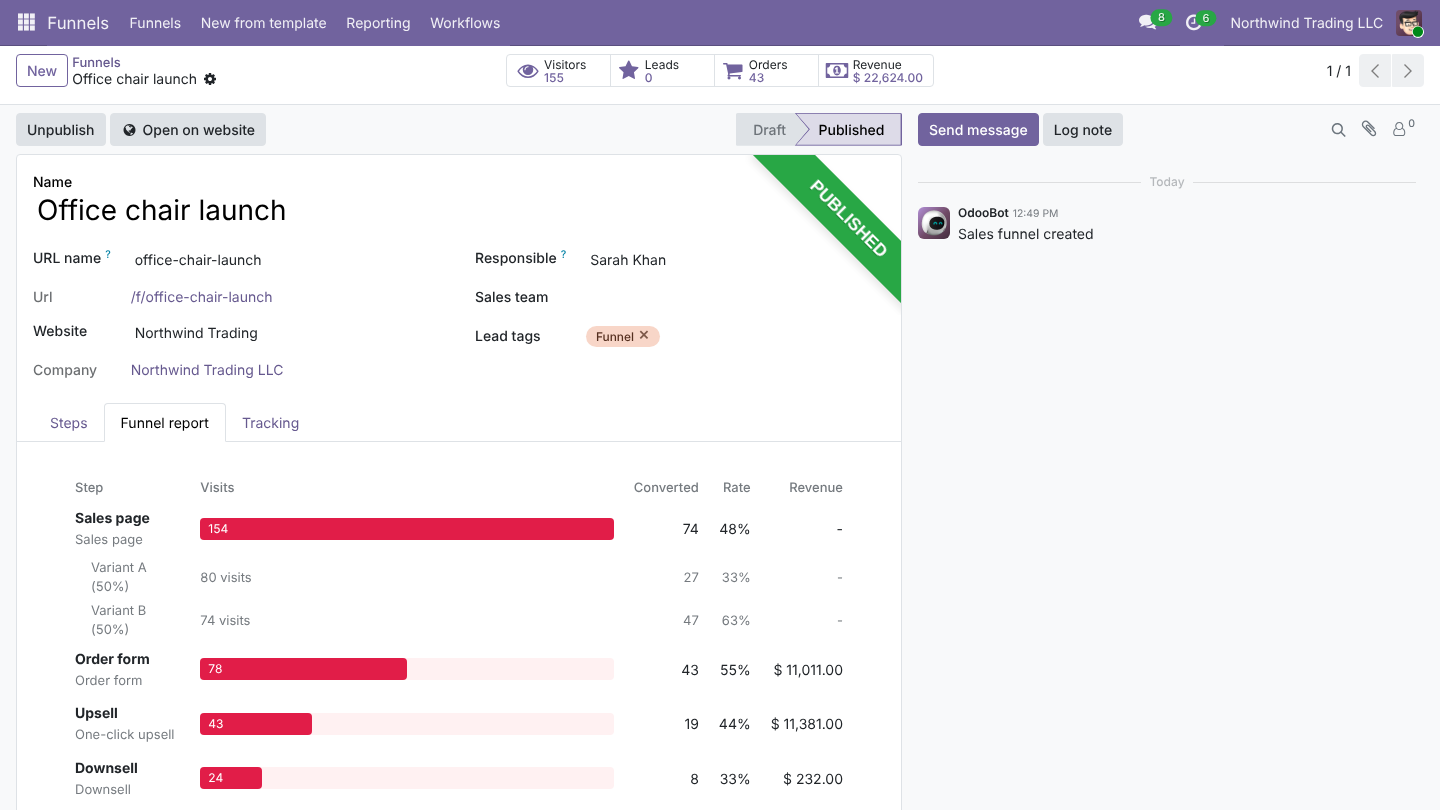
The buttons at the top of the funnel show Visitors, Leads, Orders and Revenue, and open the lists behind them.
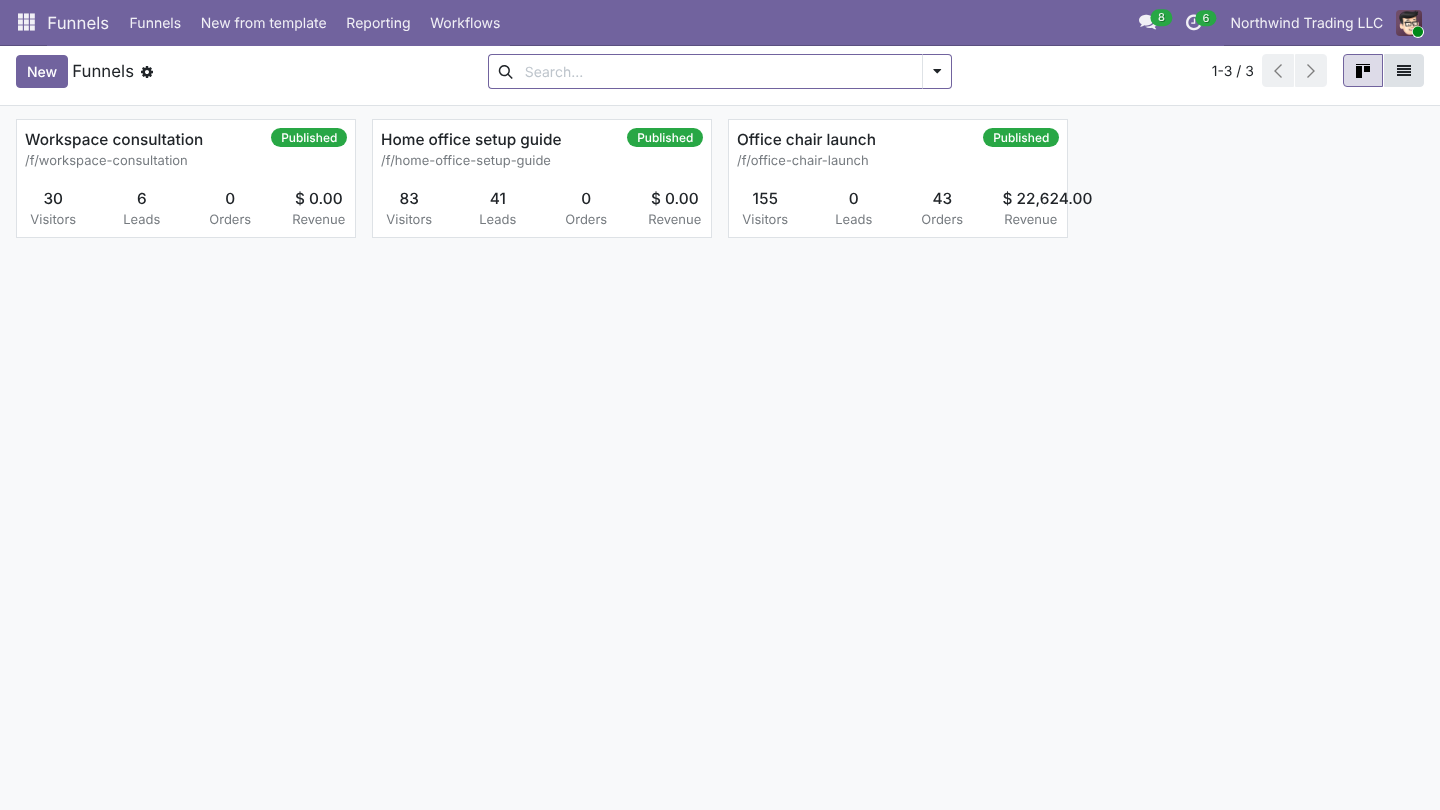
Funnel analysis
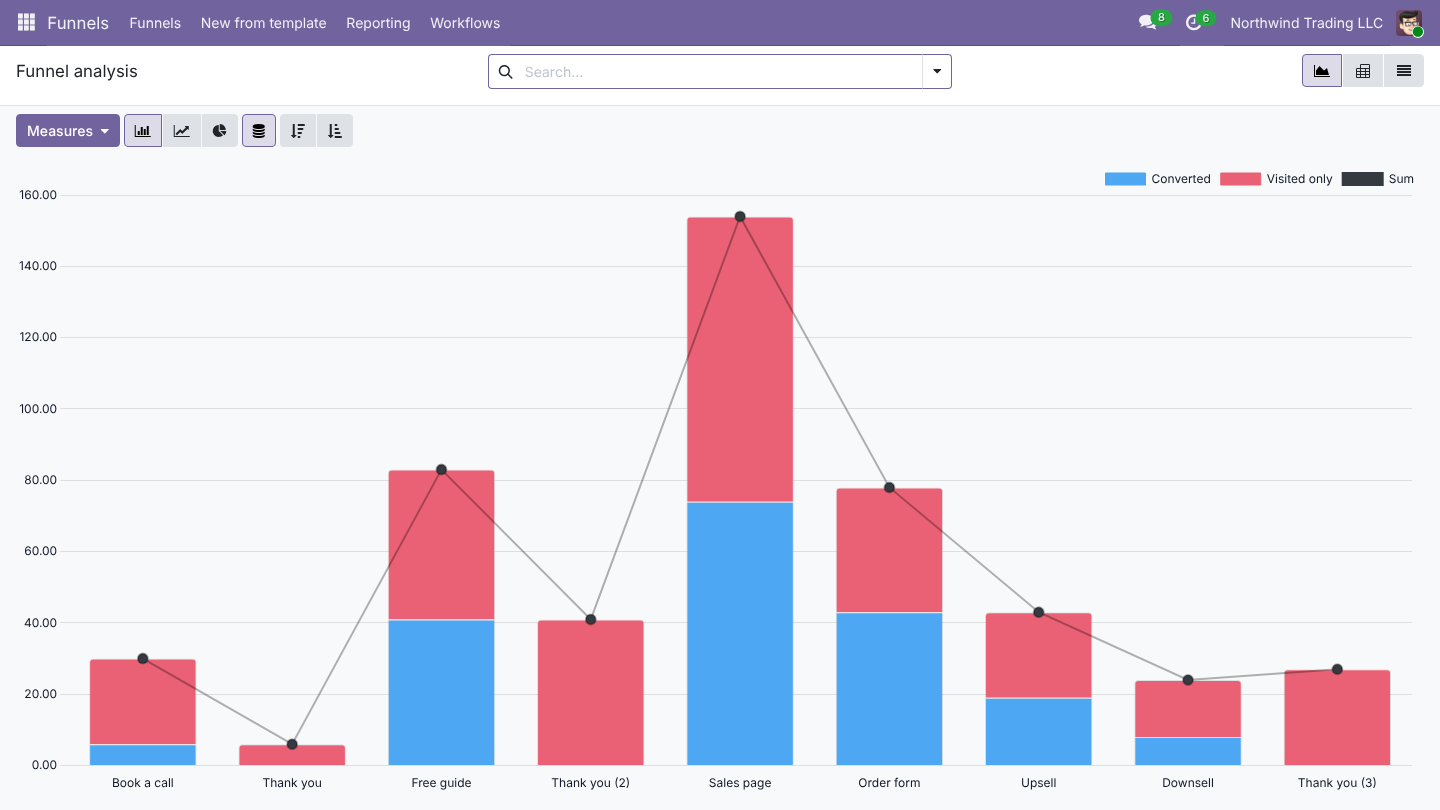
Funnels > Reporting > Funnel analysis shows every visit as a graph, pivot or list. Group by funnel, step, variant, source or day; filter on converted visits or visits with an order.
How visitors are counted
- Once per browser session and step.
- Your signed-in employees are not counted, so editing and testing pages does not change the numbers.
- The UTM tags of the link (
utm_source,utm_medium,utm_campaign) are kept on the visit, the lead and the order. The funnel's defaults fill the gaps. - Revenue is the amount paid in the step (order form, upsell or downsell), taxes included.
Was this page helpful?