Pages and the website editor
Every step has a page of your Odoo website, ready to edit. Click Edit page on the step (or in the steps list): the website editor opens on that page.
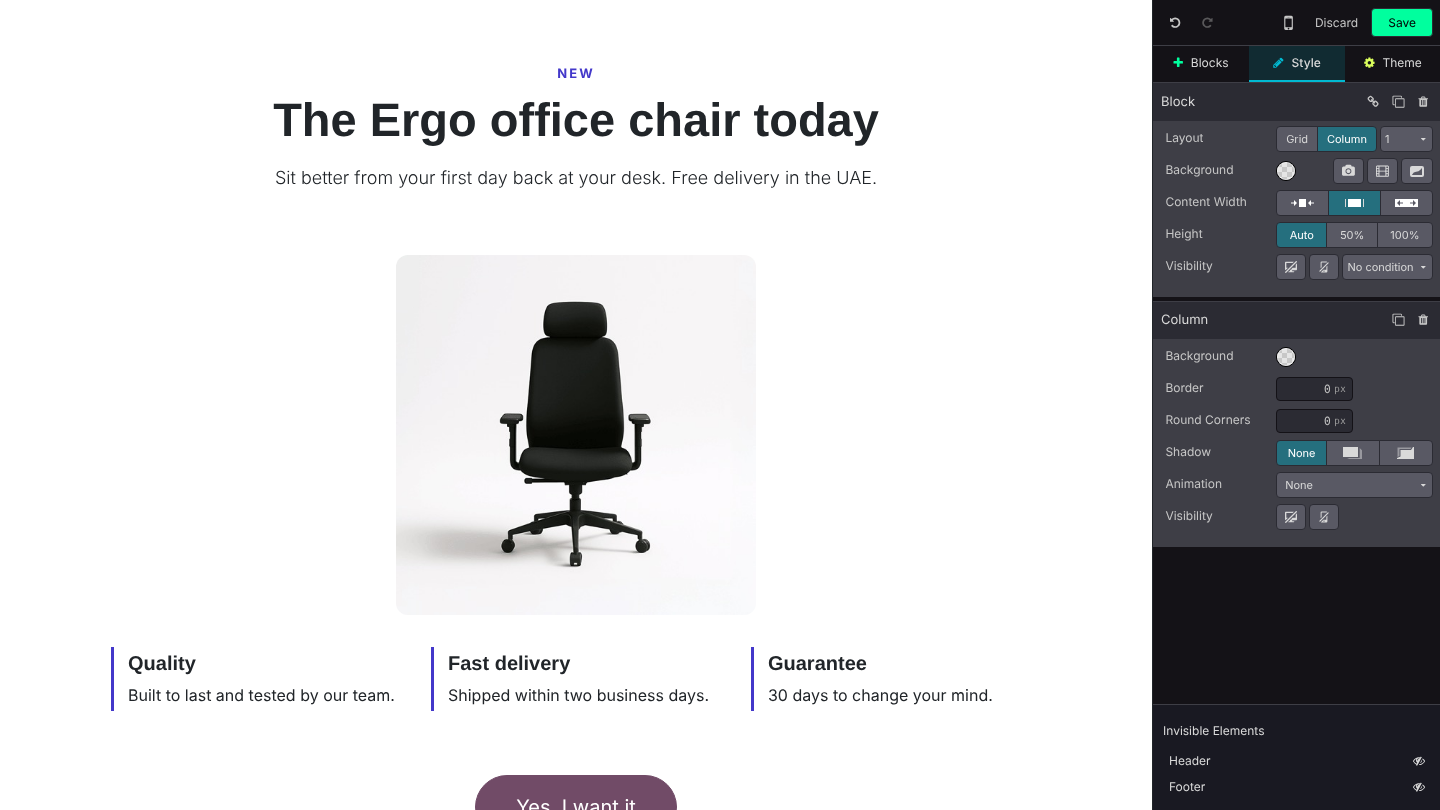
Change texts, images, colours and sections like on any other page, then Save. The funnel pages use your website theme, fonts and colours.
Funnel blocks
In the editor's blocks panel you find five funnel blocks:
| Block | Use it on |
|---|---|
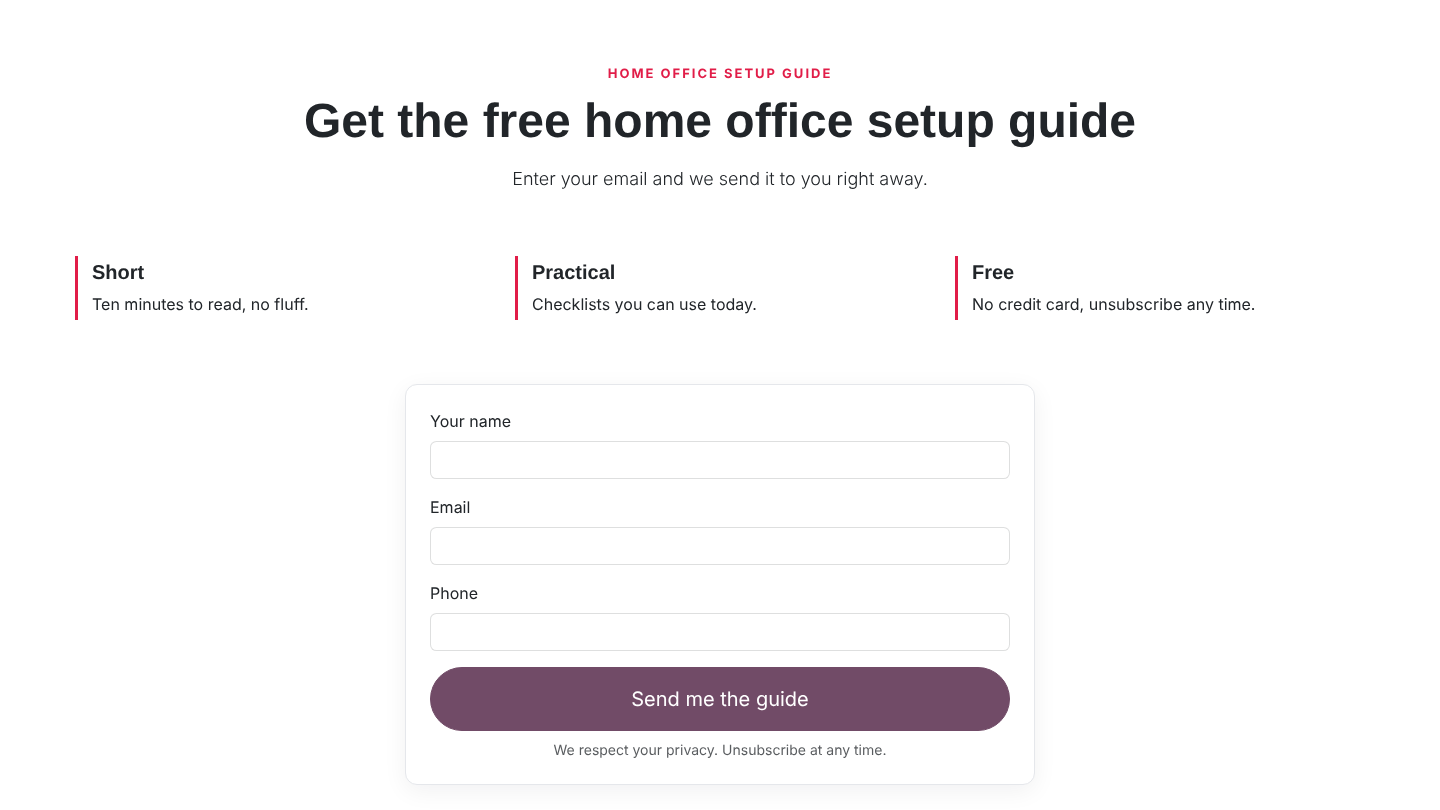
| Funnel opt-in form | Opt-in pages. Fields name and email (required), phone and message. Remove the ones you do not need. |
| Funnel order form | Order form pages. Details on the left, the step's offers and the order bump on the right. |
| Funnel upsell buttons | Upsell and downsell pages: the offer, "Yes, add it" and "No thanks". |
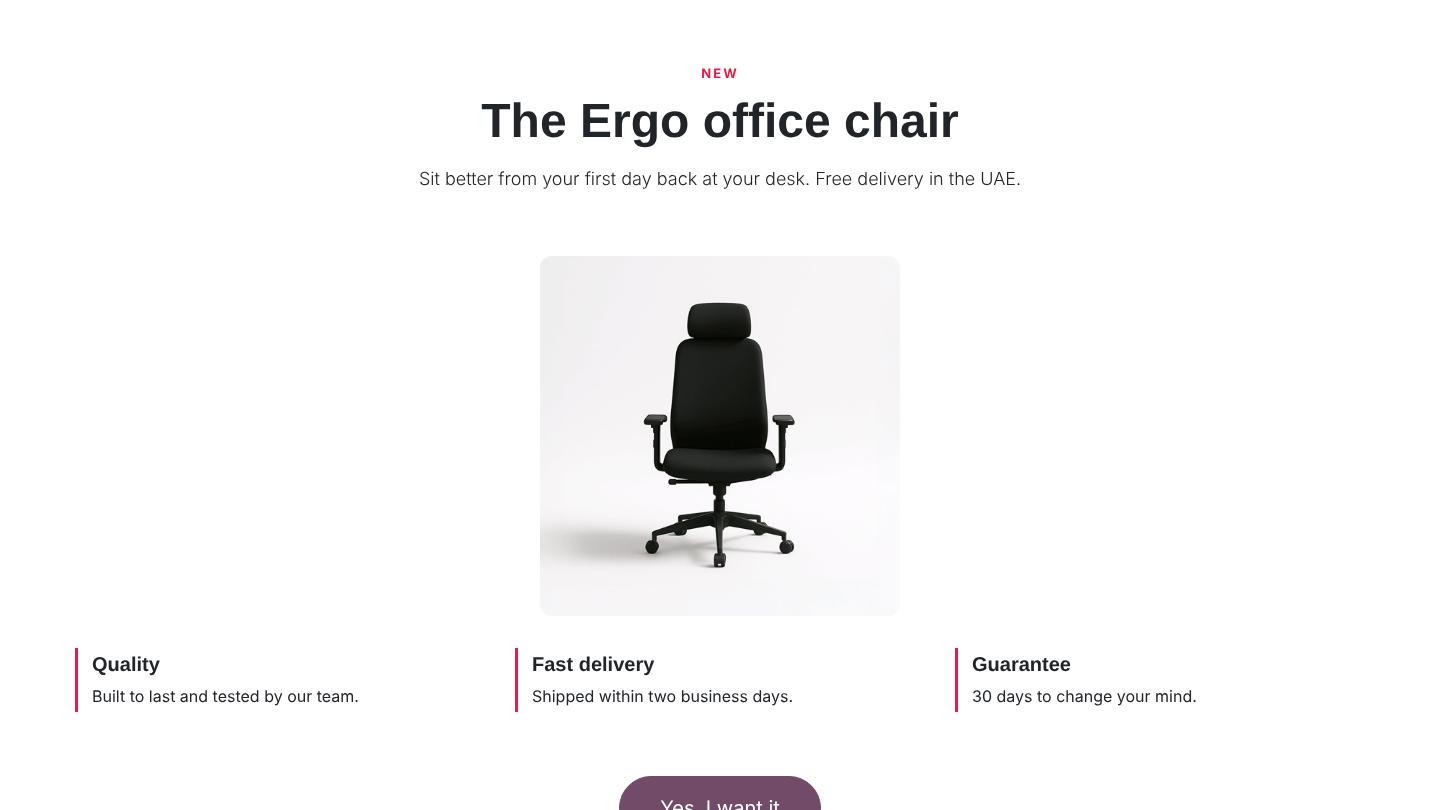
| Funnel next step button | Sales pages and any page that should lead to the next step. |
| Funnel order summary | Thank you pages: what the customer bought. |
The offers, prices and the order summary are filled in when the page loads, from the step's offers. Change prices on the step, not on the page.
Header and footer
Funnel pages hide the website header and footer so visitors stay on the offer. To show them, open the page in the editor: the Invisible Elements list at the bottom of the panel has Header and Footer; click one to show it again.
Pages visitors see
Was this page helpful?