
POS Live Price Refresh
Change a price in the back office and every open Point of Sale picks it up within seconds. No session close, no page reload.
$49 one-time, OPL-1.
Odoo 13.0 - 20.0 Community & Enterprise Point of Sale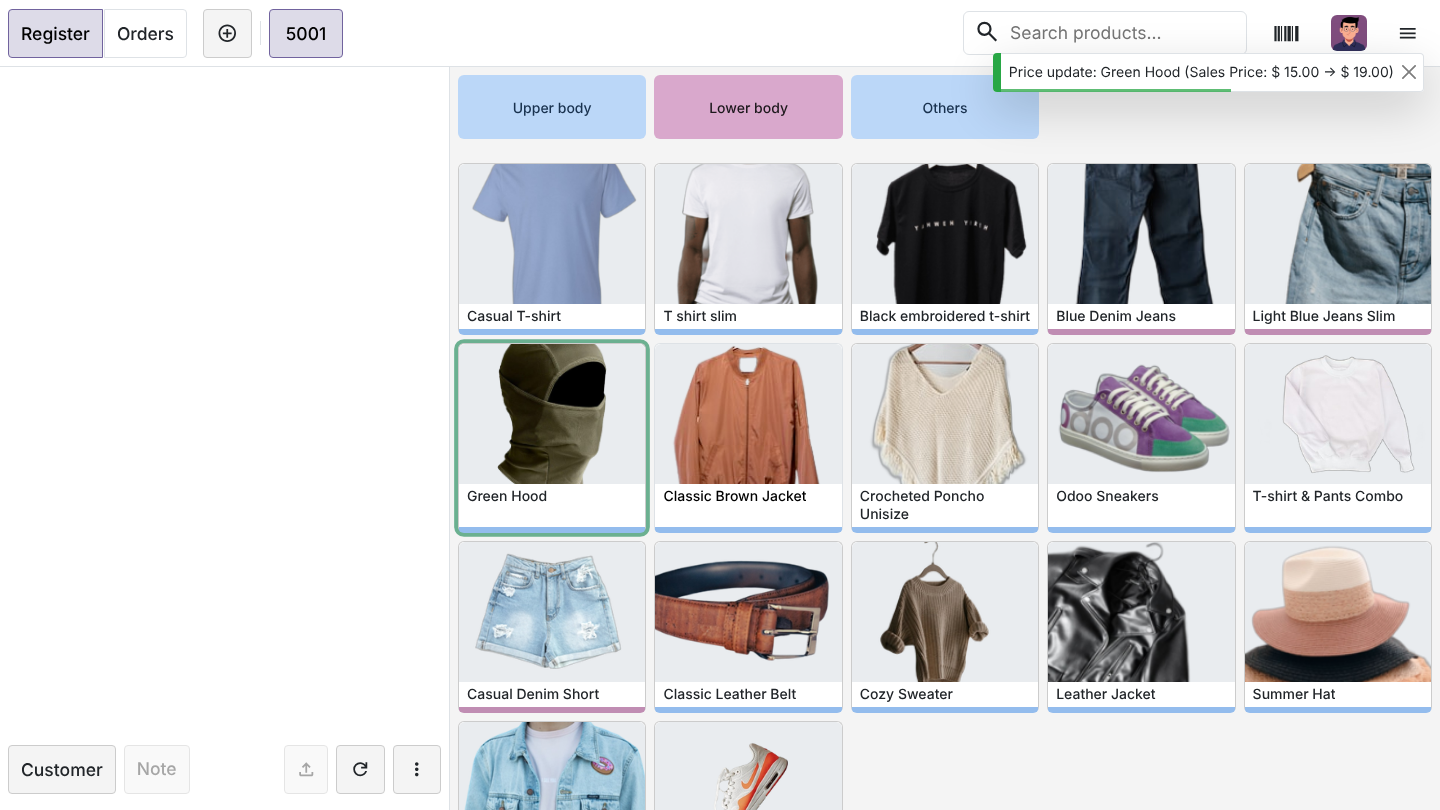
See it in under two minutes
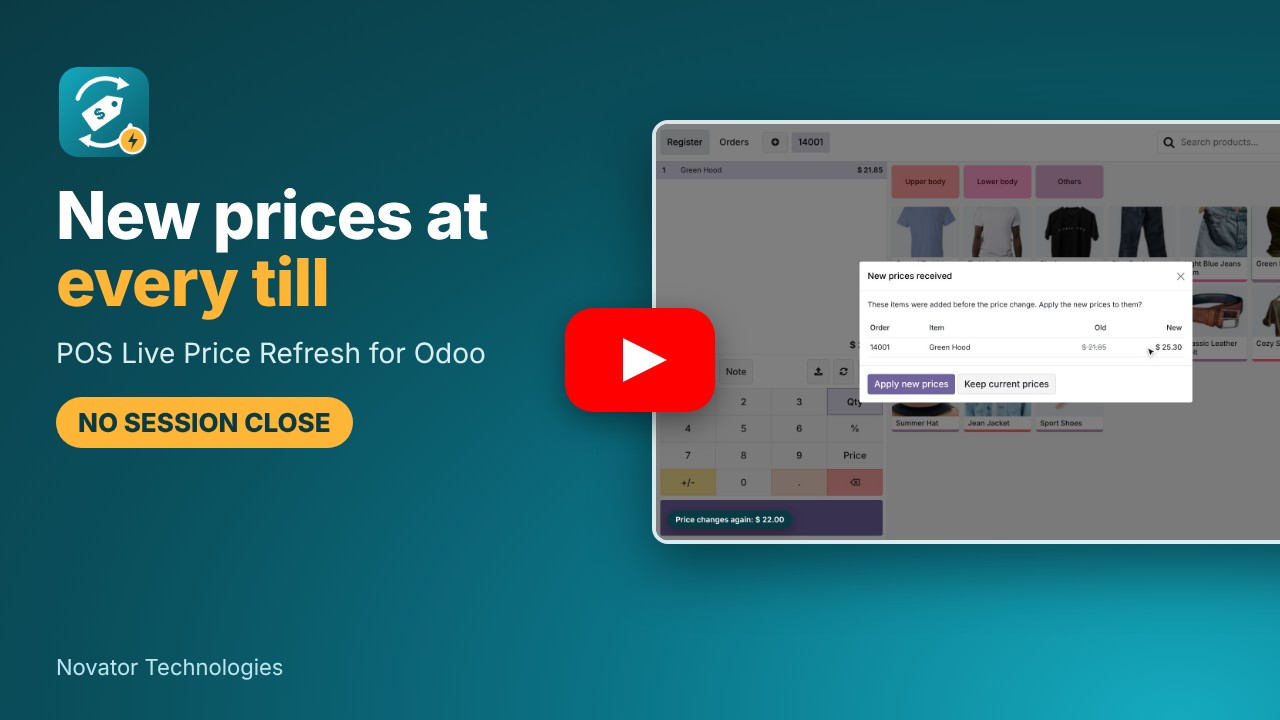
Watch the demo on YouTube: a manager saves a new price in the back office and the open POS gets it within seconds. Then an item already in the cart, the Refresh Prices button, the settings and the Price Change Log.
Why it matters
Odoo loads product prices when a POS session starts. A sale price, a pricelist rule or a tax changed later stays invisible at the till until the session is closed and opened again. In a busy shop that means wrong prices at the counter or a register closed in the middle of the day.
POS Live Price Refresh records every price related change while a session is open and sends a signal to the POS sessions that use it. Each POS then loads only the records that changed: new sale prices, new or deleted pricelist rules, tax changes, new products, and products taken out of the POS. You choose what happens to items that are already in a cart.
Start here
- Install the app: Install.
- Check the settings of each Point of Sale: Set up.
- See what cashiers get: In the POS.
- Look back at what was sent: Price Change Log.
In this guide
- Install: versions and installation.
- Set up: every setting, per Point of Sale.
- In the POS: live updates, the Refresh Prices button, items already in the cart.
- Price Change Log: the list of changes sent to the tills.
- FAQ: questions and troubleshooting.