In the POS
Live updates
With Live push + button, a change saved in the back office reaches the open POS within a few seconds. The cashier keeps working: a short notice in the corner says what changed, for example Price update: Green Hood (Sales Price: $ 15.00 → $ 19.00). When several changes arrive together, the notice gives their number.
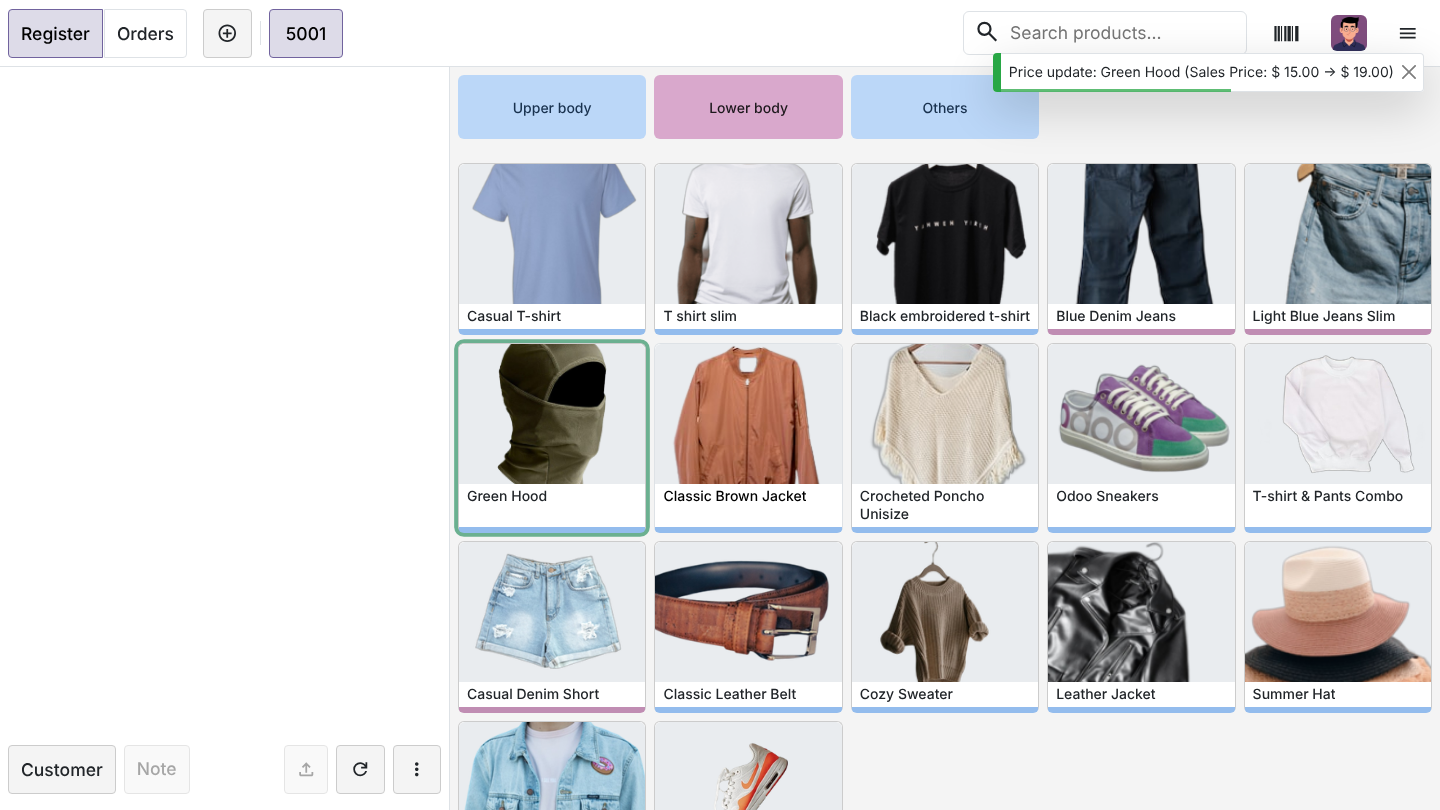
With Highlight Changes on, the products whose price changed are marked for a few seconds.
Products that were taken out of the POS disappear from the product list. New products appear in their categories.
Refresh Prices button
Cashiers can load the latest changes at any time:
- Odoo 18.0 to 20.0: the refresh icon next to the ⋮ (Actions) button, and Refresh Prices inside Actions. Both show when prices were last updated.
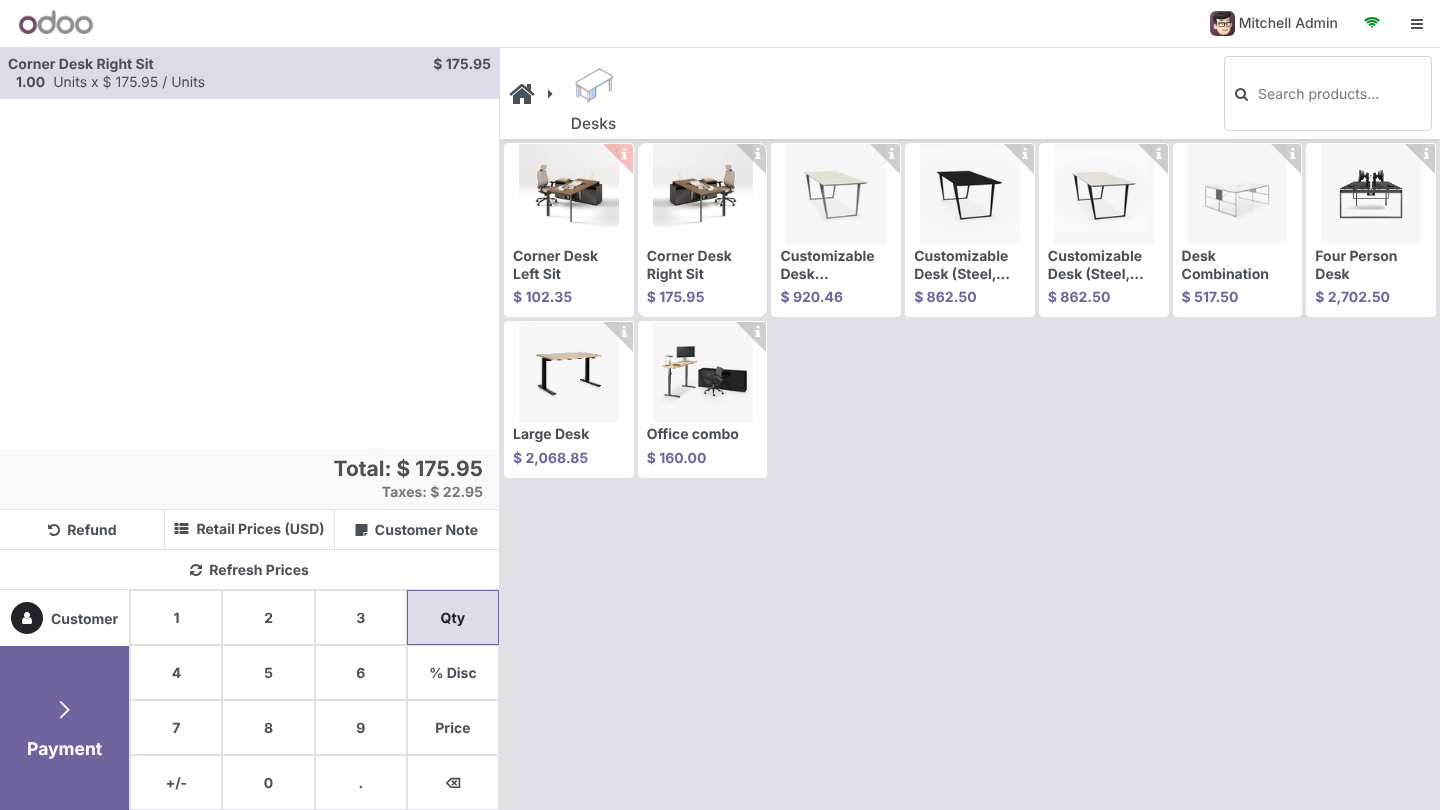
- Odoo 13.0 to 17.0: the Refresh Prices button above the keypad. Hold the mouse over it to see when prices were last updated.
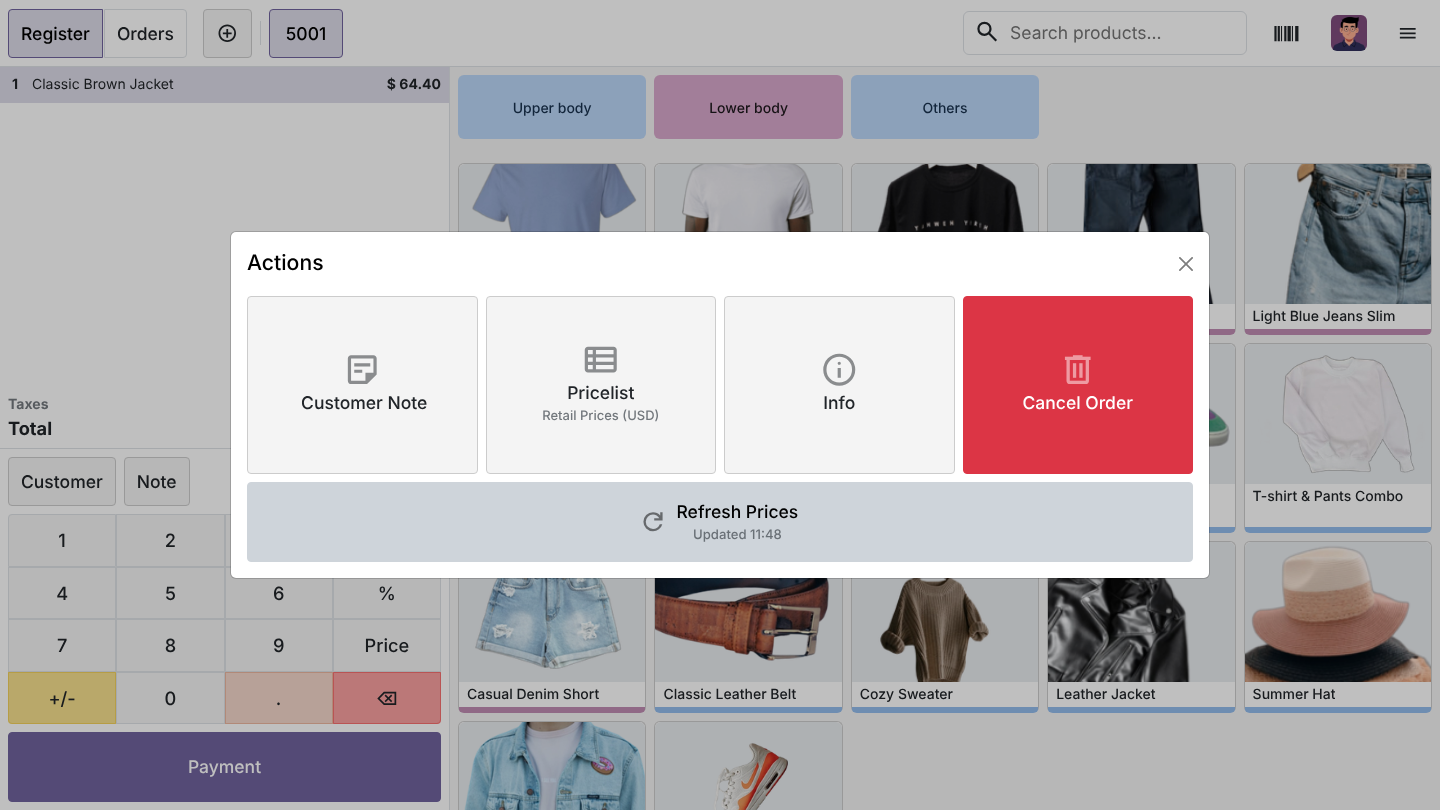
The button loads only what changed since the last update. If nothing changed, the POS says Prices are up to date. When the POS is offline, it says so and the changes are loaded once the connection is back.
Items already in the cart
Lines in a cart keep the price they had when they were added. What happens next depends on Items in Cart in the settings:
- Keep their old price: the notice adds how many items in open orders keep their old price. New lines get the new price.
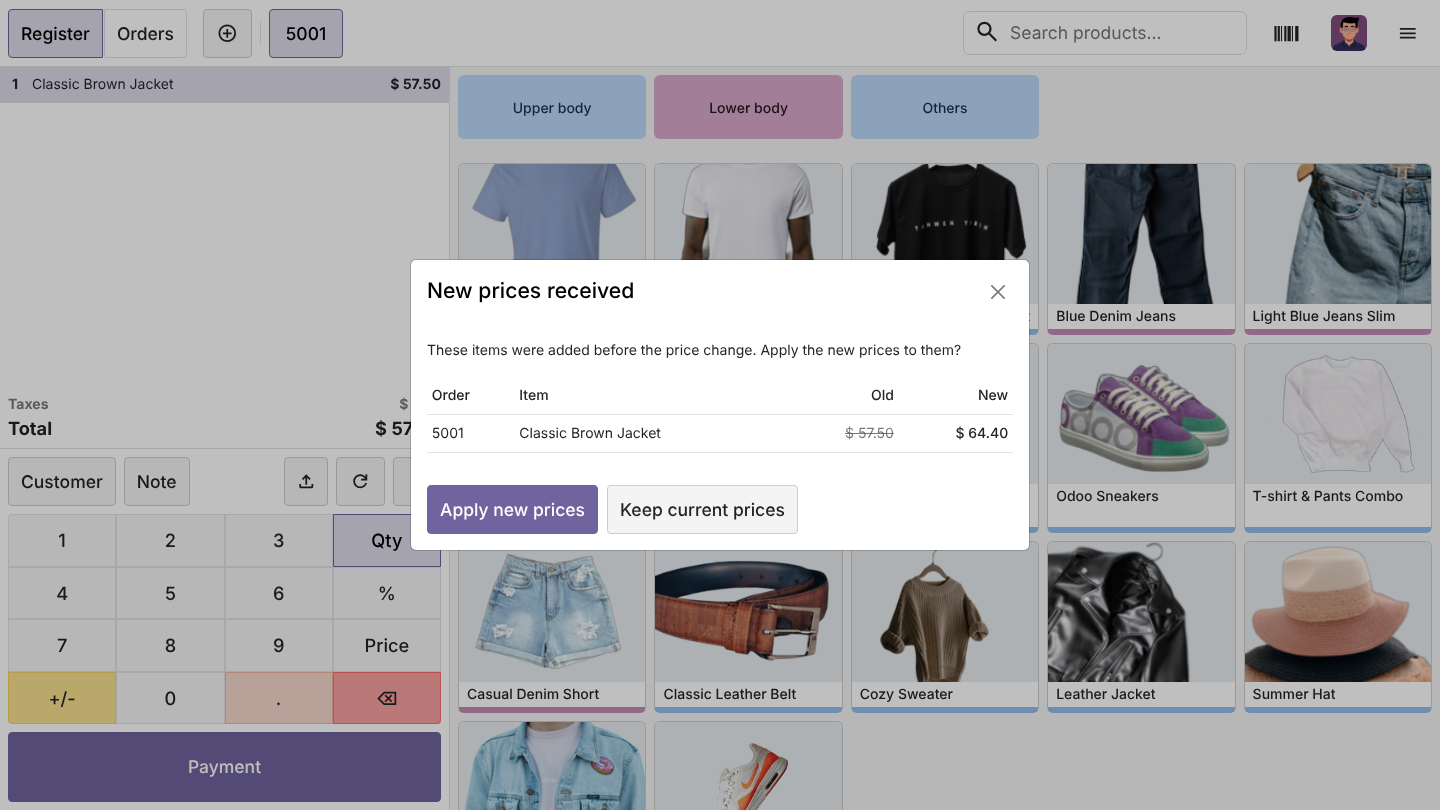
- Ask to apply new prices: a window lists each open order with the item, the old price and the new price, shown the way your POS shows prices (with or without tax). Apply new prices updates all of them; Keep current prices leaves them as they are.
- Wait until cart is empty: the POS says New prices received. They apply when the current sale is finished. and loads the changes as soon as the cart is empty.
Lines whose price was typed by hand, reward lines and combo lines are never changed.
Many changes at once
When more than 2,000 changes are waiting (for example after a price import), the POS reloads all its products and pricelist rules in one go instead.