
POS Loyalty Ledger
When a customer asks "where did my points go?", Odoo shows a balance but not how it got there. POS Loyalty Ledger records every movement on loyalty cards, eWallets and gift cards as a numbered entry with the balance before and after, the order it came from, who did it and why. Entries cannot be edited or deleted: mistakes are corrected with a reversal that stays in the ledger.
Odoo 17.0 - 20.0 Community and Enterprise $99, one-time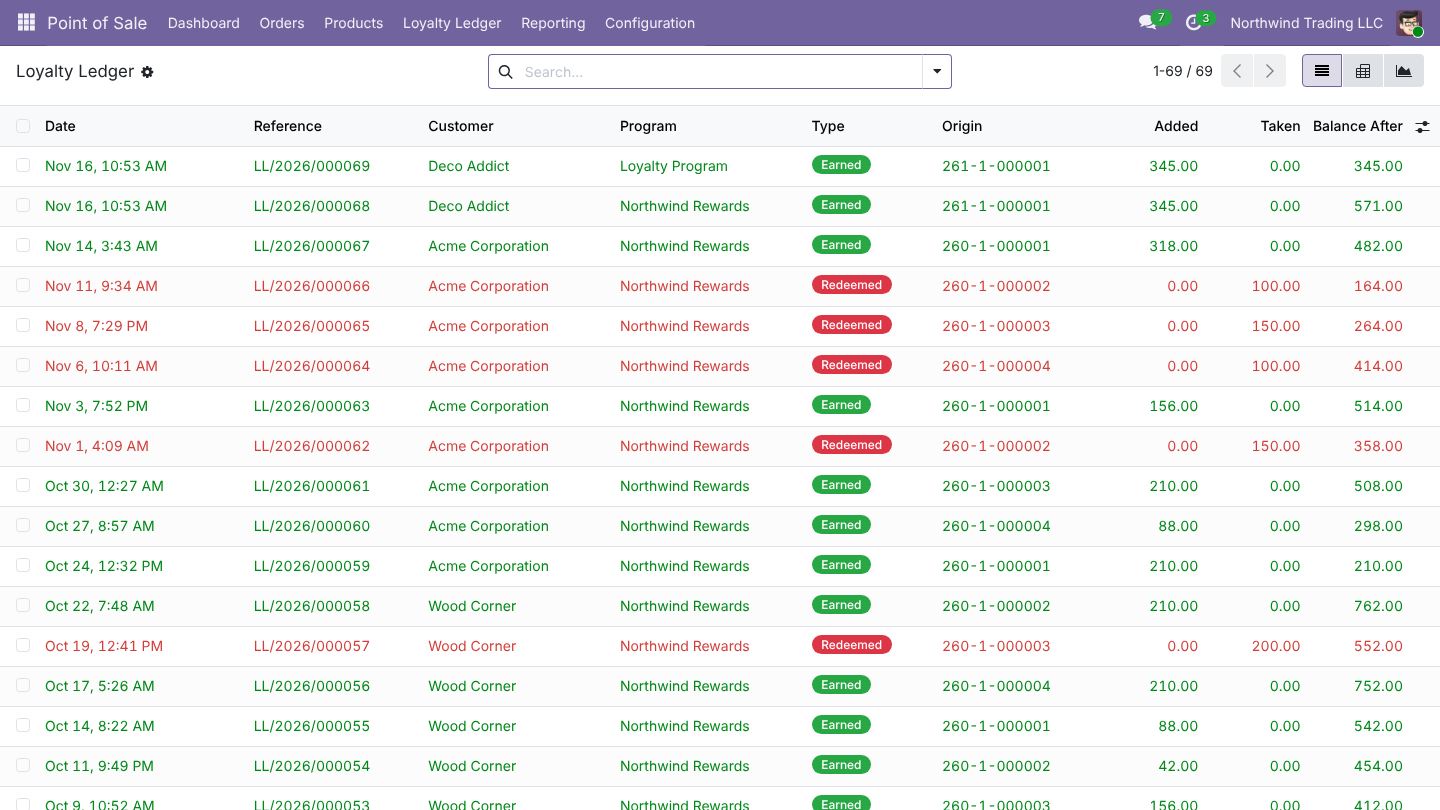
See it in two minutes
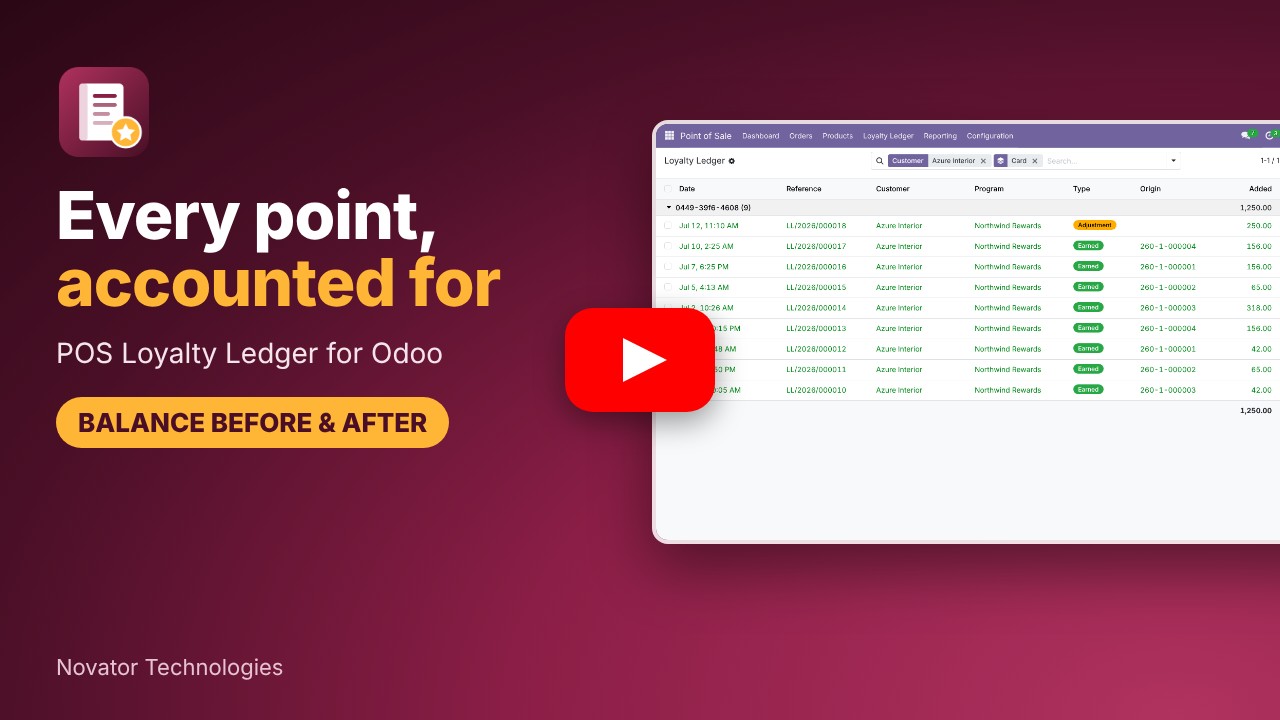
Watch the demo on YouTube: the ledger, an adjustment with its reason, the customer's history in the POS, a statement, points expiry and outstanding balances.
What you get
- A complete ledger: POS orders, refunds, sales and website orders, card edits, imports, expiry and adjustments, recorded automatically.
- The customer's history in the POS: one button shows the balances and latest movements of the selected customer.
- Adjustments with a reason for managers, and one-click reversals.
- Customer statements as PDF or by email, for any period.
- Points expiry with reminder emails before points expire.
- Outstanding balances per program, balance import from an old system and a reconciliation tool.
POS Loyalty Ledger on the Apps Store
Next steps
- Install the app.
- Set it up: who can do what, expiry and reminders.
- Read the ledger, adjust and reverse.
- Use it in the POS.
- Send customer statements.
- Points expiry and reminders.
- Reports, import and reconciliation.
Was this page helpful?