Reports, import and reconciliation
Outstanding balances
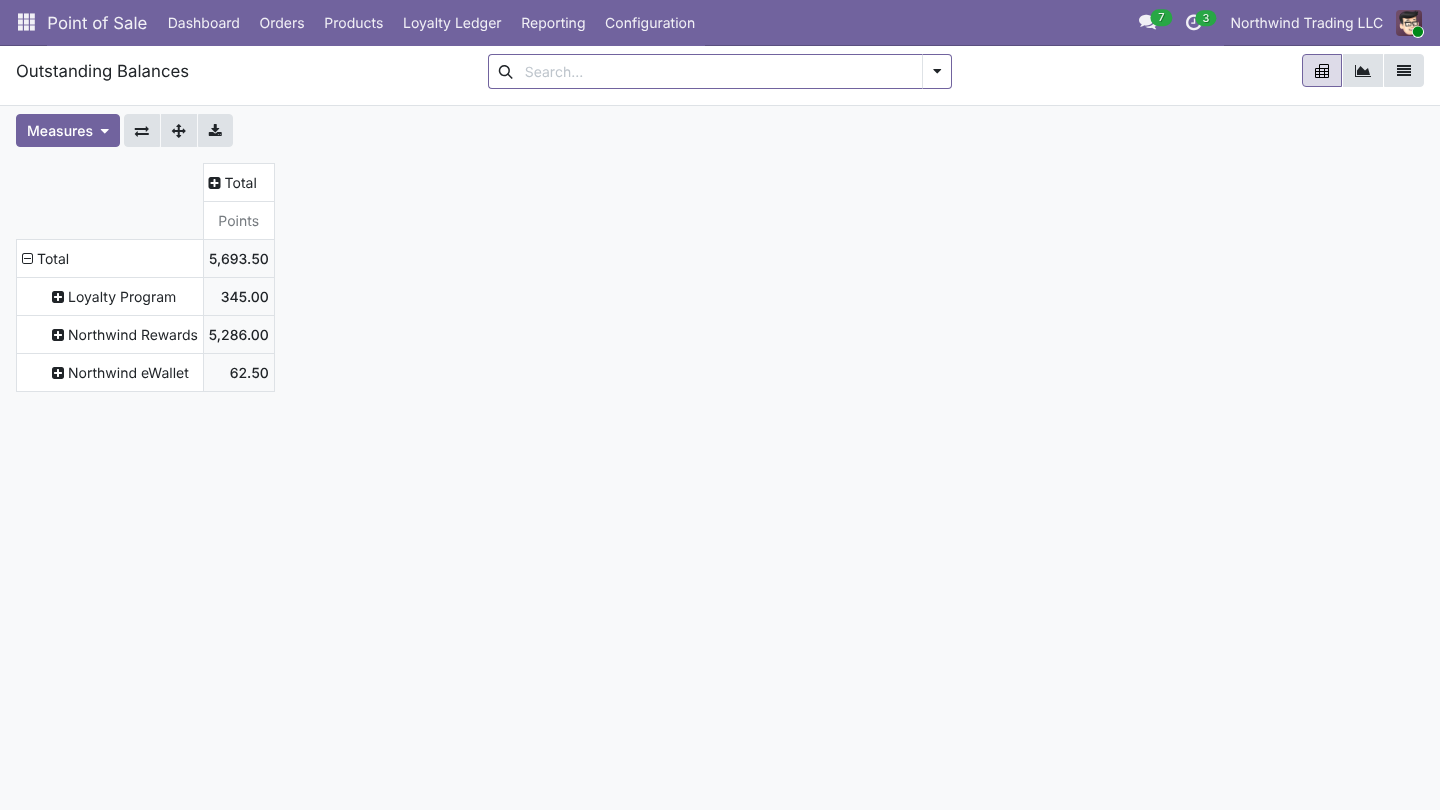
Point of Sale > Loyalty Ledger > Outstanding Balances opens a pivot of the net points per program: what is still owed to customers. Switch to the graph or add Month or Type to see how balances move.
Import balances
Administrators can bring balances from an old system: Point of Sale > Loyalty Ledger > Import Balances.
- Click Download the template. Columns:
card_code,customer(email, reference, phone or name),program,points,note. A row needs a card code or a customer. - Choose the Mode: Set the balance to the imported value or Add the imported value to the balance.
- Optional: a Default Program for rows without a program, and Create Missing Cards for customers without a card.
- Upload the file in CSV File and click Import.
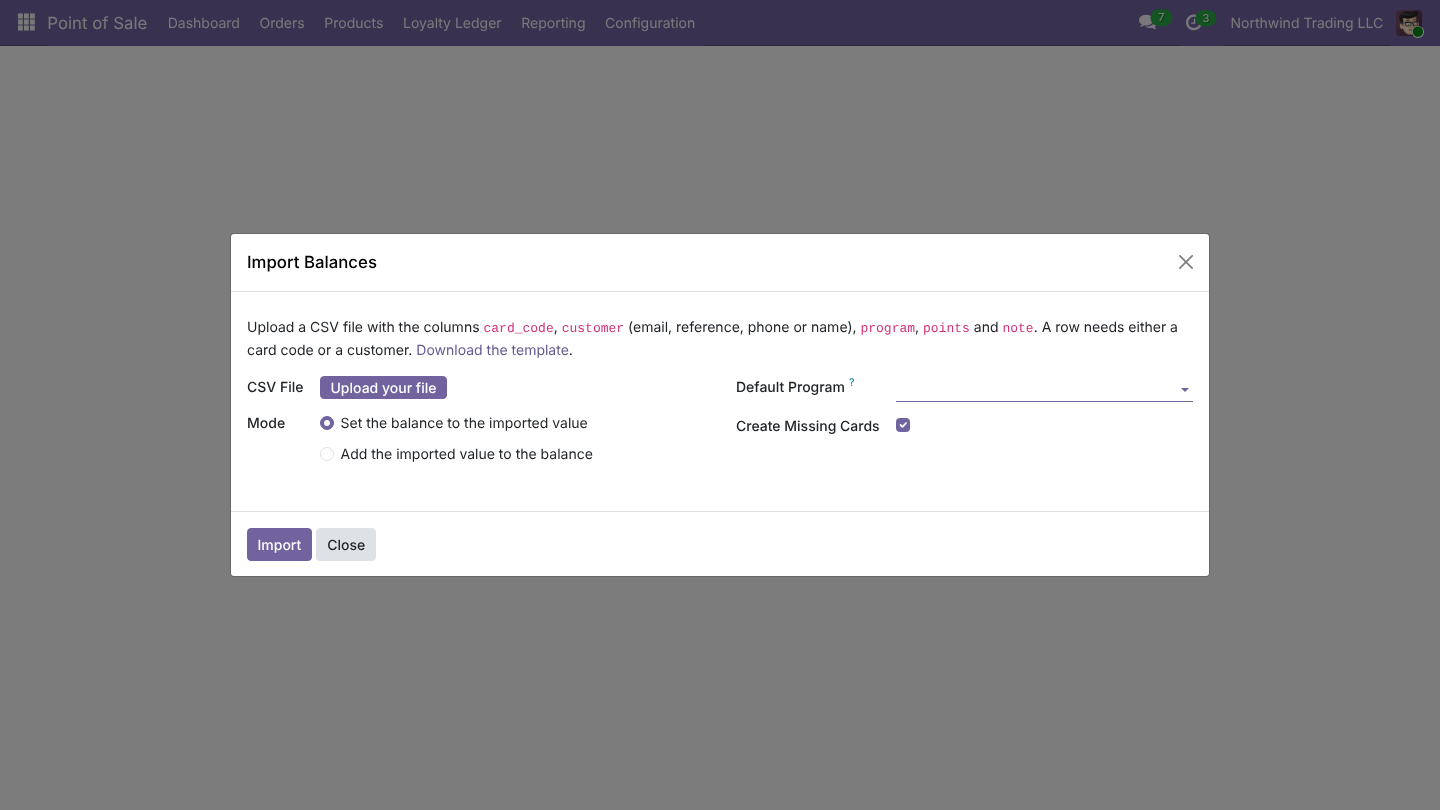
Each changed card gets an Import entry with the row's note. The result lists rows that were skipped and why (card or customer not found, balance would become negative).
Reconcile balances
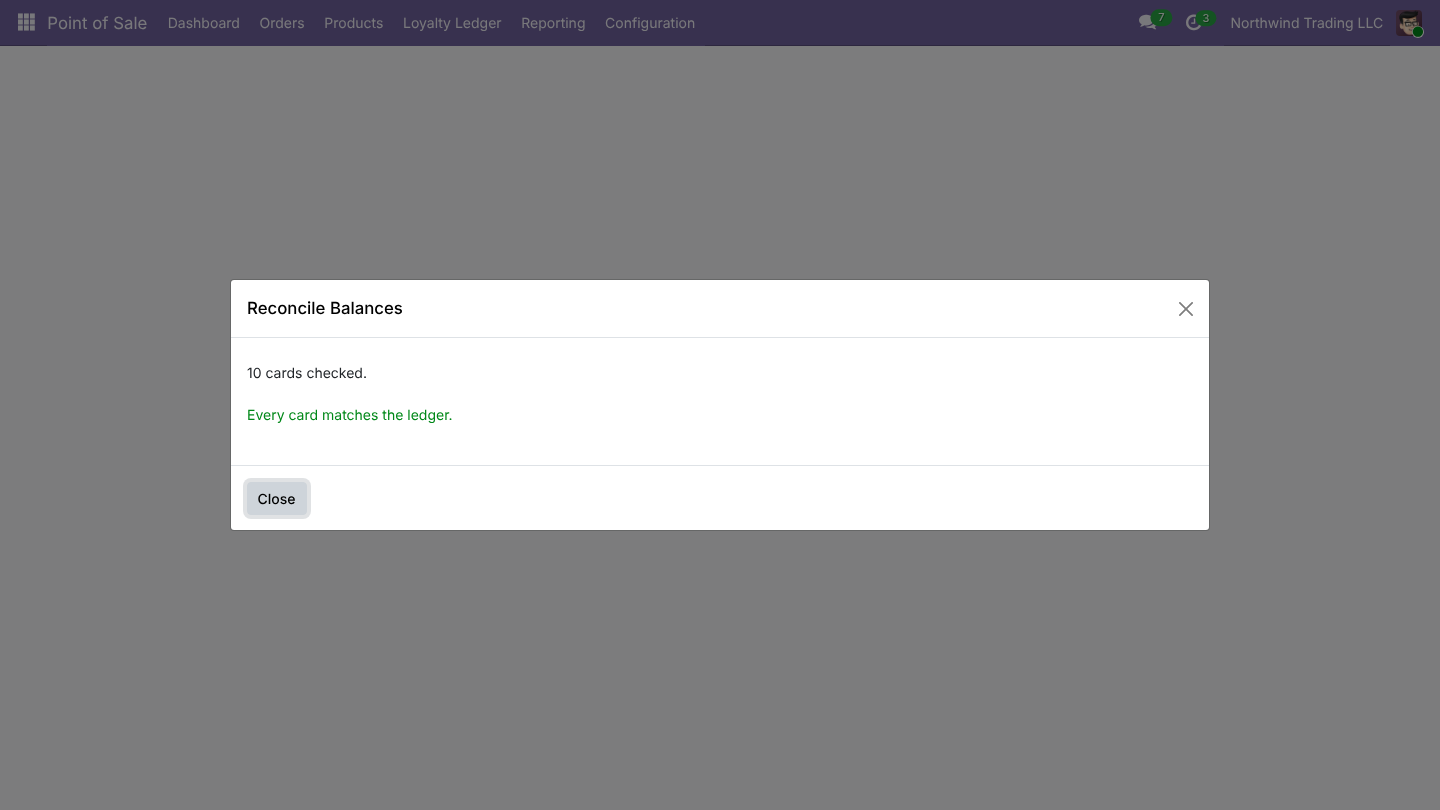
If something changed a card balance outside Odoo's screens (a direct database edit, another app), the card and the ledger disagree. Point of Sale > Loyalty Ledger > Reconcile Balances:
- Click Check Balances. The list shows each card whose balance differs from the ledger.
- Click Record Differences. Each difference becomes a Reconciliation entry, so the ledger matches the cards again.
The ledger also records such a difference by itself the next time the card moves. The weekly job Loyalty Ledger: record outside balance changes does the same for all cards; it is switched off by default (Settings > Technical > Scheduled Actions).