POS Returns & Exchange Pro
Scan the barcode on the receipt, see what can still be returned and until when, pick a reason for each item, exchange in one order and refund to the original payment method or a store credit voucher. Exceptions need a manager PIN.
$59 one-time, OPL-1.
Odoo 16.0 - 20.0 Community & Enterprise Point of Sale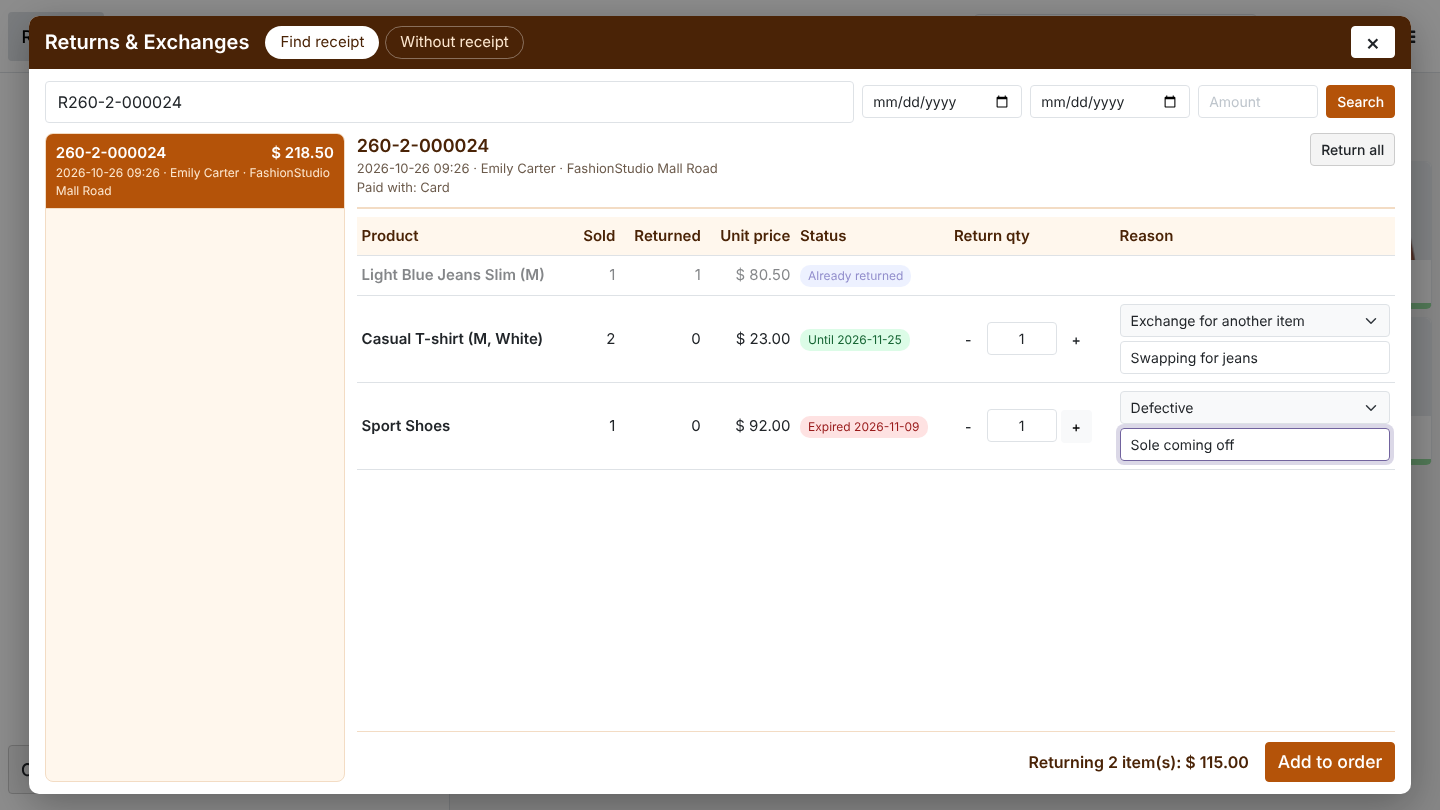
See it in two minutes
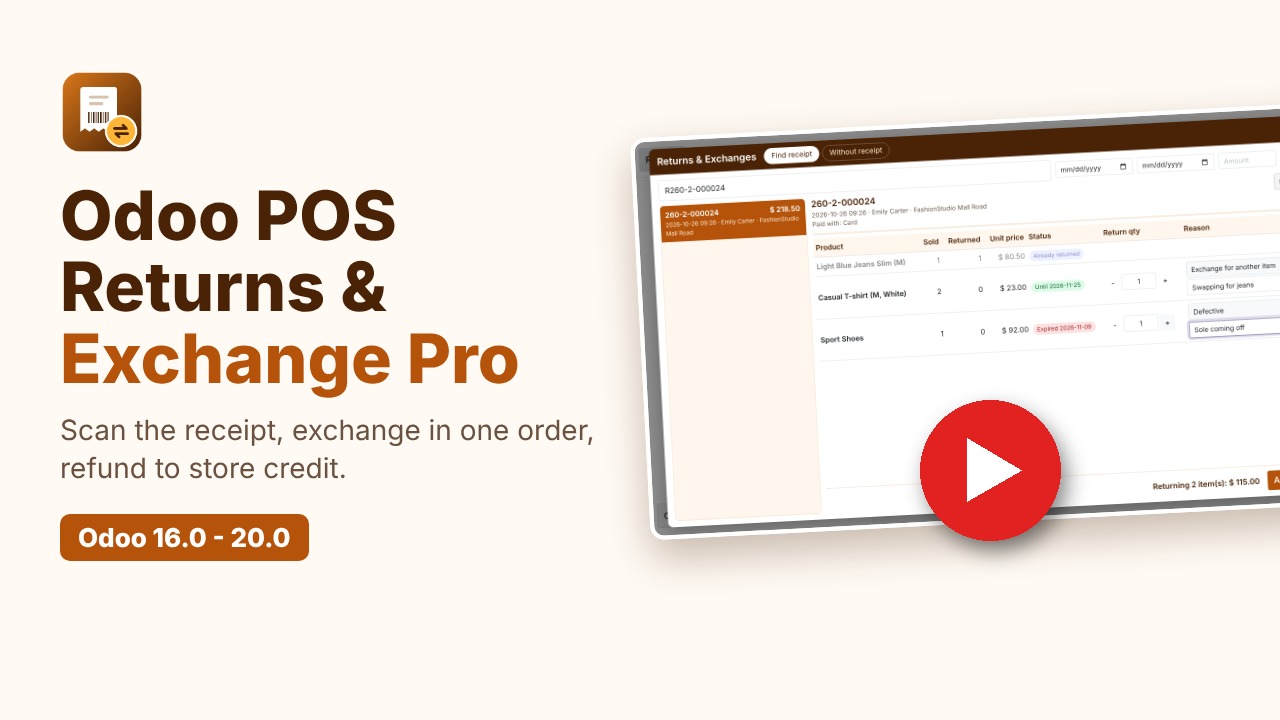
Watch the demo on YouTube: a receipt scanned at the till, an expired item approved with a manager PIN, an exchange in one order, a store credit voucher printed and spent, and the back office.
Why it matters
Standard Odoo POS refunds any paid order at any time, to any payment method, with no reason and no limit. Fashion, footwear and electronics shops lose money there: late returns, cash refunds for items bought by card, damaged items put back on the shelf, and no record of who allowed what.
POS Returns & Exchange Pro makes the till enforce your return policy:
- Receipt barcode: every receipt prints a barcode of its order. Scan it and the order opens.
- Return windows per Point of Sale, product category and product, printed on the receipt.
- Reason codes for every returned item. A reason can move the item to a damaged location and allow store credit only.
- Exchanges in one order: the customer pays or gets back only the difference.
- Store credit vouchers with a barcode, spent in any shop of the company, in part or in full.
- Refund policy: original payment method, store credit only, and a cash refund limit.
- Returns without receipt, capped and approved.
- Manager PIN for every exception, with a log.
- Returns Analysis by reason, product, cashier, shop and period.
Start here
- Install the app: Install.
- Choose your rules: Set up, then Return reasons, Return windows and Manager PINs.
- In the POS: Find a receipt, Return and exchange, Store credit vouchers and Returns without receipt.
- In the back office: Reports and records.