POS ZATCA Phase 2
Sign every simplified tax invoice the moment the customer pays, print a valid Phase 2 QR code at once, and report the invoice to ZATCA (Fatoora) in the background, in order, within 24 hours. The cashier never waits for ZATCA, even when Fatoora is down.
$99 one-time, OPL-1.
Odoo 15.0 - 20.0 Community & Enterprise Point of Sale Saudi Arabia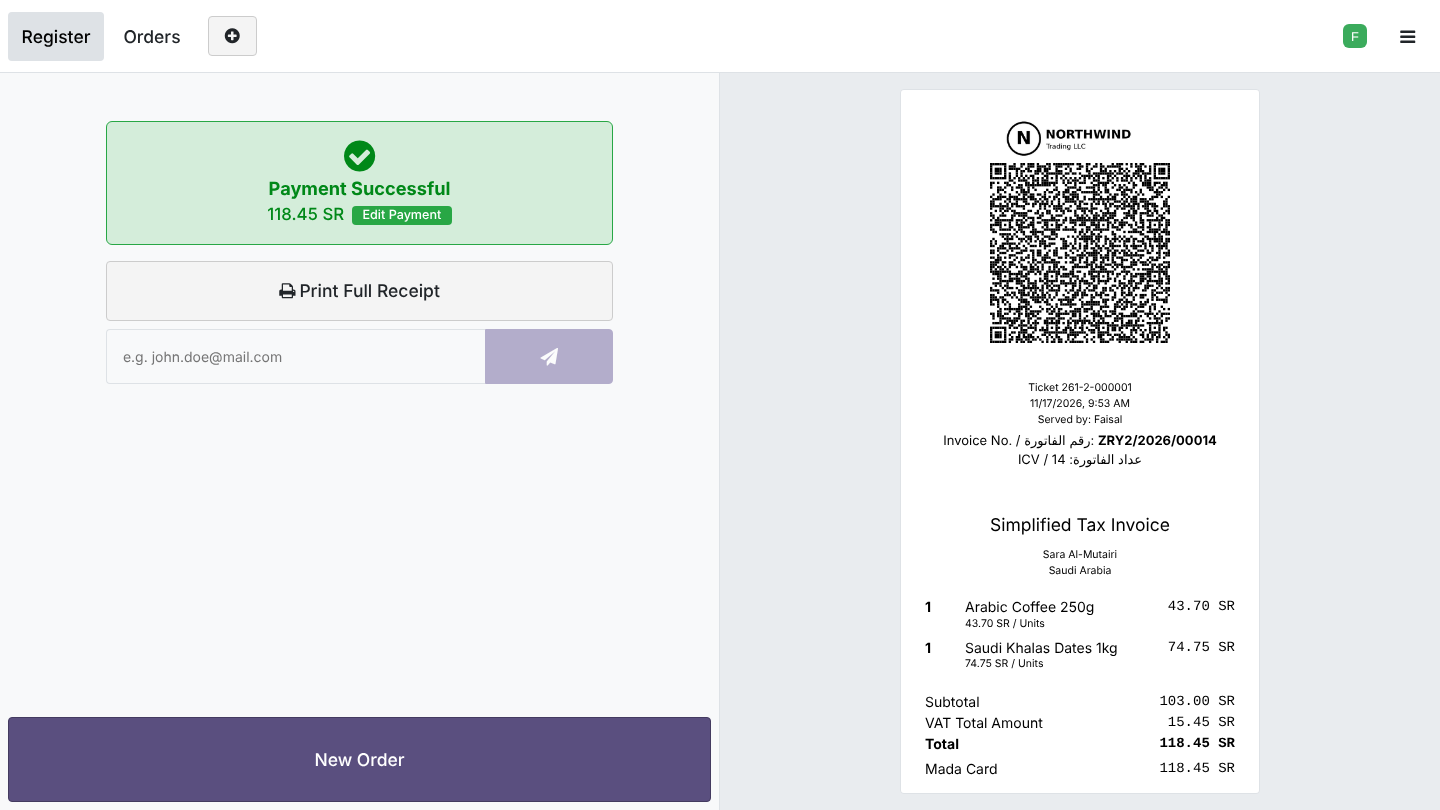
See it in two minutes
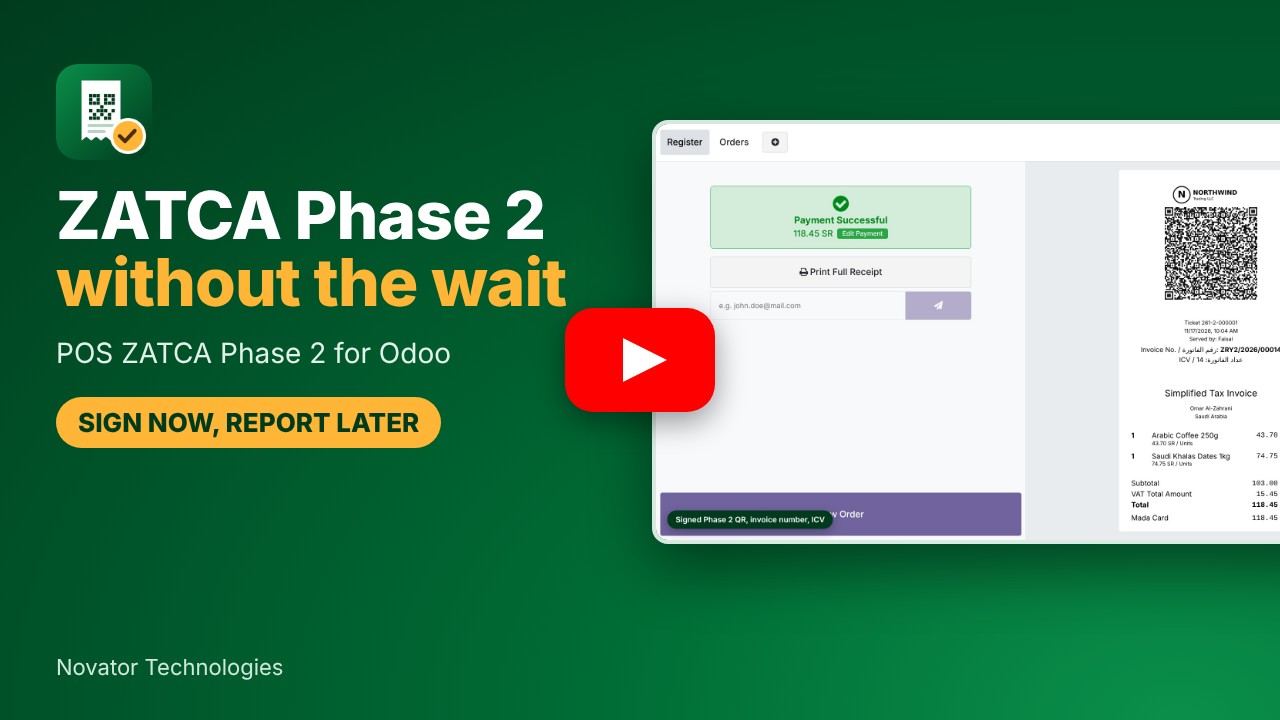
Watch the demo on YouTube: a sale while ZATCA cannot be reached still prints a signed QR code, the queue retries and reports the invoice once ZATCA is back, a rejected invoice is fixed and signed again, and a new till gets its own ZATCA unit.
Why it matters
Odoo ships ZATCA Phase 2 in its Saudi localization for Community and Enterprise (Saudi Arabia - E-invoicing (Simplified), l10n_sa_edi_pos). It turns every POS order into an invoice and sends it to ZATCA. Depending on the version, Odoo does that while the cashier waits (18.0 and later) or from a background job without a Phase 2 QR code on the receipt (17.0). When Fatoora is slow or down, the receipt is marked as not valid and the invoice has to be fixed from the back office.
This app keeps Odoo's ZATCA module for what it does well (onboarding, signing, the UBL XML, clearance and reporting) and changes when and how POS invoices are sent:
- Signed at checkout. The invoice gets its counter (ICV), UUID, hash and signature while the order is saved. The receipt shows the Phase 2 QR code, the invoice number and the ICV right away. No call to ZATCA happens at the till.
- Reported in the background. A queue sends the invoices of each ZATCA unit in ICV order. ZATCA allows simplified (B2C) invoices to be reported within 24 hours of issue.
- Nothing lost, nothing sent twice. When ZATCA does not answer, the same signed XML is sent again with growing pauses. A duplicate is recognised by ZATCA from the UUID.
- Watched. An overview per till, a 24 hour deadline watch, email alerts, rejected invoices you can fix and sign again, and a certificate expiry warning.
- B2B handled. Standard (B2B) tax invoices are cleared at checkout, as ZATCA requires, after the till checks the buyer data.
Start here
- Install the app: Install.
- Fill in the company data and give each till its ZATCA unit: Set up.
- Sell: At the till.
- Follow the reporting: Documents and the queue.
In this guide
- Install: versions and installation.
- Set up: company data, onboarding a till, settings and alerts.
- At the till: the receipt, B2B customers, an offline till.
- Documents and the queue: the overview, statuses, retries, rejections, deadlines, the invoice.
- FAQ: questions, what is sent, troubleshooting.