CRM Workflow Builder
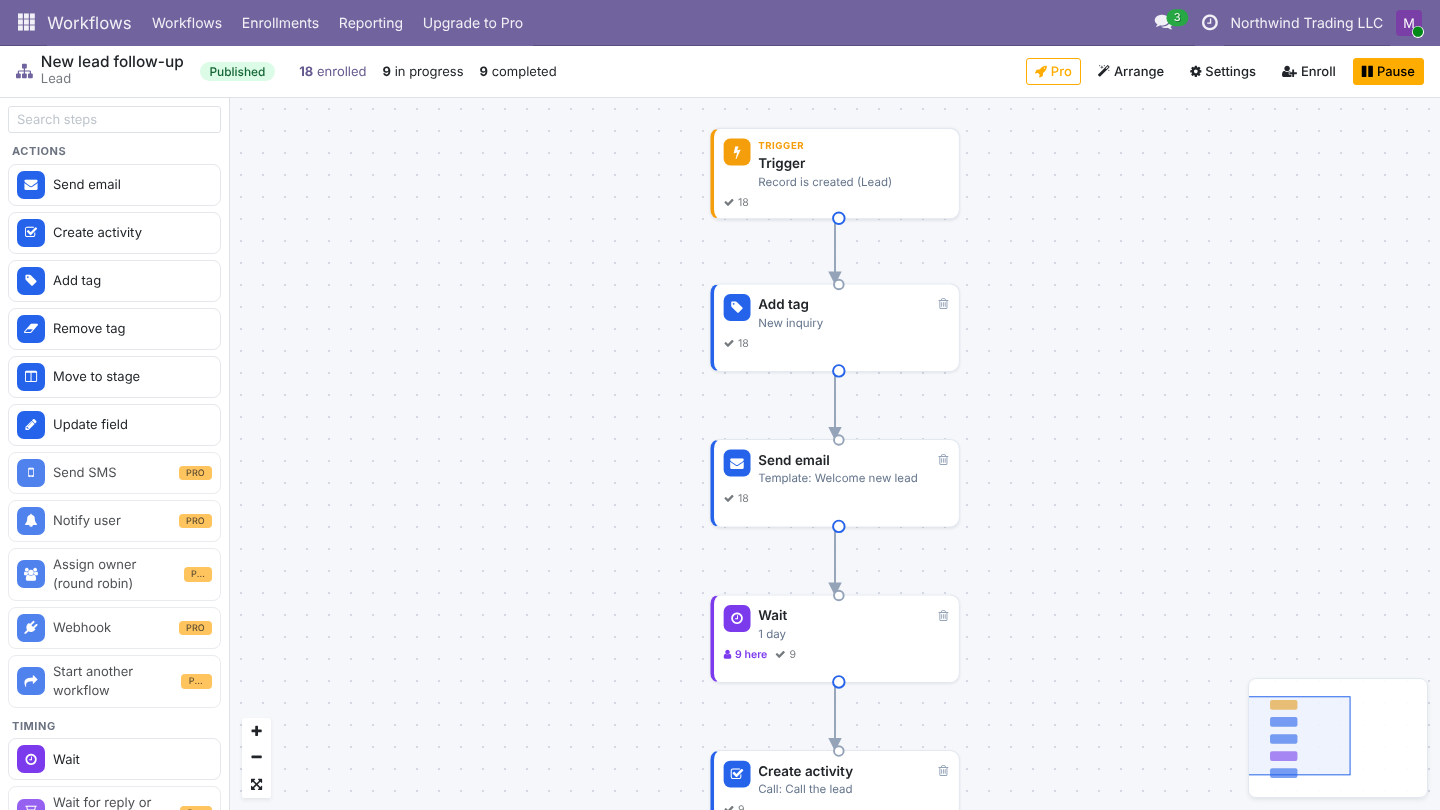
Automate your follow-ups in Odoo on a visual canvas. A workflow starts on its own when something happens to a record (a new lead, a stage change, a tag, a website form) and then runs its steps one after the other: send an email, schedule an activity, add a tag, move the stage, wait a day, and so on.
Two apps:
- Odoo CRM Workflow Builder (free, LGPL-3): the canvas, the triggers, the steps listed in Steps and the tracking of every record. Up to 3 published workflows.
- Odoo CRM Workflow Builder Pro ($149 one-time, OPL-1): unlimited workflows, if/else branches, A/B splits, goals, wait for a reply, SMS, webhooks, round-robin assignment, more triggers, business hours and results. The free app is installed with it.
See it in two minutes
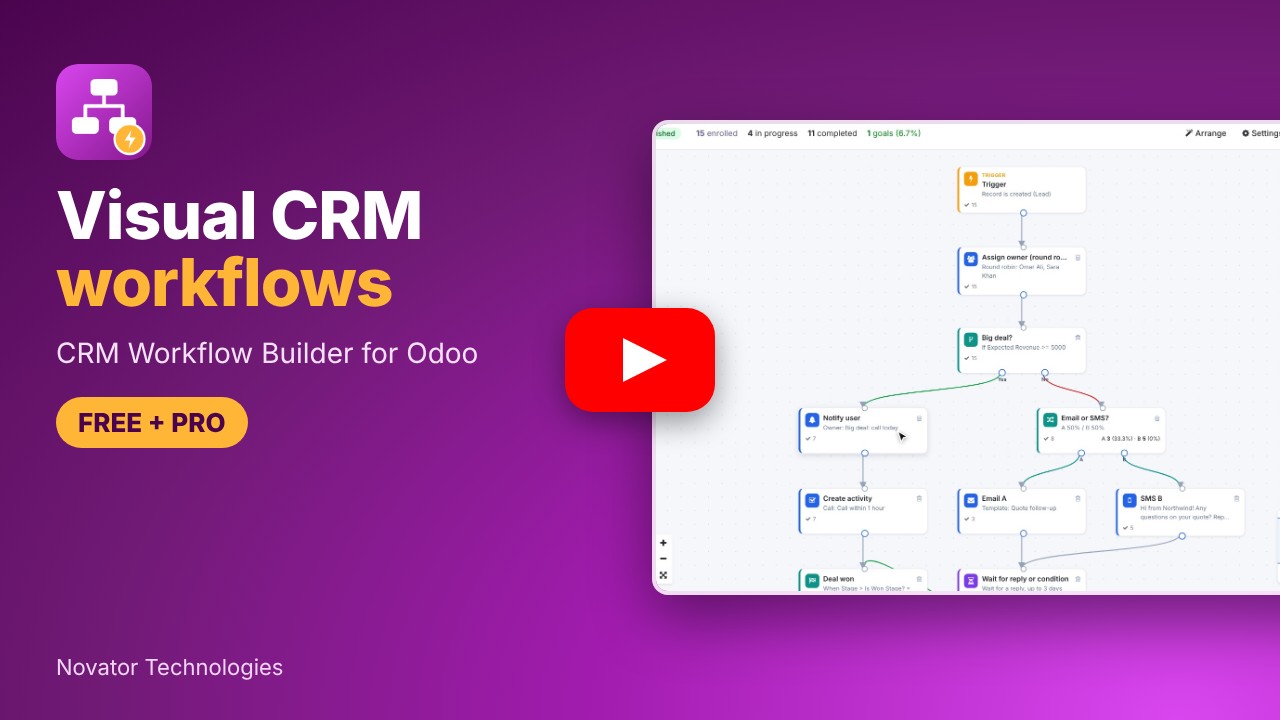
Watch the demo on YouTube: the workflows list, the builder with its trigger and steps, adding and setting up a step, enrolling records and their step log, then Pro: branches, an A/B test, wait for a reply, a goal, more triggers, business hours and results.
Why it matters
Follow-ups are where leads get lost: the welcome email nobody sent, the call nobody scheduled, the quote nobody chased. Odoo's automation rules do one action at a time; a real follow-up has several steps, waits and decisions.
- The whole journey on one screen: every step of the follow-up, and how many records wait at each one.
- It starts on its own: nobody has to remember to send the email or book the call.
- Nothing gets lost: every record has a step log, and a failed step keeps its error until you retry it.
- Inside your ERP: workflows run on leads, contacts, orders, invoices, tickets or your own models, next to your stock and accounting.
Works with the other Growth Suite apps
Each app works on its own. Together they share one database: a funnel sign-up, a missed call or a low rating can start a workflow, and every touch lands on the customer.
- Phone for Twilio: browser calls, call log and recordings, missed-call text back. Demo video.
- Reviews & Reputation: review requests, Google reviews, AI replies. Demo video.
- Sales Funnels: opt-in pages, one-page order form with Odoo payments, one-click upsells, A/B tests. Demo video.
Start here
- Install the app you need: Install.
- Create a workflow and open the builder: Build a workflow.
- Choose what starts it: Triggers.
- Add the steps: Steps, and with Pro, Pro steps and settings.
- Publish it and follow the records: Run and track.