
POS Branch Stock
See the stock of every branch and warehouse right in the Point of Sale, and ask the branch that has the product to send it, without leaving the POS.
$49 one-time, OPL-1.
Odoo 16.0 - 20.0 Community & Enterprise Point of Sale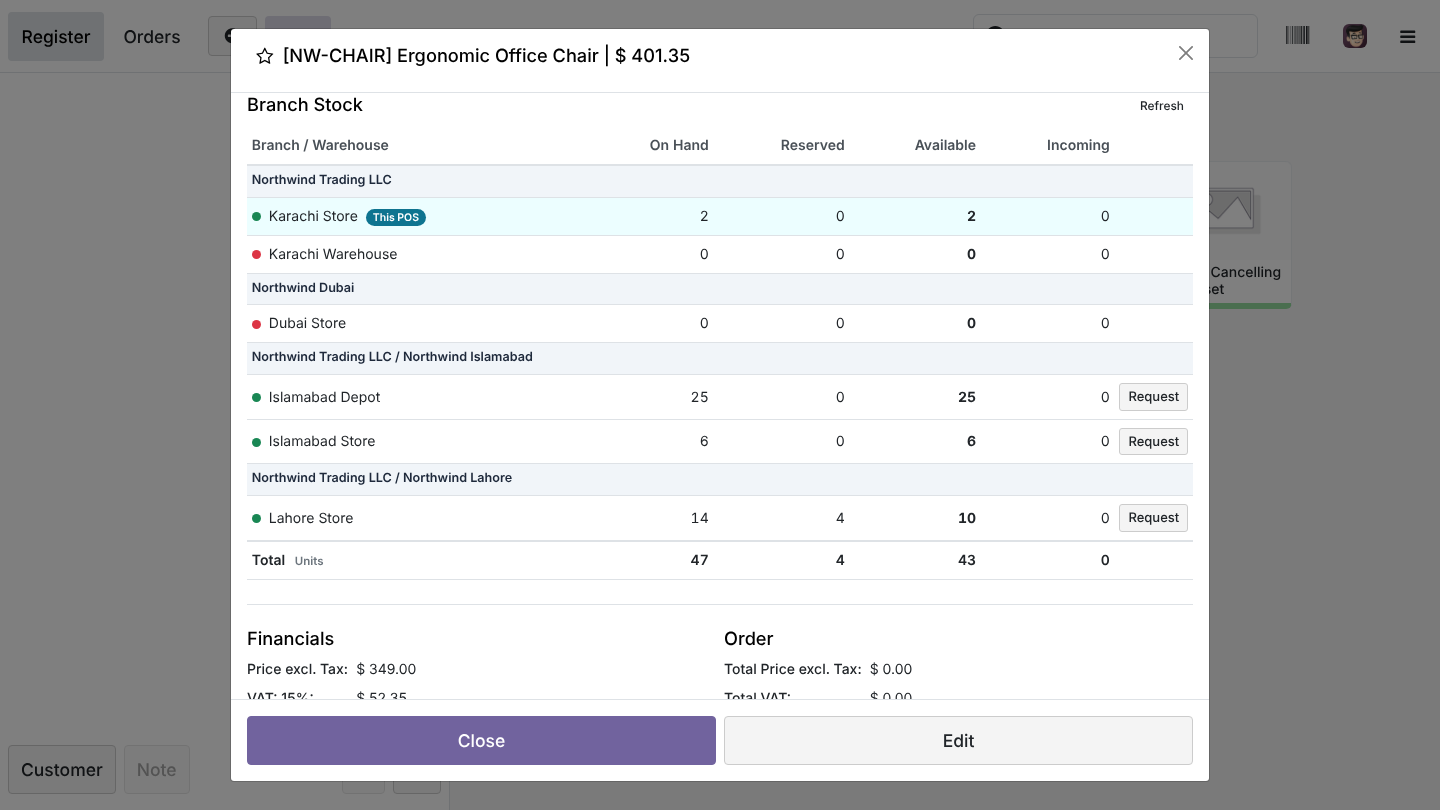
See it in two minutes
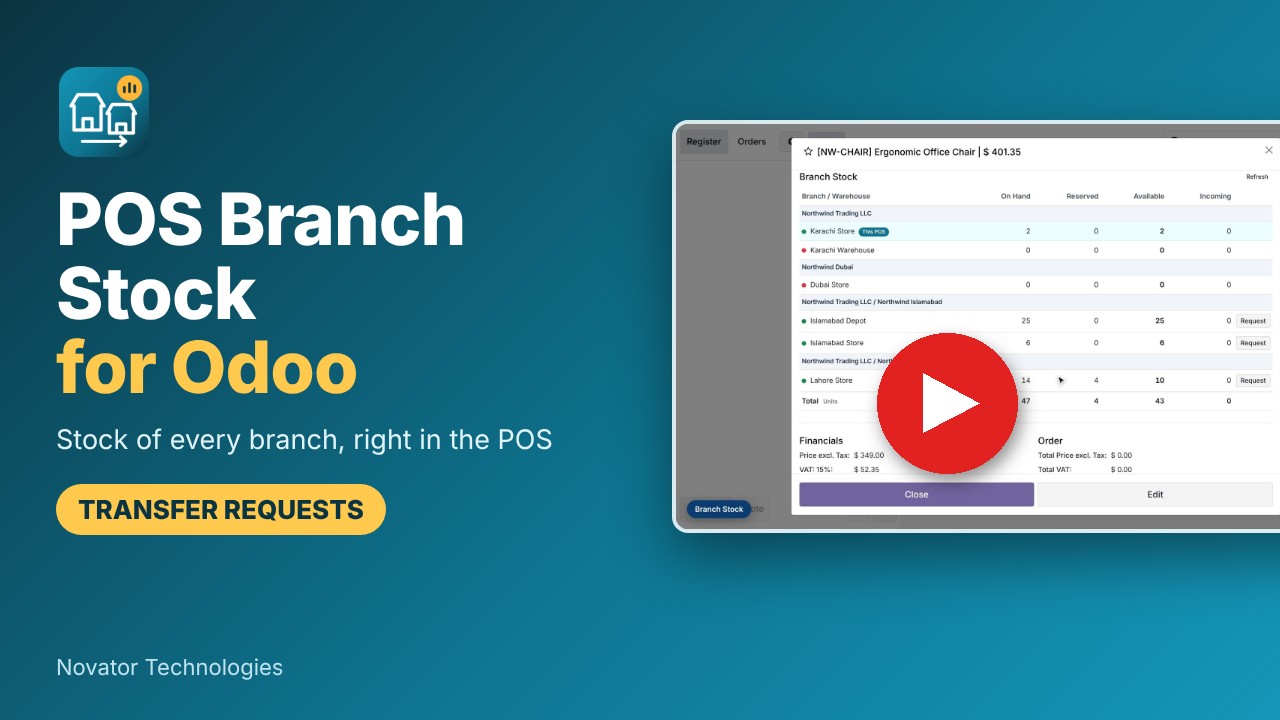
Watch the demo on YouTube: a customer wants three chairs and the store has two. The cashier finds them in another branch, sends a transfer request from the POS, and the back office turns it into a transfer.
Why it matters
The product information in Odoo's POS lists only the warehouses of the POS's own company. When you work with a parent company and branches (or several companies), a cashier cannot see that another branch has the product. The usual answers are phone calls or a lost sale. Giving cashiers access to every company is not an answer either: it opens far more than stock.
POS Branch Stock adds a Branch Stock table to the product information. It lists every warehouse you allow, grouped by branch, with on hand, reserved, available and incoming quantities. A Request button sends a transfer request to the branch that has the stock. The quantities come from the server, so cashiers get no access rights to the other companies.
Start here
- Install the app: Install.
- Turn it on for a Point of Sale: Set up.
- Open a product's information in the POS: Branch stock in the POS.
- Handle the requests in the back office: Transfer requests.
In this guide
- Install: versions and installation.
- Set up: every setting, per Point of Sale.
- Branch stock in the POS: the table, its columns and colours, variants, sending a request.
- Transfer requests: the request list, statuses, creating the transfer.
- FAQ: questions and troubleshooting.