
POS Receipt Designer and Branch Branding
Two apps that work together:
- Odoo POS Branch Branding (free, LGPL-3): each branch prints its own logo, name, address, phone, email, website, tax IDs and opening hours on the receipt, and you can hide "Powered by Odoo".
- Odoo POS Receipt Designer ($49 one-time, OPL-1): 5 ready templates, 58 and 80 mm paper, fonts and sizes, bold and framed totals, your own QR code, social links and a DUPLICATE banner on reprints. Branch Branding is installed with it.
Both have a live receipt preview in the back office, and neither needs any XML editing.
Odoo 16.0 - 20.0 Community & Enterprise Point of Sale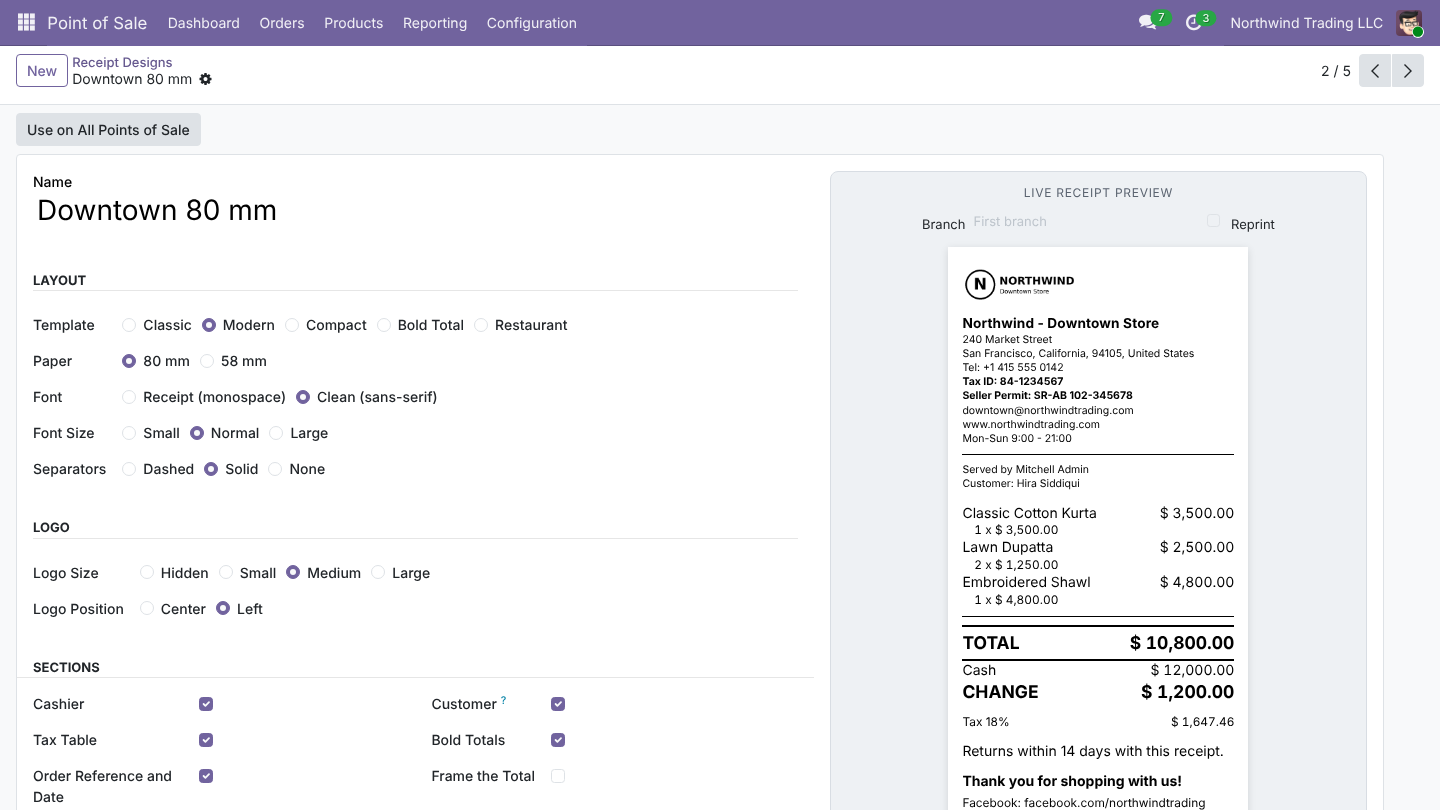
See it in two minutes
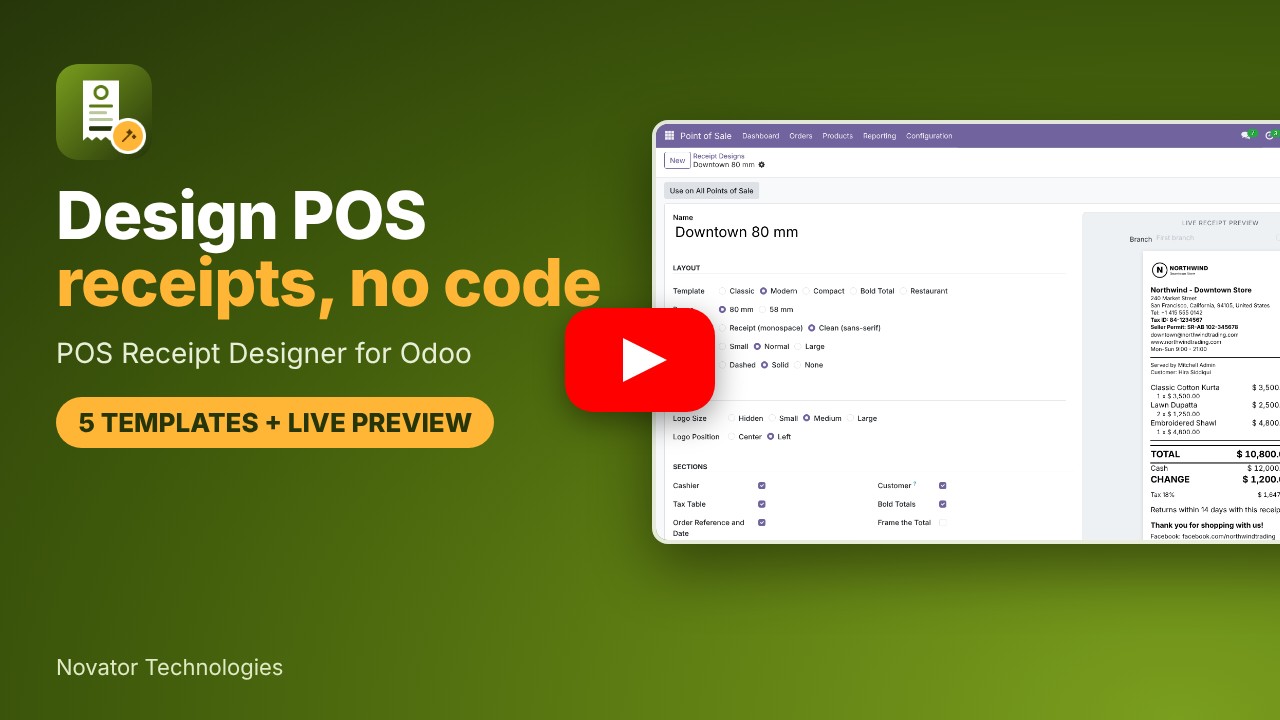
Watch the demo on YouTube: a branch with its live preview, the five templates and 58 or 80 mm paper, the footer with social links and a QR code, the DUPLICATE banner, a sale in the till and the settings.
Why it matters
Odoo prints the company's details on every receipt. A chain with several shops prints head office's address and phone on all of them, and changing the look of the receipt usually means editing templates.
- The right branch on every receipt: logo, address, phone and tax IDs of the shop where the customer paid.
- Your design without code: pick a template and adjust it with the preview next to it.
- Nothing else breaks: the apps add to Odoo's own receipt instead of replacing it, so blocks added by other apps (loyalty, restaurant, tax authority apps such as our FBR, PRA, SRB and KPRA apps) keep printing.
- The same receipt everywhere: on screen, on paper and in the customer email.
Start here
- Install the app you need: Install.
- Add your branches: Branches.
- With Receipt Designer, design the receipt: Receipt designs.
- Choose them per Point of Sale and check the till: In the Point of Sale.
Was this page helpful?