
Screen Recorder by Looped
Record your screen, a window or a browser tab from the Odoo top bar, keep working while it records, then preview, rename and download the video. It is made by the team behind looped.video and runs entirely in your browser.
Odoo 13.0 - 20.0 Community & Enterprise Free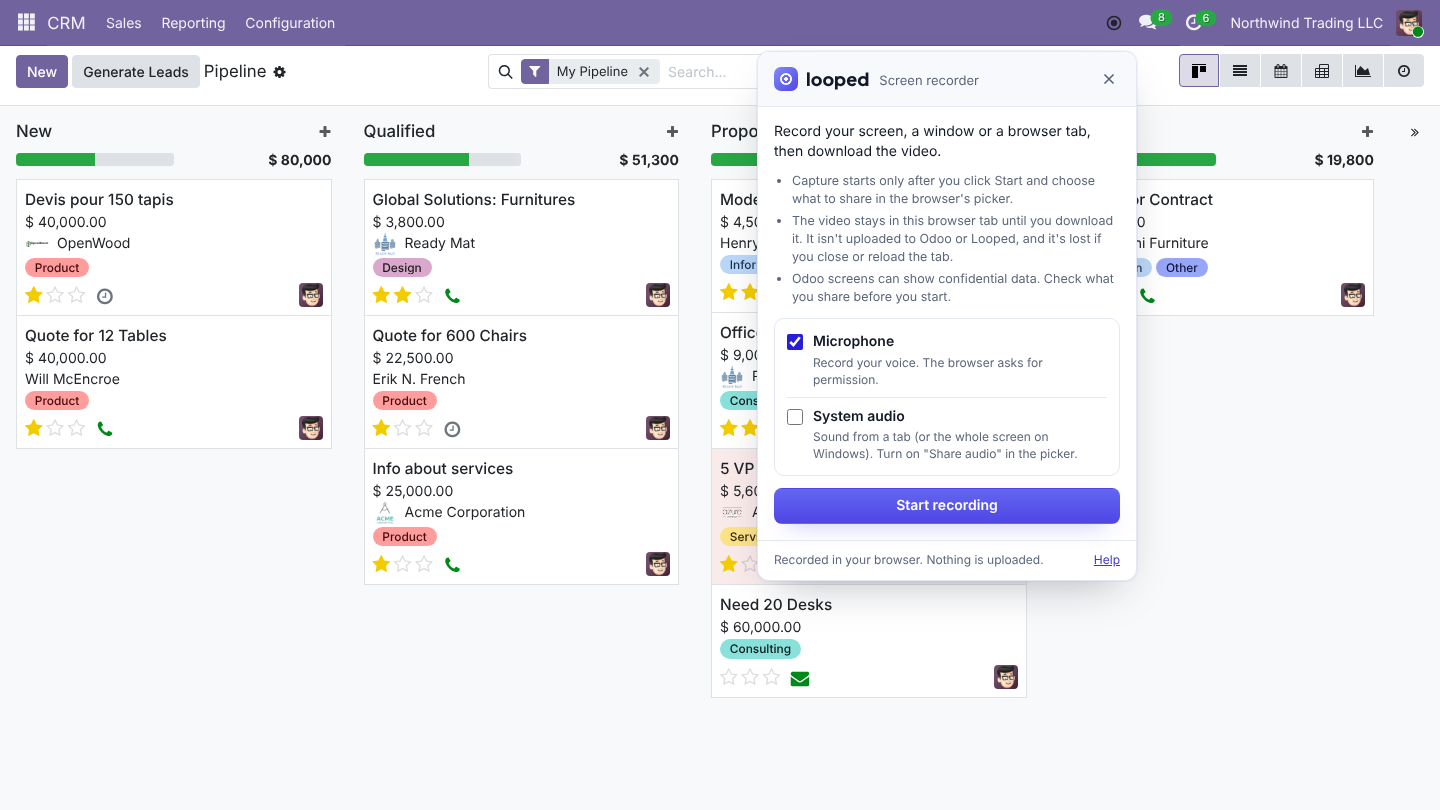
- Private: the video stays in your browser tab until you download it. Nothing is sent to Odoo, Looped or anyone else.
- Nothing to set up: no browser extension, no account. Install the app once and every internal user has the record icon.
- Made for Odoo: show a bug, explain a process or train a colleague without leaving the screen you are on.
Odoo Screen Recorder by Looped on the Apps Store
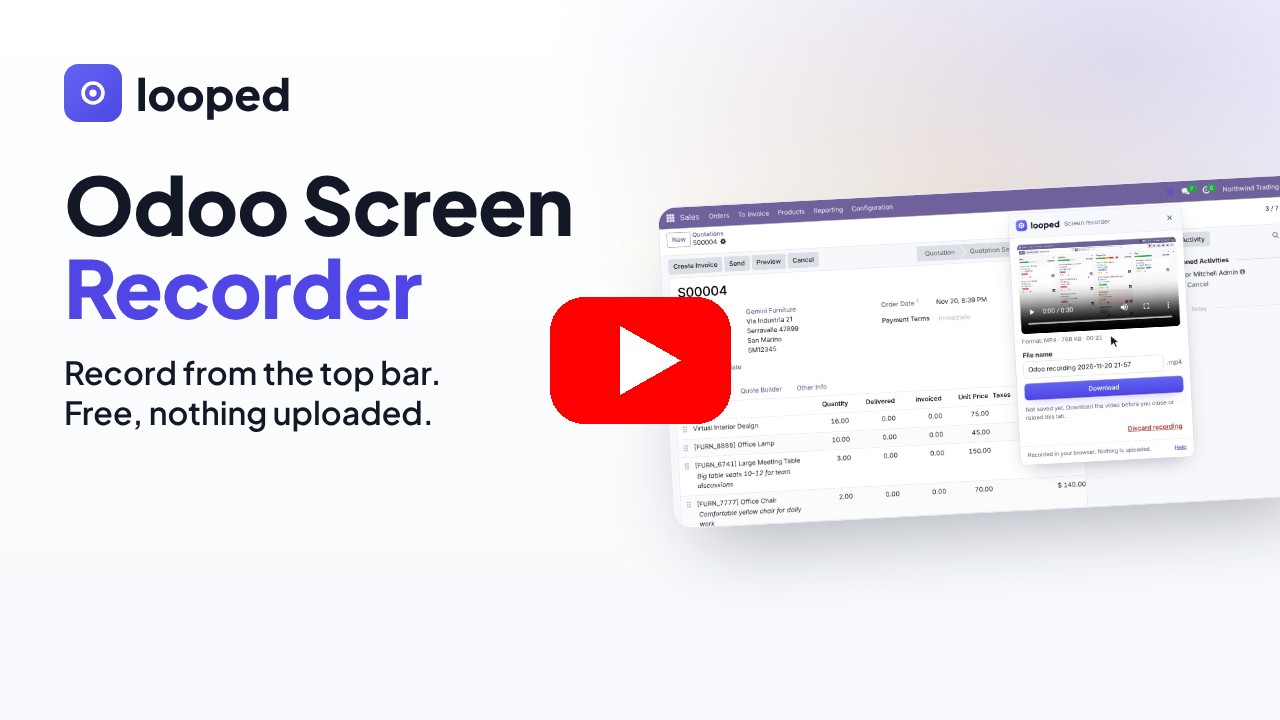
See it in two minutes
Looped outside Odoo
The same free recorder works on its own at looped.video and as a Chrome extension: record any website or app, trim and rename clips, and save them to your own Google Drive with a link to share. Watch How to use Looped on YouTube.
Next steps
Was this page helpful?