
Helpdesk
Customer support that lives inside your Odoo. Tickets arrive from your real support mailbox, an Odoo email alias, the customer portal and a web form. Agents work from one fast inbox with the customer's orders, deliveries, invoices and earlier tickets next to every ticket, and customers follow their request in a clean portal that shows what happens next.
Odoo 17.0 - 20.0 Community & Enterprise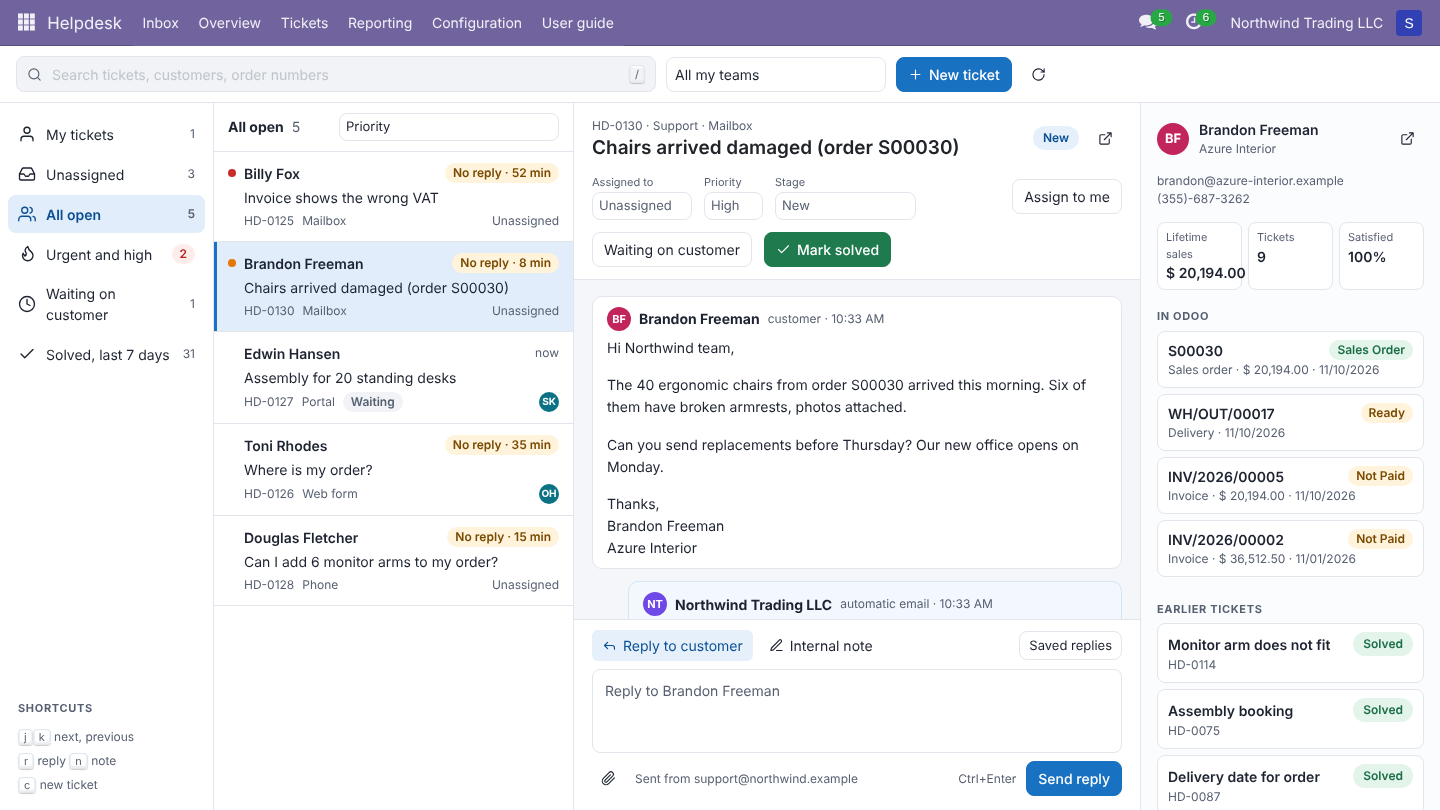
See it in two minutes
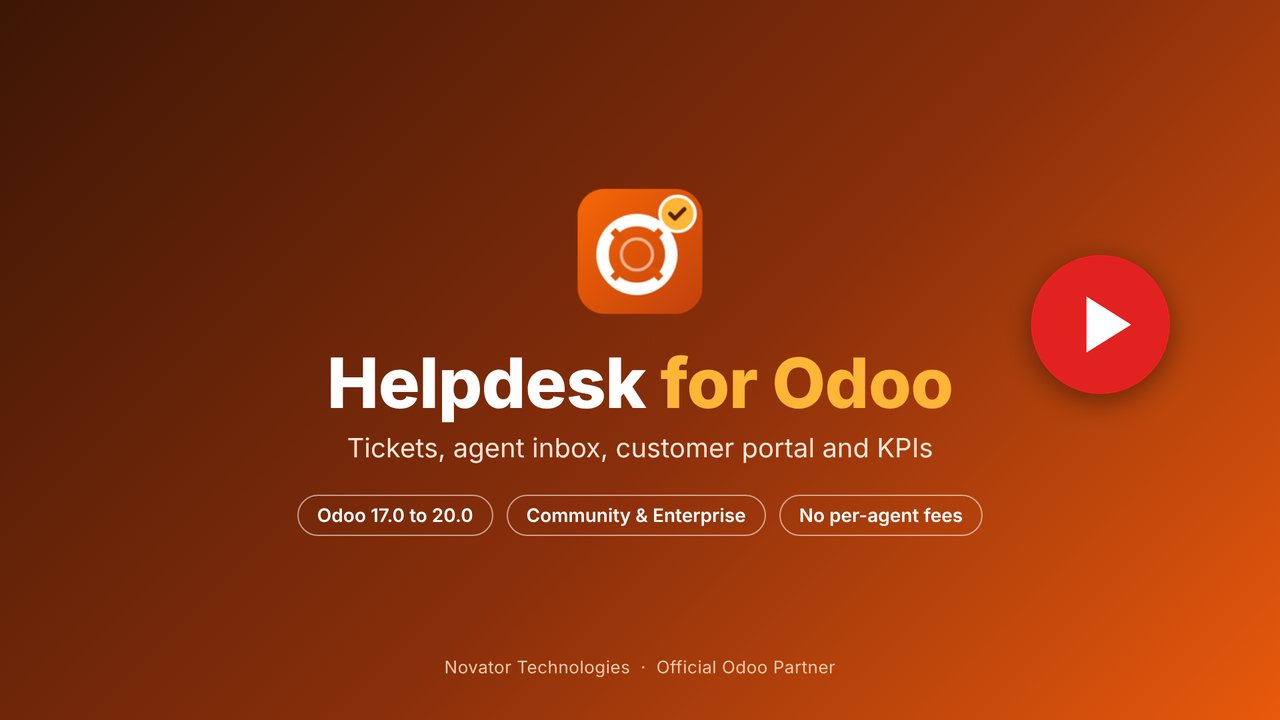
Watch the demo on YouTube: a customer email becomes a ticket, the agent answers with the order beside it, the customer follows it in the portal, and the KPIs and SLA cockpit show how support is doing.
Free and Pro
| Free | Pro | |
|---|---|---|
| Tickets from a connected mailbox (Email Client), an Odoo alias, the portal and a web form | ✓ | ✓ |
| Agent inbox with queues, keyboard shortcuts, replies and internal notes | ✓ | ✓ |
| Customer panel: orders, deliveries, invoices and earlier tickets | ✓ | ✓ |
| Teams, automatic assignment, stages, types, tags and saved replies | ✓ | ✓ |
| Customer portal and request form, guest link without an account, one-click rating | ✓ | ✓ |
| KPIs: first reply, resolution, satisfaction, solved with one reply, backlog by age | ✓ | ✓ |
| SLA policies in working hours, paused while waiting on the customer, warnings and breaches | ✓ | |
| One-click replacement, return, credit note, invoice, task and quotation from the ticket | ✓ | |
| Macros: reply, stage, priority, tags and an action in one click | ✓ | |
| KPI cockpit: SLA met, what support cost the business, products behind most tickets | ✓ |
- Free app: Helpdesk on the Apps Store
- Pro: Helpdesk Pro on the Apps Store ($149, one-time, no per-agent fees)
Helpdesk needs the free Email Client, which Odoo installs with it. You only connect a mailbox if you want tickets from your real support address; an Odoo email alias works without one.
Next steps
Was this page helpful?