
Corporate Report Layouts
Two apps that work together:
- Odoo Corporate Report Layouts (free, LGPL-3): four corporate layouts, Executive, Ledger, Meridian and Charter, in Odoo's own Configure Document Layout window.
- Odoo Corporate Report Layouts Pro ($79 one-time, OPL-1): six more layouts (Atlas, Monarch, Grid, Summit, Heritage, Bilingual), a layout per document type and per customer, amount in words, bank details, signature and stamp, status watermarks, and English with Arabic or Urdu. The free app is installed with it.
Both use your logo, colors and font, and change every PDF report that uses the company layout: invoices, credit notes, quotations, sales and purchase orders, delivery slips and most other reports.
Odoo 13.0 - 20.0 Community & Enterprise Invoicing, Sales, Purchase, Inventory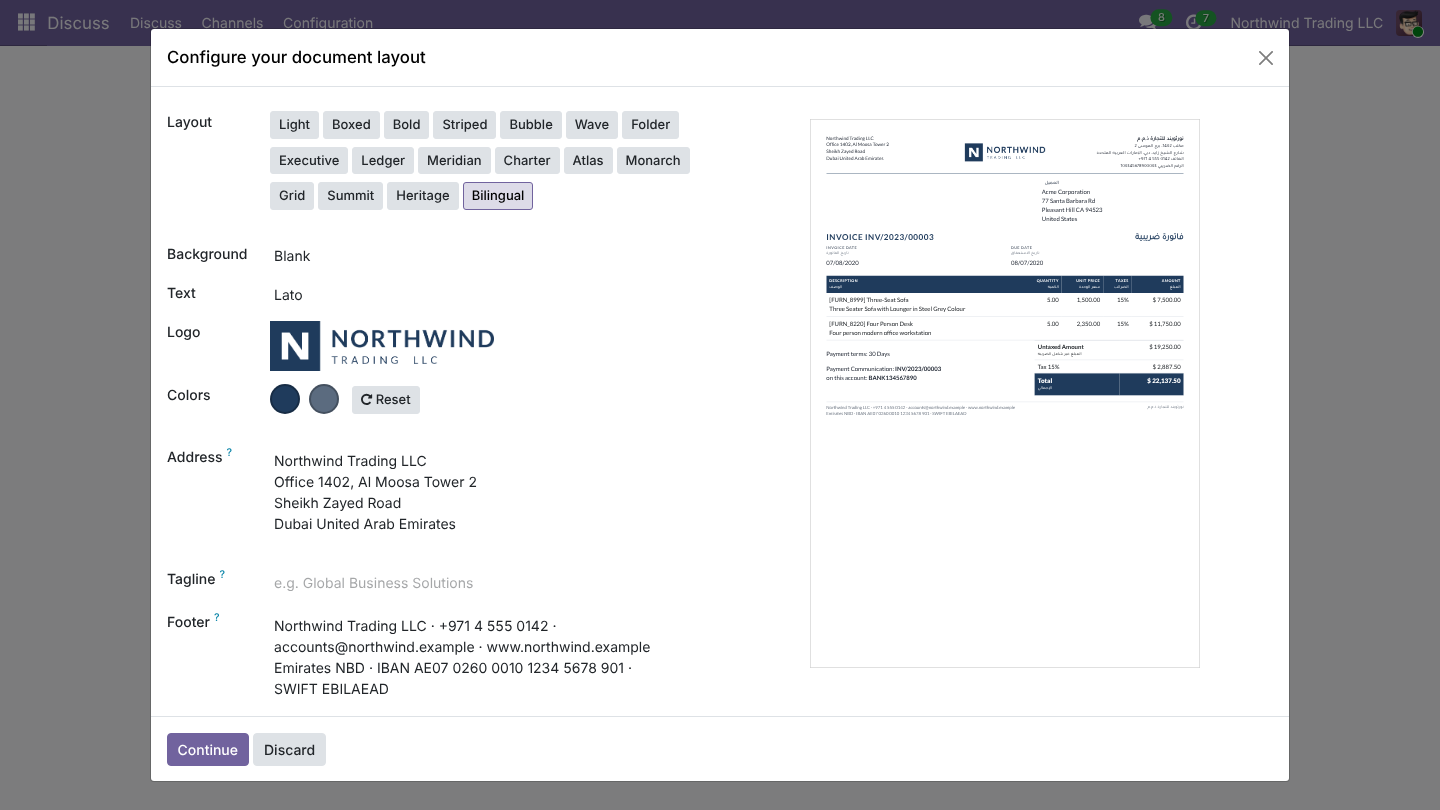
See it in two minutes
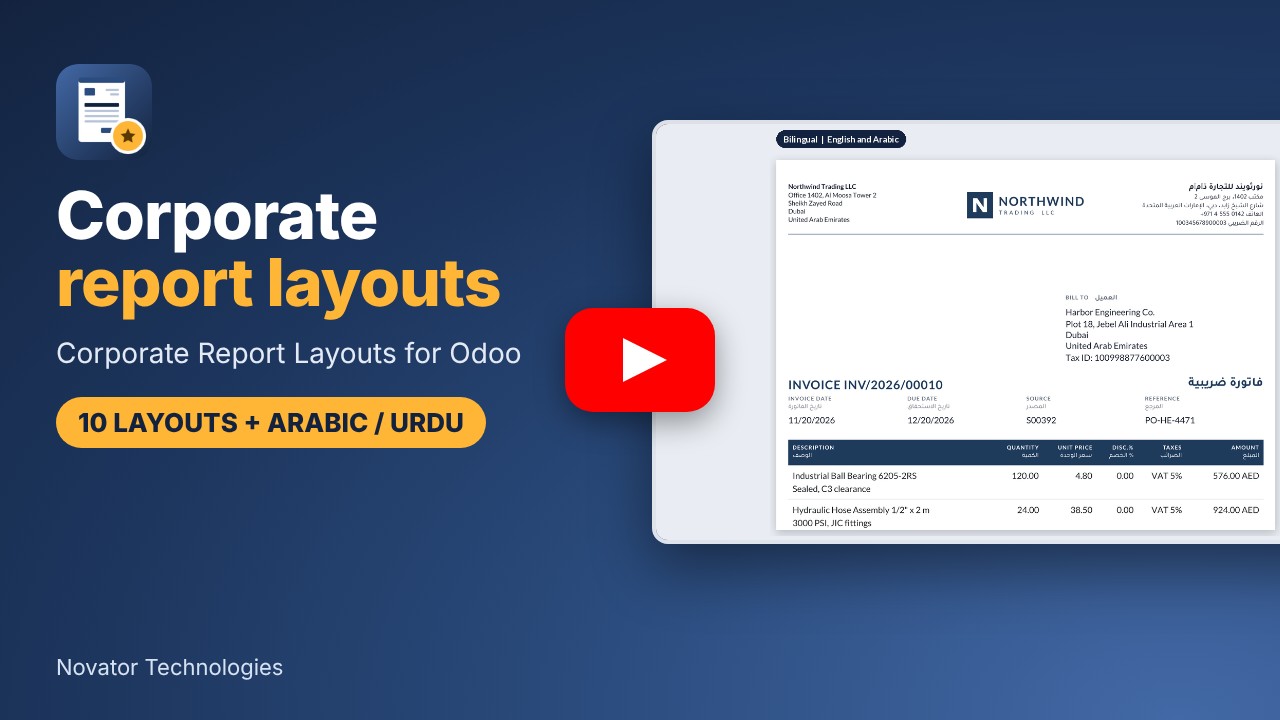
Watch the demo on YouTube: the layouts in Configure Document Layout, an invoice in Executive, the Summit amount-due card, the Report Layouts settings, amount in words, bank details, signature and stamp in Heritage, and a customer set to Bilingual.
Why it matters
Odoo's own layouts are fine for a start, but banks, auditors and corporate buyers expect documents that look like they come from a company of their size: clear rules, labelled blocks, aligned numbers, a total that stands out, and in the Gulf and Pakistan often a signature, a stamp and a second language.
- Corporate by design: hairline rules, uppercase labels, your two colors and nothing playful.
- Set once: logo, colors and font come from Configure Document Layout; every layout follows.
- Odoo's reports stay Odoo's: the layouts style the standard reports and draw the header and footer. Blocks added by other apps (for example tax QR codes) keep printing.
- The right layout for the right reader (Pro): a layout per document type and per customer or vendor.
Start here
- Install the app you need: Install.
- Pick a layout: Choose a layout.
- With Pro, set layouts per document and per customer, and the extras: Pro settings.
- Questions: FAQ.