Pro steps and settings
These need Odoo CRM Workflow Builder Pro.
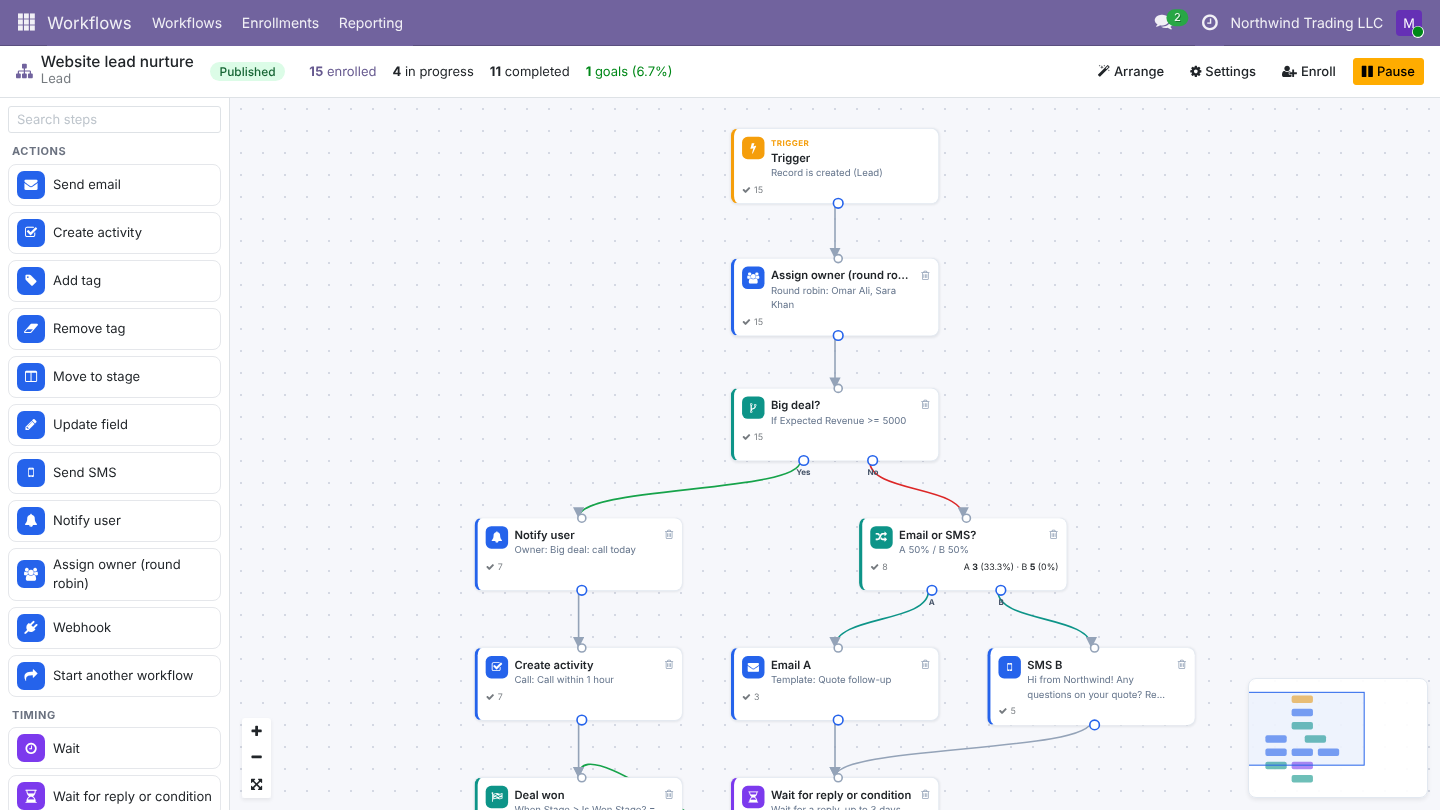
Branching
| Step | What it does | Settings |
|---|---|---|
| If / else | Sends the record to Yes or No. | Check: Record matches a filter (Condition, edited with Odoo's filter editor) or Contact has replied (a message from the customer since the record entered). |
| A/B split | Sends each record to Path A or Path B at random. A record keeps its path. | Path A % (the rest goes to B). |
| Goal | Marks the goal as reached. Records that meet the goal anywhere in the workflow jump straight to this step. | Goal reached when (a filter, for example Stage is Won). If the record reaches this step without the goal: Continue anyway, Wait until the goal is met (checked every 15 minutes), or Leave the workflow. |
Connect the outputs of If / else, A/B split and Wait for reply: each one has its own dot at the bottom of the card, labelled Yes/No or A/B.
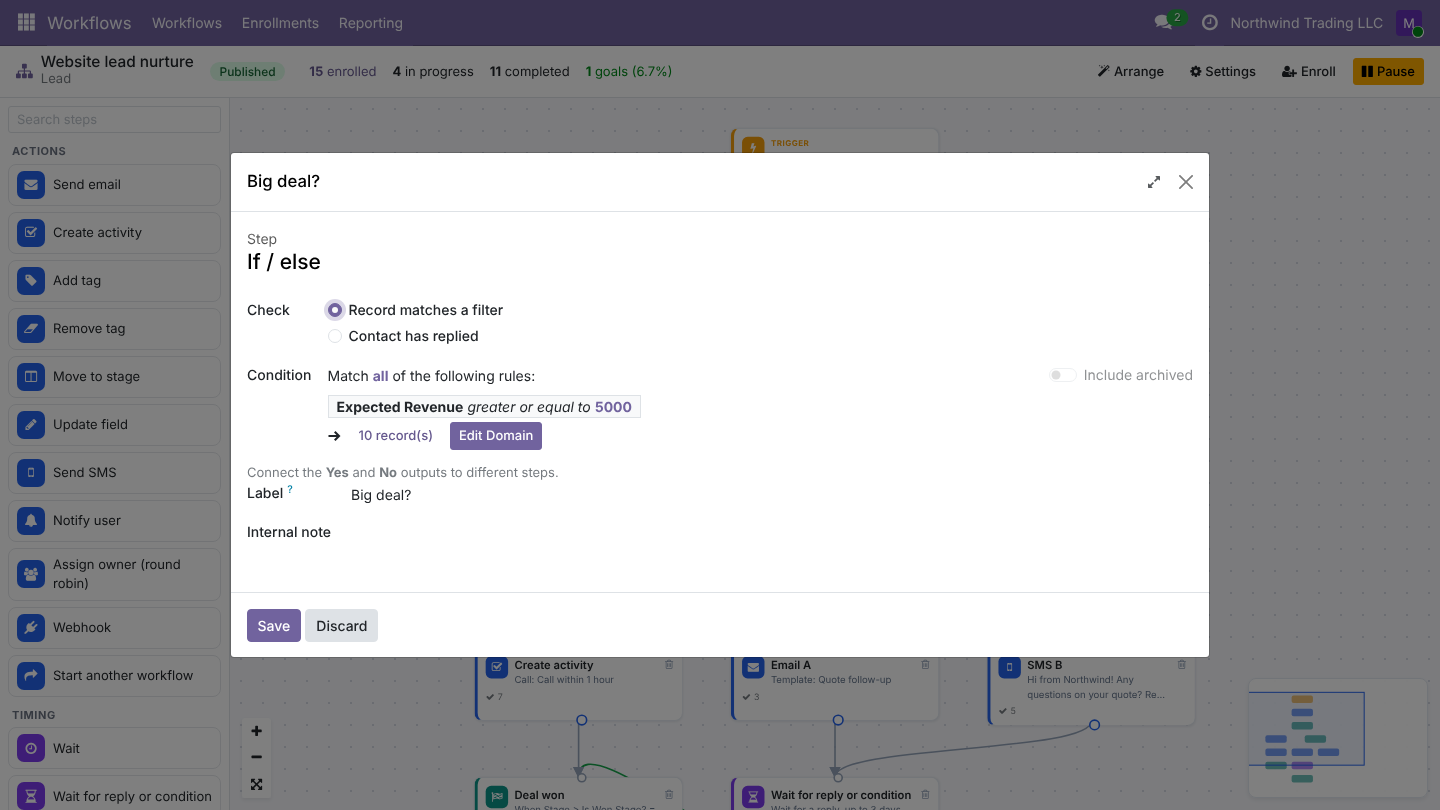
Waiting
| Step | What it does | Settings |
|---|---|---|
| Wait for reply or condition | Holds the record until something happens, at most until the timeout. Yes runs when it happens, No after the timeout. | Wait for: A reply from the contact (wakes up as soon as the reply arrives) or Record matches a filter (checked every 15 minutes, with Wait until record matches). Timeout and unit. |
| Wait, mode Until a date on the record | Holds the record until a date of the record, before or after it. | Date field, Offset (hours): -24 is one day before. A record without a date continues at once. |
Actions
| Step | What it does | Settings |
|---|---|---|
| Send SMS | Sends an SMS to the record's mobile or phone number, logged in the chatter. | SMS template, or SMS text. With our free SMS Gateway app the SMS goes through your own provider; otherwise through Odoo's SMS service (paid credits). |
| Notify user | Posts a note in the chatter that mentions users, so they get a notification. | Notify: Record owner or Specific users, Message. |
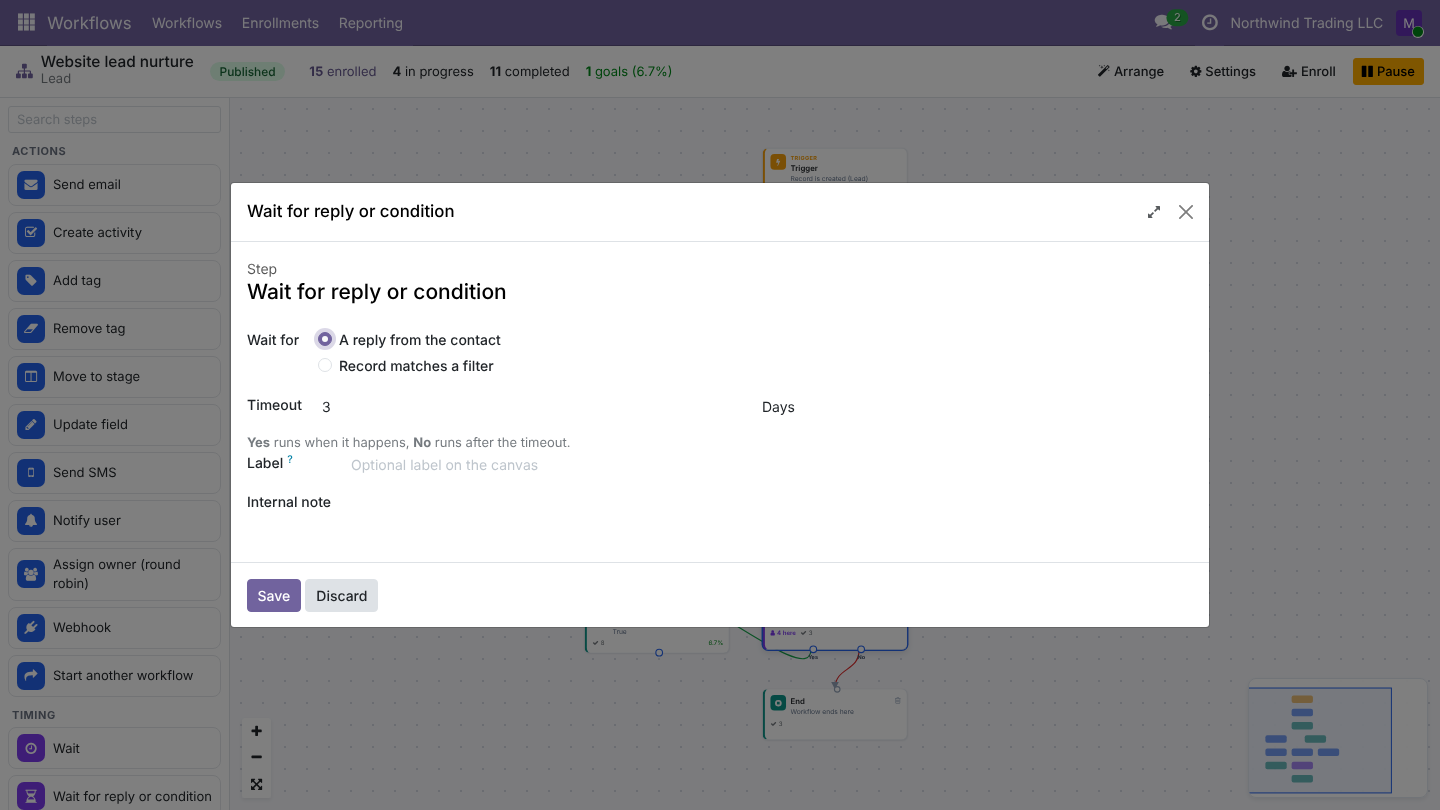
| Assign owner (round robin) | Sets the salesperson. | Team members, Method: Round robin (in turn) or Fewest open records, Only when no owner yet. |
| Webhook | Sends the record to another system as JSON (POST). An answer with an error status fails the step. | URL, Fields to send, Headers (JSON), for example {"Authorization": "Bearer ..."}. |
| Start another workflow | Enrolls the record in another published workflow of the same model. | Workflow to start |
What the webhook sends
{"id": 42, "model": "crm.lead", "name": "Gulf Traders: bulk order",
"workflow": "Website lead nurture", "workflow_id": 3, "enrollment_id": 118, "step": "Webhook",
The fields you choose in Fields to send are added by their technical name. Links to other records are sent as [id, name].
Settings
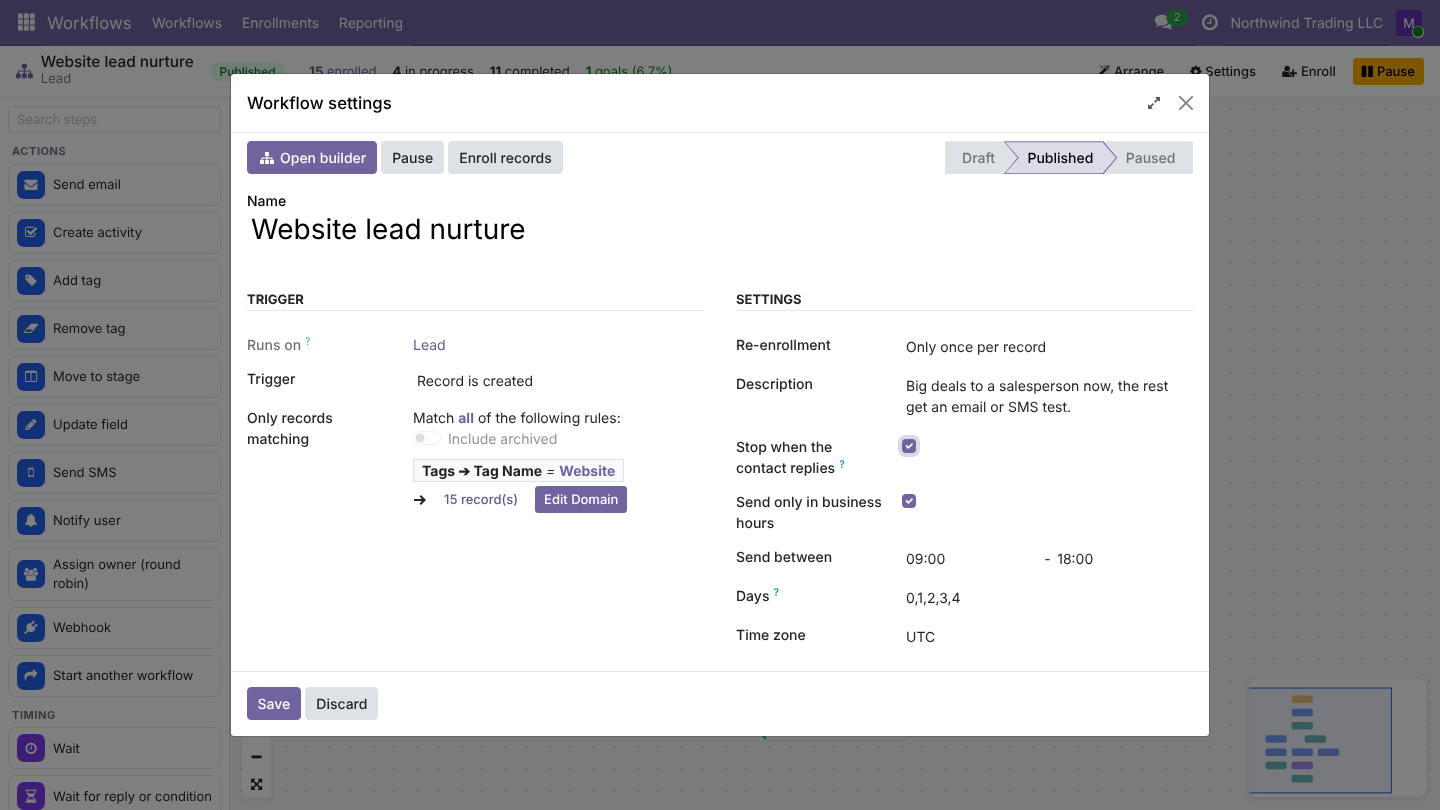
In the workflow form, or Settings in the builder:
| Field | What it does |
|---|---|
| Stop when the contact replies | The record leaves the workflow as soon as the customer replies. |
| Send only in business hours | Send email, Send SMS and Webhook steps wait for the next allowed time. Send between (hours), Days (0 Monday to 6 Sunday, comma separated), Time zone. |
Was this page helpful?