Returns without receipt
Turn on Returns Without Receipt in the settings. The return screen then has a Without receipt tab.
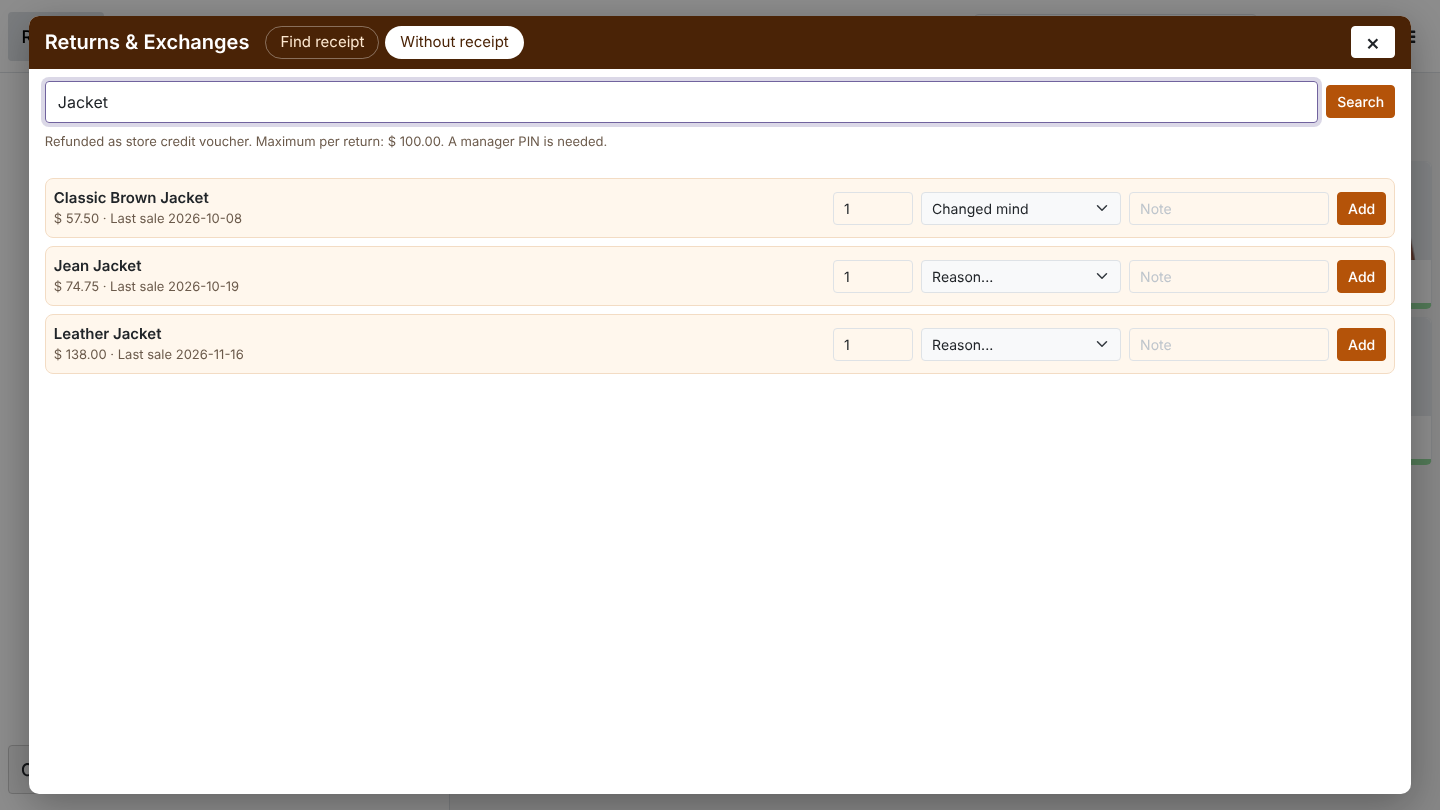
- Scan the product barcode, or type its name or internal reference, and press Enter.
- For each product found you see the price and where it comes from: Last sale date (the last sale to the order's customer, or to anyone) or Current price.
- Set the quantity, pick a Reason and add a Note if needed, then click Add.
- When Manager PIN is on, a manager approves.
- Click Payment: the refund must go to the Store Credit Voucher method.
The return is refused when its value is above Maximum value. Products that are not returnable need a manager PIN even when Manager PIN is off.
In the back office the order is marked Return Without Receipt, and the Without Receipt filter finds these orders and lines.
Was this page helpful?