Signing in
Sign in with Microsoft
The login page (also the portal and signup pages) shows Sign in with Microsoft under the password form. A click opens the Microsoft sign-in page, where Microsoft applies your multi-factor authentication and Conditional Access policies. The user then lands in Odoo: internal users in the backend, portal users on their portal.
If the user came from a link (for example a record shared by email), Odoo opens that page after the sign-in.
Odoo's own two-factor authentication still applies to users who turned it on.
Which Odoo user
- A user already linked to this Microsoft account (by its object ID) signs in, even if their Odoo login changed.
- Otherwise, with Link by email on, the active user whose login or email equals the Microsoft address is linked and signed in.
- Otherwise, with Unknown accounts set to create users, a portal or internal user is created with the Microsoft name and address.
- Otherwise the sign-in is refused with a message.
Signing in with Microsoft on a second computer does not sign the user out of the first one.
Messages on the login page
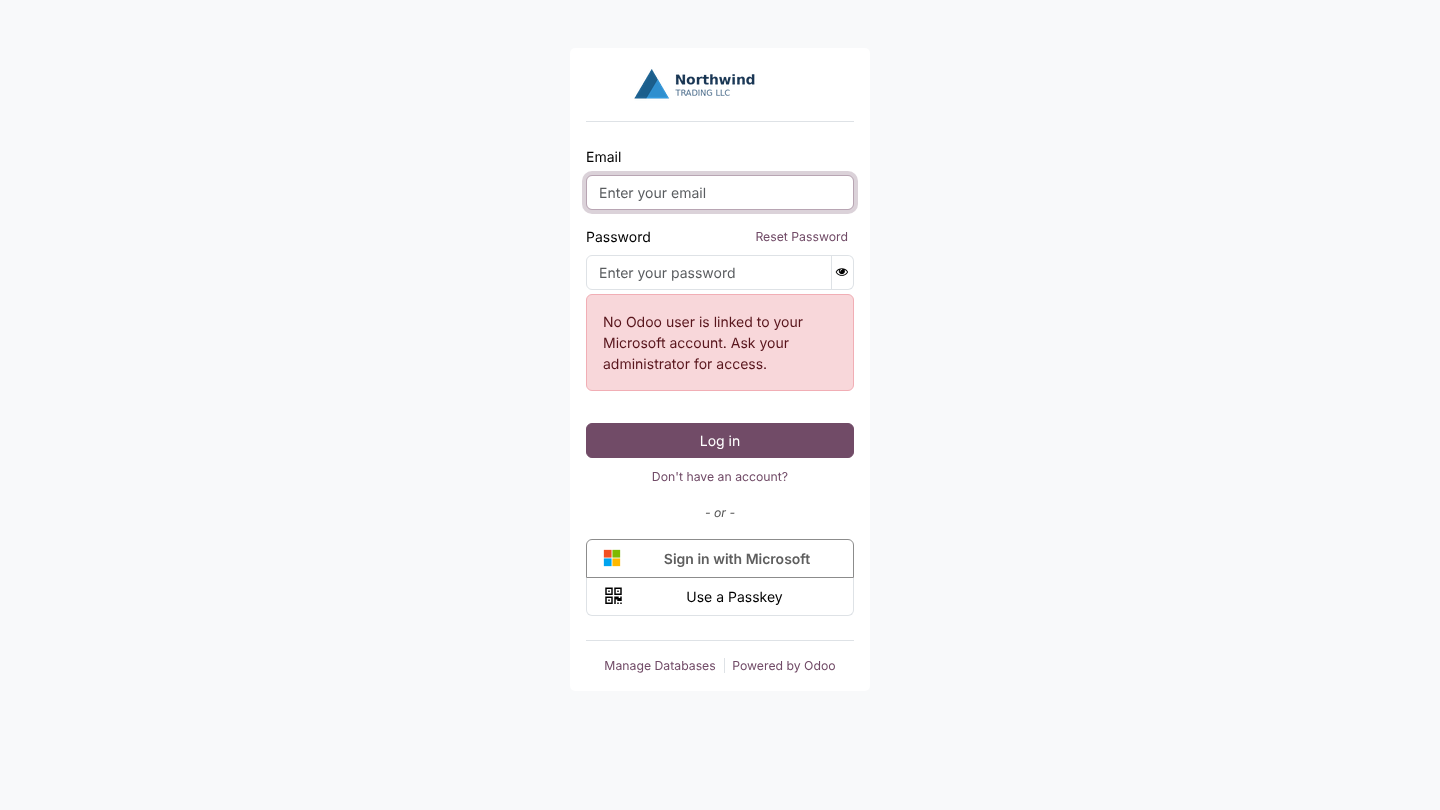
| Message | Why |
|---|---|
| No Odoo user is linked to your Microsoft account. | No match and user creation is off. Create the user, or check its email. |
| Your Odoo user is archived. | Unarchive the user in Settings > Users. |
| Your Microsoft account is not from an allowed email domain. | Add the domain in Email domains. |
| Your organization's Microsoft tenant is not allowed to sign in here. | Add the tenant ID in Allowed tenants, or personal accounts were used. |
| Several Odoo users have your email address. | Two users share the address: change one. |
| An administrator must approve this app in Microsoft Entra ID. | Grant admin consent in Azure (Enterprise applications > the app > Permissions). |
| The Microsoft sign-in expired or was started in another browser. | Start again from the login page. |
| The Microsoft sign-in was cancelled. | The user cancelled on the Microsoft page. |
The administrator finds the details in the Odoo server log (lines starting with Azure SSO), and in the sign-in log with Pro.
The Microsoft tab on a user
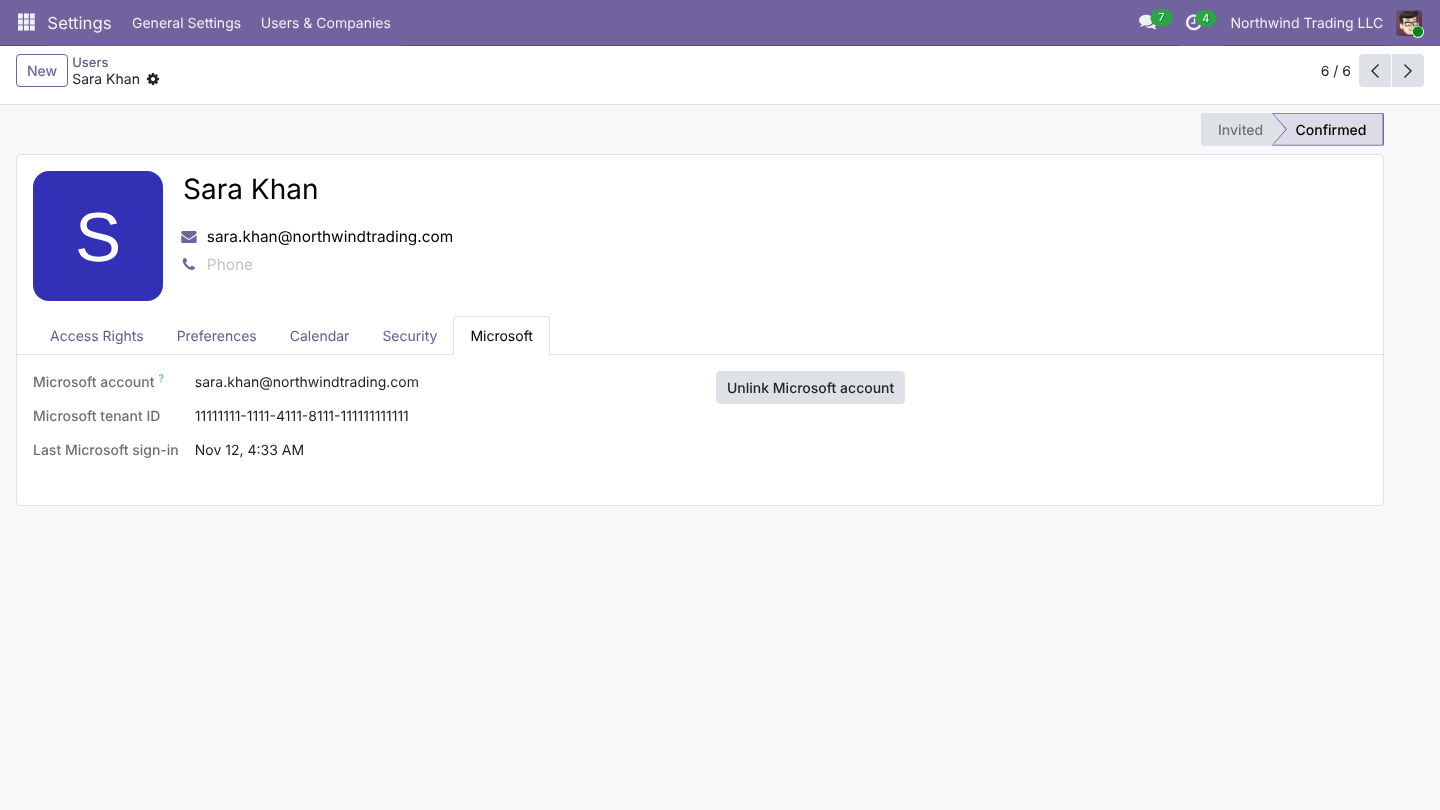
Settings > Users & Companies > Users > a user > Microsoft shows the linked Microsoft account, the Microsoft tenant ID and the Last Microsoft sign-in. Unlink Microsoft account removes the link; with Link by email on, the user is linked again at their next Microsoft sign-in.
Linked users in the settings block lists everyone linked to Microsoft.
Passwords
Users keep their Odoo password and can still use it. To allow Microsoft only, see Require Microsoft sign-in in Pro.
What is sent
Odoo sends Microsoft the client ID, the client secret, the redirect URI and a one-time code. Microsoft sends back a signed ID token with the user's name, account, email and IDs. Odoo checks the token's signature against your tenant's keys, the issuer, the audience, the nonce and the expiry, and stores the object ID, tenant ID and account name on the user. No Microsoft token is stored.