Selling and follow-up
At the till
The cashier sells as usual. When the order is paid, Odoo saves it first and then sends it to FBR from the server. The receipt prints as soon as FBR answers, with the FBR Invoice #, the FBR POS logo and the QR code.
If a sale is above CNIC Required Above, the POS asks for a customer with a CNIC or NTN before it can be validated. Fill them in on the customer (fields NTN and CNIC).
When FBR is down
The till never waits longer than Wait for Number (seconds):
- The server tries once.
- Only if the server certainly never reached FBR (no connection, DNS, refused, or the journal is set to fallback only) does the cashier's browser try once through the shop's own internet connection.
- If there is still no number, the receipt prints with "Tax invoice number pending." and the POS is ready for the next customer.
A request that may have reached FBR without an answer (a timeout after sending) is never sent again on its own, so FBR never counts a sale twice. Its document asks you to check FBR (Tax Asaan) first.
The users in Alert Users get a To-Do for every sale that stays without a number for 15 minutes. Once an hour the app checks whether FBR answers again and unblocks the journal; it never resends a sale.
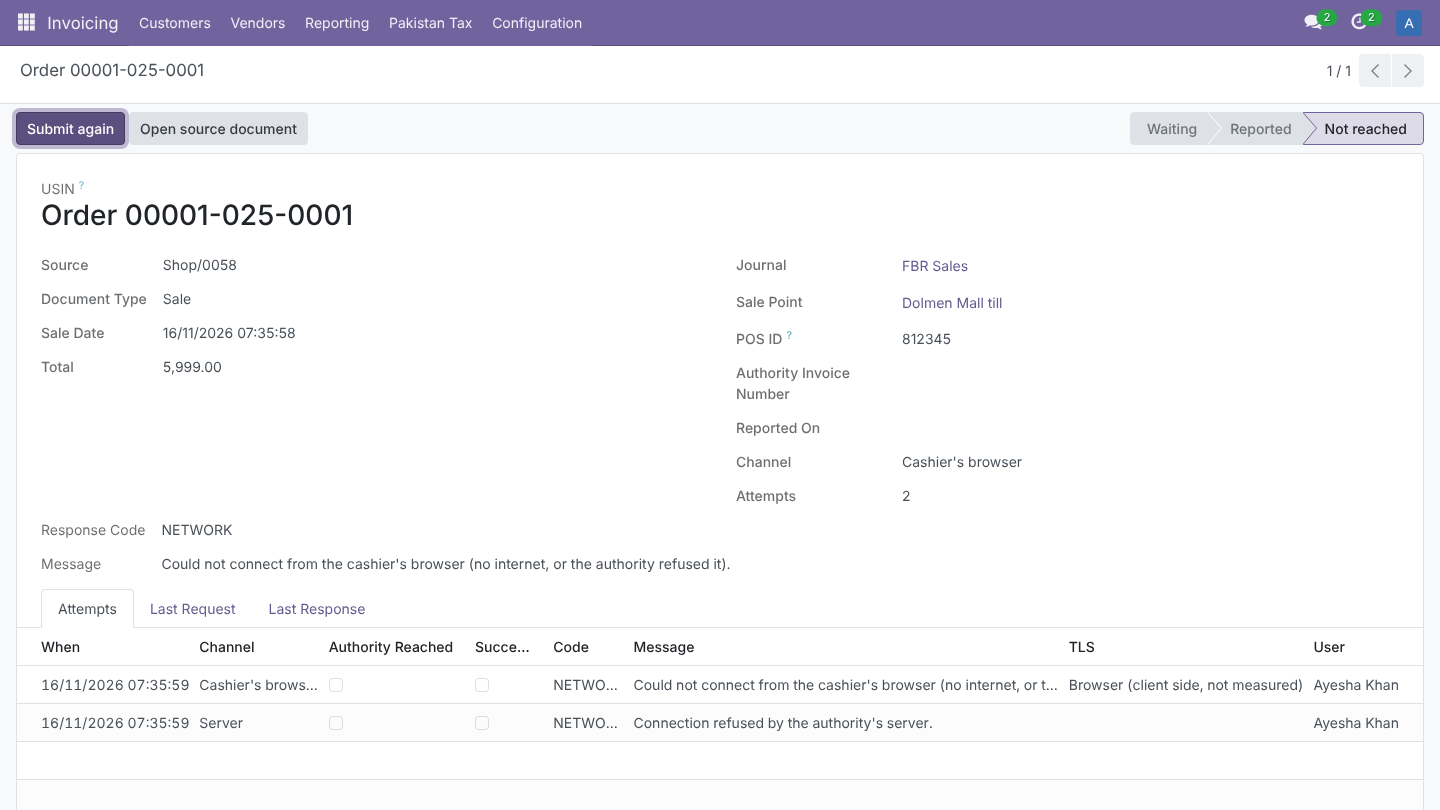
Submit to FBR
- Go to Point of Sale → Orders → Orders.
- Select the orders without an FBR number.
- Actions → Submit to FBR.
Orders already reported are skipped, and orders whose last attempt may have reached FBR are skipped too (open their tax document and use Submit again after checking FBR). A message tells you how many were reported, failed or skipped.
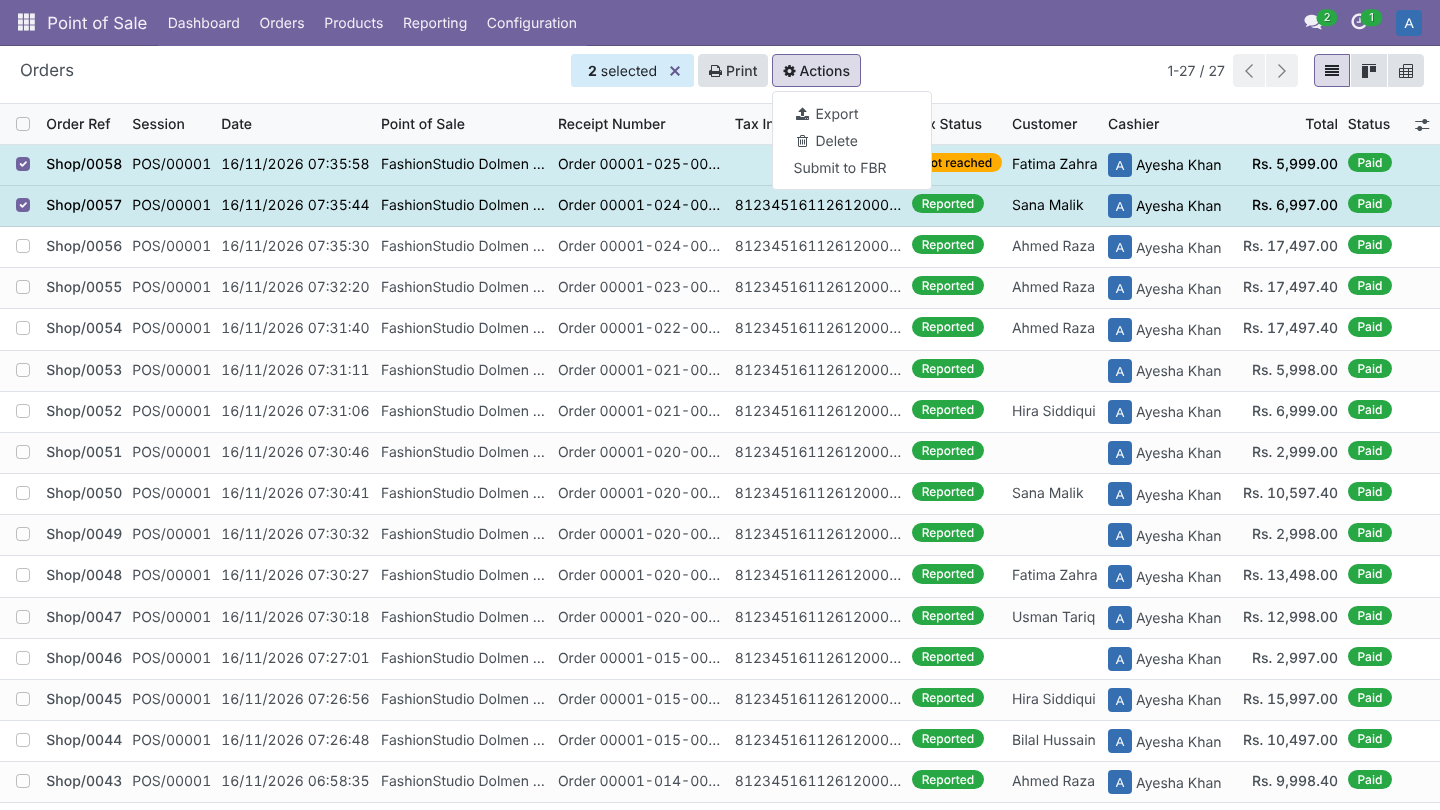
Reported Sales
Invoicing → Pakistan Tax → Reported Sales lists every sale with its FBR number, till, channel (server or cashier's browser), message and state. Use the filters Not reported yet, Failed, Posted by the cashier's browser and TLS errors, and the pivot and graph views.
Open a sale to see each attempt: when, channel, whether FBR was reached, the code and message, the TLS version and the user, with the exact Last Request and Last Response. The log is locked: nobody can change it.
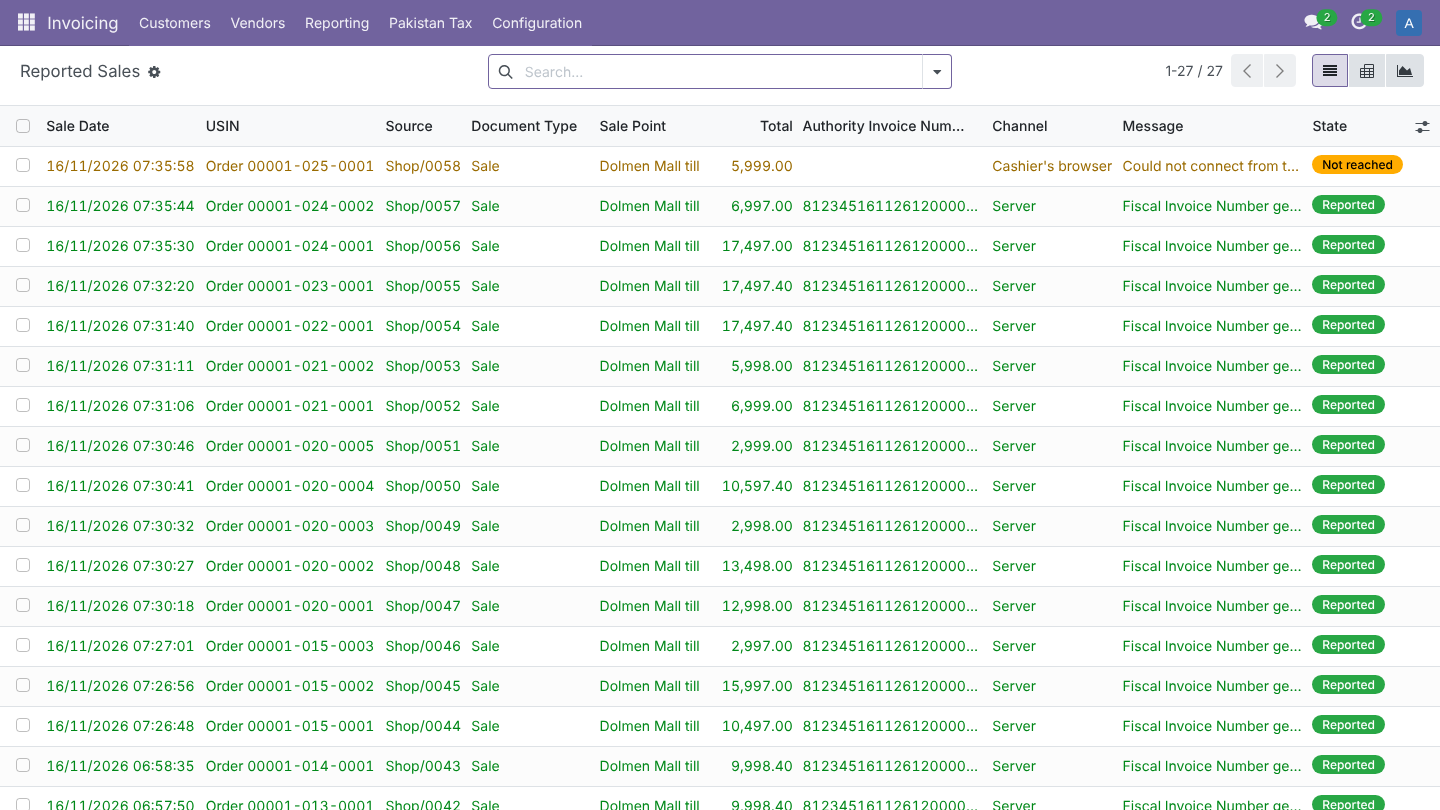
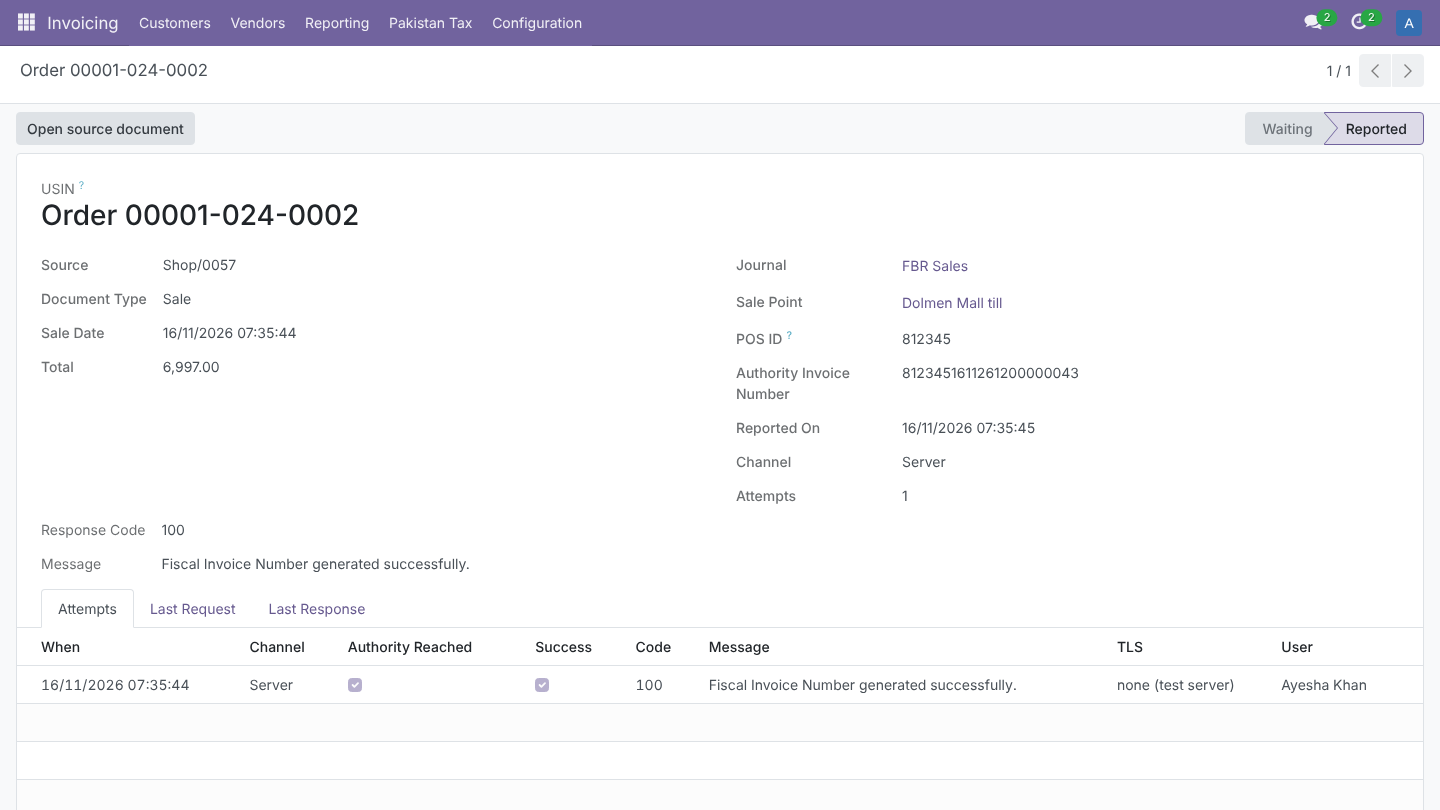
Posting Log shows all attempts across sales.
Refunds
A refund from the POS is reported as a credit invoice that refers to the original FBR number.
Security
- Connections to FBR use TLS 1.2 or 1.3 with certificate and host name checks, as PRAL requires (notice deadline: 30 September 2026). Every attempt records the TLS version.
- Tokens are visible to Pakistan Tax managers only.
- Set Fallback Posting to Off to keep the token on the server only.
Troubleshooting
- "Connection refused by the authority's server" or "Could not connect": the server's IP is not whitelisted, or FBR is down. Request whitelisting, or wait and submit again.
- "Could not find the authority's server": the server has no internet or DNS.
- "No answer in time: the sale may have reached the authority": check the sale in Tax Asaan before using Submit again.
- The journal shows "Server blocked": the server failed several times in a row; sales use the browser fallback. Click Try the server again now after fixing the network.
- The receipt shows no FBR block: the till has no Sale Point, or its invoice journal does not report to FBR.