Bags and seals
Register bags
Courier → Hub → Bags → New. The bag number comes from a sequence (BG000001); Print Tag prints a barcode tag for the bag.
| Field | What it does |
|---|---|
| Kind | Reusable: same number on many trips, a new seal and a new bag manifest each trip. One-time: retired after its first trip. |
| Size, Home Location | For your own planning. |
| Now At, Current Trip, Trips | Where the bag is and its history. |
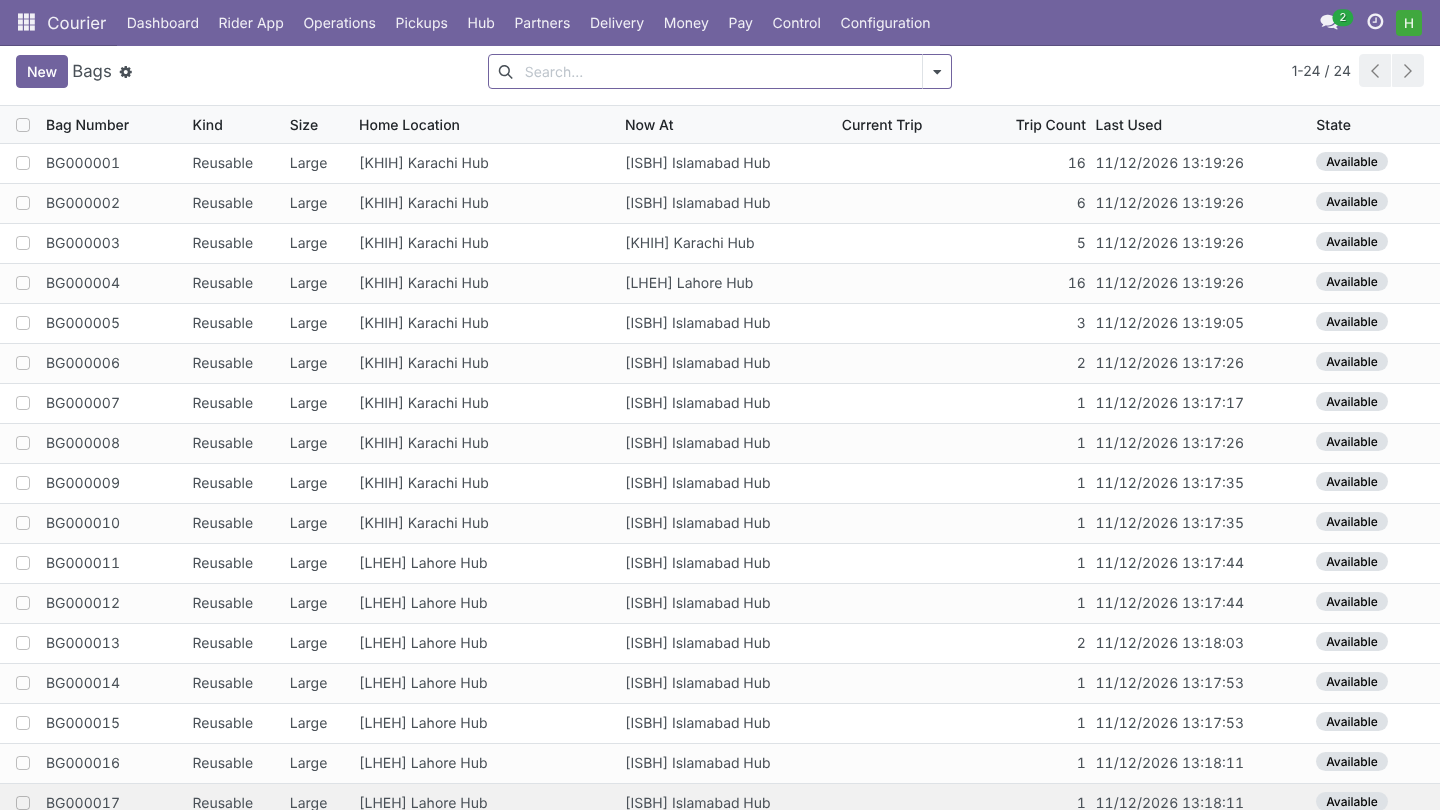
Declare Lost marks a bag lost and opens a missing bag case; Retire takes it out of use.
Fill a bag
In the Scan Console, mode Bag:
- Scan the bag number. A new trip (bag manifest) starts at your location, or the open one continues. Its number goes in the document box.
- Scan the shipments. The first one decides where the bag goes (its next stop). A shipment going elsewhere is refused as a missort.
Only shipments that are at your location can be bagged, and a shipment can be in one bag only. A reusable bag must be emptied (opened at the destination) before it can be filled again.
Seal it
Mode Seal, with the bag manifest in the document box: scan the seal number. The manifest is frozen: shipments, pieces, weight and COD total. A seal number can be used once only.
To change a sealed bag that has not left, open it and click Break Seal: the break is logged with the user, time and reason, and the bag can be changed and sealed again.
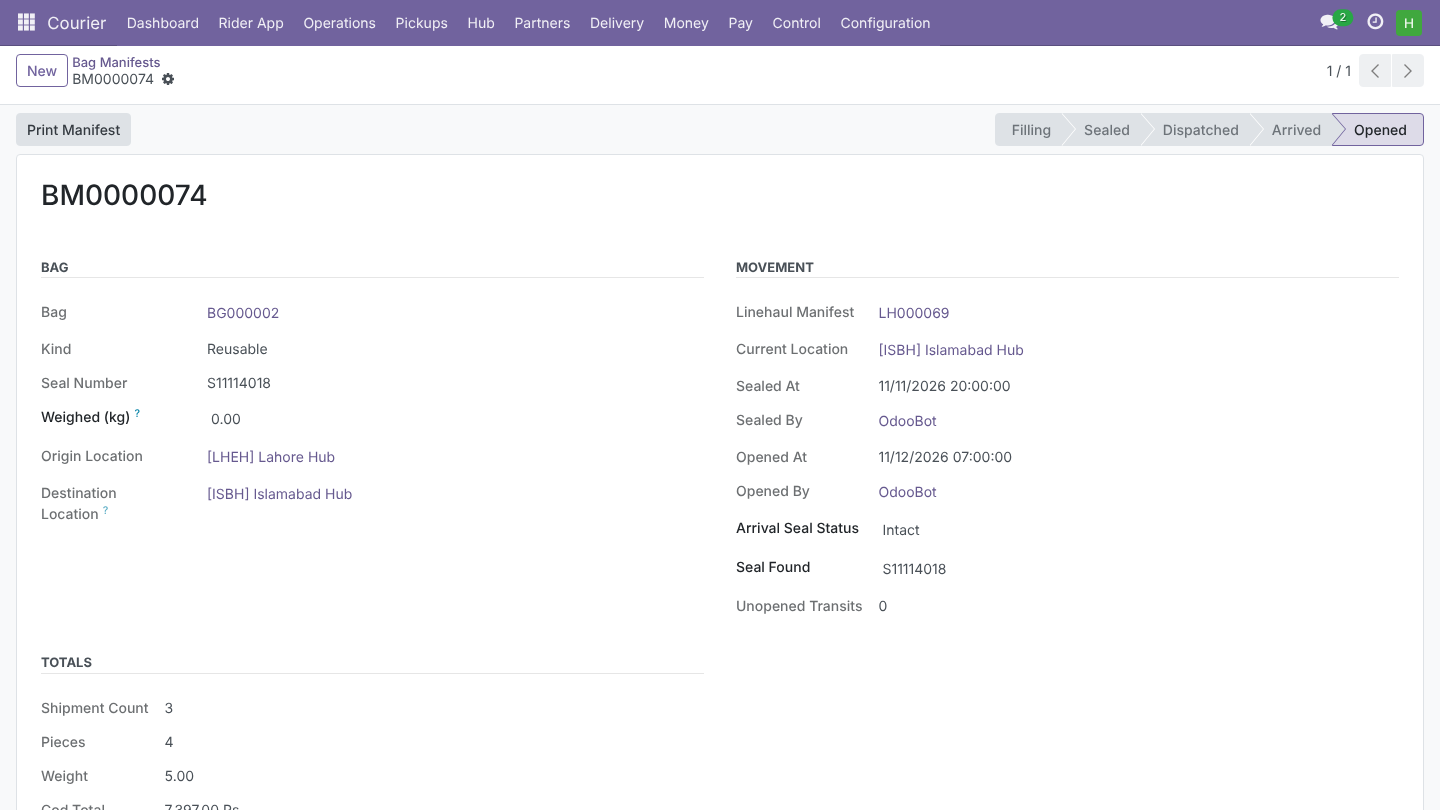
Print Manifest prints the bag manifest with signatures for handing over.