Linehaul and receipt
Create the manifest
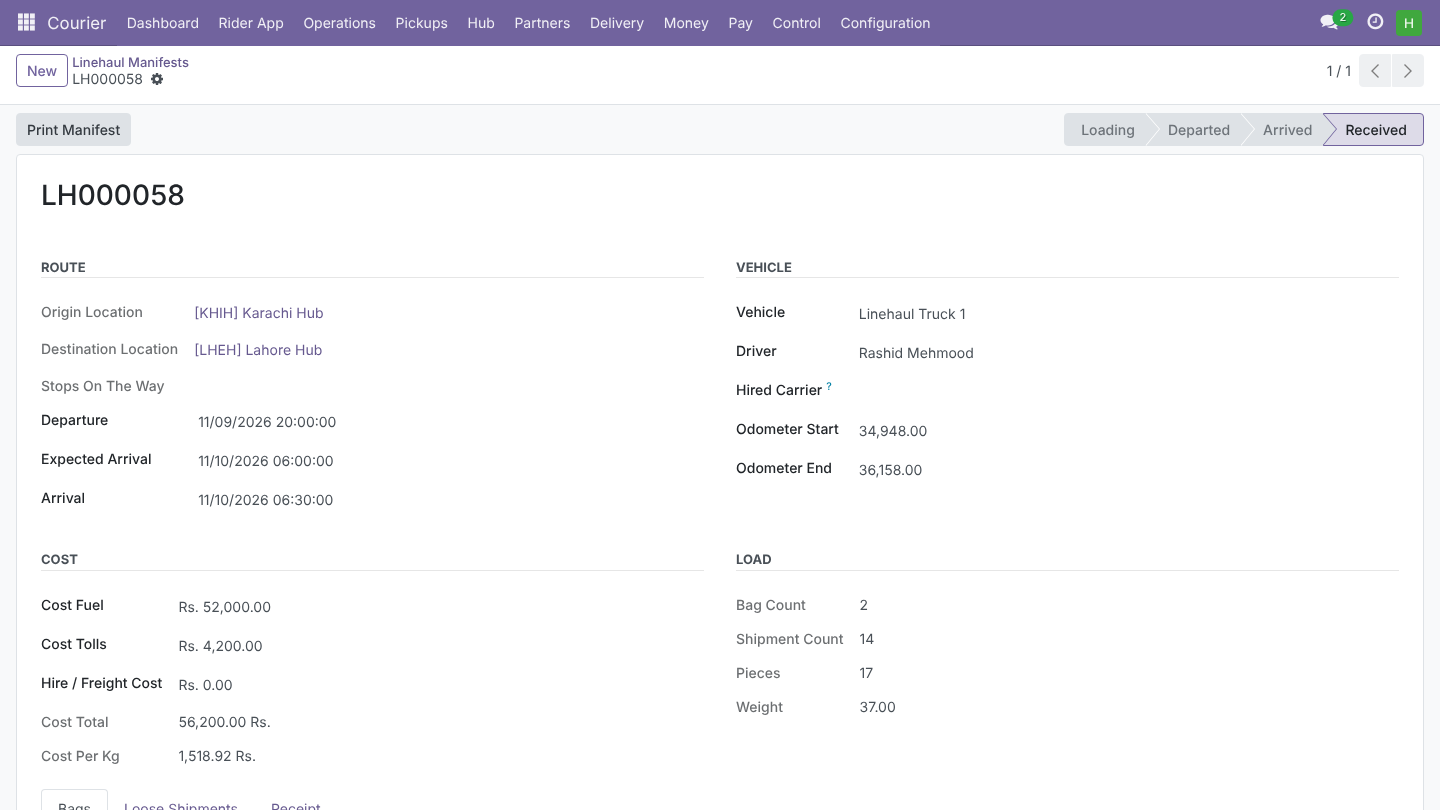
Courier → Hub → Linehaul Manifests → New: Origin, Destination, Stops On The Way, Vehicle, Driver (or a Hired Carrier), departure, expected arrival, odometer and costs (Fuel, Tolls, Hire / Freight Cost). Cost per kg shows when the load is known.
Load
Scan Console, mode Load vehicle: scan the manifest number, then the sealed bags and any loose shipments too big for a bag. A bag must be sealed, at this location and going to the vehicle's destination, a stop on the way, or onward through a transit hub. Depart sends every shipment in the bags on its way with a tracking event.
Receive
Mode Unload vehicle: scan the manifest number (the arrival is recorded), then each bag and loose shipment. The Receipt tab compares what came off with what was loaded:
| Status | Meaning |
|---|---|
| OK | On the manifest and scanned. |
| Missing | On the manifest, not scanned when the receipt was closed. |
| Extra | Scanned but not on the manifest. |
| Seal Broken / Seal Different | The seal was broken, or another number was found. |
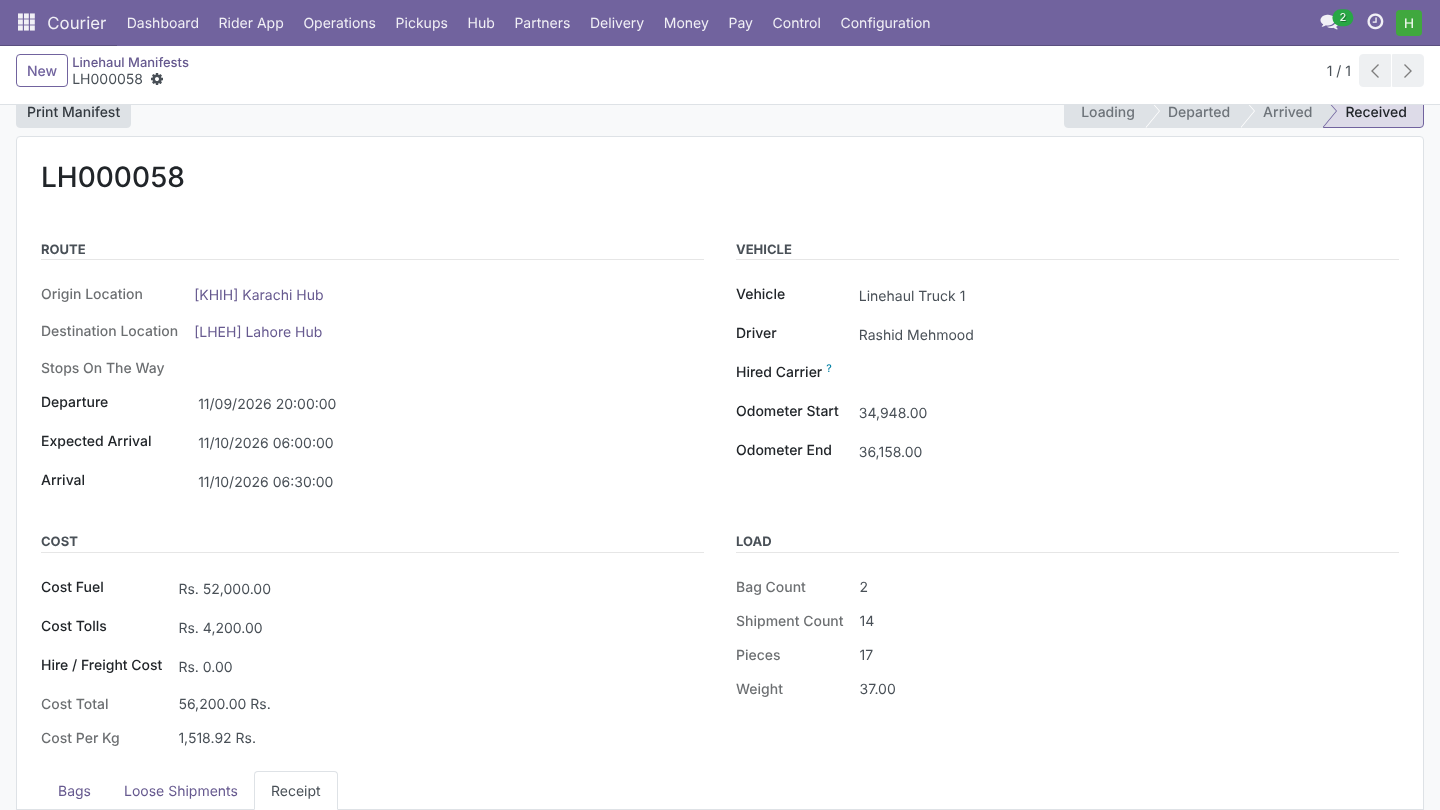
Use Seal Broken on a receipt line for a bag whose seal is damaged. Close Receipt marks what was not scanned as missing and opens the cases.
Open the bags
Mode Open bag: scan the bag number, then every shipment in it. Scan the bag number again to finish: unscanned shipments are short, shipments not on the manifest are excess. The bag is then free for its next trip (reusable) or retired (one-time).
Sealed transit
A transit hub can pass a sealed bag through without opening it: unload it from the first vehicle and load it on the next one. Every shipment inside still gets its arrival and departure events, and the bag manifest counts the Unopened Transits.
Linehaul cost
The pivot view of the linehaul manifests shows cost and weight by lane.