Failed emails and server test
Failed emails
Mail Deliverability → Failed Emails reads the emails of the last 30 days that Odoo could not send, and the notifications that bounced, and groups them by cause:
| Cause | What to do |
|---|---|
| Rejected by DMARC / authentication | Fix SPF, DKIM and DMARC for the sending domain. |
| Blocked as spam / blacklisted | Check the blacklist result and ask for delisting. |
| Mailbox does not exist | Clean the address. Repeated sends to dead addresses hurt your reputation. |
| Mailbox full | Temporary on the recipient side. Retry later. |
| Login to the mail server failed | Update the outgoing server login (app password or OAuth). |
| Sending limit reached | Spread sending over time or use a bulk mail service. |
| Could not connect | Check the server host, port and encryption. |
| Relaying / sender not allowed | Use a From address the login owns, or set the From filter. |
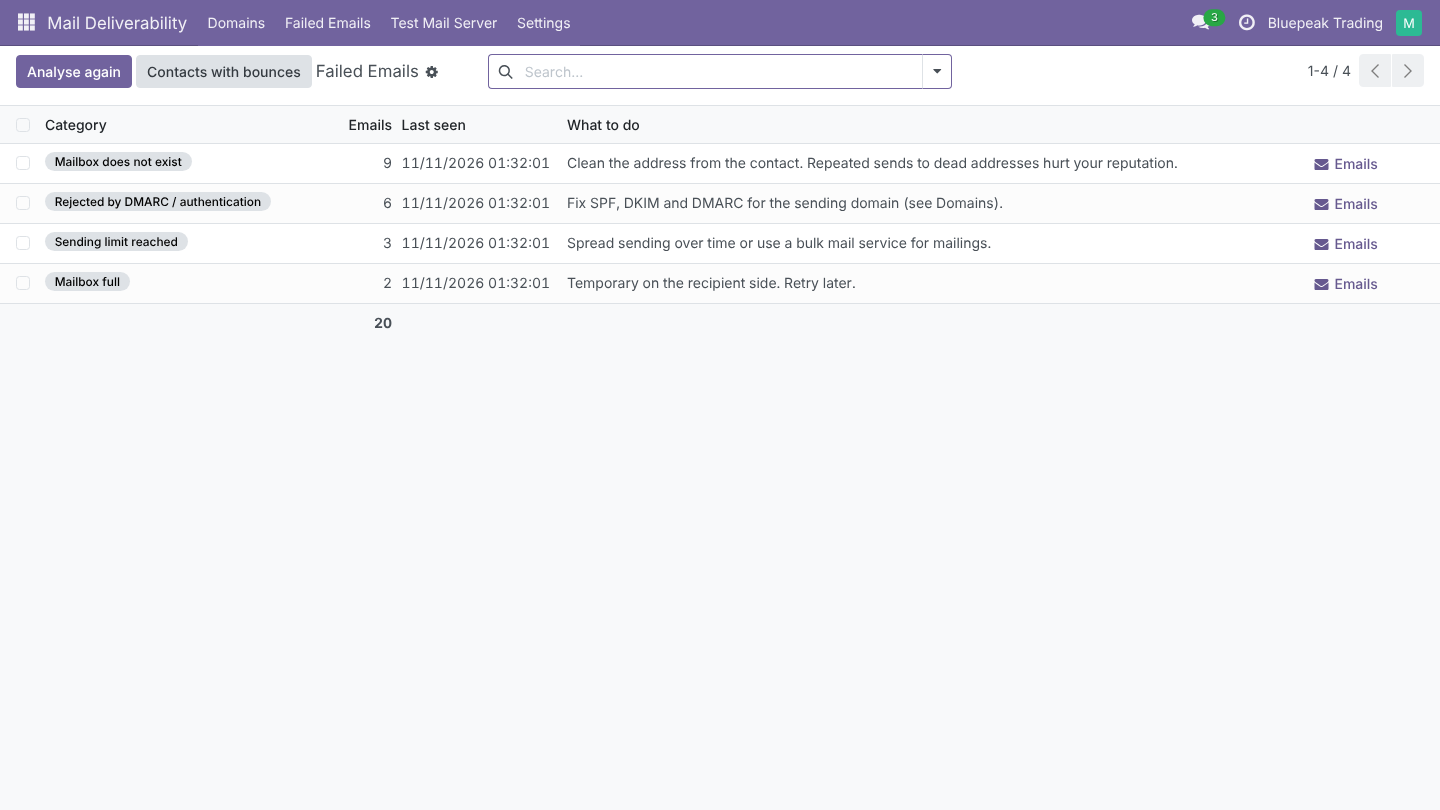
- Emails opens the failed emails of a cause.
- Open a cause and click Retry these emails to queue them again once you have fixed the problem.
- Analyse again reads the failed emails again.
Contacts with bounces
Odoo counts bounces per contact and flags the email address of contacts that bounce. Contacts with bounces lists them. Select the ones whose address you fixed and click Reset bounce counter.
Test the outgoing server
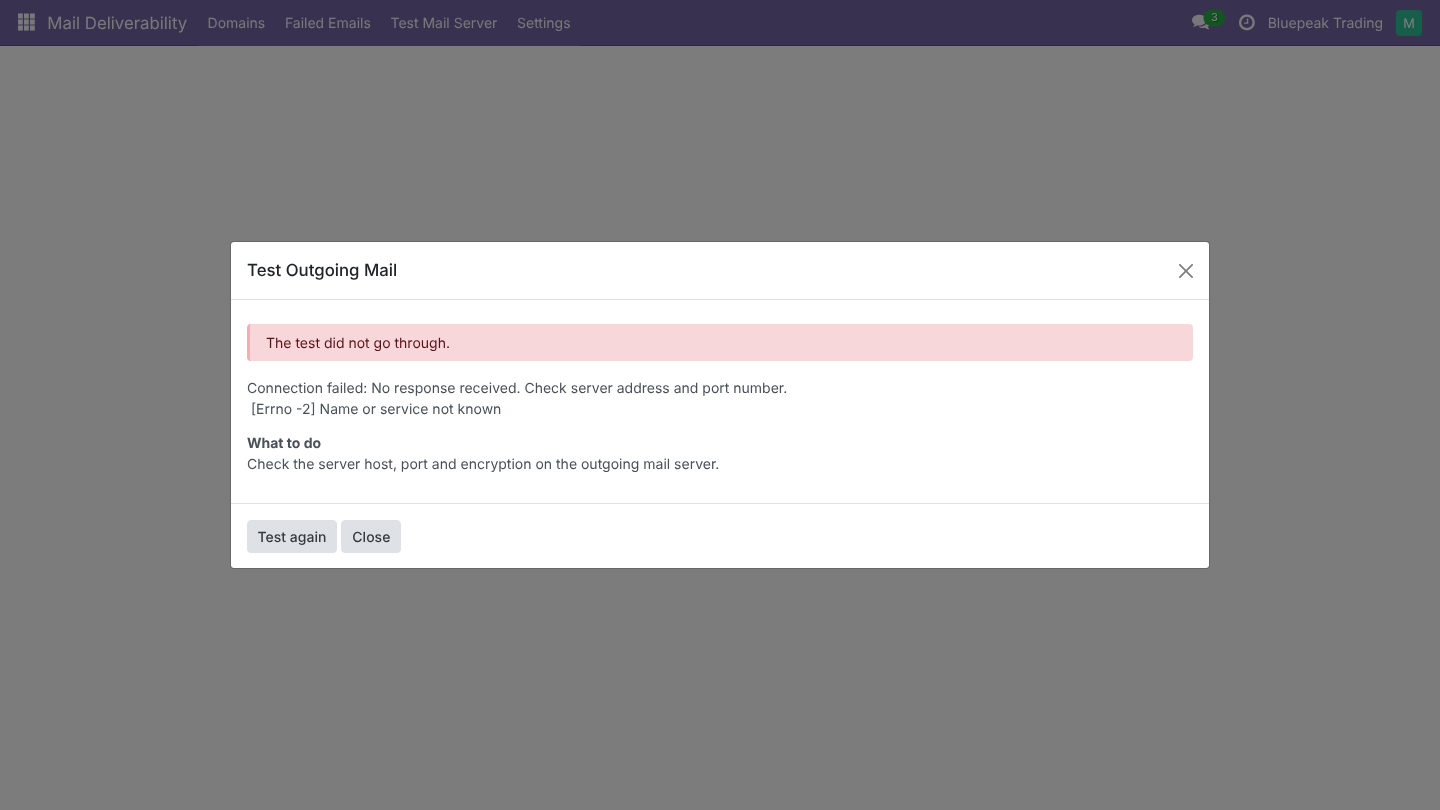
Mail Deliverability → Test Mail Server: choose the server, the address to send as and the address to send to, then Send test. The app logs in to the server and sends a real email. If it fails you see the error and what to change. It also warns when you send as a gmail.com or other public address.
Was this page helpful?