Using Email Client
The inbox
Email → Mailbox opens a three-pane mailbox: folders on the left, conversations in the middle, the open mail on the right with the sender's Odoo contact next to it.
- All inboxes shows every mailbox together; under Mailboxes each one has its own folders, including the ones you created in Gmail or Outlook.
- Replies are grouped into one conversation. Older mails in it are collapsed; click to expand.
- All and Unread filter the list. Select several conversations with the checkboxes for bulk actions.
- Archive, delete, spam, move, read and star always offer Undo, and the change reaches the server: Gmail or Outlook show the same.
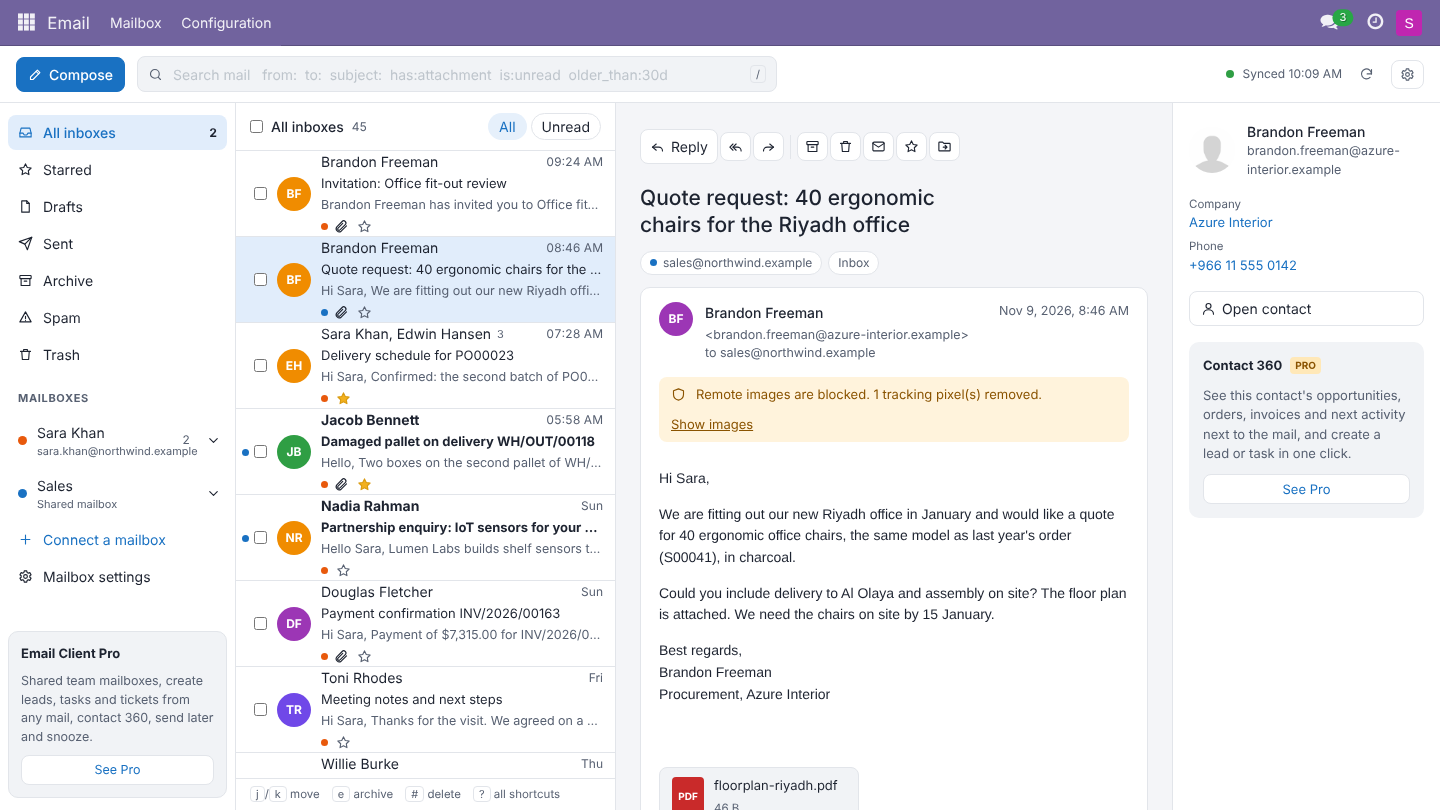
The contact panel shows the sender's Odoo contact, company and phone. When the sender is not in Odoo yet, Create contact adds them.
Reading safely
Mail is shown in a protected frame: scripts are removed, remote images stay blocked until you click Show images, and tracking pixels are removed so senders cannot see when you open their mail.
Writing
Click Compose, or press r (reply), a (reply all) or f (forward) on an open mail.
- Recipients are suggested from your Odoo contacts and the people you wrote to. Cc and Bcc are one click away.
- Add files with the paperclip, by dropping them on the window, or paste images straight into the text.
- From switches between your mailboxes; the signature follows.
- Drafts save while you type and appear in the Drafts folder of Gmail or Outlook too.
- After Send (or Ctrl+Enter) you have 10 seconds to Undo.
- If you write attached but forgot the file, you get a reminder before it goes.
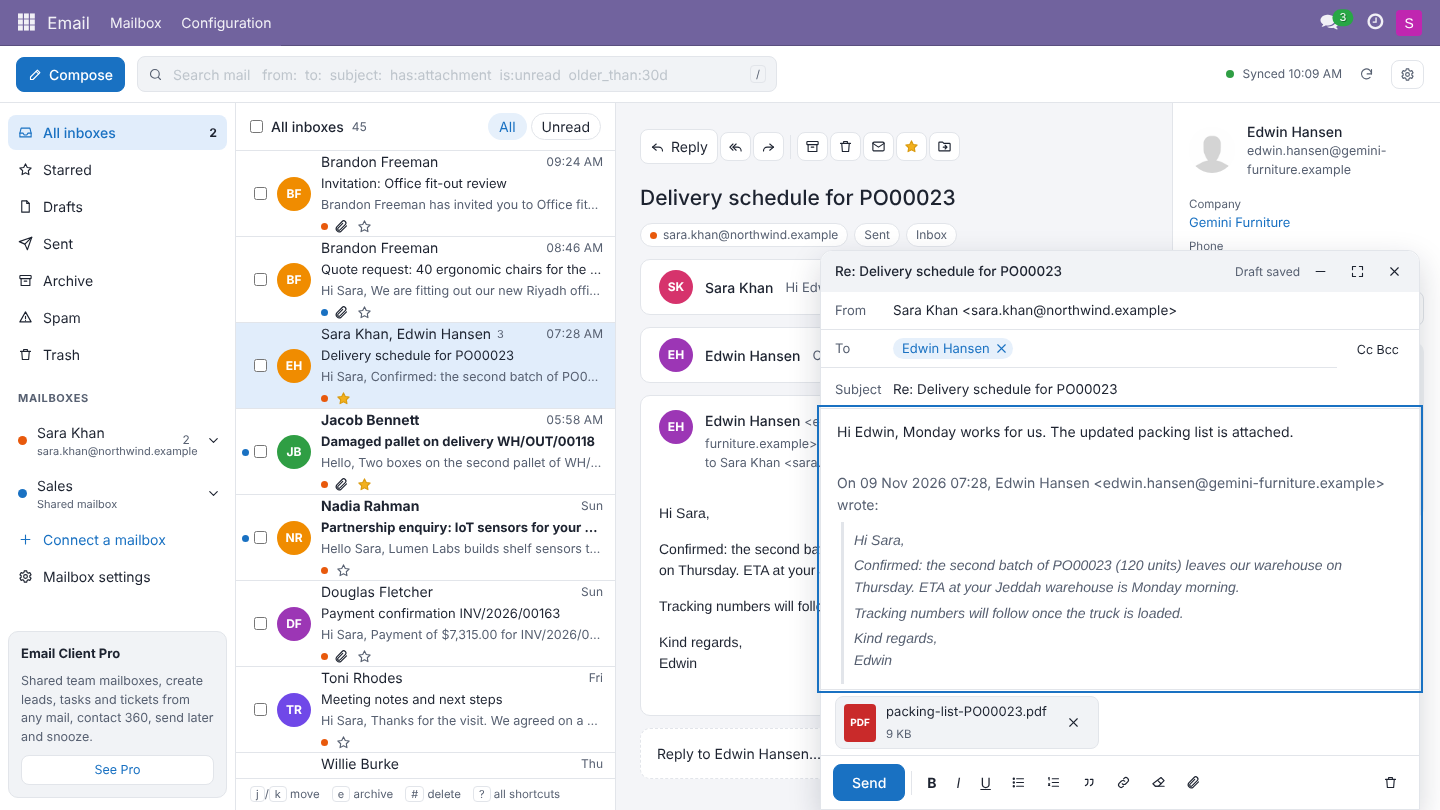
Sent mail lands in your Sent folder and the mail you answered is marked as answered.
Searching
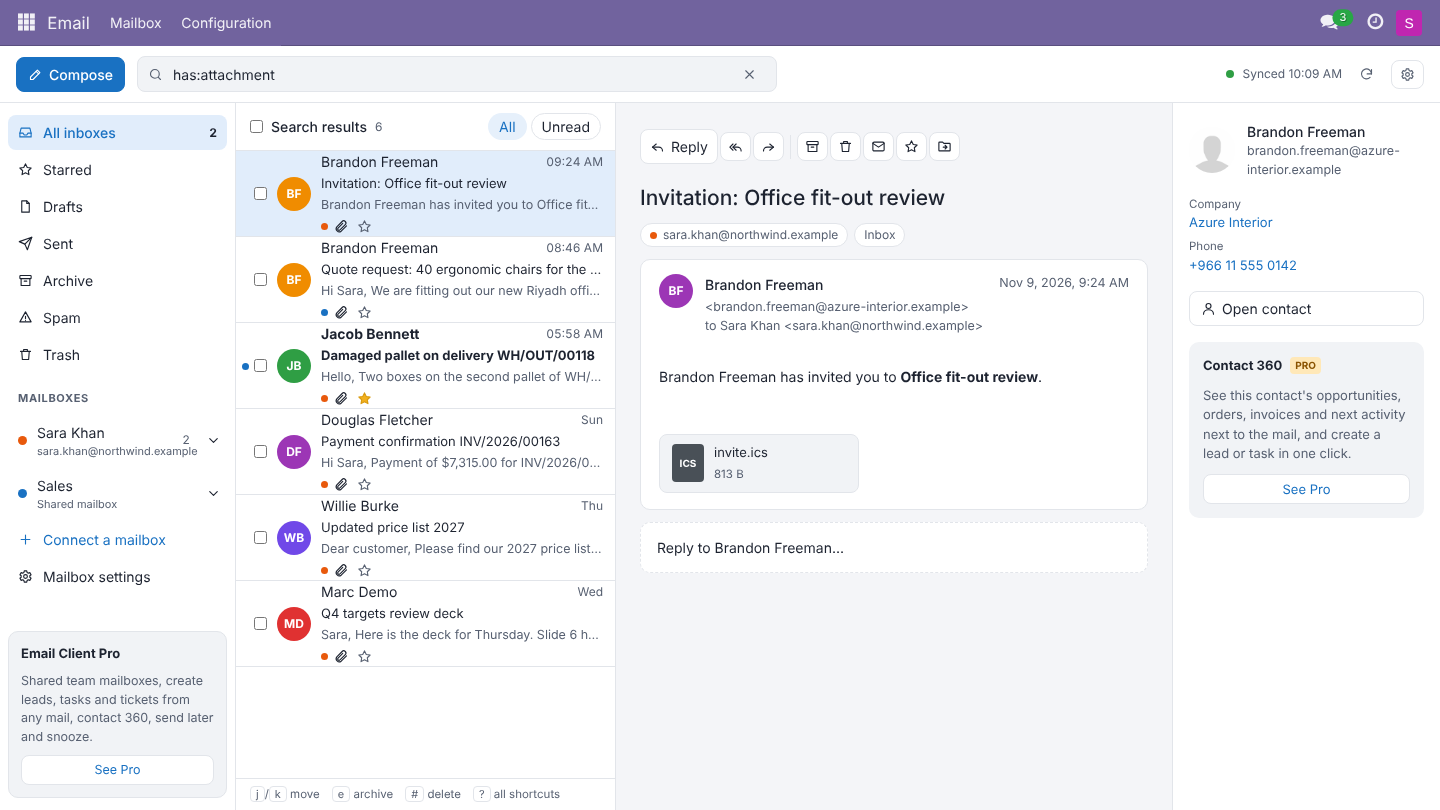
Type in the search box (or press /) and Enter. Combine words with these operators:
| Operator | Finds |
|---|---|
from:edwin | Mail from a name or address |
to:sales@ | Mail to a name or address |
subject:invoice | Words in the subject |
has:attachment | Mail with files |
is:unread, is:read, is:starred | By state |
older_than:30d, newer_than:7d | By age in days, months or years (d, m, y) |
Keyboard shortcuts
Press ? in the mailbox for the full list. The most used: j / k next and previous conversation, e archive, # delete, s star, r / a / f reply, reply all, forward, c compose, / search, Esc back.
Display
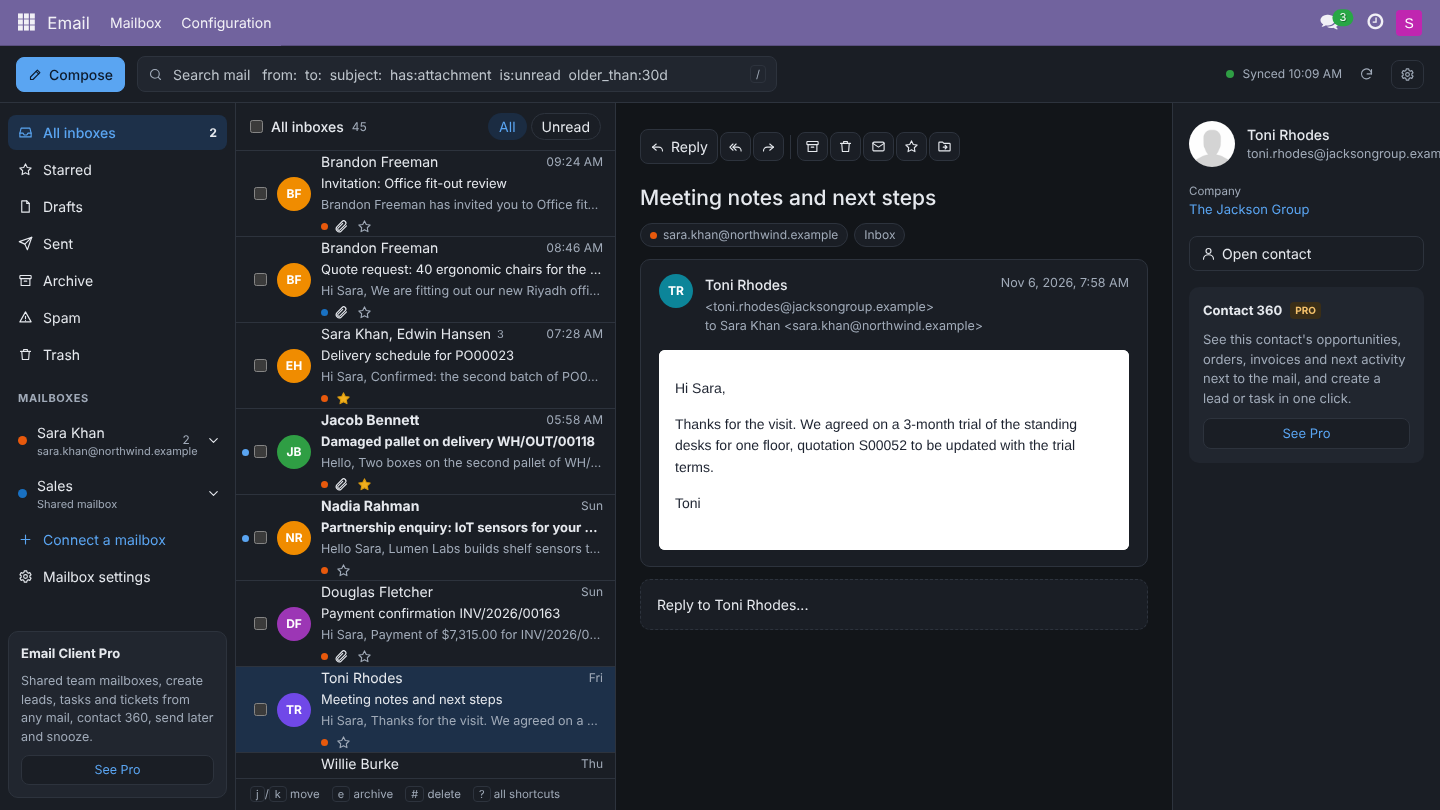
The gear at the top right: comfortable or compact rows, and light, dark or same as Odoo. Right-to-left languages such as Arabic are fully supported.
Storage and sync
- New mail arrives every few minutes while you have Email open, and less often when nobody does.
- Headers are kept for the sync window (one year by default). Mail bodies and files are kept for 30 days; older mail opens straight from the server. Both can be changed per mailbox.
- The sidebar shows how much space a mailbox uses on the server and in Odoo.
- Pause older mail stops importing old mail during a first sync; new mail keeps coming.
Warnings you may see
| Message | Meaning | What to do |
|---|---|---|
| Odoo's incoming mail server ... also reads this mailbox | A server under Settings → Technical → Emails → Incoming Mail Servers (developer mode) reads the same mailbox and marks new mail as read before you see it. | Give that server its own address (for example a catch-all), or archive it. |
| Mail is not syncing: Odoo's scheduled actions have not run | Odoo's scheduled actions have stopped, usually after an update or a crash. | An administrator restarts Odoo. On Odoo.sh: restart the branch. |
| Sign in again on a mailbox | Google or Microsoft revoked the access (password change, admin policy, expired test app). | Click it and sign in. |
For administrators
Email → Configuration → Mailbox overview lists every mailbox with its owner, state, last sync, mail count, storage, pending changes and errors, with Sync now. It never shows mail content.