Using credits
See it in action: a wellness pack sold at the till and used at check-in, and PT packs and memberships with free sessions.
Granting
Credits are created when the invoice with the pack or membership is posted: one credit per unit and rule, numbered CR/YYYY/NNNNN. Sold at the till with POS Session Credits, they are created when the order is paid. A credit note on the pack cancels its unused credits.
On an invoice
On a draft customer invoice, Use Session Credits applies the customer's credits to the matching lines: a session makes the line free, a perk applies its %. Posting checks the credits again. Resetting the invoice to draft gives the sessions back. A pack invoice whose credits are already used cannot be reset to draft.
At the till
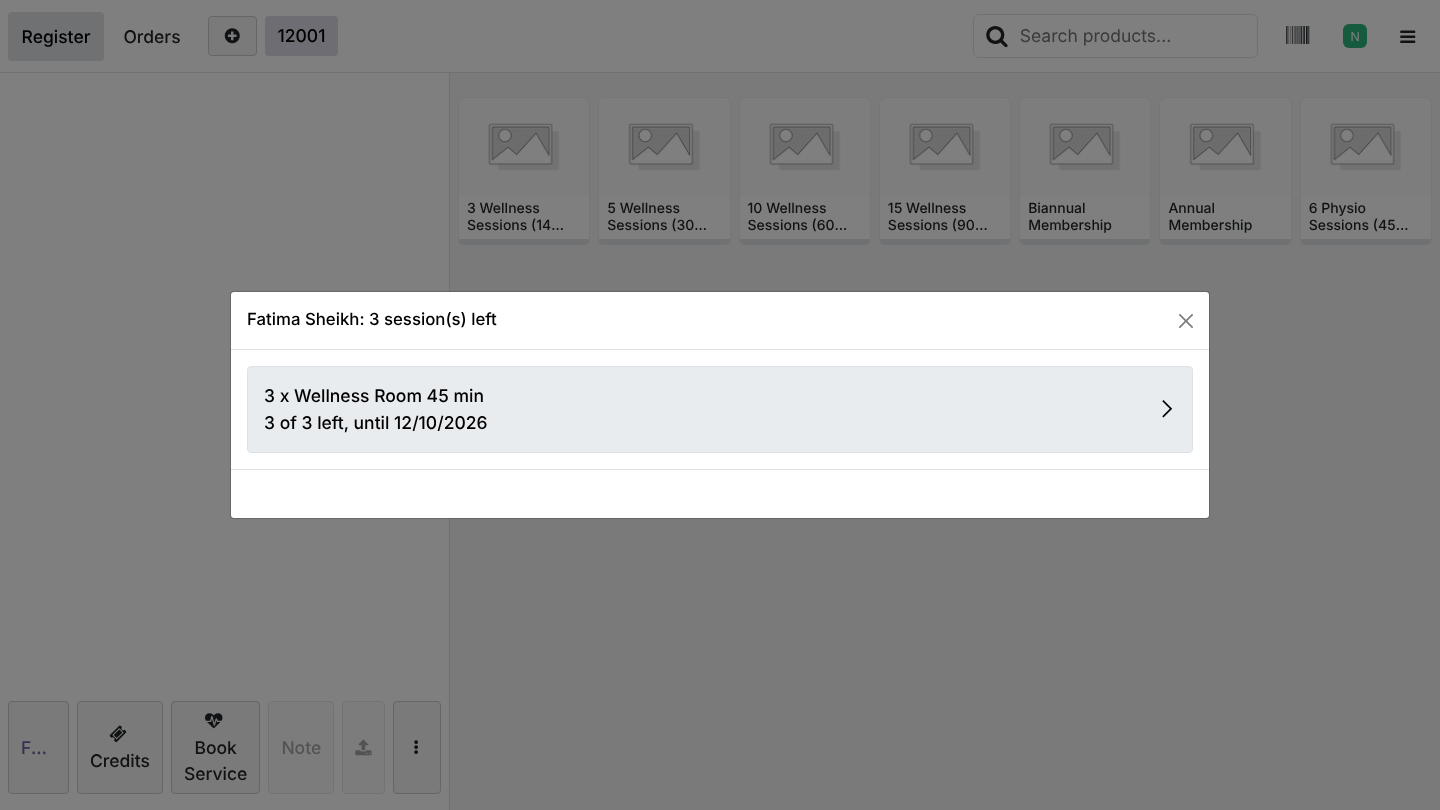
With POS Session Credits, the Credits button shows the order customer's balance. Select a line and tap a credit: a session pays the line, a perk applies its discount. The server checks again when the order syncs; a credit that is no longer valid is never used, and the paid order is still saved. Refunding the line gives the session back.
On service bookings
With Service Bookings, the company setting Use Credits on Service Bookings decides when an attendee's own credits are used: manually, when booked, or at check-in (default).
- A guest is never paid from the organiser's pack automatically; staff can do it on purpose with the ticket button on the attendee line, or Use session credit at the till.
- Cancelled in time: the session is given back.
- Late cancel or no-show: the session is used, unless a manager waives the fee.
- % perks lower the attendee's price.
The wallet
Session Credits > Credits lists every credit with sessions left, expiry and status. A credit shows its usage history, extensions and where it came from.
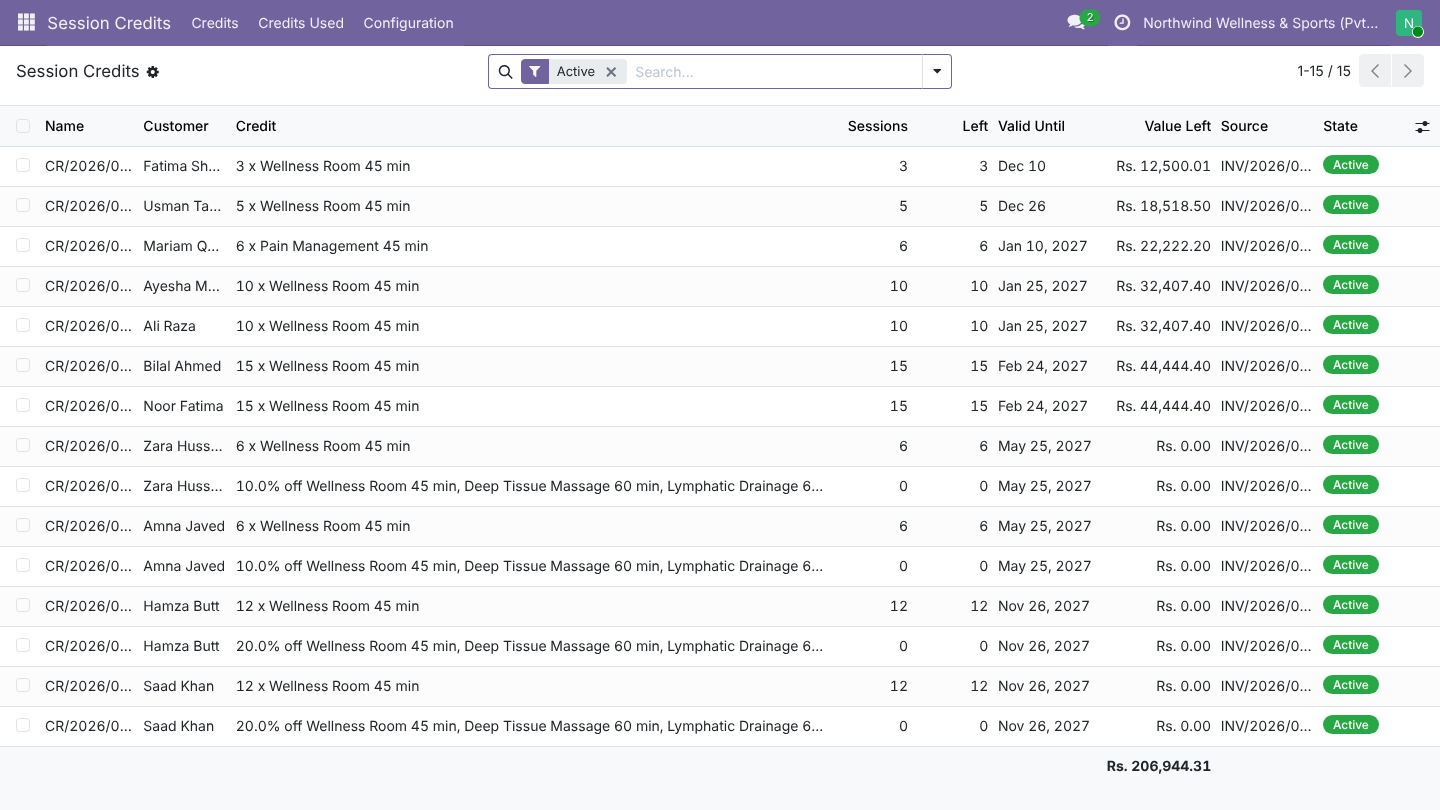
- Extend (managers): a new end date and a reason; the history is kept. An expired credit is extended from today.
- Cancel (managers) stops a credit.
- An expiry reminder email goes the number of days set in the company settings before the end (Expiry Reminder (days), 7 by default).
For the customer
- The customer form has a Credits button with the sessions left.
- Print > Session Credits Statement on the customer gives a PDF statement.
- Portal users see Session Credits in My Account (
/my/credits).
Session Credits > Credits Used lists every session used, by service and month.