Service Bookings
Book massages, wellness rooms, physio, chiropractic, clinic visits and personal training on the same engine as your courts and halls.
- Service Bookings: services, practitioners (therapists, doctors, physios, trainers, coaches), rooms, bookings for one or several people, check-in, late-cancel and no-show fees, a calendar and revenue reports.
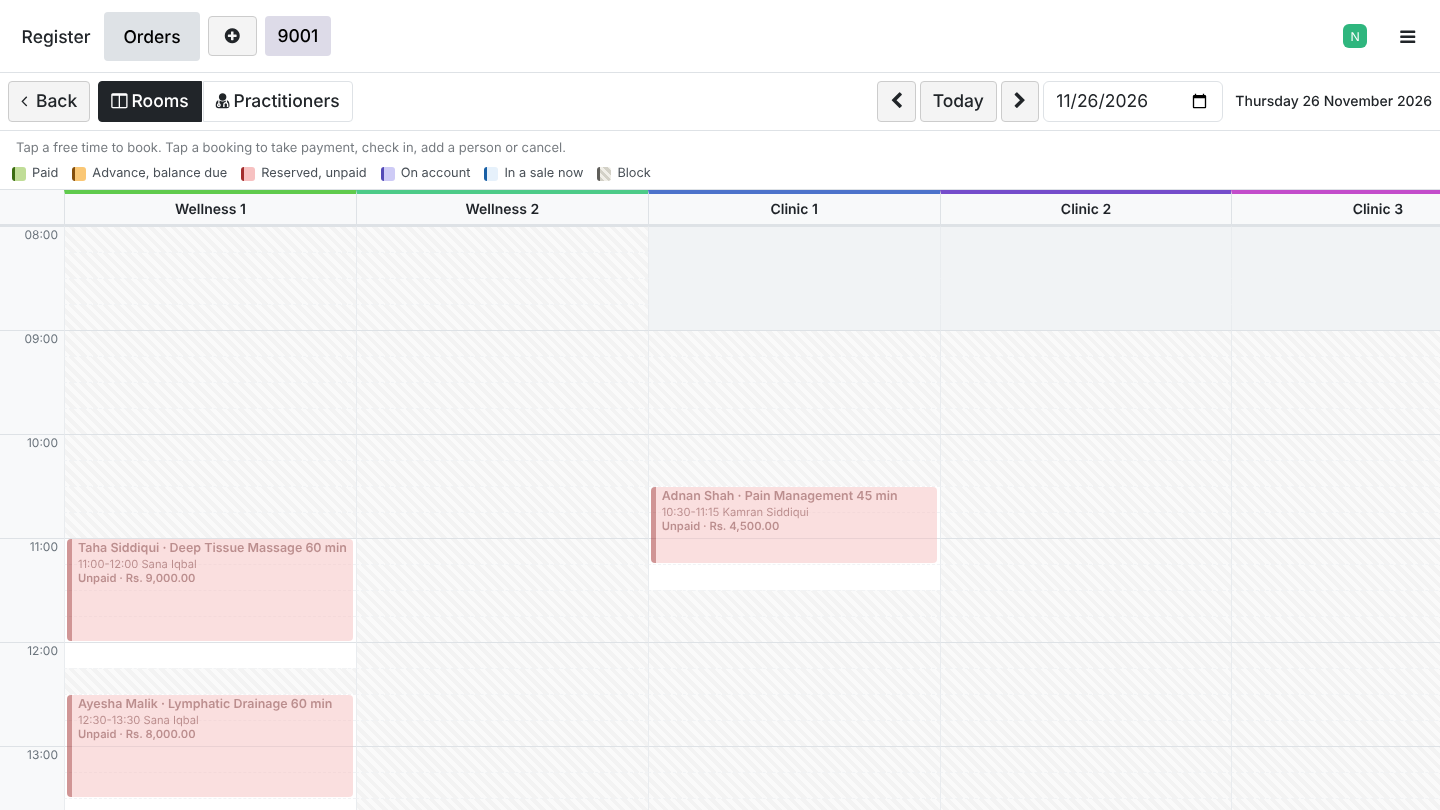
- POS Service Bookings: a day schedule at the till with rooms or practitioners as columns; book, check in, add a person, cancel and take payment per person.
- Service Bookings API (free, installed automatically): service endpoints in the Court Booking API for your own mobile app.
Every booking takes a room and a practitioner and checks both, with their working hours, leaves and cleaning time, so nothing is double-booked.
Odoo 17.0 - 20.0 Community & Enterprise Odoo.sh & On-PremiseSelling session packs or memberships with free sessions? Add Session Credits: packs pay bookings at check-in.
See it in two minutes
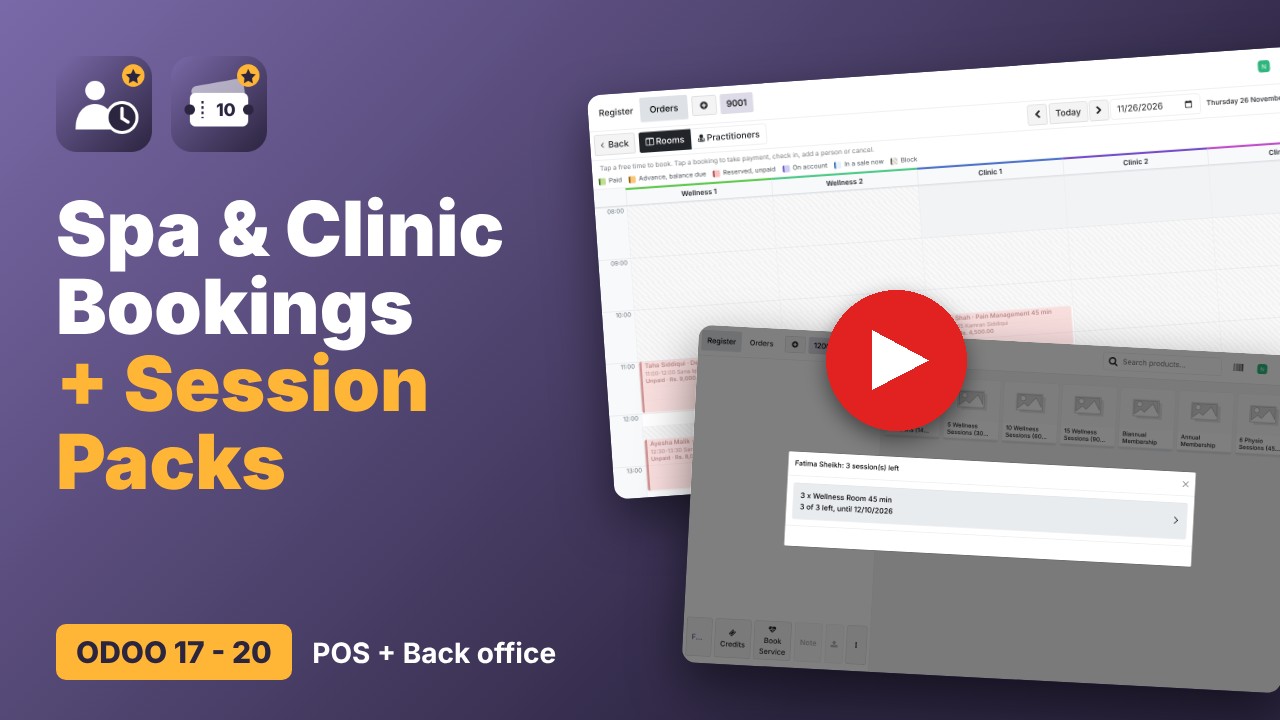
Watch the demo on YouTube: the reception schedule at the till, a booking for several people, practitioners, check-in and payment, then session packs and member perks.
Workflow videos
Two end-to-end walkthroughs on a demo database, also good for training your reception team.
Gym and personal training
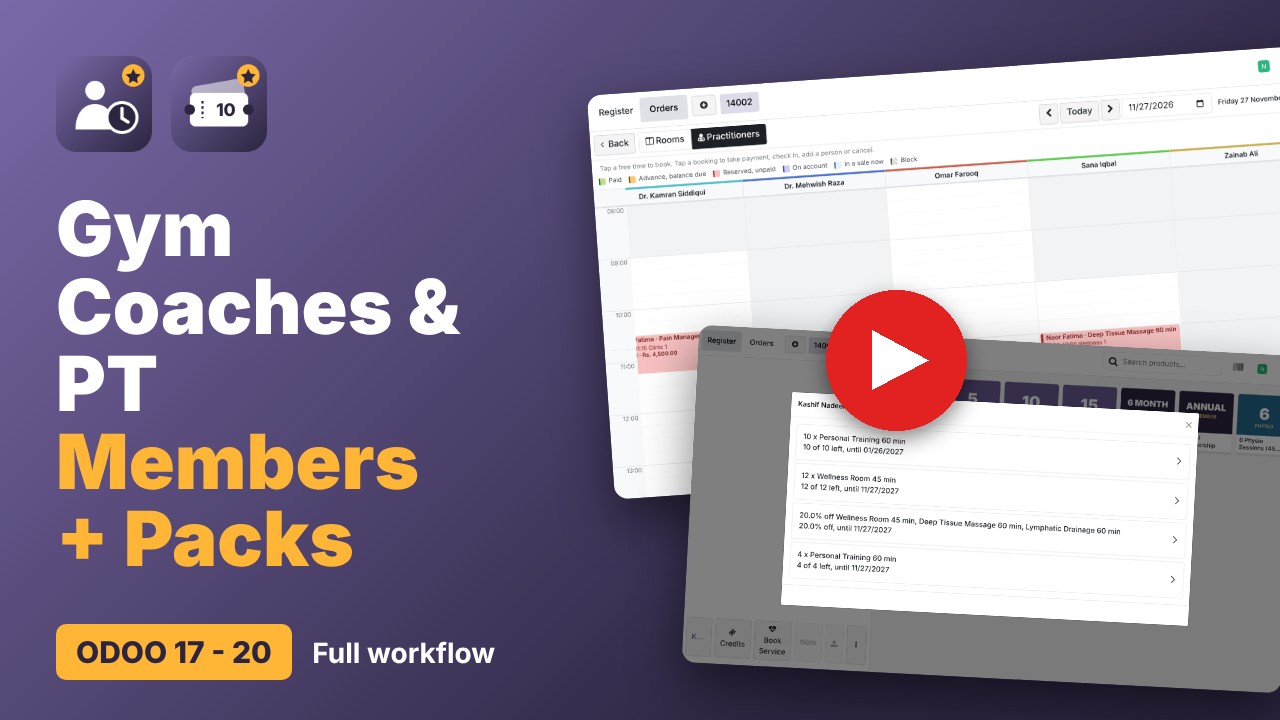
Watch on YouTube (2 min): coaches and their hours, booking personal training at the till, check-in, PT packs and memberships with free sessions.
Wellness and clinic with session packs
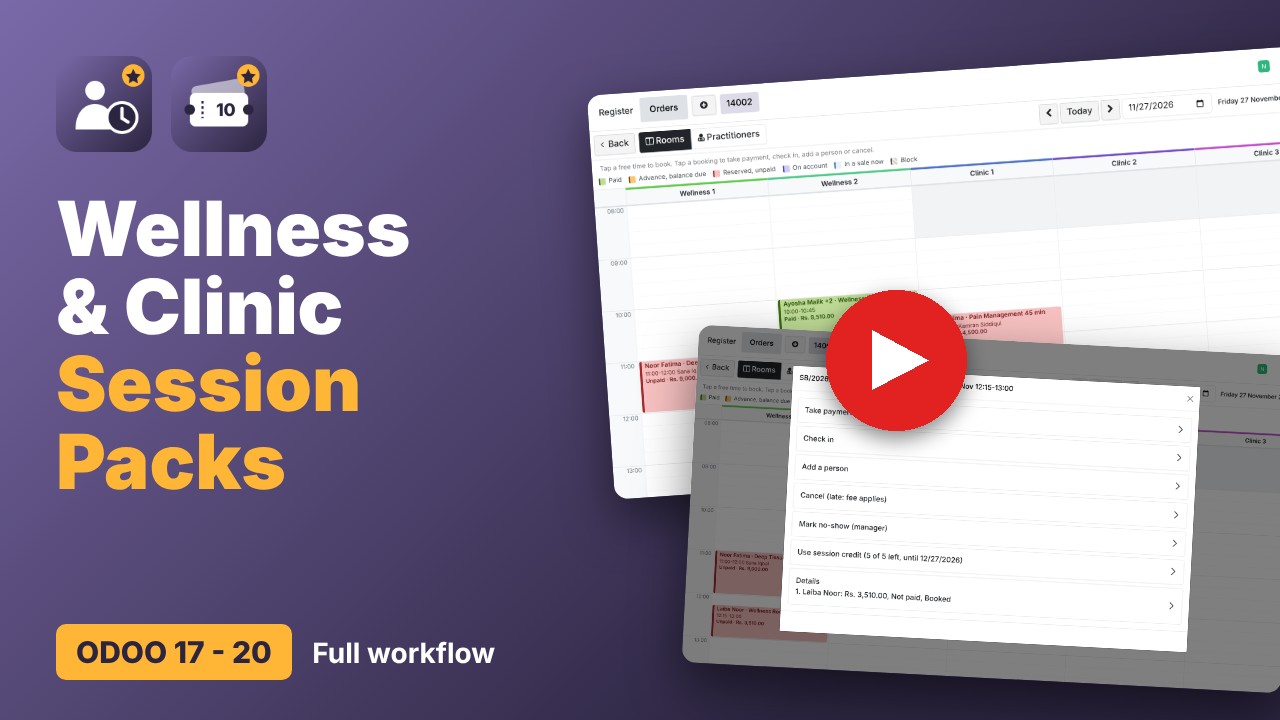
Watch on YouTube (2 min): wellness rooms for groups, clinic services and doctors' hours, selling a pack, a session used at check-in, late-cancel fees and deferred revenue.
Start here
- Install the apps: Installation.
- Set up rooms, practitioners and services: Setup.
- Book from the back office: Bookings.
- Book, check in and take payment at the till: Point of Sale.
- Decide your cancellation and no-show rules: Rules and fees.