Using Subscriptions
Recurring invoices
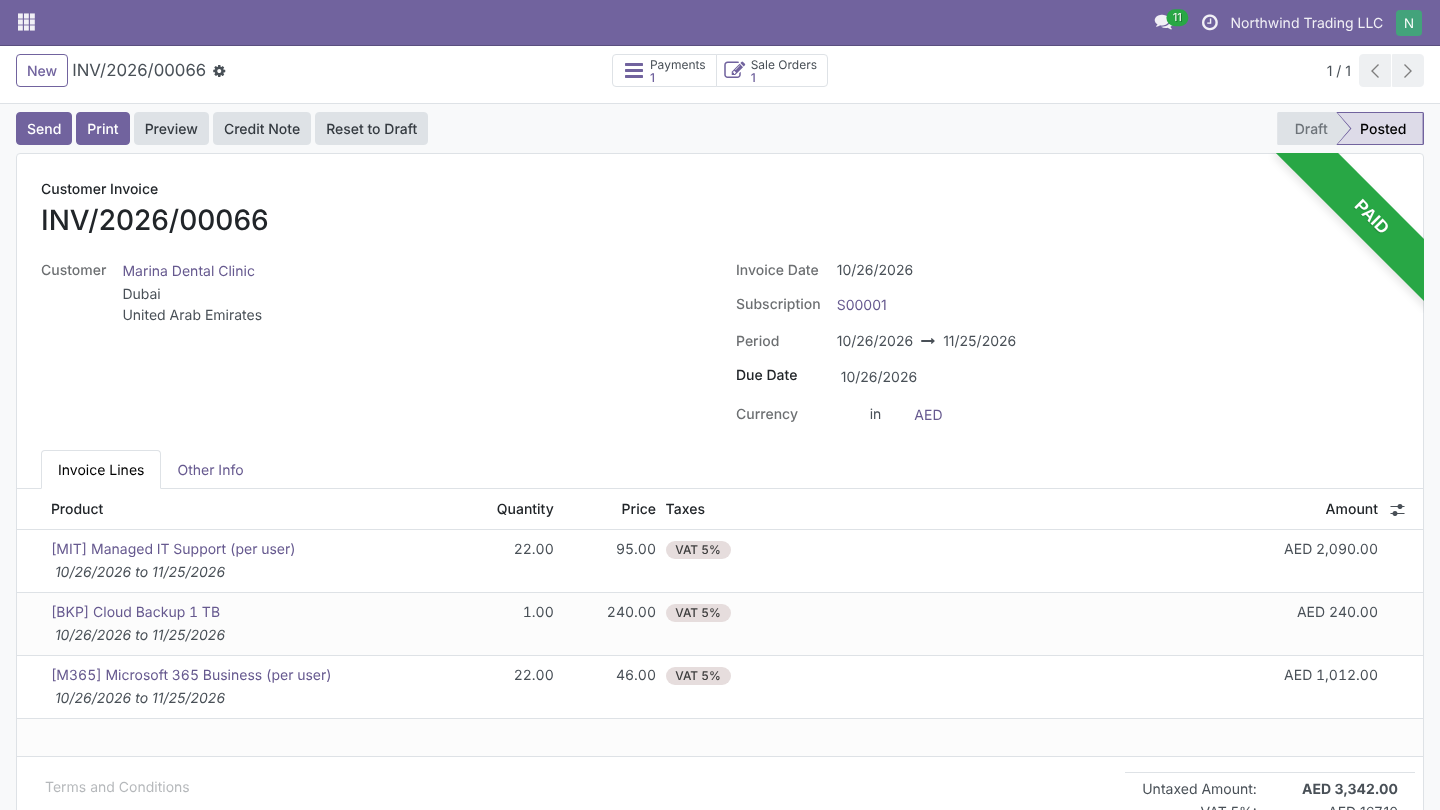
Every day Odoo looks for subscriptions whose Next Invoice date has come and creates the invoice for that period:
- one line per subscription product, with the period under the description, for example 10/26/2026 to 11/25/2026;
- invoice date and due date on the first day of the period (unless the order has payment terms);
- the subscription, the period start and the period end on the invoice;
- posted and emailed if the plan says so.
If the job did not run for a while, the next run creates every missed period, one invoice each (up to 12 at a time). Invoice Next Period on the subscription invoices the next period now, whatever its date.
Tip: the To Invoice Today filter in Subscriptions lists what the next run will invoice.
Changing a subscription
Edit the lines of a running subscription: add products, change quantities or prices. The next invoice uses the new lines. The recurring amount and MRR update at once.
Pause, close and reopen
| Button | What happens |
|---|---|
| Pause | No invoices while paused. MRR counts as 0. |
| Resume | Invoicing starts again. If the next invoice date has passed, it becomes today, so the paused weeks are not invoiced. |
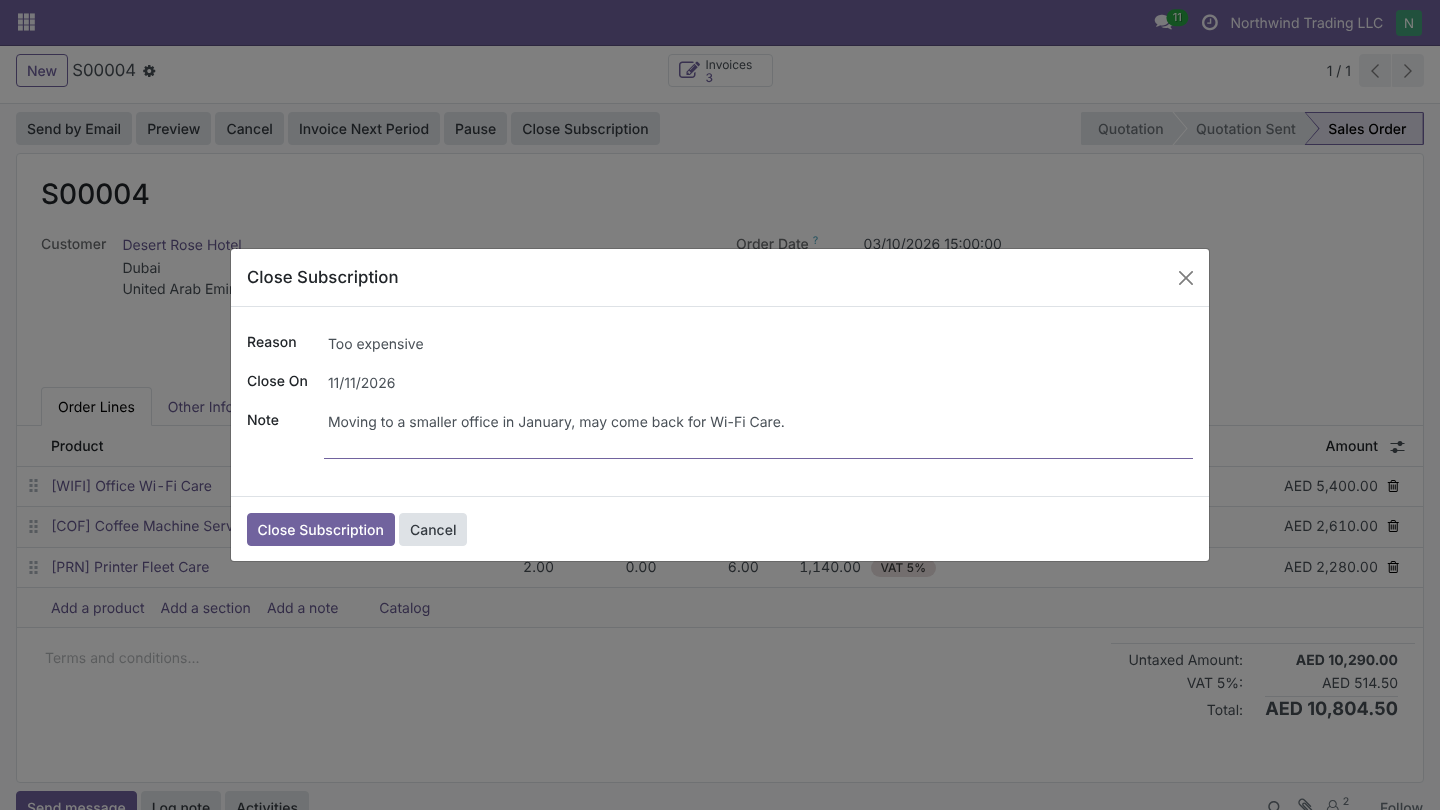
| Close Subscription | Asks for a reason, a date and a note. The subscription is closed on that date and invoices no more. |
| Reopen | Starts a closed subscription again from today. |
A subscription with a fixed term that does not renew closes by itself at the end of the term.
The overview
Sales > Subscriptions lists running and paused subscriptions with the plan, next invoice, recurring amount and monthly recurring revenue (MRR). MRR converts every plan to a month: a yearly plan of 12,000 is 1,000 MRR.
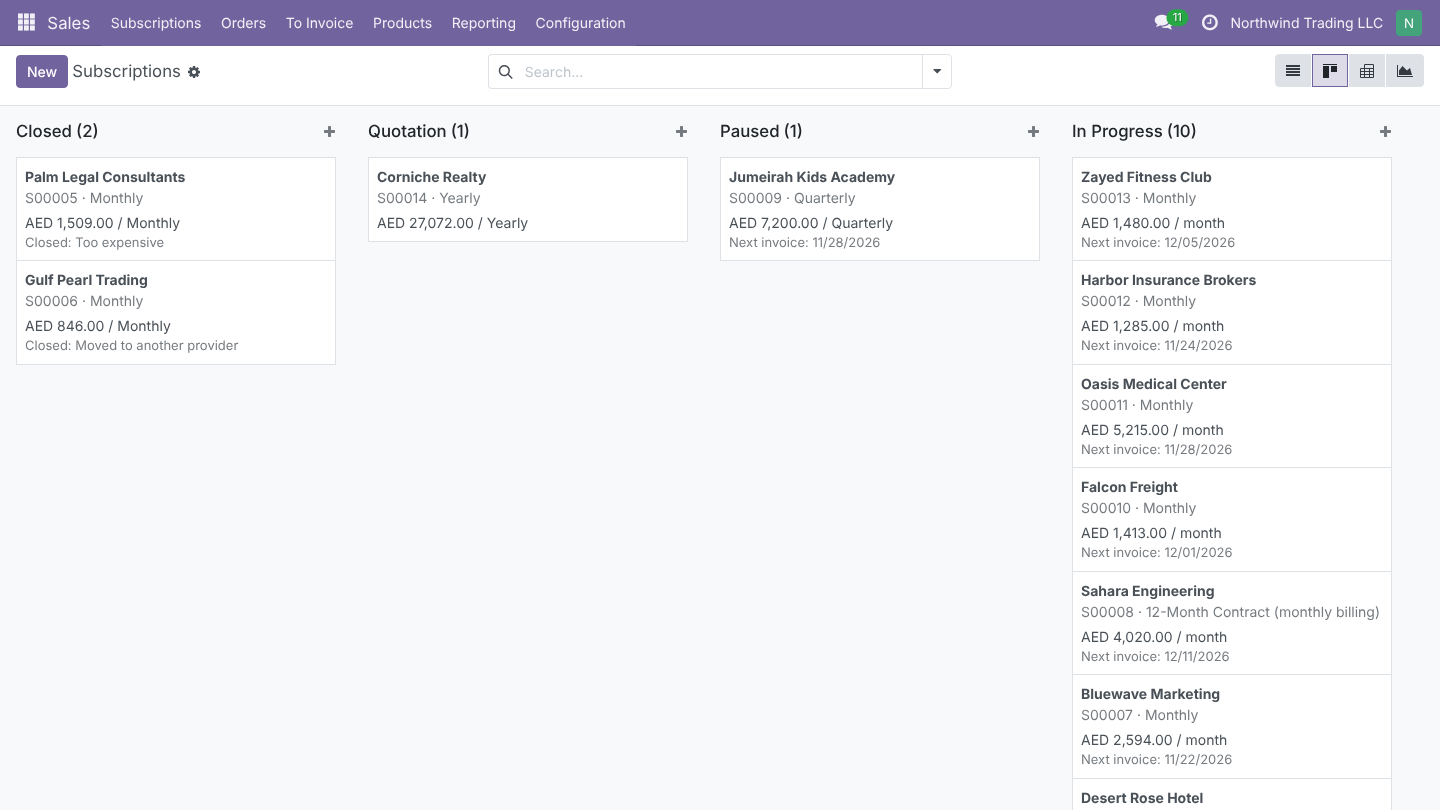
Switch to kanban for the status columns, or to pivot and graph for totals per plan, salesperson or customer. Group closed subscriptions by Close Reason to see why customers leave.
Customer portal
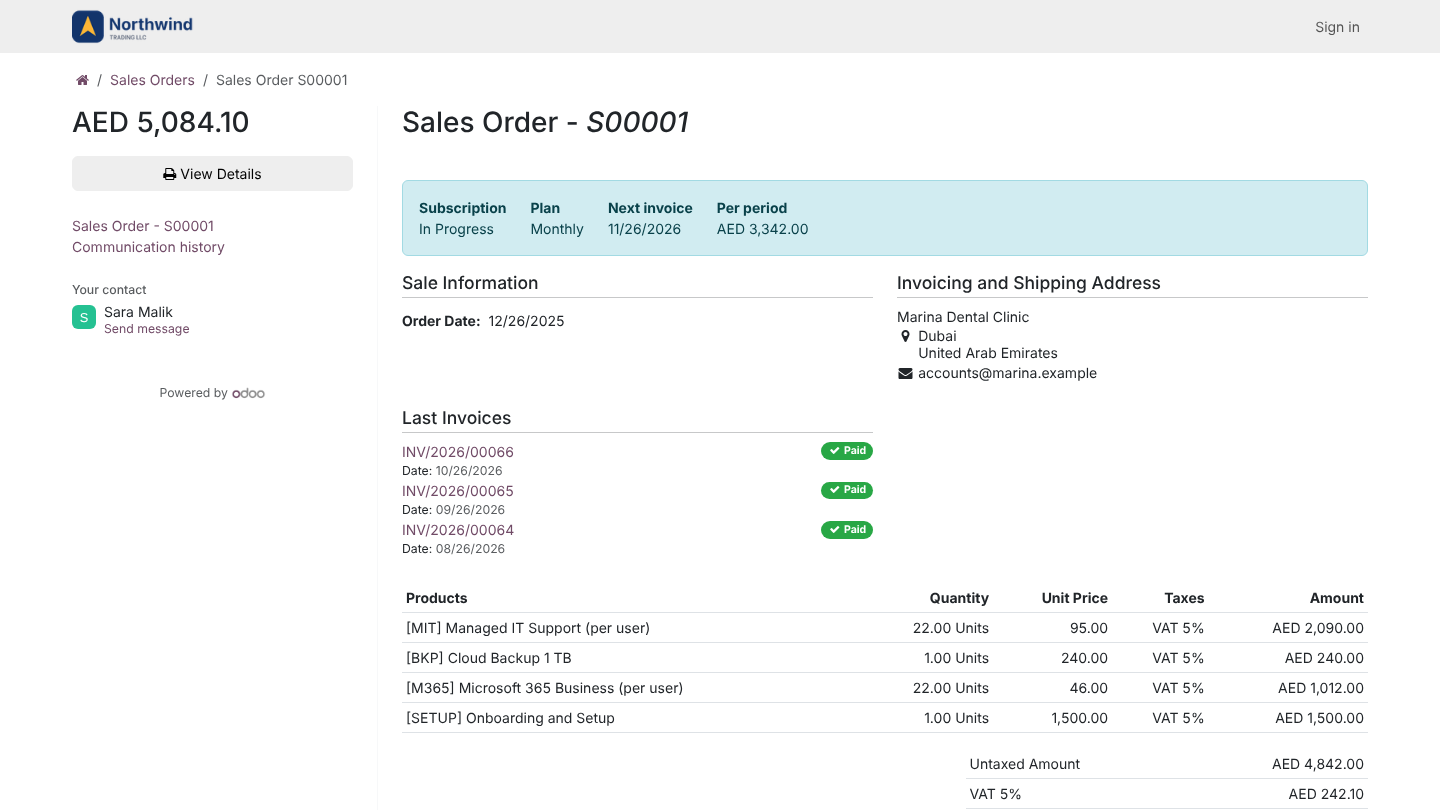
Customers see My Subscriptions on their portal home. Each subscription page shows the status, plan, next invoice and amount per period, with the last invoices to download and pay.