Customers online
Customer portal
Credit and COD customers with a portal login see Shipments in their portal: open, delivered, returns and COD filters, search by CN or reference, each shipment with its tracking and label. From there they can:
- Book a shipment (one at a time);
- Upload a file (CSV or Excel, one shipment per row; the template is at
/courier/upload-template.csv). Good rows are booked; bad rows are listed with the reason; - Request a pickup;
- create and revoke API keys.
Staff can upload for a customer in Operations → Upload Shipments.
API
Send the key in the X-Api-Key header (or Authorization: Bearer). All bodies are JSON.
| Call | What it does |
|---|---|
POST /courier/api/v1/shipments | Book one shipment, or {"shipments": [...]}. Returns the CN, charges, promise, label and tracking links, and per-row errors. |
GET /courier/api/v1/shipments/<CN> | Status, charges and events. |
GET /courier/api/v1/shipments/<CN>/label | The label PDF. |
POST /courier/api/v1/shipments/<CN>/cancel | Cancel a booked shipment. |
POST /courier/api/v1/quote | Price without booking. |
Shipment fields: reference, consignee_name, consignee_phone, consignee_email, consignee_street, consignee_street2, destination_city (name or code), service (name or code), pieces, weight, length, width, height, contents, cod_amount, declared_value, insured, fragile, special_instructions. A customer only sees its own shipments. Keys are stored hashed and shown once.
Rate calculator, online booking and branch finder
These pages work without the Website app.
/courier/rates: from, to (city or country), weight, size and COD; every offered service with its price and promise./courier/book: sender, receiver and parcel, with an optional pickup. The shipment gets its CN and an invoice; the customer pays on the invoice page with your Odoo payment provider, and the shipment is booked when the payment is confirmed./courier/branches: public locations with address, phone, hours and directions.
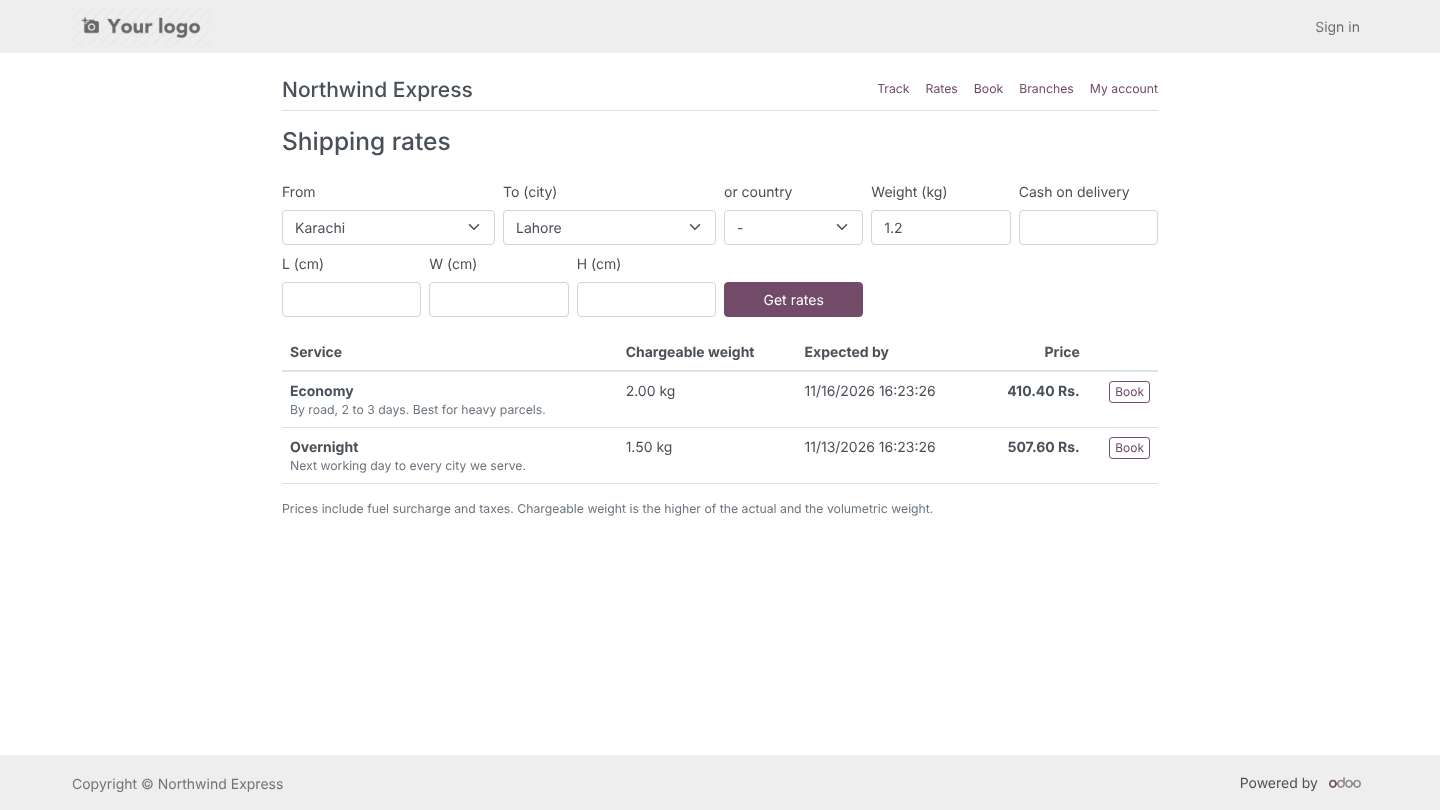
Turn the calculator and online booking on or off in Settings.