Tracking and promises
Scan console
Courier → Operations → Scan Console
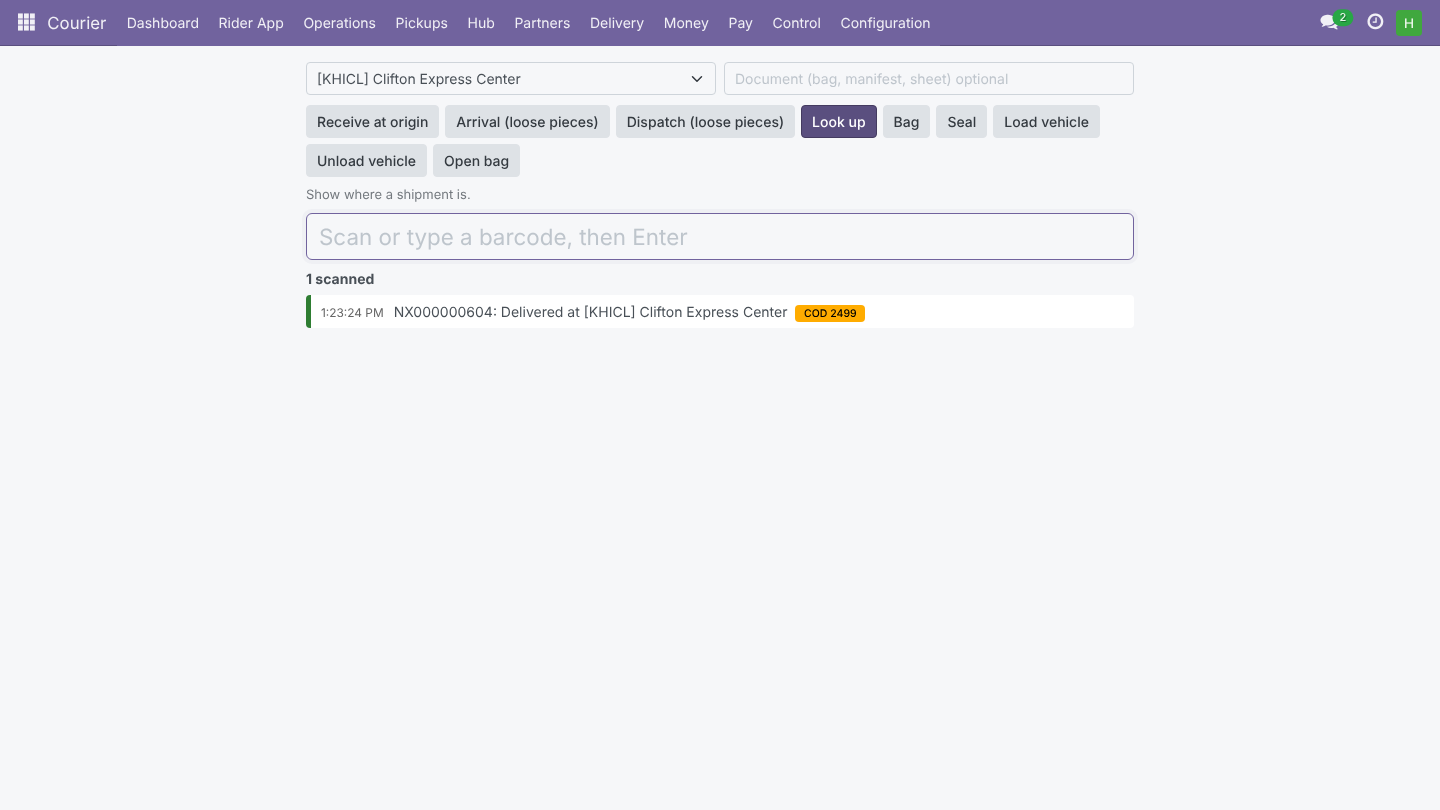
Choose your location and a mode, then scan barcodes with a scanner (or type and press Enter). Each scan answers with a sound and a line: green when it worked, red with the reason when it was refused.
| Mode | What it records |
|---|---|
| Receive at origin | Shipments handed in at this location. Drafts are booked first. |
| Arrival (loose pieces) | Shipments arriving without a bag. |
| Dispatch (loose pieces) | Shipments leaving without a bag. |
| Look up | Where a shipment is and what it is. |
Hub & Linehaul adds bag, seal, load, unload and open bag modes.
Tracking events
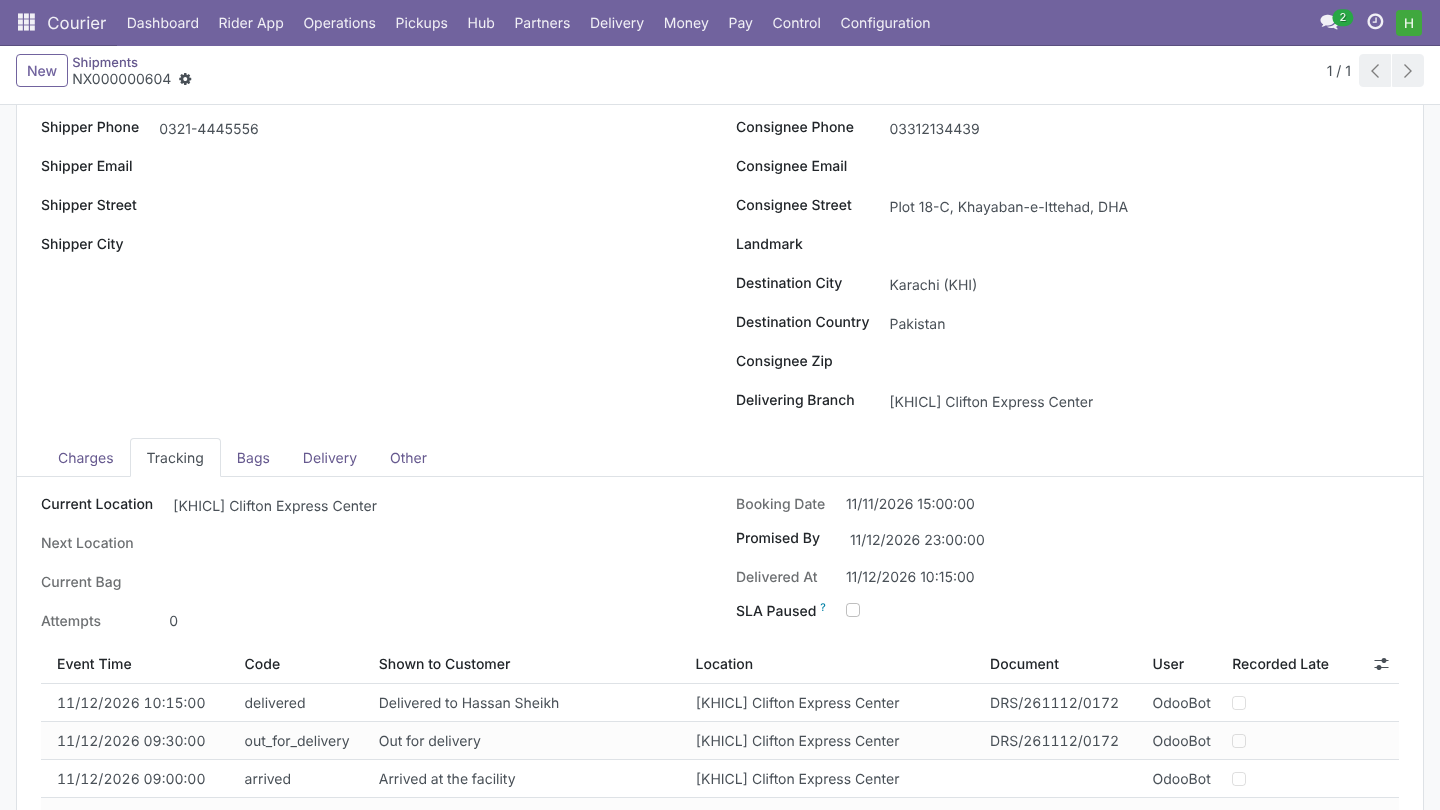
Every scan is an event: what happened, where, who, the document (bag, manifest, sheet) and two times, when it happened and when it was recorded. A scan recorded later than the grace in Settings is marked Recorded Late. Events cannot be changed or deleted.
A scan that cannot follow the current status is refused with the reason, for example a delivery before the shipment went out for delivery.
Tab Tracking on the shipment shows the timeline, the Current Location and the Next Location. Control → Scan Log lists every event.
Public tracking page
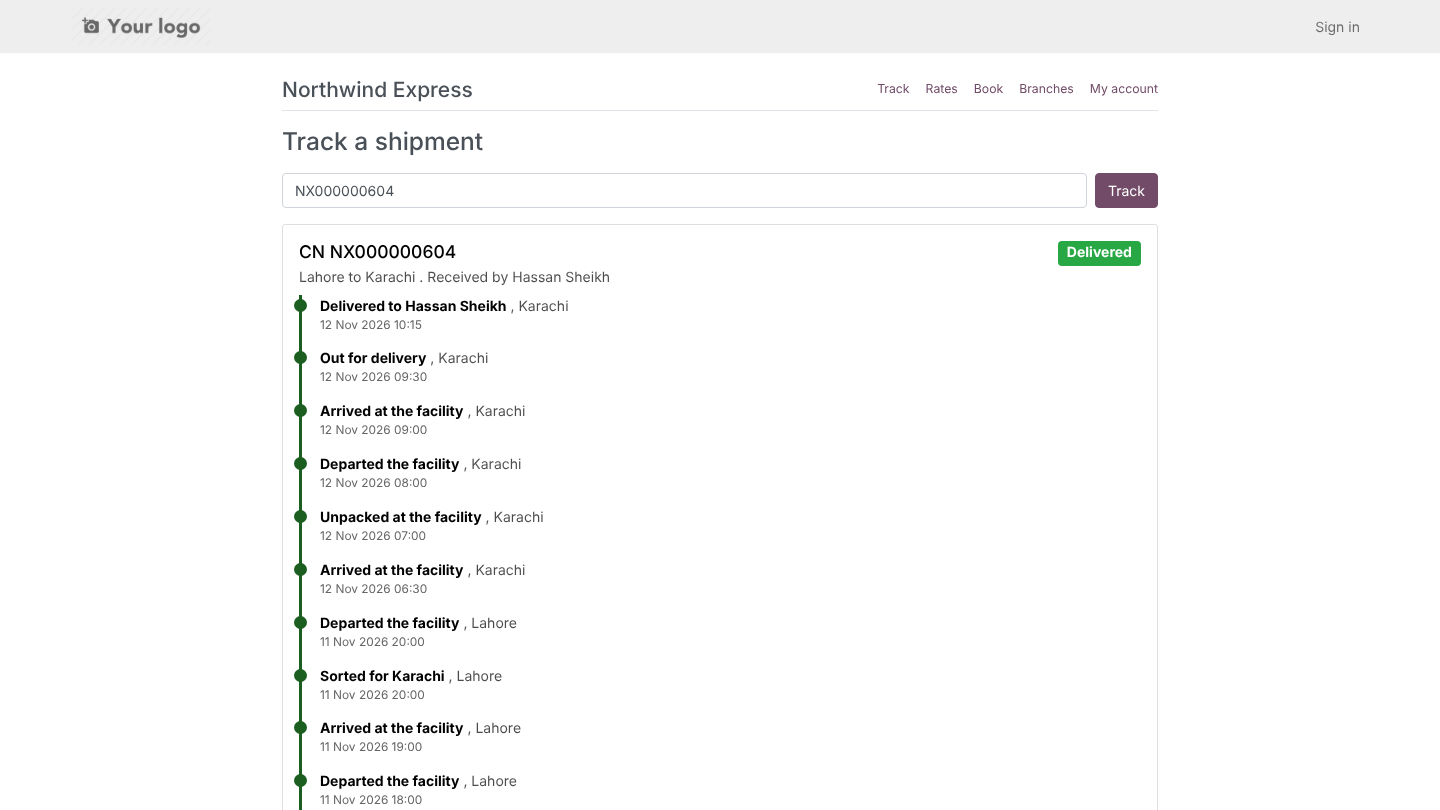
/track on your Odoo address. Customers type one or more CN numbers (separated by commas). The page shows the status, the promise and every public event; partner carrier updates appear under your CN.
Promises
Each shipment is promised at booking: the booking time (after the cut-off, from the next day) plus the service's transit hours, moved past Sunday unless the service works on Sundays. A job every 30 minutes updates the SLA badge:
| Badge | Meaning |
|---|---|
| On Track | Before the last quarter of the transit time. |
| At Risk | In the last quarter. |
| Breached | Past the promise and not delivered. |
| Met / Missed | Delivered before or after the promise. |
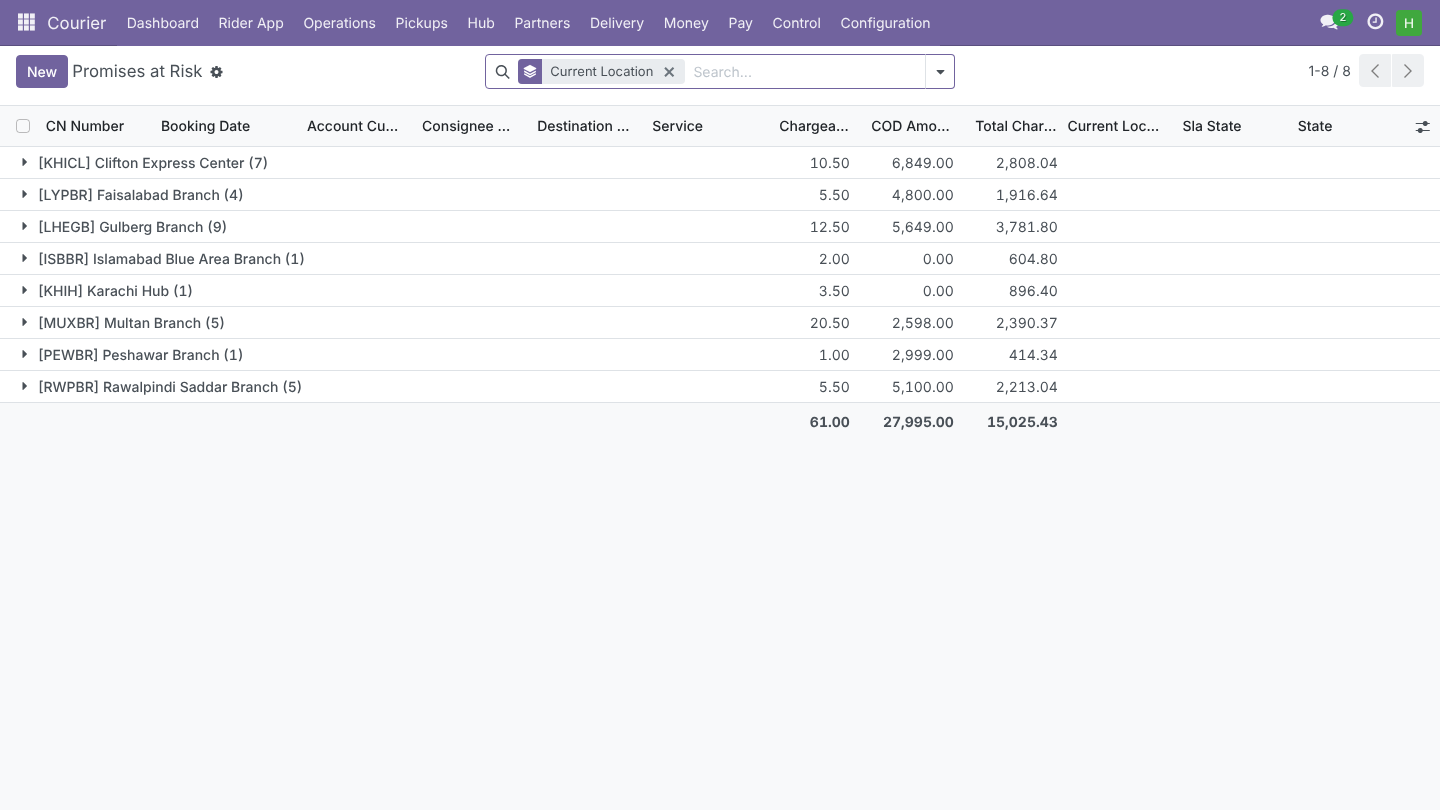
Control → Promises at Risk lists the at-risk and breached shipments by location. Tick SLA Paused when the customer asked to hold.
Address check
Each shipment is graded Good, Fair (one issue) or Poor (two or more), with the issues: no street, no house number or landmark, no city, city not served, phone too short, pin coordinates invalid, pin far from the delivering branch. Control → Weak Addresses lists the open ones so they are fixed before the courier goes out.
Notifications
Configuration → Customers → Notification Rules: an event (booked, picked up, departed, out for delivery, delivered, attempted, returning, handed to a partner), a channel (email with a template, or SMS when Odoo SMS is installed) and the recipient (consignee, shipper or both). SMS text can use {cn}, {status}, {link} and {otp} (the delivery code, with Last Mile Delivery).