Fulfilment and AWB
You ship Jazi orders from Odoo like any other order.
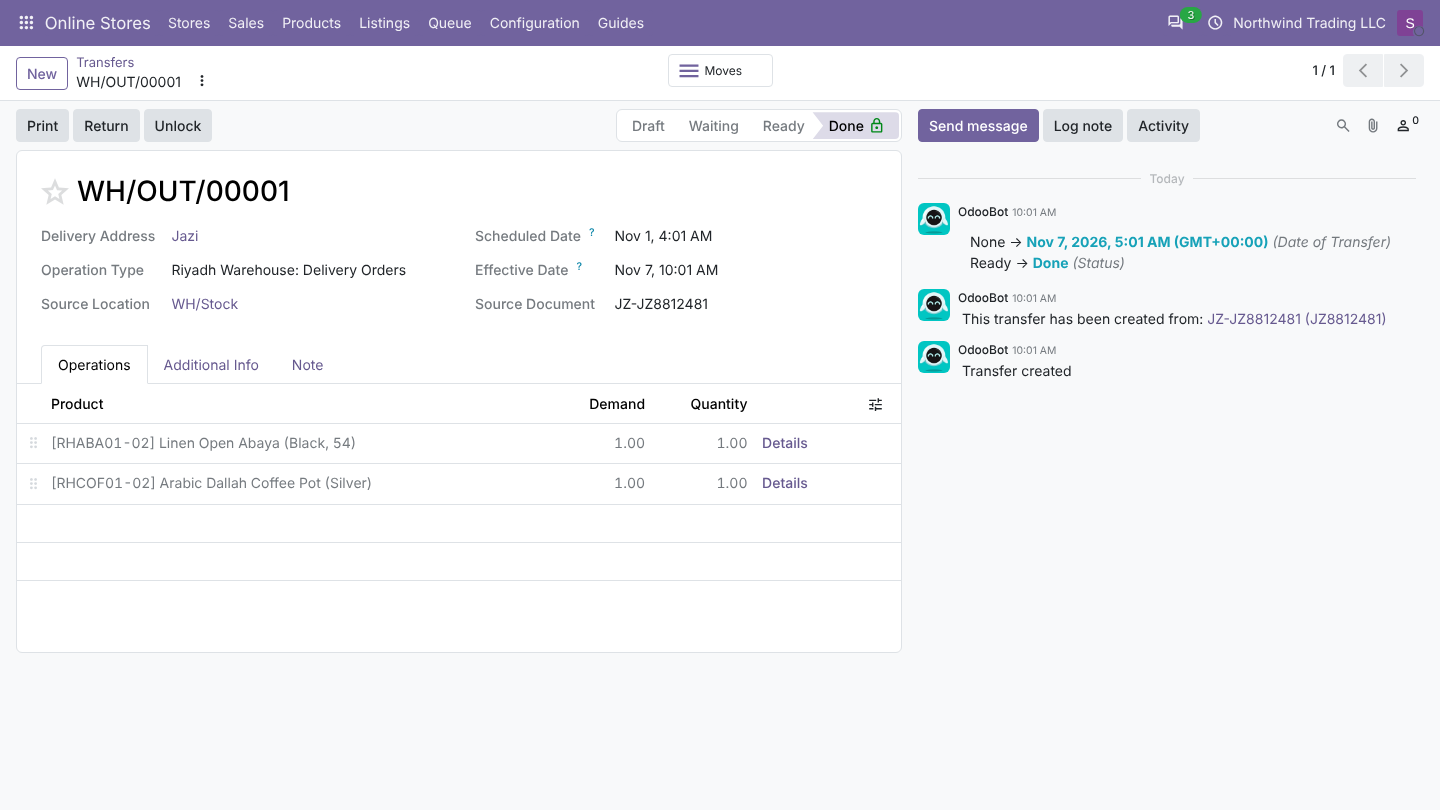
- Open the delivery of the Jazi order, pick and pack.
- Click Validate.
- Odoo sends the fulfilment to Jazi: one package with the delivered quantities and their weight, from the store's pickup address.
- With Generate AWB After Fulfilment (on by default), Odoo asks Jazi for the airway bill and marks the order Ready to Ship. The AWB number is saved as the delivery's tracking reference.
| Setting (Orders tab) | Use |
|---|---|
| Send Deliveries to the Store | Must be on for fulfilments to go to Jazi. |
| Pickup Address ID | The Jazi pickup address. Empty: the first pickup address Jazi gives for the order. |
| Generate AWB After Fulfilment | Off: the AWB is generated in the Jazi seller portal instead. |
Good to know
- A partial delivery sends what was delivered; the backorder is sent when you validate it.
- Each step is a job: if Jazi refuses, the job shows why and can be retried after the fix.
- A test copy of the database never sends fulfilments to Jazi.
Was this page helpful?