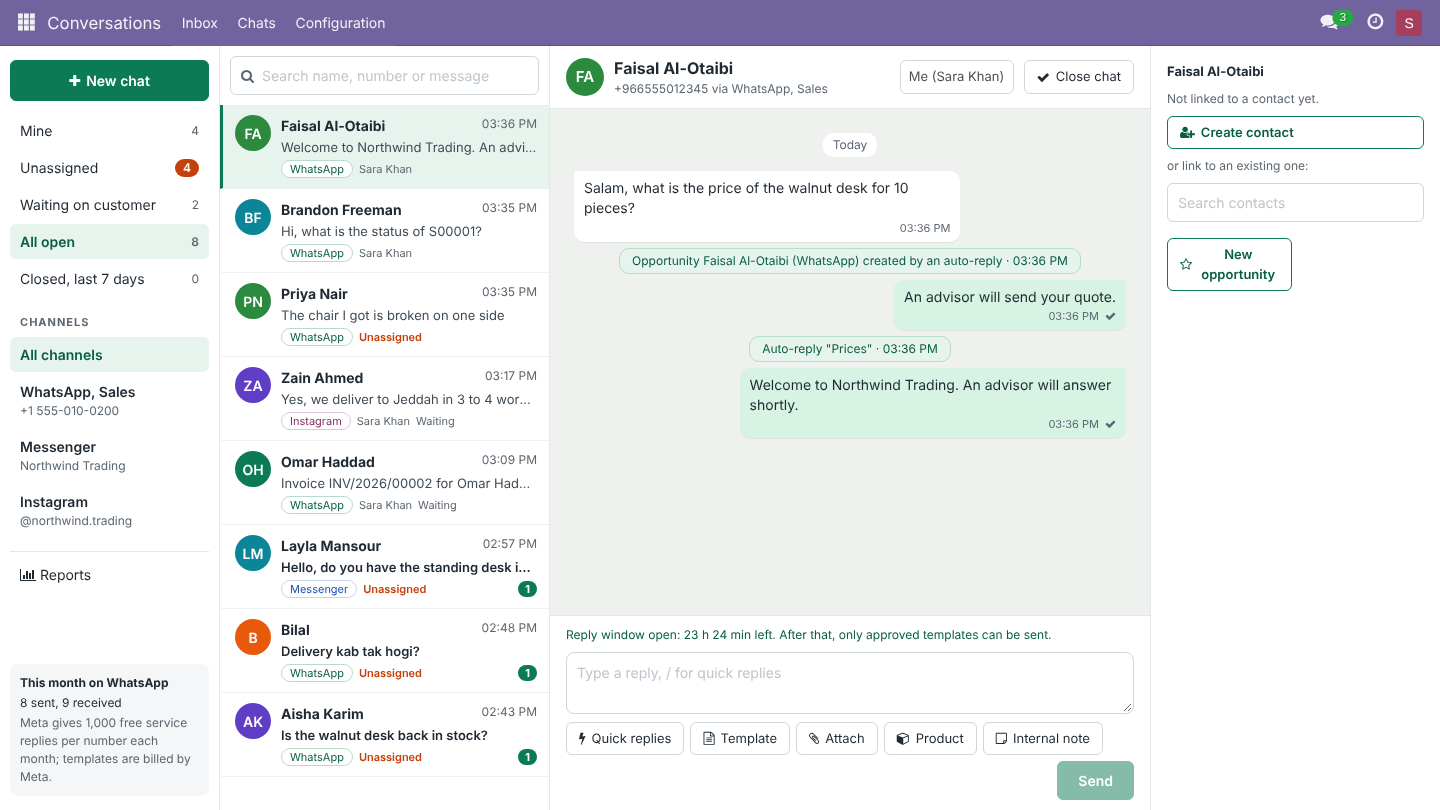
Broadcasts and auto-replies
These features come with Conversations Complete. Only managers set them up.
Broadcasts
Conversations → Broadcasts → New.
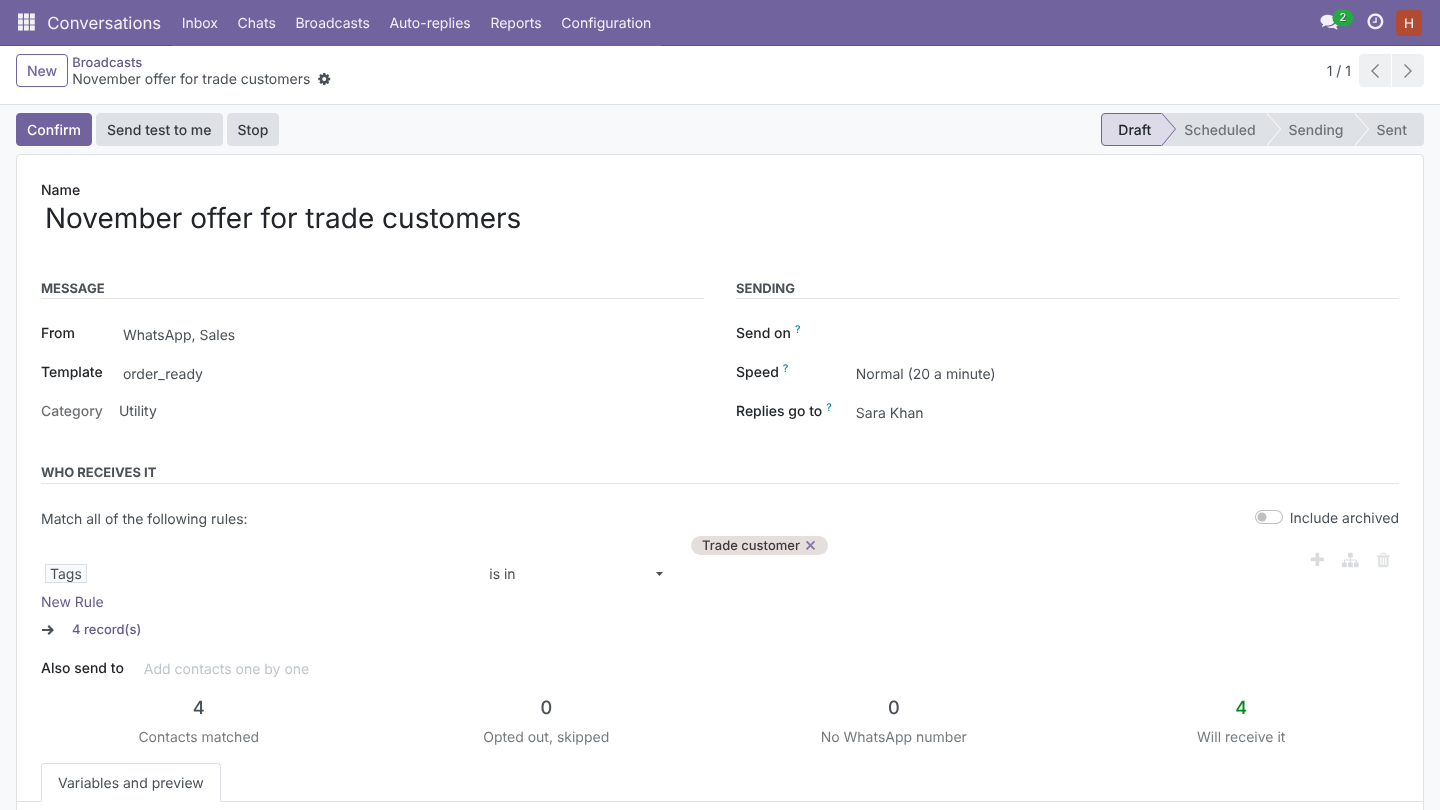
- From a WhatsApp number, an approved template, and a header file if the template has one.
- Variables: fixed text for everyone, or leave empty to use the template's mapping (for example the contact's name).
- Who receives it: Odoo filters on contacts (tags, country, sales...) and Also send to for single contacts. An empty filter means nobody, never "everybody".
- Check the counts: matched, opted out (skipped), no WhatsApp number, and will receive it. Two contacts with the same number get one message.
- Speed (60, 20 or 5 a minute) and Replies go to: whoever should answer replies.
- Send test to me (your own contact needs a WhatsApp number), then Confirm. With a Send on date it waits until then.
Odoo respects your WhatsApp messaging limit (new customers per 24 hours): the rest go out the next day. Stop halts the remaining messages.
Results update as Meta reports them: sent, delivered, read, replied, opted out after, failed (with the reason in the recipients list). Chats that only received a broadcast stay out of the queues until the customer answers.
Business hours, away message and greeting
On each channel, tab Auto-replies:
- Business hours: an Odoo working schedule with its time zone; its public holidays count as closed.
- Away message: sent outside business hours, at most once per chat every 12 hours (adjustable).
- Greeting: sent to a customer writing for the first time (inside business hours).
Keyword rules
Conversations → Auto-replies. Rules are checked in order; the first match fires.
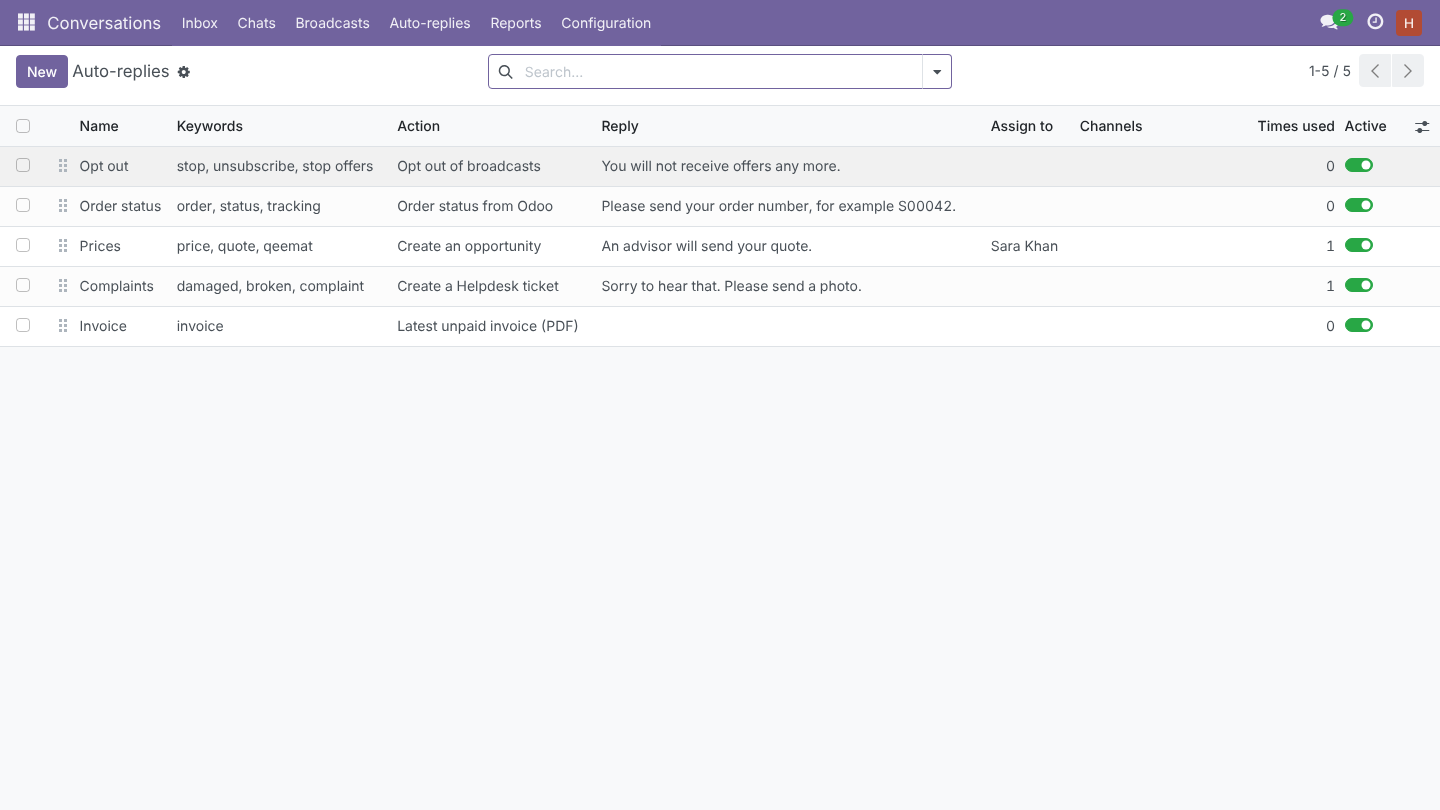
| Action | What happens |
|---|---|
| Reply with the text | Sends the reply. |
| Order status from Odoo | Finds an order number such as S00042 in the message, only among the customer's own company's orders, and sends its status, delivery date, tracking link and portal link. |
| Latest unpaid invoice (PDF) | Sends the oldest unpaid invoice with the amount due and the online payment link. |
| Create an opportunity | Creates an opportunity with the conversation (CRM). |
| Create a Helpdesk ticket | Creates a ticket with the conversation. |
| Opt out of broadcasts | Marks the contact "No broadcasts" and confirms. |
Keywords are comma-separated words or phrases in any language; case and accents do not matter and whole words are matched ("price" does not match "priceless"). Assign to gives the chat to someone when the rule fires.
People come first: automations stay quiet for 24 hours after an agent answered in the chat. An opt-out request is always honoured.