Formulas
Most labels need no formula: fields in braces with a format cover prices, numbers, dates, addresses and defaults. When you need more, set Content to Python formula on a text or barcode element. The formula is one Python expression; its result is printed. It runs in Odoo's safe sandbox: it can read records, not change them, and it cannot import modules.
Switch formulas on
Formulas are off by default, for every company. An administrator switches them on:
- Turn on developer mode.
- Open Inventory > Configuration > Settings, section Operations.
- Tick Python Formulas in Labels and save.
While formulas are off, the Python formula choice is hidden in the designer and formula elements print nothing. Switch them off again once your designs are ready if you want nobody to add new ones.
Names you can use
| Name | What it is |
|---|---|
record (also object, o) | The record the label is printed for |
user | The user who prints |
company | The current company |
today | Today's date, in the user's timezone |
format_amount(amount, currency=None) | Amount with currency symbol; without a currency, the company currency |
format_number(number, digits=2) | Number with thousands separator and decimals of the user's language |
format_date(date) | Date in the user's language |
Python basics work: + to join text, '\n'.join(...) for several lines, x if condition else y, len, round, min, max, sum, filter, sorted, str, upper(), lower(), slices like record.name[:20].
Examples
| You want | Formula |
|---|---|
| Price with currency | format_amount(record.lst_price) |
| Price from a pricelist field | format_amount(record.list_price, record.currency_id) |
| Name in capitals | record.name.upper() |
| Reference or name | record.default_code or record.name |
| Weight with unit | format_number(record.weight, 2) + ' kg' |
| Address on several lines | '\n'.join(filter(None, [record.partner_id.street, record.partner_id.street2, ' '.join(filter(None, [record.partner_id.zip, record.partner_id.city])), record.partner_id.country_id.name])) |
| Best before date on a lot | format_date(record.expiration_date) if record.expiration_date else '' |
| Printed today | 'Packed ' + format_date(today) |
| Number of lines | str(len(record.move_ids)) + ' items' |
| Total quantity of a package | format_number(sum(record.quant_ids.mapped('quantity')), 0) |
| GS1 barcode text with lot | '(01)' + record.product_id.barcode + '(10)' + record.name |
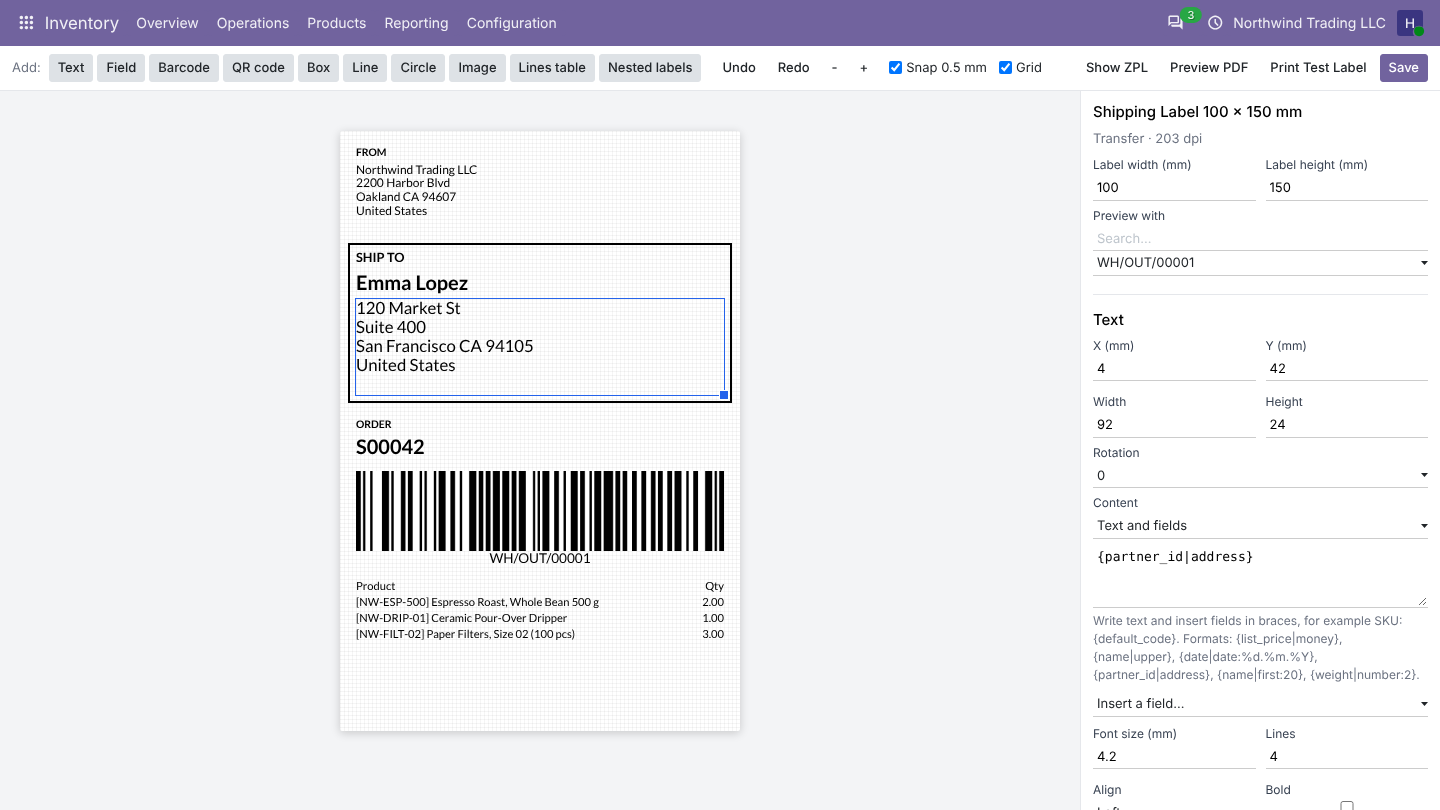
For the address formula, set Lines to 4 so each part gets its own line. \n starts a new line in any formula.
When a formula fails
With formulas switched off, formula elements print nothing. With formulas on, a failing formula prints #ERR instead of stopping the print, and the reason is written to the Odoo server log. Common causes: a field name with a typo, a field that belongs to another model (for example lst_price on a lot instead of record.product_id.lst_price), or adding text and a number without str().
Check the result with Preview with in the designer before printing.